Ultrawide vs Two Monitors?
One giant curved screen or two separate monitors — both promise productivity heaven, both have loyal fans, and the wrong choice nags you daily. The trade-off is not just screen inches: it is window management, fullscreen behavior, and what happens when one screen dies. Here is how to pick for your actual work.
TL;DR / Quick Fix
Quick fix: ultrawides win for immersive single tasks — video editing timelines, wide spreadsheets — with no bezel gap. Dual monitors win for separating work: fullscreen video on one, work on the other. If one screen of a pair dies, you still have the other.
Follow these steps
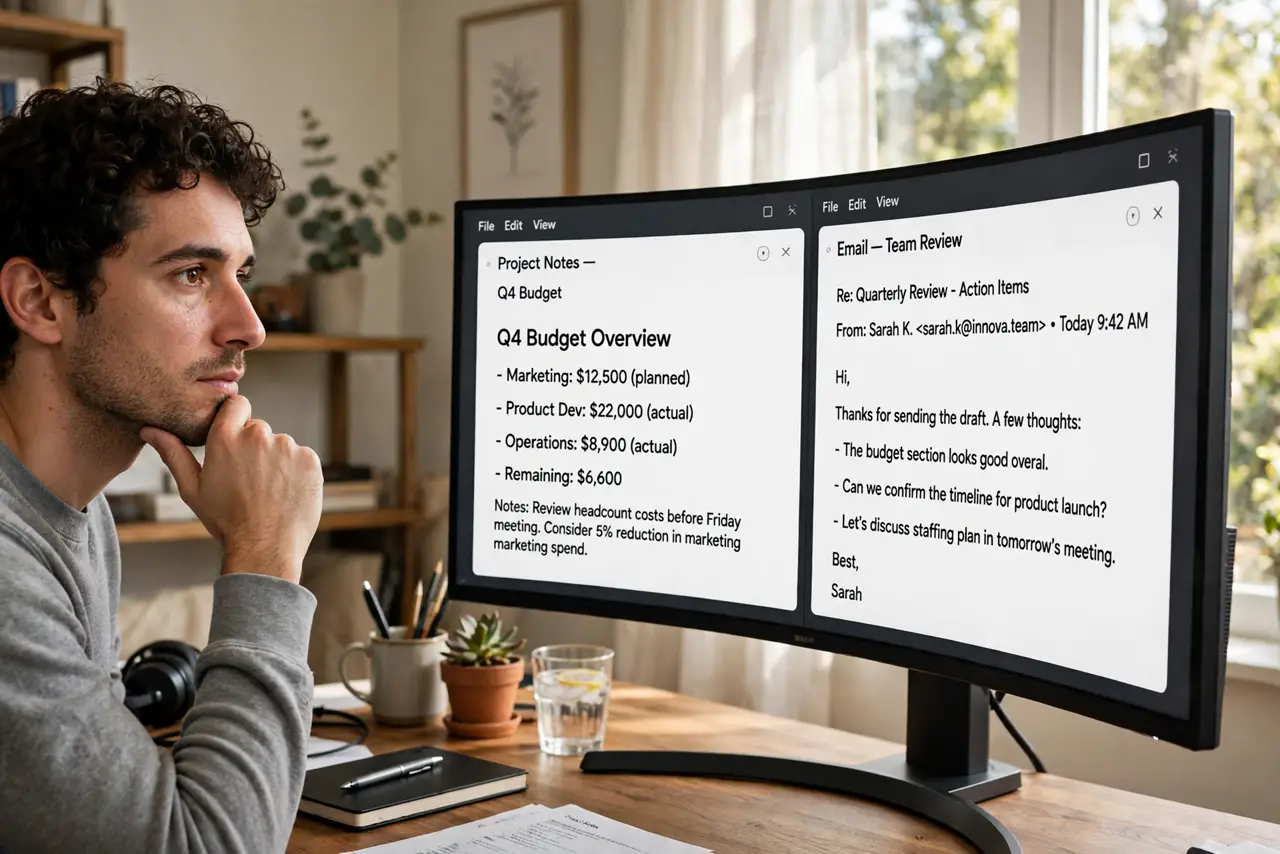
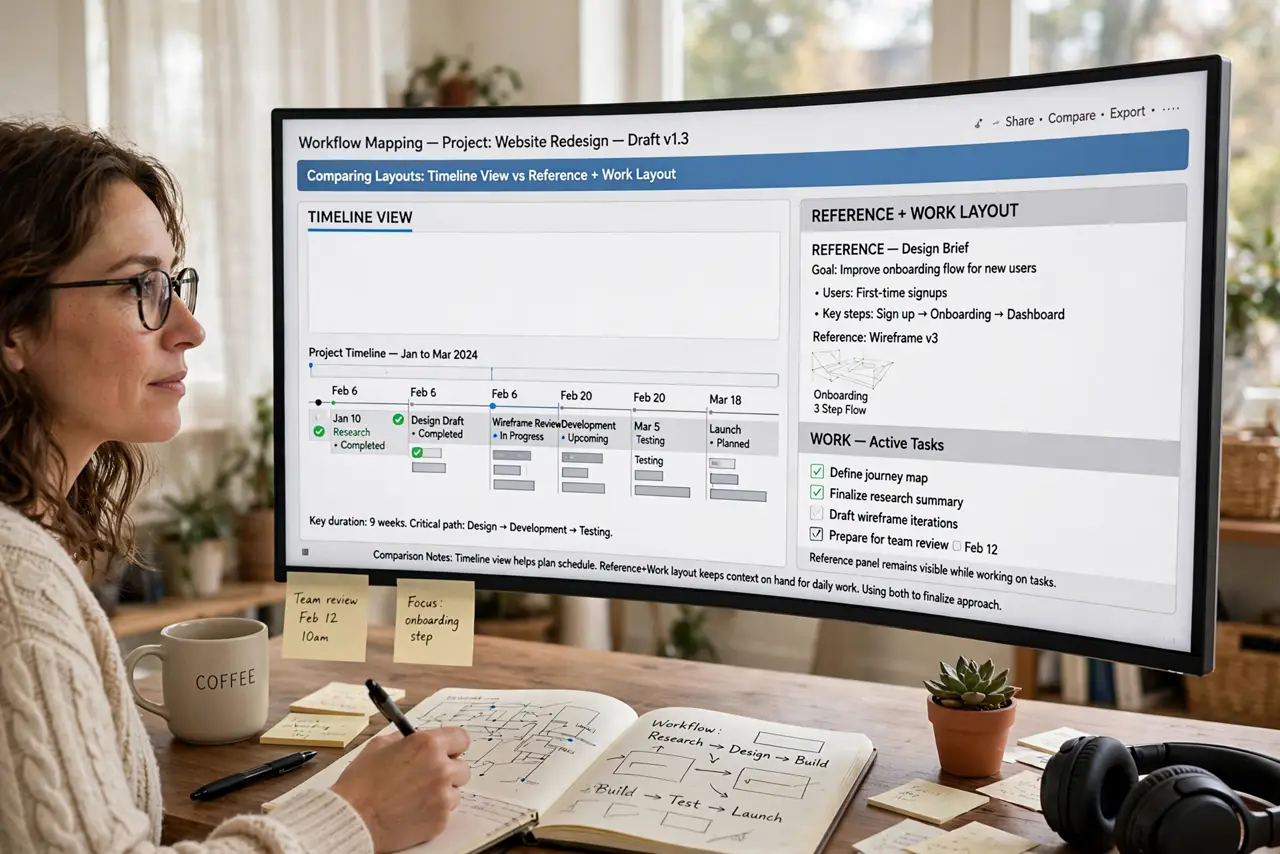
- Map your actual workflow. One big timeline or spreadsheet favors ultrawide. Reference-on-one-screen, work-on-the-other favors dual — be honest about which you do daily.
- Consider fullscreen behavior. Fullscreen apps take the whole ultrawide, which is awkward for video calls. On dual monitors, fullscreen stays on one screen while you work on the other.
- Weigh the bezel vs the curve. Ultrawide has no center bezel breaking your view. Dual has a gap but lets you angle each screen independently — better for shared desks.
- Think about failure. One dead ultrawide means zero screens until repair. One dead monitor of a pair leaves you working on the survivor.
- Check your desk and GPU. Ultrawides need deep desks for the curve and a GPU that drives the odd resolution. Dual 1080p is cheaper to run on both counts.
- Test window snapping. Windows snaps windows to halves and thirds — try your workflow snapped on an ultrawide before buying. If you fight the snapping, you are a dual-monitor person.
What NOT to do
- Do not buy ultrawide for competitive fullscreen gaming plus multitasking. Fullscreen games swallow the whole screen — the second-monitor advantage vanishes.
- Do not assume more inches equal more productivity. A giant screen with chaotic window management helps nobody.
- Do not ignore the resolution. A 1080p ultrawide is just a wide, short screen — height matters as much as width.
- Do not mix wildly different monitors in a pair. Mismatched sizes and colors cause the alignment headache daily.
Frequently asked questions
Is ultrawide better for productivity?
For single wide tasks, yes. For juggling separate fullscreen apps, dual monitors usually win. It depends on the work, not the hype.
Can I use an ultrawide as two monitors?
Effectively yes — window snapping splits it into zones. Some ultrawides even accept two inputs side by side, acting as two screens.
Do games support ultrawide?
Most modern games do; older and competitive titles may stretch or pillarbox. Check your specific games before committing.