Upload Speed Lower Than Download? Fix It
Downloads fly, but uploads crawl, and video calls, cloud backups, and file sends stall. Many home plans give a much lower upload rate than download rate by design, so the first check is what the plan actually promises.
TL;DR / Quick Fix
Quick fix: check the plan details for its promised upload rate, pause cloud backups and uploads on every device, and test wired and quiet. If upload stays far below the promised rate, restart the modem and router and contact the provider.
Follow these steps
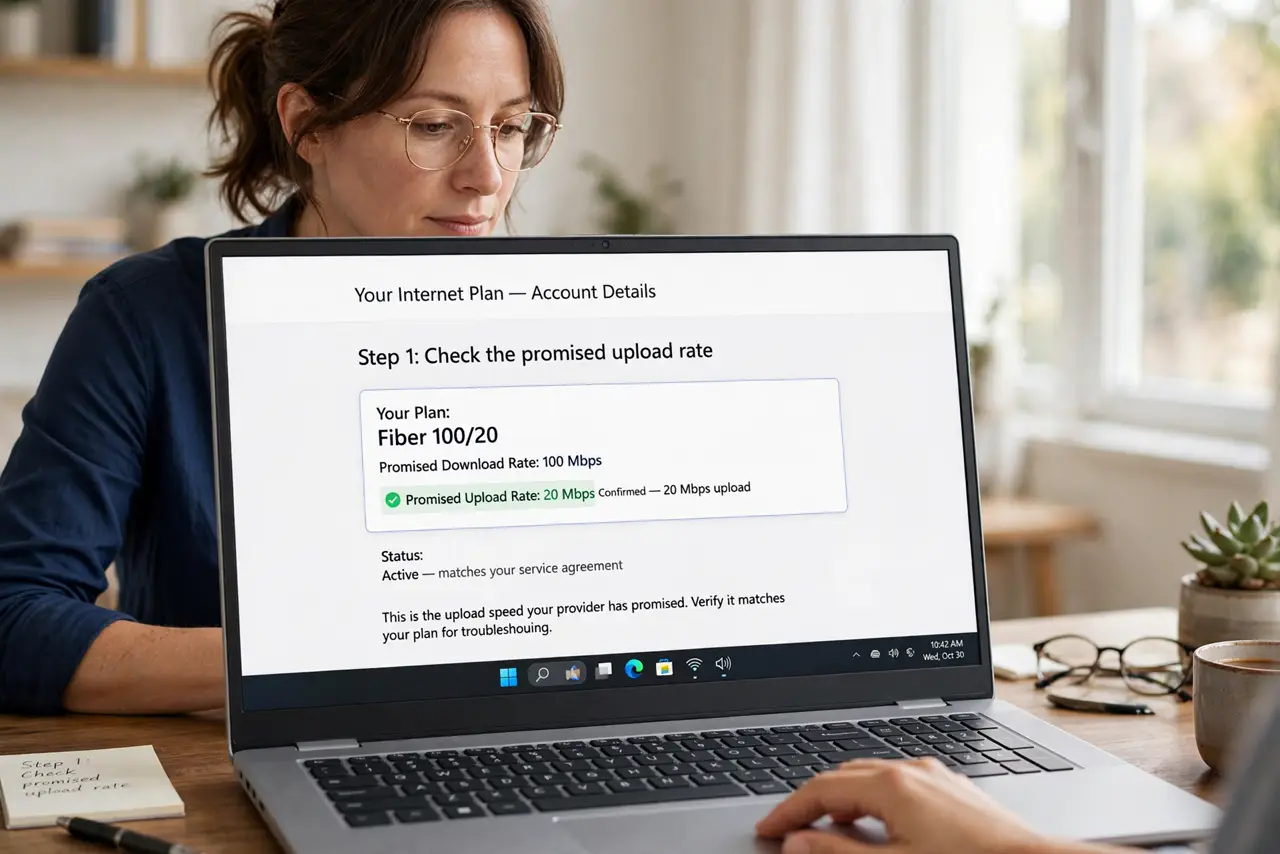
- Check the promised upload rate. Read the plan details for its upload rate, which is often far below the download rate. An upload that matches the promised rate is working as designed, not broken.
- Pause cloud backups and uploads. Pause cloud photo backups, file sync, and video uploads on every device, then test again. One backup can fill the whole upload path and stall everything else.
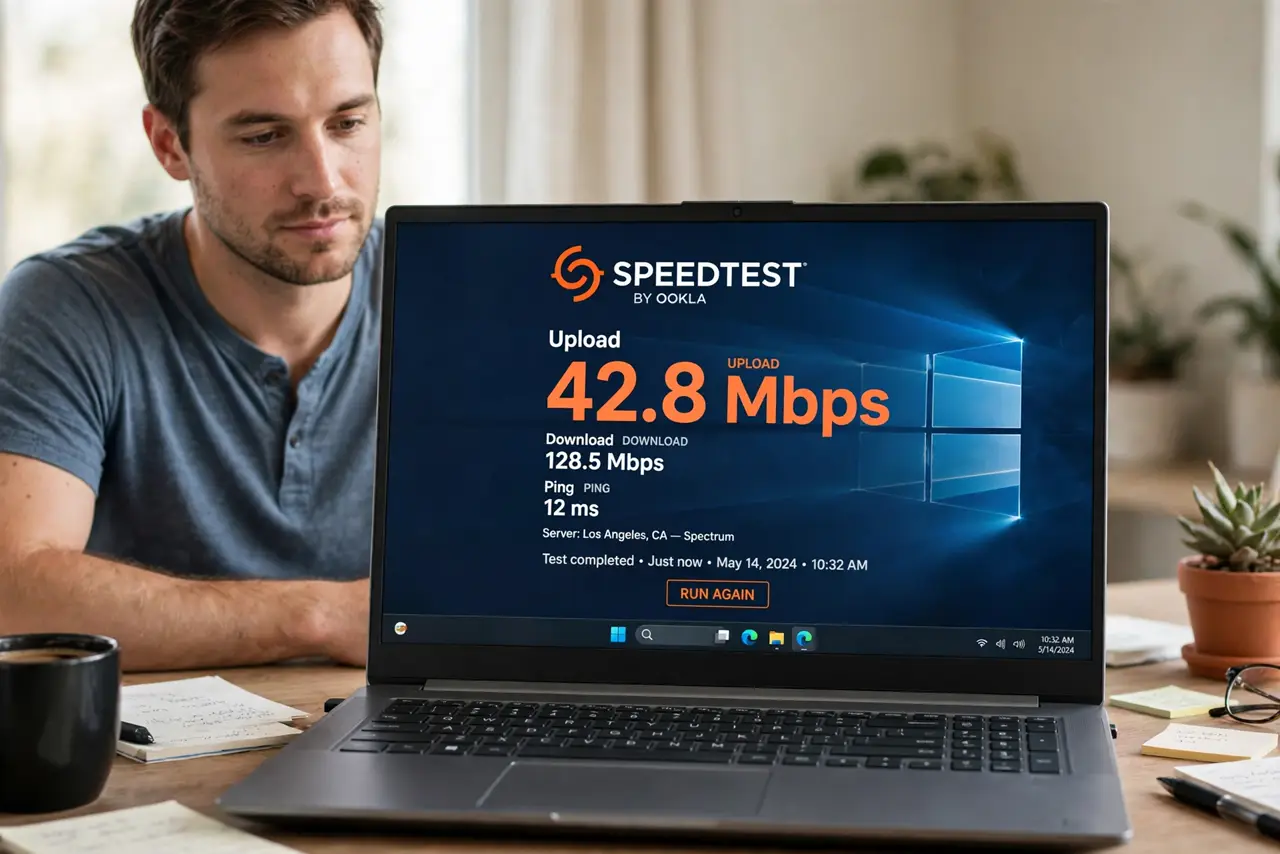
- Test wired and quiet. Connect one computer with a cable, close all uploads and streams, and test upload alone. A wired, quiet test separates a real upload problem from Wi-Fi or household load.
- Restart the modem and router. Unplug the modem and router, wait thirty seconds, and plug them back in, then test upload again. A restart clears a stuck line state that can throttle uploads.
- Check the cable and port. Confirm the wired cable is undamaged and the link shows a fast rate. A faulty cable can throttle uploads while downloads still look acceptable.
- Contact the provider with results. If wired, quiet upload stays far below the promised rate, contact the provider with test times and results. A persistent gap on a clean test is their line to investigate.
What NOT to do
- Do not expect upload to equal download on most home plans. Plans are usually asymmetric by design, so compare upload with its own promised rate.
- Do not test upload while a cloud backup runs. The backup itself fills upload, so the test measures what is left, not the line.
- Do not upgrade the plan for upload without checking its upload rate. A faster download plan may keep the same slow upload, so read both rates.
- Do not restart the router every few minutes during an upload test. Give each restart time to settle, or results will vary for no useful reason.
Frequently asked questions
Why is upload slower than download?
Most home plans promise a lower upload rate than download rate by design, so a gap is expected.
Can a cloud backup slow my upload?
Yes, greatly. One backup can fill the whole upload path and stall calls and file sends.
Should I test upload wired?
Yes. A wired, quiet test is the only fair measure of the line upload rate.