Upload Too Slow for Video Calls? Fix It
Your video freezes for everyone else while you see them perfectly — classic slow-upload syndrome. Most home plans give you a tenth of the download speed up, and calls, backups, and cloud syncs all fight over that thin pipe. Here is how to measure and fix it.

TL;DR / Quick Fix
Quick fix: check your upload speed — video calls need 3–5 Mbps up each. Pause cloud backups and photo syncs during calls; they saturate the thin upload pipe. If upload is always under 3 Mbps, ask the provider about faster tiers. Ethernet can't create upload that isn't there.
Follow these steps
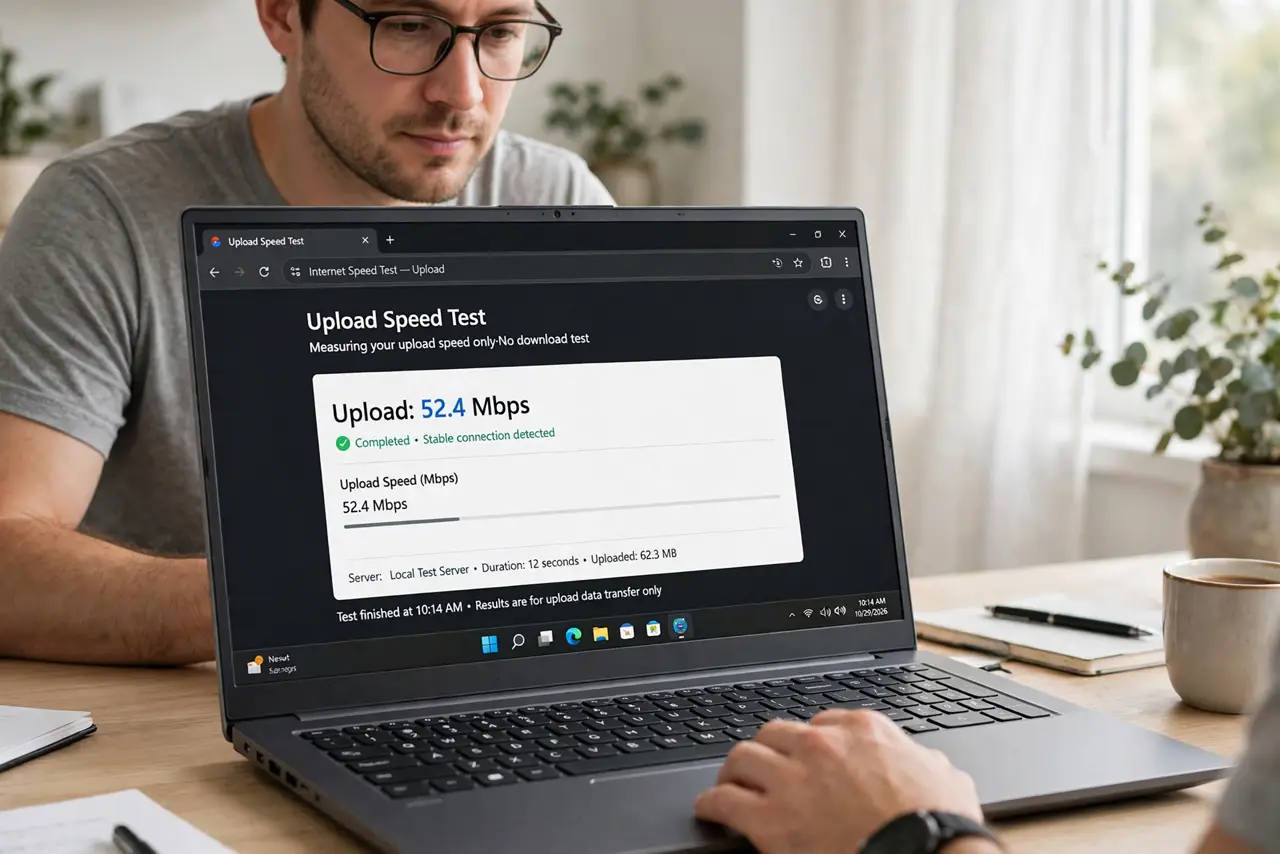
- Measure upload, not download. Run a speed test and read the upload number. That thin pipe is your whole video-call budget.
- Know the per-call cost. One HD video call needs 3 to 5 Mbps up. Two simultaneous calls need double — do the math for your household.
- Pause cloud backups during calls. Backups happily eat every spare kilobit — pause them or schedule them overnight; resume after the call.
- Stop photo and file syncs. Phone photo uploads and Dropbox-style syncs are silent upload hogs. Check the system tray.
- Use Ethernet to rule out Wi-Fi. Wi-Fi overhead eats into the thin pipe. A cable won't add upload, but it stops wasting it.
- Ask about faster upload tiers. If the plan tops out at 3 Mbps up, no setting fixes that. Providers sell higher-upload tiers — ask.
What NOT to do
- Do not upgrade download speed to fix calls. A 500-down, 5-up plan video-calls exactly like a 100-down, 5-up plan.
- Do not leave cloud backup on full speed during work hours. Throttle it or schedule it overnight.
- Do not assume Ethernet fixes slow upload. It removes Wi-Fi waste; it cannot widen the provider's pipe.
- Do not run two HD calls on a 3 Mbps upload. The math doesn't work — drop one to audio-only.
Frequently asked questions
Why is upload so much slower than download?
Providers provision asymmetrically — homes download far more than they send. The thin upload is by design, not a fault.
How much upload do I need for video calls?
About 3 Mbps up per HD participant sending video. Audio-only needs a tenth of that.
Will a new router increase upload?
No. The router cannot exceed what the provider delivers — it can only stop wasting it.