UPS Runtime: How Long It Really Lasts
A UPS keeps your computer alive when the power dies — but for how long? The box may promise one number while your real setup delivers another, because runtime depends on exactly what you plug in and how healthy the battery is.
TL;DR / Quick Fix
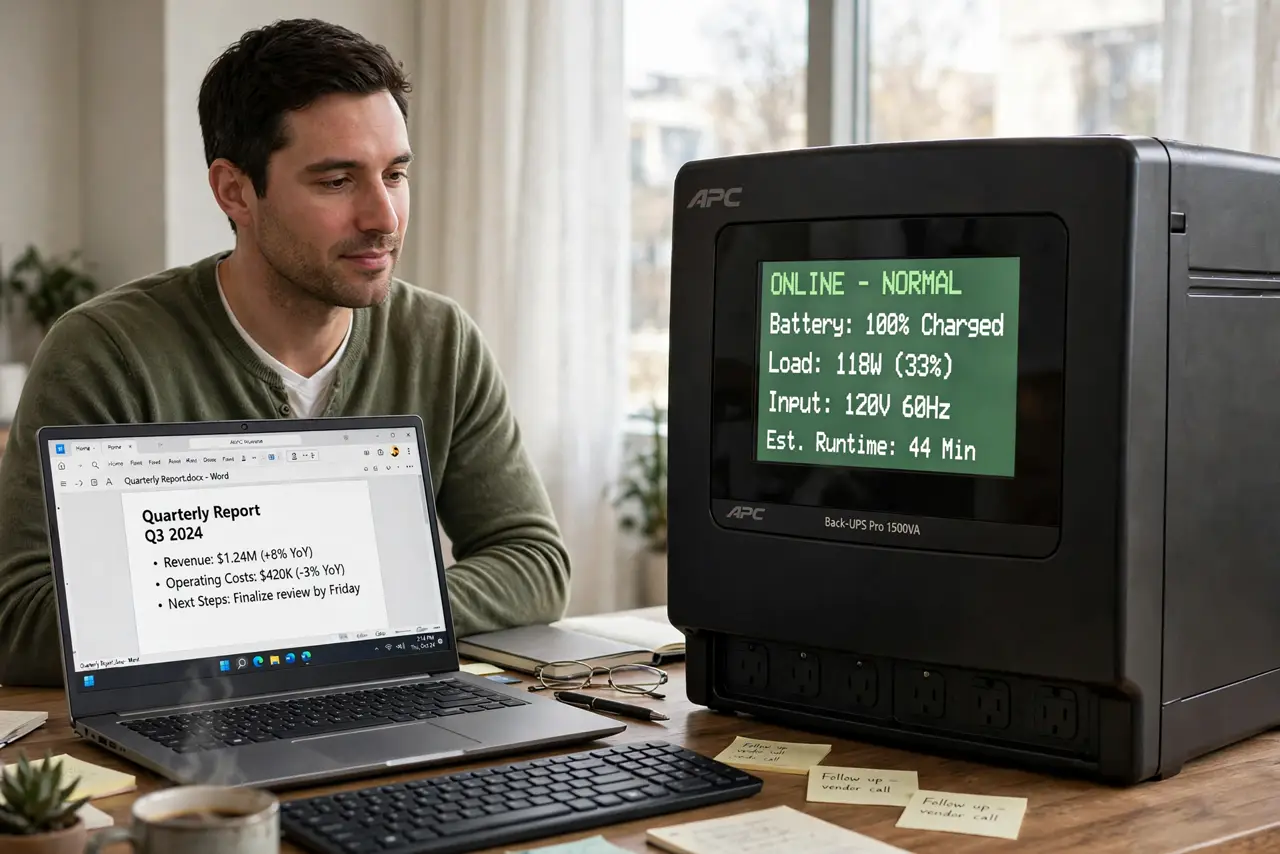
Quick fix: check the UPS display or its software for the estimated runtime with your current load. Expect less than the box promises, plug in only the computer and monitor, and replace the battery every three to five years to keep the runtime honest.
Follow these steps
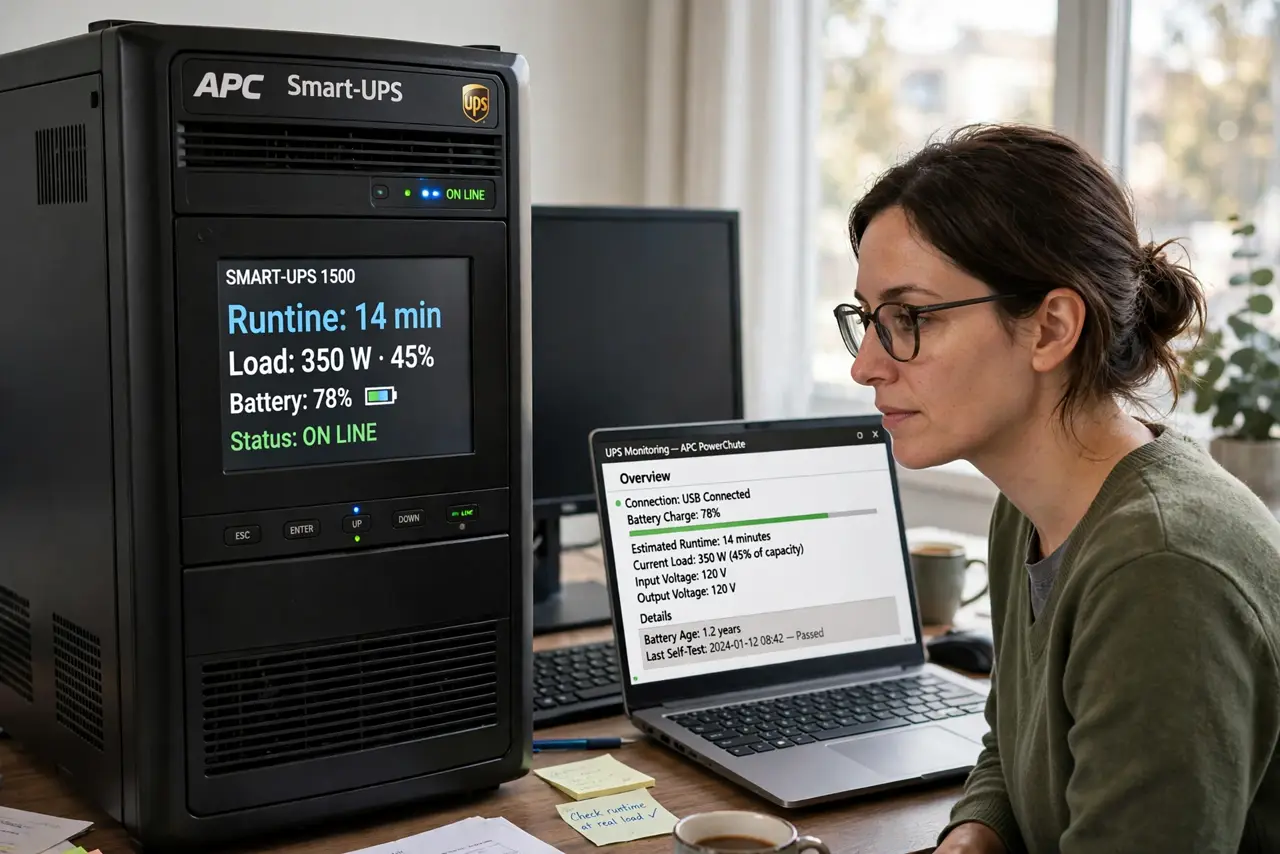
- Read the runtime at your real load. Check the UPS display or its software for the estimated minutes at your current load. That number beats any number on the box, because the box assumes a lighter load.
- Understand the load math. Runtime shrinks as load grows: a UPS that lasts 20 minutes at half load may last only a few minutes at full load. Fewer plugged-in devices means more minutes.
- Plug in only the essentials. Connect the computer and the monitor to the battery outlets, and nothing else. Printers, speakers, and chargers belong on the surge-only outlets or a separate surge protector.
- Test it once, on purpose. With work saved, unplug the UPS from the wall and watch the real runtime. A planned test reveals a weak battery before a real outage does.
- Watch the battery age. UPS batteries fade with age, heat, and deep discharges. A three-to-five-year-old battery may hold half its original runtime, so note the install date.
- Replace the battery, not the whole UPS. When runtime drops, buy the replacement battery for your model and swap it. A fresh battery restores runtime for a fraction of a new UPS.
What NOT to do
- Do not plug a laser printer into the battery outlets. Laser printers draw huge startup power that can overload a UPS instantly.
- Do not trust the box runtime without testing. Real loads and aging batteries cut it down, so one planned test tells the truth.
- Do not let the battery sit dead for months. A UPS left discharged degrades faster, so recharge it after any long outage.
- Do not use a UPS as a daily power switch. Leave it on and plugged in, since constant power cycling wears the battery for no benefit.
Frequently asked questions
How long does a typical UPS last in an outage?
Minutes, not hours, for a desktop UPS — usually enough to save work and shut down safely, not to keep working.
Why is my runtime shorter than the box says?
Because the box assumes a light load and a new battery, while your load is heavier and the battery may be aging.
Can I add a bigger battery?
Only with a UPS designed for external batteries. An oversized battery on a small UPS can overheat its charger.