Powered vs Unpowered USB Hub: The Difference
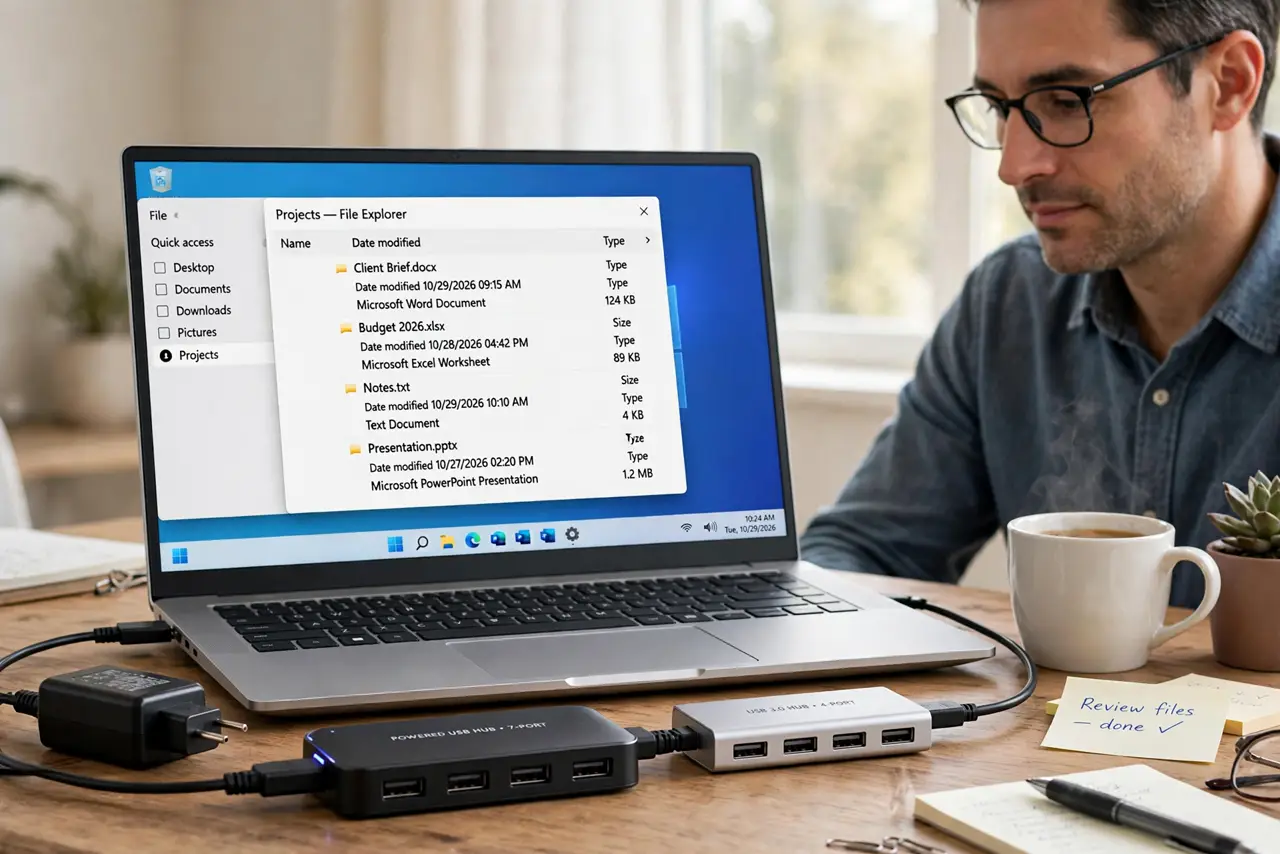
A powered hub plugs into the wall; an unpowered hub draws everything from your computer's port. That one difference decides whether your drives, docks, and chargers work reliably — or flake out under load.
TL;DR / Quick Fix
Quick fix: choose a powered hub if you connect hard drives, charge devices, or run several accessories at once. An unpowered hub is fine for a mouse, keyboard, and one flash drive — nothing hungrier than that belongs on it.
Follow these steps
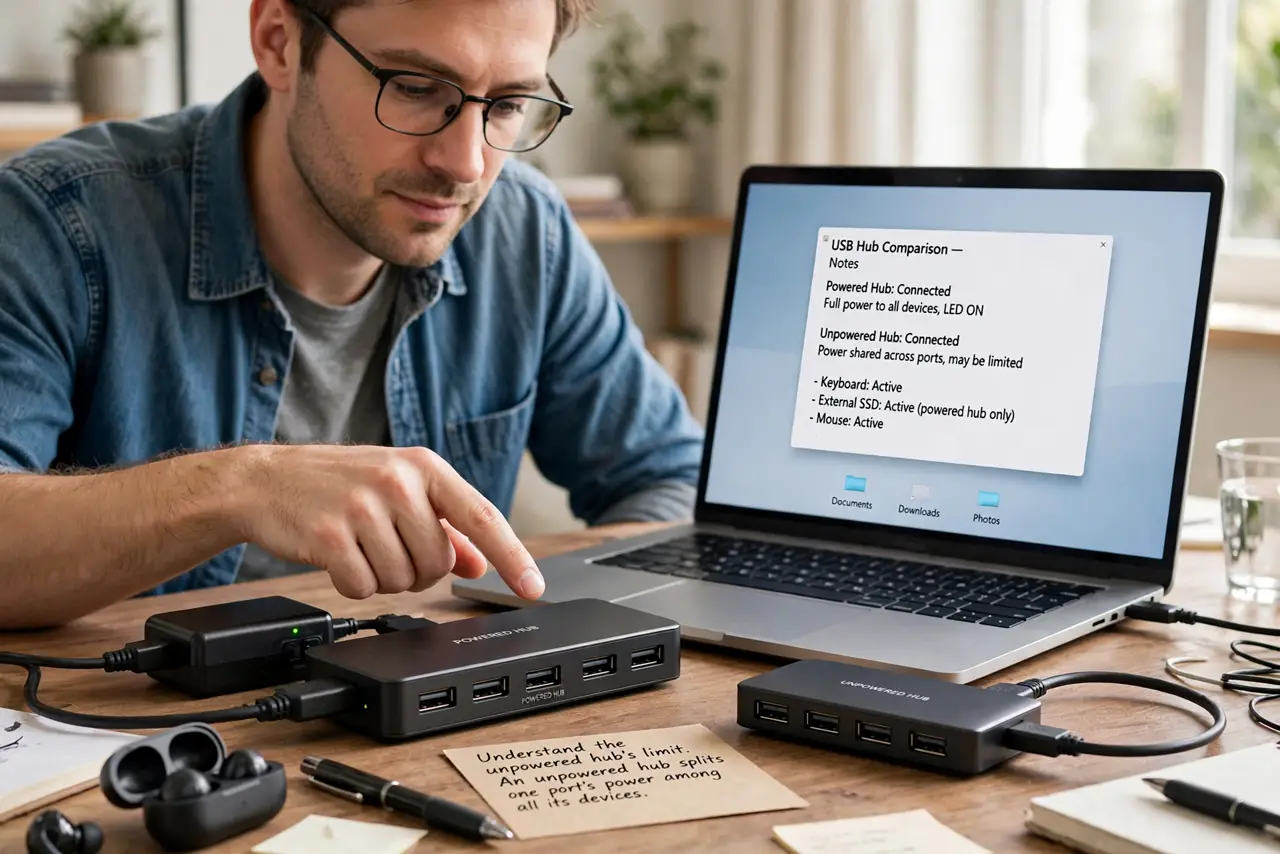
- Understand the unpowered hub's limit. An unpowered hub splits one port's power among all its devices. A computer USB port offers limited watts, so hungry devices starve when several share it.
- Understand the powered hub's advantage. A powered hub brings its own wall adapter, giving each port full power. Drives spin up reliably and phones actually charge, no matter how many devices connect.
- Match the hub to the hungriest device. List what you will plug in: hard drives, audio interfaces, and chargers need powered; mouse, keyboard, and flash drives survive unpowered. One hungry device justifies the powered hub.
- Watch for the classic symptoms. Drives that disconnect, devices that work alone but fail together, and slow charging all scream underpowered hub. If adding one more device breaks things, power is the limit.
- Check the wattage math for USB-C hubs. USB-C hubs add power delivery passthrough into the mix — see the wattage math guide. The same weakest-link rule applies: brick, hub, and laptop each cap what flows through.
- Buy powered once for a desk setup. For a permanent desk with several accessories, a powered hub is the buy-it-once answer. Unpowered hubs suit travel kits where every device is low-power.
What NOT to do
- Do not run external hard drives on an unpowered hub. Spin-up power spikes exceed what the shared port offers, causing disconnects mid-write.
- Do not daisy-chain unpowered hubs. Each hop splits already-split power, so the end of the chain gets almost nothing.
- Do not assume all powered hubs are equal. Check the adapter's wattage — a weak adapter on a powered hub recreates the same problem.
- Do not use an unpowered hub for charging. Phone charging through an unpowered hub is slow at best and unreliable at worst.
Frequently asked questions
Do I need a powered USB hub?
If you connect hard drives, charge devices, or run several accessories at once — yes. For a mouse and keyboard alone, no.
Why does my drive disconnect on a hub?
Because spin-up needs more power than the shared port provides. A powered hub fixes it.
Can a powered hub charge my laptop?
Only a USB-C hub with power delivery passthrough, and only up to its rated wattage — check the numbers.