Use a USB Data Blocker
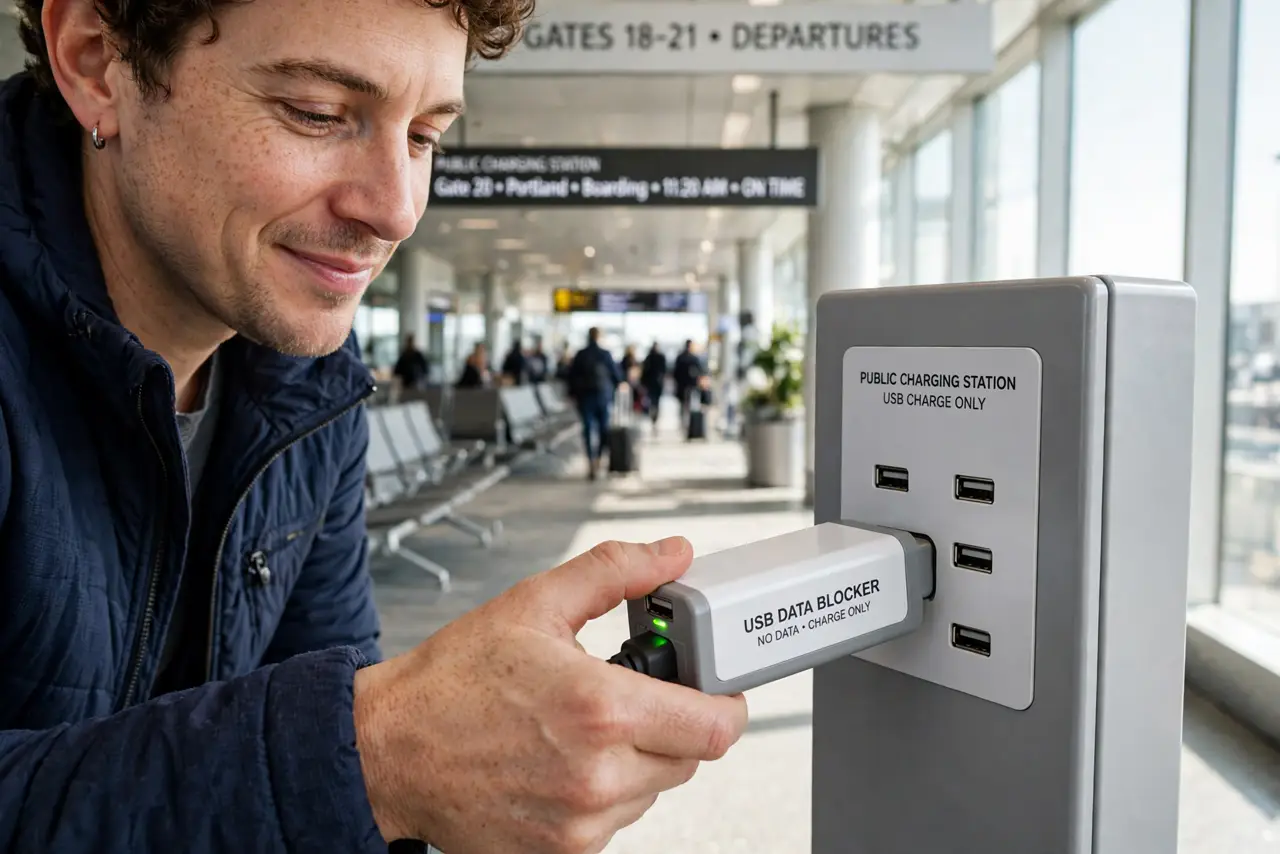
Public USB ports are convenient and slightly suspicious — the same port that charges your phone can, if tampered with, sip its data. A USB data blocker is the five-dollar answer: a tiny adapter that lets power through and physically stops data. This guide explains the gadget that makes juice jacking impossible.
TL;DR / Quick Fix
Quick fix: a USB data blocker is a tiny adapter that passes power but blocks data pins — plug it between a public port and your cable for charge-only peace. Keep one on your keychain for airports and cafés. It is cheaper than a compromised phone.
Follow these steps
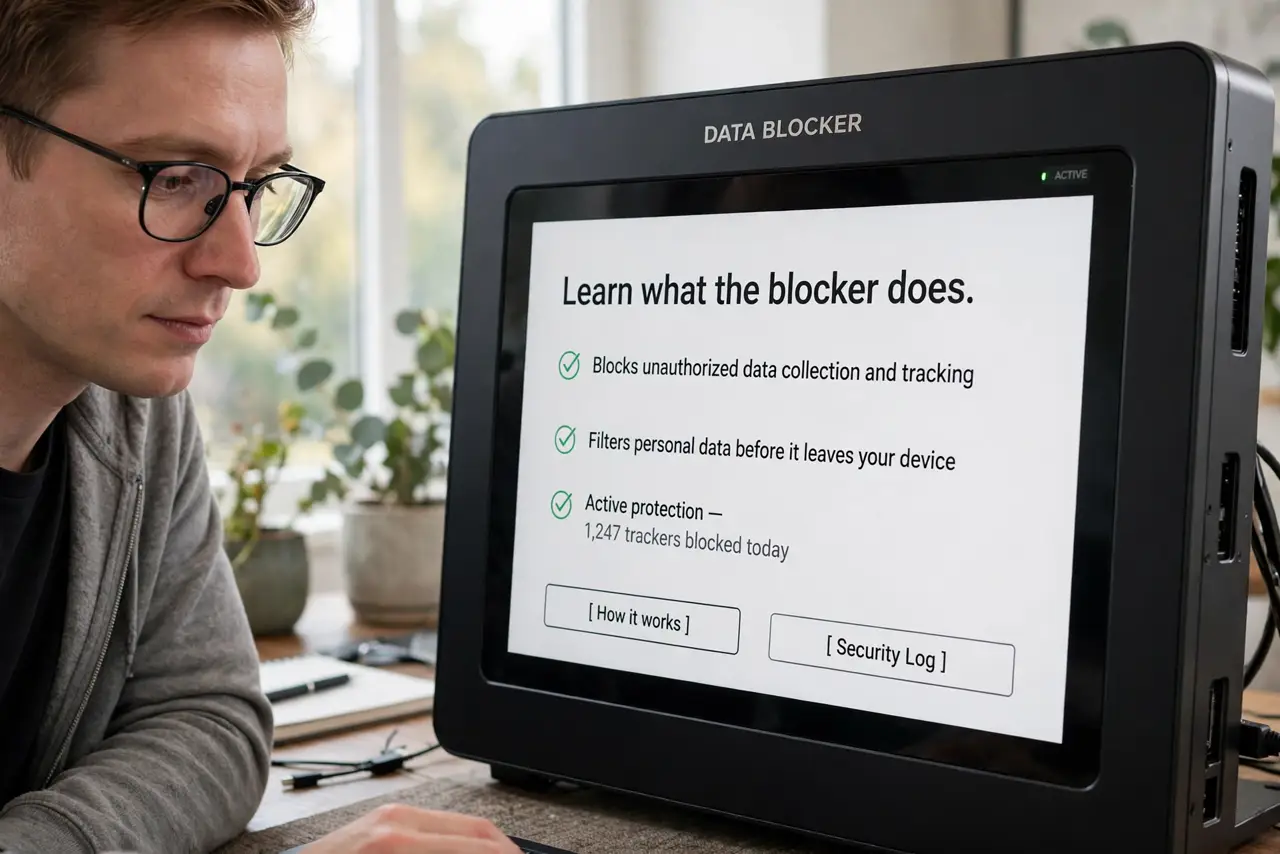
- Learn what the blocker does. Inside USB, power and data travel on separate pins. The blocker is a pass-through adapter with the data pins disconnected — electricity flows, information cannot.
- Buy the right form factor. Tiny dongles for your keychain, or short adapter cables. USB-C and USB-A versions exist — match your cable's plug, and learn to identify charge-only cables as a backup defense.
- Plug blocker first, then cable. Blocker into the public port, your cable into the blocker, phone onto the cable. Order matters only for habit — the protection works either way once connected.
- Confirm charging starts. Your phone should charge normally with no 'trust this computer' prompt. A trust prompt with a blocker attached means something is wrong — unplug.
- Keep one on your keychain. The blocker only protects you if it is there. Keychain carry beats drawer storage — threats appear at airports, not at home.
- Know its limits. It blocks data over that cable only. Pair it with the usual caution: your own cable, reputable ports, and awareness — see cafe Wi-Fi safety for the wireless half of public-place hygiene.
What NOT to do
- Do not buy 'data blockers' that are just adapters. A real blocker specifies blocked data pins — a plain gender-changer does nothing.
- Do not assume all public ports are evil. Most are fine; the blocker is cheap insurance, not a panic response.
- Do not use it as an excuse for a stranger's cable. Your own cable plus the blocker is the safe combo.
- Do not forget wireless charging exists. A Qi pad has no data path at all — the ultimate blocker is no cable.
Frequently asked questions
Does a data blocker slow charging?
No — power pins pass through untouched. Charging speed depends on the port and cable, not the blocker.
Can I still sync data with it attached?
No — that is the point. Remove the blocker when you intentionally sync with your own computer.
Is it the same as a charge-only cable?
Functionally similar, but the blocker works with any cable you already own. Charge-only cables are the alternative if you prefer one less dongle.