Flash Drive vs Portable SSD?
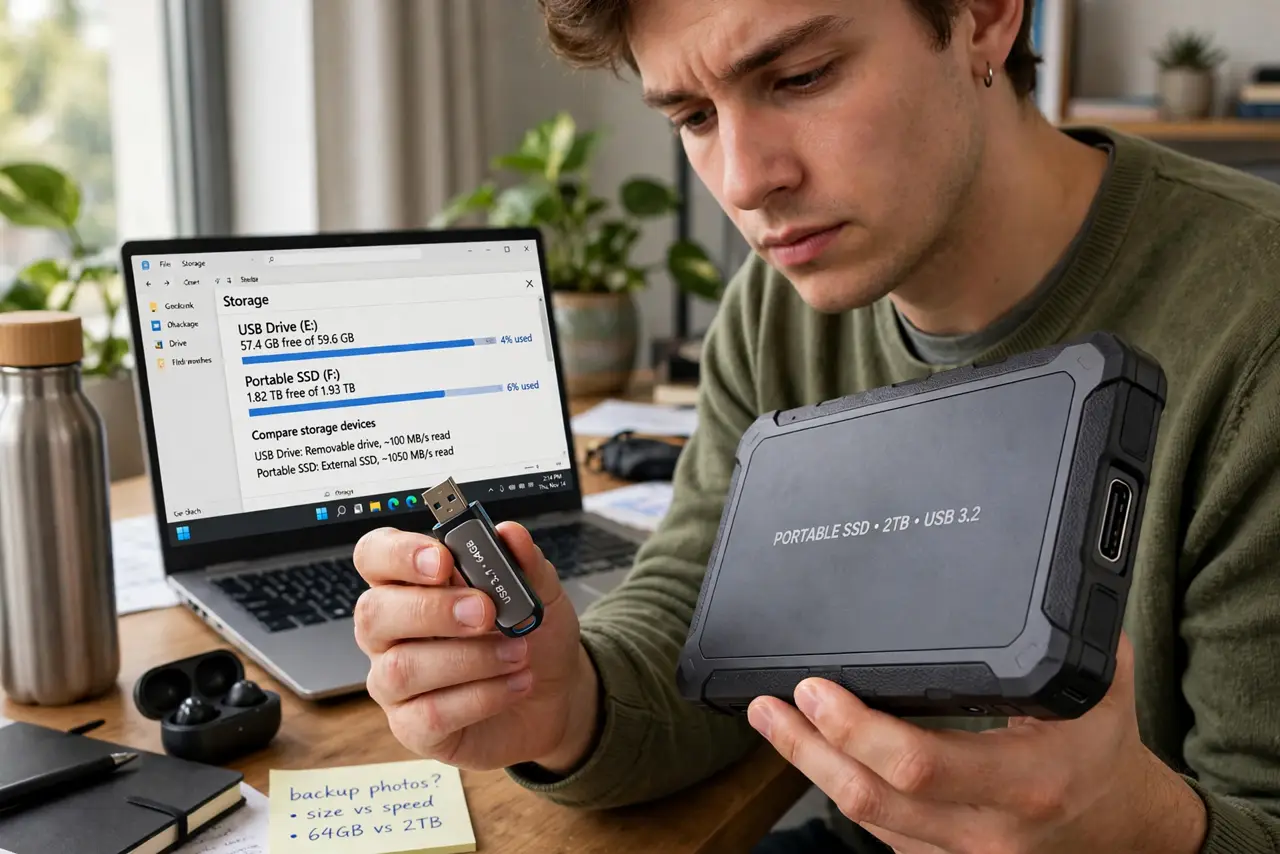
You need portable storage and the shelf offers two things: a $15 flash drive and a $70 portable SSD. Both hold files, both plug into USB — so what does the extra money buy? Speed, durability, and honestly a different class of device. This guide compares them on what matters — real speed, lifespan, and use cases — so you buy the right one once. For building storage from spare parts, see how to build your own external drive.
TL;DR / Quick Fix
Quick fix: buy the flash drive for moving small files between computers — cheap, tiny, good enough. Buy the portable SSD for large files, video editing, or daily use — roughly ten times faster and far more durable. Never run an OS or edit video off a cheap flash drive.
Follow these steps
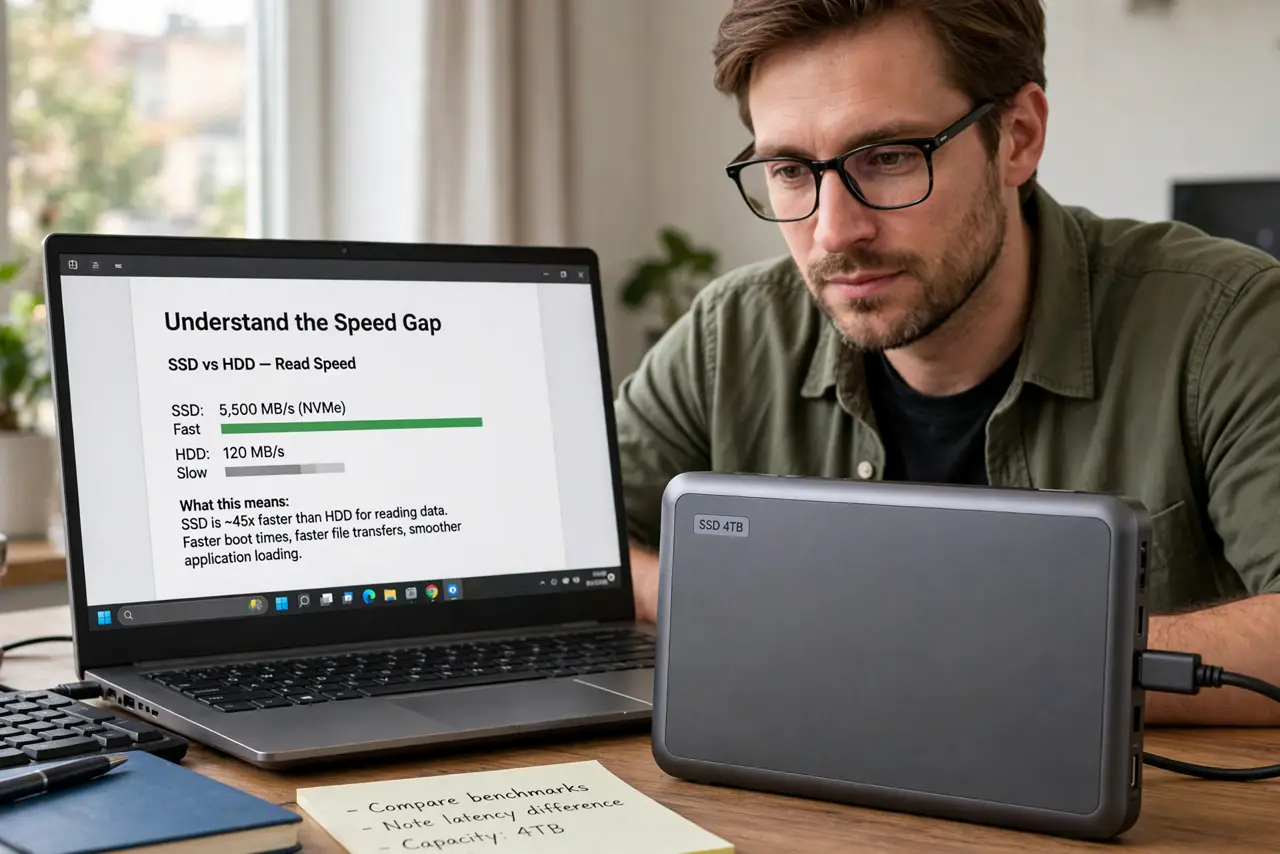
- Understand the speed gap. A decent flash drive writes at tens of megabytes per second; a portable SSD writes at hundreds. Copying 50 GB takes an hour on one and minutes on the other — that is the whole price difference.
- Match the tool to the job. Documents and installers: flash drive. Photo libraries, video projects, backups: portable SSD. The wrong tool wastes either money or hours.
- Consider durability. SSDs handle drops, heat, and heavy rewriting far better. A flash drive as a daily workhorse dies young; as an occasional courier it lasts years.
- Check the USB version reality. A fast SSD on a slow USB 2.0 port runs at USB 2.0 speed. Match the drive to a USB 3 port or better — otherwise you paid for speed you cannot use.
- Do not cheap out on the SSD. No-name portable SSDs can hide slow components behind a fast label. Stick to reputable brands; the price gap to sketchy ones is small and the reliability gap is huge.
- Encrypt what matters. Portable means losable. Turn on encryption for anything sensitive — both device types support it, and a lost unencrypted drive is a data breach.
What NOT to do
- Do not edit video directly from a cheap flash drive. The stuttering timeline is not your software — it is the drive gasping.
- Do not use a flash drive as your only backup. They fail without warning; a backup needs redundancy, not a single stick.
- Do not trust printed speed claims blindly. 'Up to' speeds are burst numbers — check independent reviews for sustained writes.
- Do not leave either in a hot car. Heat is the enemy of flash memory; the dashboard in summer kills drives.
Frequently asked questions
Can a portable SSD replace my internal drive?
For storage, yes — many people run photo and video libraries off one. For the operating system, internal is still better.
How long do flash drives last?
Years of occasional use; months of heavy daily rewriting. They are couriers, not workhorses.
USB-C or USB-A?
Get what your computers have, or USB-C with an adapter. The connector does not change the speed class — the internals do.