USB Headset Not Detected? Fix It
You plug in the USB headset and nothing happens — no sound device appears, or it appears and vanishes. USB audio needs the port, the driver, and the system to agree, and any one of them can silently refuse. This guide walks the chain from plug to playback.
TL;DR / Quick Fix
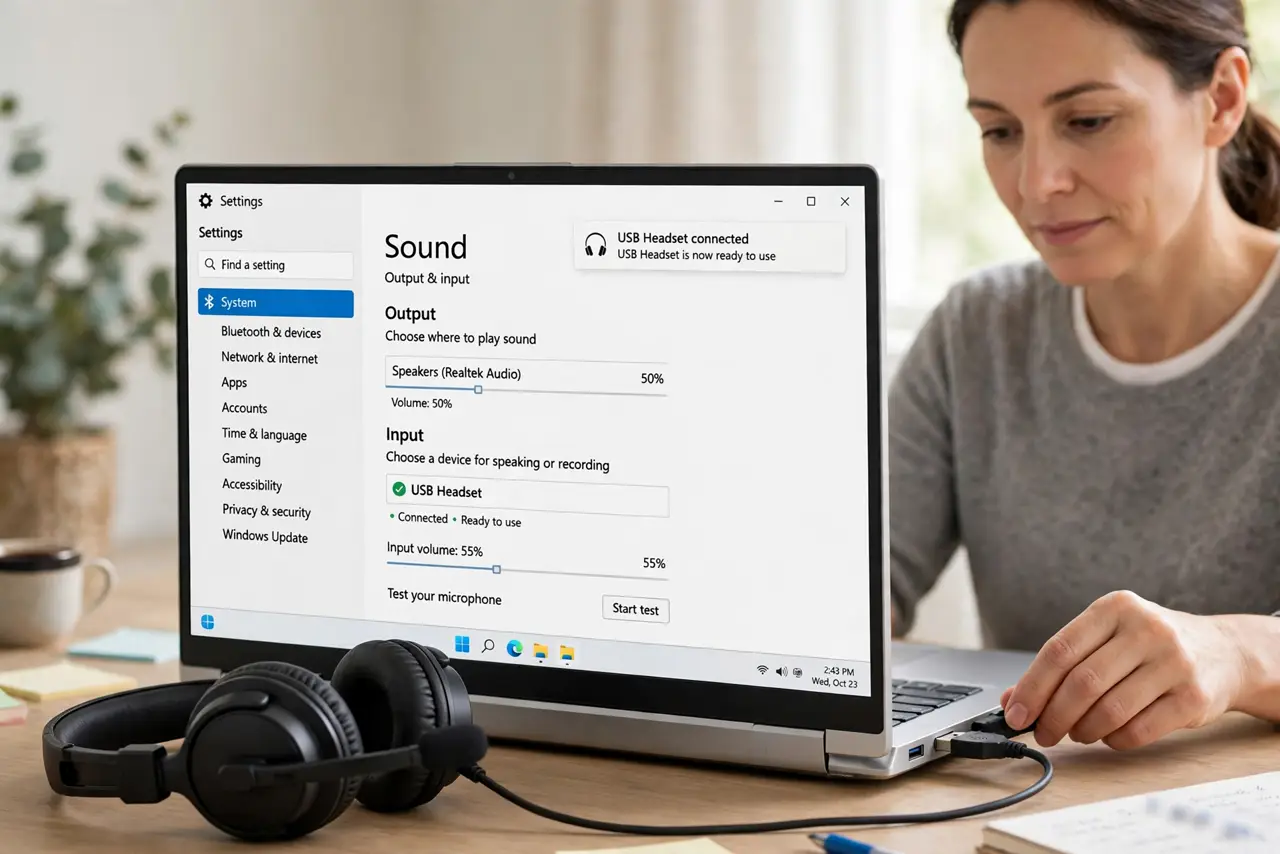
Quick fix: unplug the headset, wait ten seconds, and plug it into a different USB port directly on the computer — not a hub. Then check sound settings: the headset must be both the output and the input device. If it appears and disappears, the cable or port is flaky.
Follow these steps
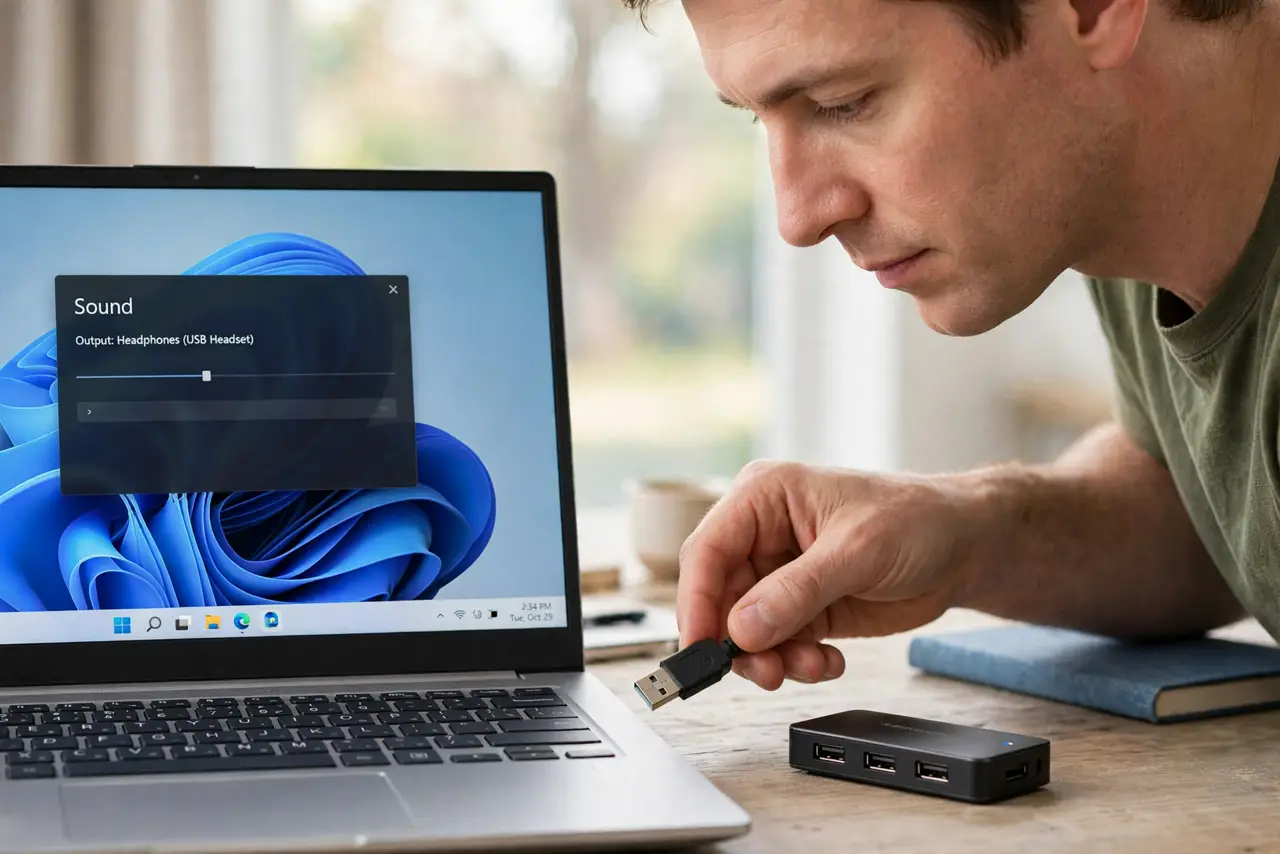
- Try a direct port, not a hub. Plug the headset straight into the computer's own USB port. Hubs — especially unpowered ones — cause exactly these detection failures.
- Wait and watch the device list. Plug in and watch the sound settings for ten seconds. USB audio devices can take a moment to enumerate; impatience leads to unplugging mid-handshake.
- Set it as output and input. Select the headset as both the playback and recording device. Systems often set one but not the other, leaving you hearing nothing or being unheard.
- Check the mute and volume on the headset. Many USB headsets have inline mute buttons and volume wheels. A headset 'not working' is often a headset muted at the cable.
- Reinstall the USB audio driver. In device manager, uninstall the headset's driver entry, unplug, and replug. Windows reinstalls a fresh driver — the classic fix for corrupted USB audio entries.
- Test on another computer. If a second machine also ignores it, the headset's cable or USB plug is failing. Detection failure on every machine is a hardware verdict — the same test as for a controller.
What NOT to do
- Do not keep replugging rapidly. Fast unplug-replug cycles confuse USB enumeration — plug in once and give it ten seconds.
- Do not test through a hub first. Diagnose on a direct port; add the hub back only after the headset works.
- Do not ignore the inline controls. Mute buttons and volume wheels on the cable cause a large share of 'not detected' confusion.
- Do not install random 'USB fixer' tools. They are unnecessary and often harmful — the built-in driver reinstall is the safe fix.
Frequently asked questions
Why is my USB headset not showing up?
Usually a hub or port issue, a corrupted driver entry, or impatience during enumeration. Direct port plus ten seconds fixes most cases.
Should the headset be input and output?
Yes, for calls. Set it as both so you hear others and they hear you through the same device.
My headset works on my phone but not PC?
The phone uses a different audio path. On the PC, check ports, drivers, and that the headset is selected as the device.