Found a USB Stick? Don't Plug It In
A USB stick in the parking lot is not a lucky find — it is a classic attack. Plugging it in can install malware or steal files in seconds, because computers trust USB devices far more than they should. This guide explains the danger and what to do with a found drive instead.
TL;DR / Quick Fix
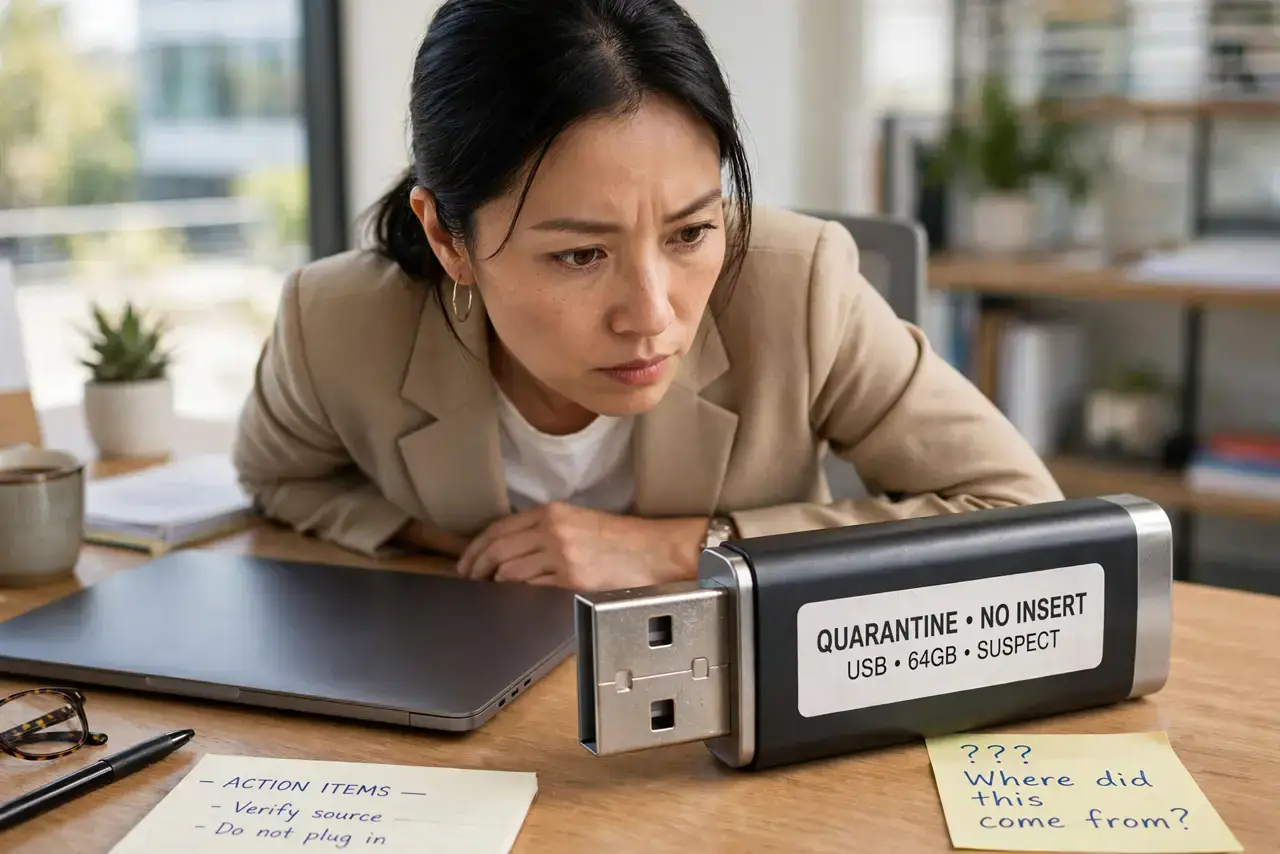
Quick fix: do not plug a found USB stick into any computer you care about. If you must see what is on it, use a disposable or isolated machine with autorun disabled, or simply hand it to building security or the lost-and-found. Curiosity is exactly what the attack counts on.
Follow these steps
- Resist the curiosity. The whole attack depends on someone plugging it in to 'see what's on it.' Treat a found drive like a found syringe: interesting, but not worth touching.
- Do not plug it into your work or home computer. Malware on the stick can run the moment it connects, before you even open a file. No file on a stranger's drive is worth that risk.
- Disable autorun if you ever inspect one. If you have a real reason to check it, use a spare machine with autorun and autoplay fully disabled, and scan the drive before opening anything.
- Hand it to lost-and-found. The decent outcome is also the safe one: give the drive to building security, the front desk, or local lost-and-found without plugging it in.
- Warn others who might find one. Tell family and coworkers the rule in one sentence: never plug in a drive you did not buy yourself. One plugged-in stick can infect a whole office.
- Check your own drives' origins. Flip the lesson around: only use USB sticks you bought new and sealed, and be wary of free drives handed out at events, which carry the same risk.
What NOT to do
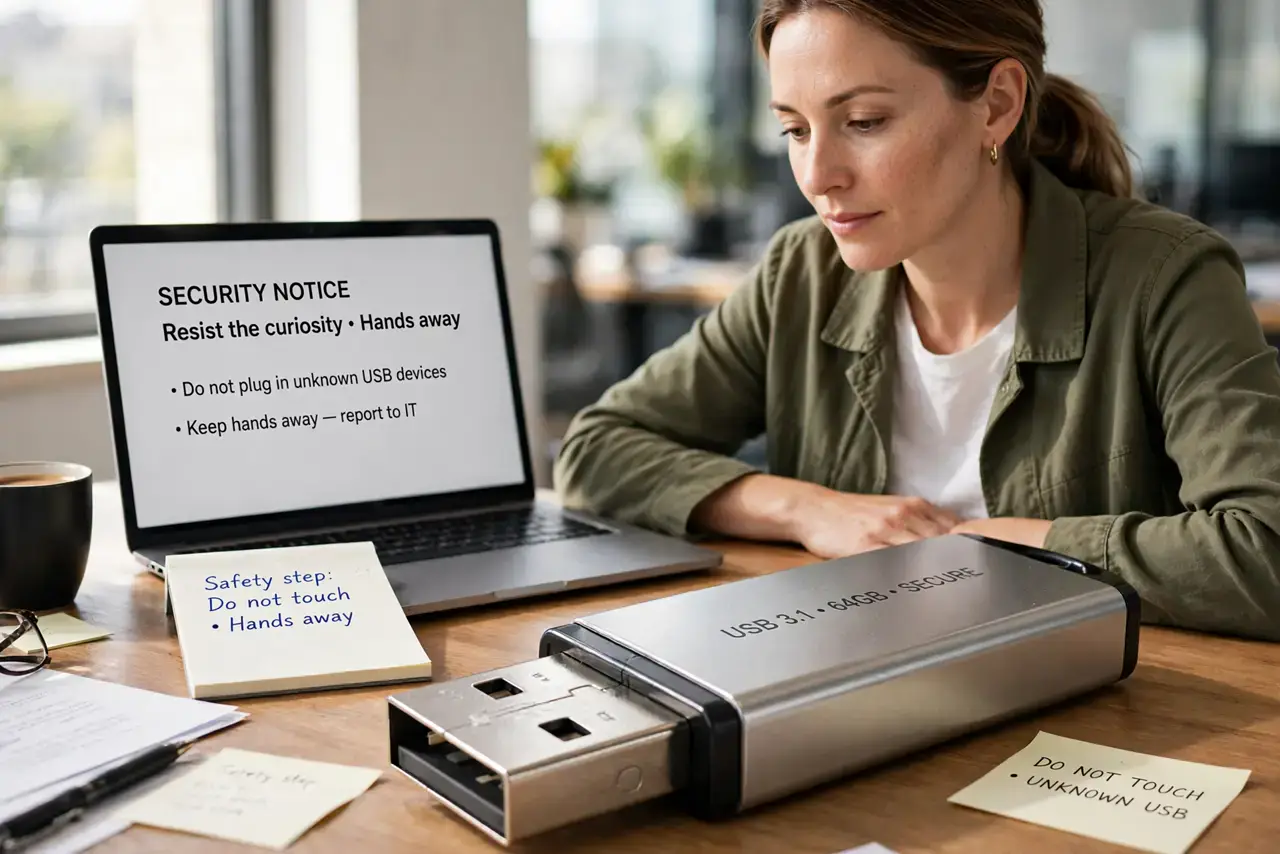
- Do not plug it in 'just to check' on any computer with your files. The check itself is the attack — malware does not need you to open a folder.
- Do not trust a label like 'Payroll 2026' or 'Family Photos.' Attackers label drives to trigger exactly the curiosity that gets them plugged in.
- Do not assume your antivirus will save you. Some USB attacks emulate a keyboard and type malicious commands faster than any scanner reacts.
- Do not use a found drive as free storage, even after formatting. A quick format does not remove firmware-level tricks hidden on a malicious stick.
Frequently asked questions
Can a USB stick really hack my computer?
Yes. Beyond malware files, some sticks pretend to be keyboards and type attack commands in milliseconds, or exploit the USB connection itself.
What if it might belong to a coworker?
Hand it to IT or the front desk unplugged. If it is innocent, its owner gets it back; if not, you just dodged an attack.
Are free USB drives at conferences safe?
Not necessarily. Only use drives from sources you trust completely, and treat any unknown drive with the same suspicion.