Fake 'I'm Not a Robot' That Installs Malware?
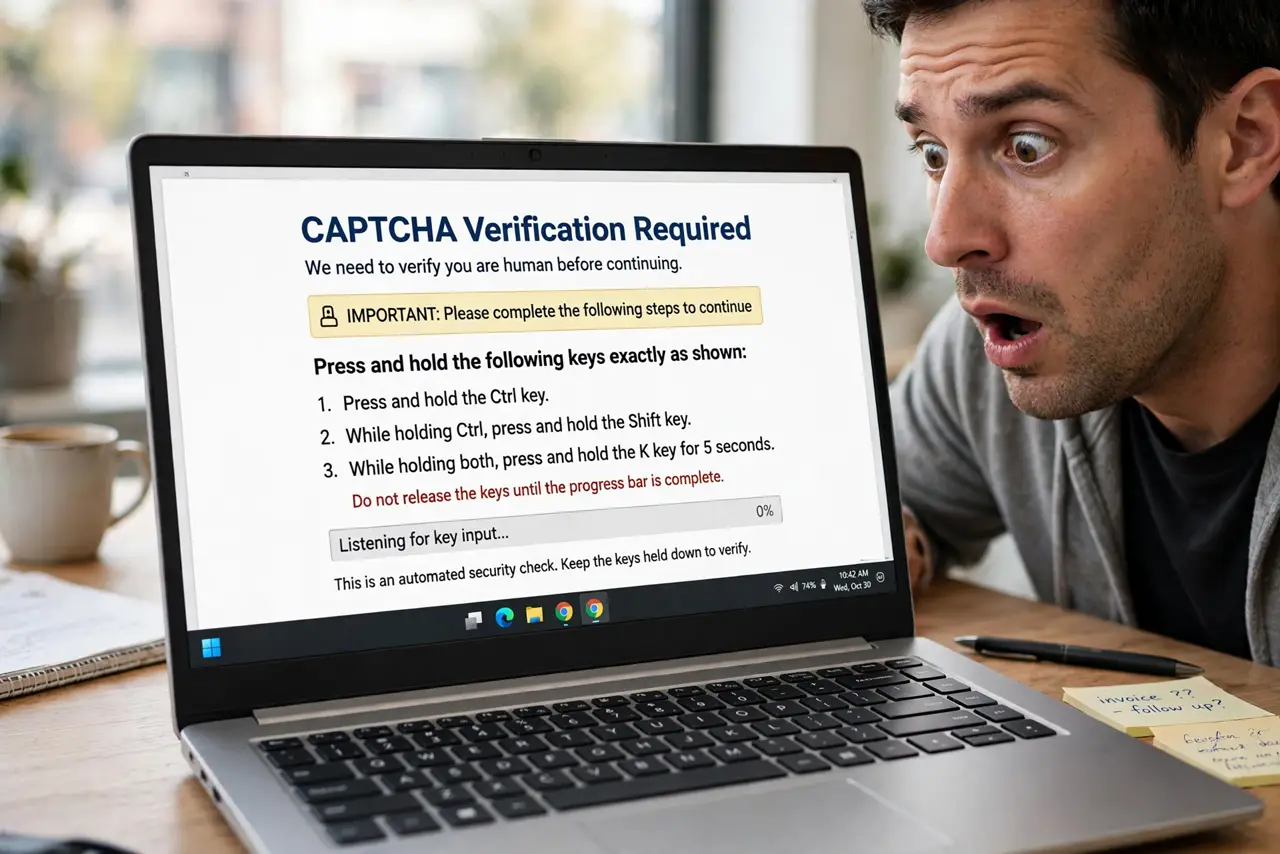
A page shows an 'I'm not a robot' checkbox, you click it, and then it tells you to press Windows+R and paste a command. That is not a captcha — it is a trick to make you install malware yourself. This guide explains the attack.
TL;DR / Quick Fix
Quick fix: if a 'captcha' tells you to press Windows+R, open Terminal, or paste anything — close the page; it's a malware trick, not a test. Real captchas only ask you to click images or checkboxes. If you pasted the command, disconnect from the internet and run an antivirus scan.
Follow these steps
- Recognize the fake test. A real captcha asks you to click boxes or pick images. Any 'verification' that asks you to press keyboard shortcuts or paste text is an attack, full stop.
- Understand what the paste does. The pasted text is a hidden command that downloads malware when run. Your clipboard becomes the delivery truck — you do the attacker's work for them.
- Close the page immediately. Do not click anything else on it. Close the tab, and quit the browser if the page resists closing.
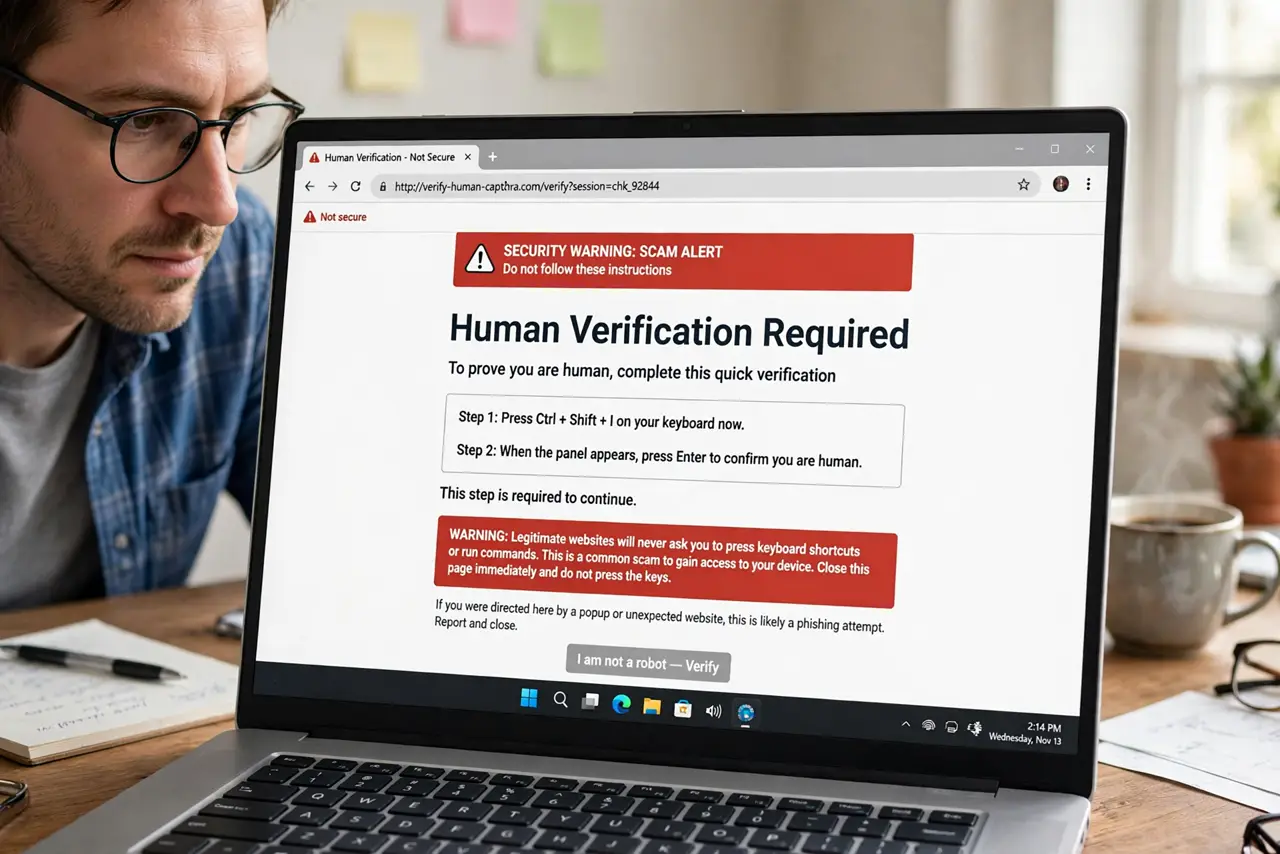
- Never paste web instructions into Run or Terminal. No legitimate website ever needs you to open the Run dialog or a terminal. That request alone proves the page is malicious.
- Clear the clipboard. Copy some harmless text to overwrite whatever the page put there. A poisoned clipboard is only dangerous if pasted somewhere powerful.
- Warn others who might fall for it. This trick spreads because it looks like a routine check. Tell family: captchas never ask you to touch your keyboard shortcuts.
What NOT to do
- Do not complete the 'steps' to prove you are human. Every step — the keys, the paste, the Enter — is the infection sequence.
- Do not think pasting text is harmless. Text becomes commands the moment it lands in Run, Terminal, or PowerShell.
- Do not download their 'fix' afterward. Follow-up pages offering a cleaner tool are usually a second payload.
- Do not assume your antivirus caught it. This trick runs with your permission, so tell your antivirus to do a full manual scan.
Frequently asked questions
How is this different from a real captcha?
Real captchas live entirely in the browser: checkboxes, image picks, sliders. The moment a page asks you to use Windows+R, Terminal, or paste anything, it is fake.
I pasted the command — what now?
Disconnect from the internet, run a full scan with reputable antivirus, and change important passwords from a clean device. See also what to do after you clicked a bad link.
Why doesn't the browser block this?
Because you are the one pasting and pressing Enter — the browser sees a user action, not an attack. That is why the trick works.