Use Burner Emails
A sketchy site demands your email for a 'free' download, and you know exactly what happens next: spam forever. Burner emails — temporary, disposable addresses — let you pass the gate without handing over anything real. Here is when to use them, how they work, and where they fall short.
TL;DR / Quick Fix
Quick fix: a burner email is a temporary address that lasts minutes or hours, then vanishes — perfect for one-off downloads and sketchy signups. Generate one from a reputable disposable-mail service, use it, grab your code, and walk away. Never use one twice.
Follow these steps
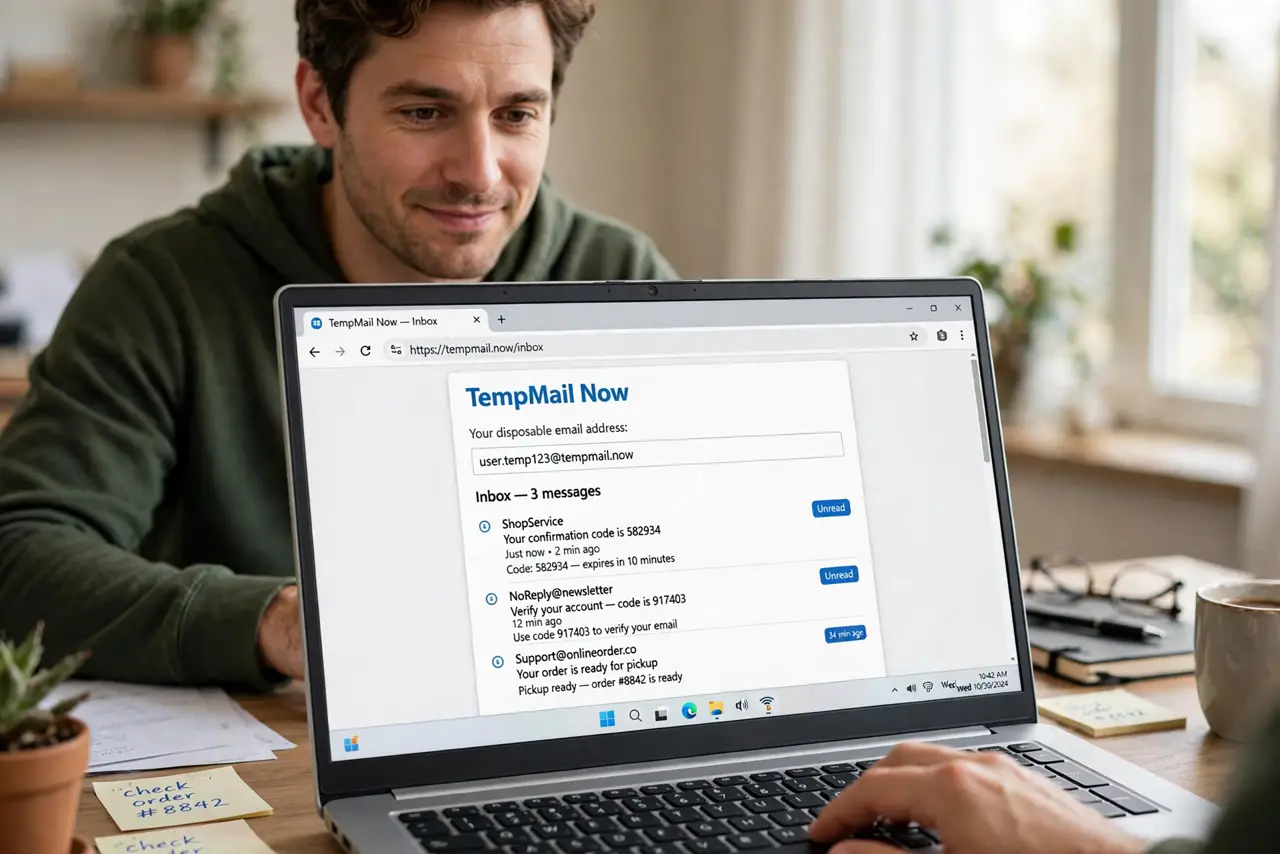
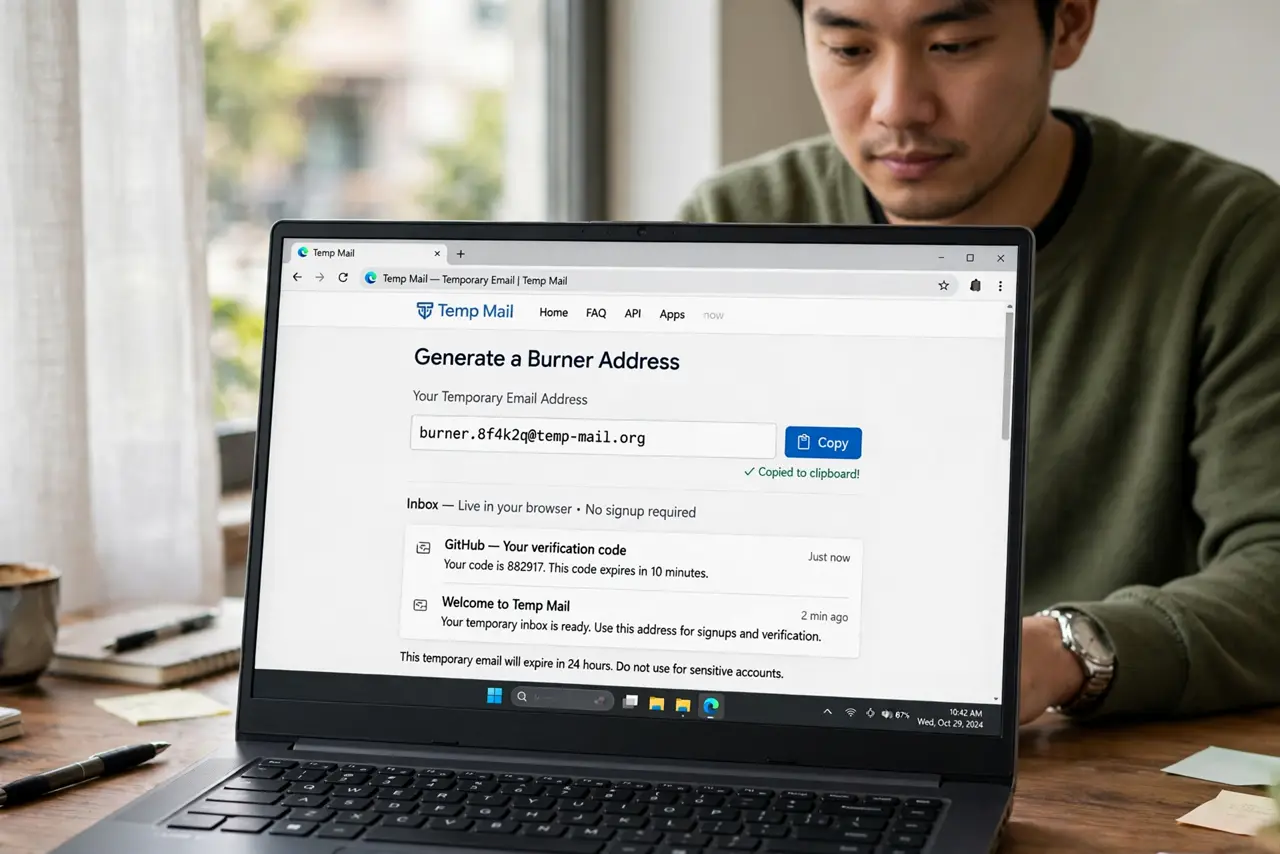
- Generate a burner address. Open a reputable temporary-mail service and copy the generated address — no signup needed. The inbox lives in your browser tab and self-destructs on a timer.
- Use it for the sketchy signup. Paste the burner into the form, submit, and watch the temporary inbox for the confirmation code or download link. The site gets an address that dies within the hour.
- Grab what you need quickly. Burner inboxes expire — codes and links with it. Complete the signup flow in the same session; coming back tomorrow finds nothing.
- Know what burners cannot do. No password resets later, no ongoing account access, no sending mail reliably. If you will ever need the account again, use a real email alias instead.
- Prefer reputable burner services. Well-known disposable-mail providers are fine; random ones may log or inject. And never enter real personal details alongside the burner — that defeats the purpose.
- Watch for blocked domains. Some sites reject known burner domains. When that happens, fall back to a proper alias — the site wants a real-ish address, and an alias gives one without exposing your main inbox.
What to avoid
- Do not use a burner for banking, shopping, or anything with money. You will need password resets and receipts — burners guarantee you cannot get them.
- Do not enter real personal info with a burner. A fake email plus your real name and phone is not anonymous — it is just inconsistent.
- Do not trust the burner inbox with sensitive codes. Temporary inboxes are often public or guessable — fine for a download link, wrong for anything private.
- Do not assume the site cannot identify you anyway. IP addresses and browser fingerprints exist regardless of which email you type.
Frequently asked questions
Are burner emails legal?
Yes — using a temporary address is legal. Using it to evade bans or commit fraud is not; the tool is neutral, the use is what matters.
Why do some sites block burner emails?
Because spammers abuse them. It is a cat-and-mouse game — reputable sites block known disposable domains to protect themselves.
Burner email vs email alias?
Burner: temporary, for one-off untrusted signups. Alias: permanent and manageable, for services you keep. Different tools for different trust levels.