Use Email Aliases
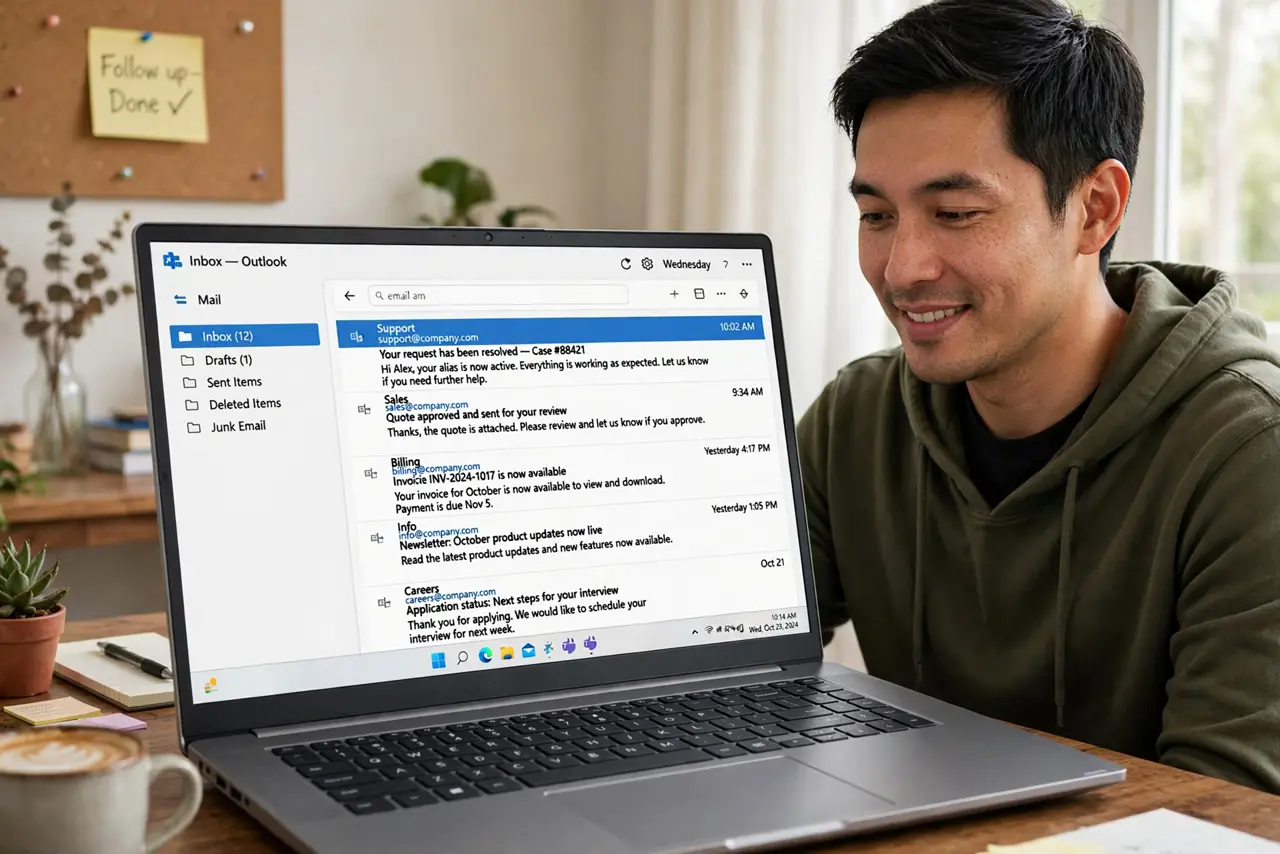
Every signup asks for your email, and weeks later the spam starts — newsletters you never wanted, promos from strangers, your address passed around. Email aliases fix this at the root: a unique address per service, so you always know who leaked you and can silence them with one click. Here is how to use them.
TL;DR / Quick Fix
Quick fix: an email alias is a forwarding address unique to one service — mail reaches your inbox, but you can disable the alias the moment it leaks. Create aliases in your email settings, use a fresh one per signup, and label each with the service name to trace leaks.
Follow these steps
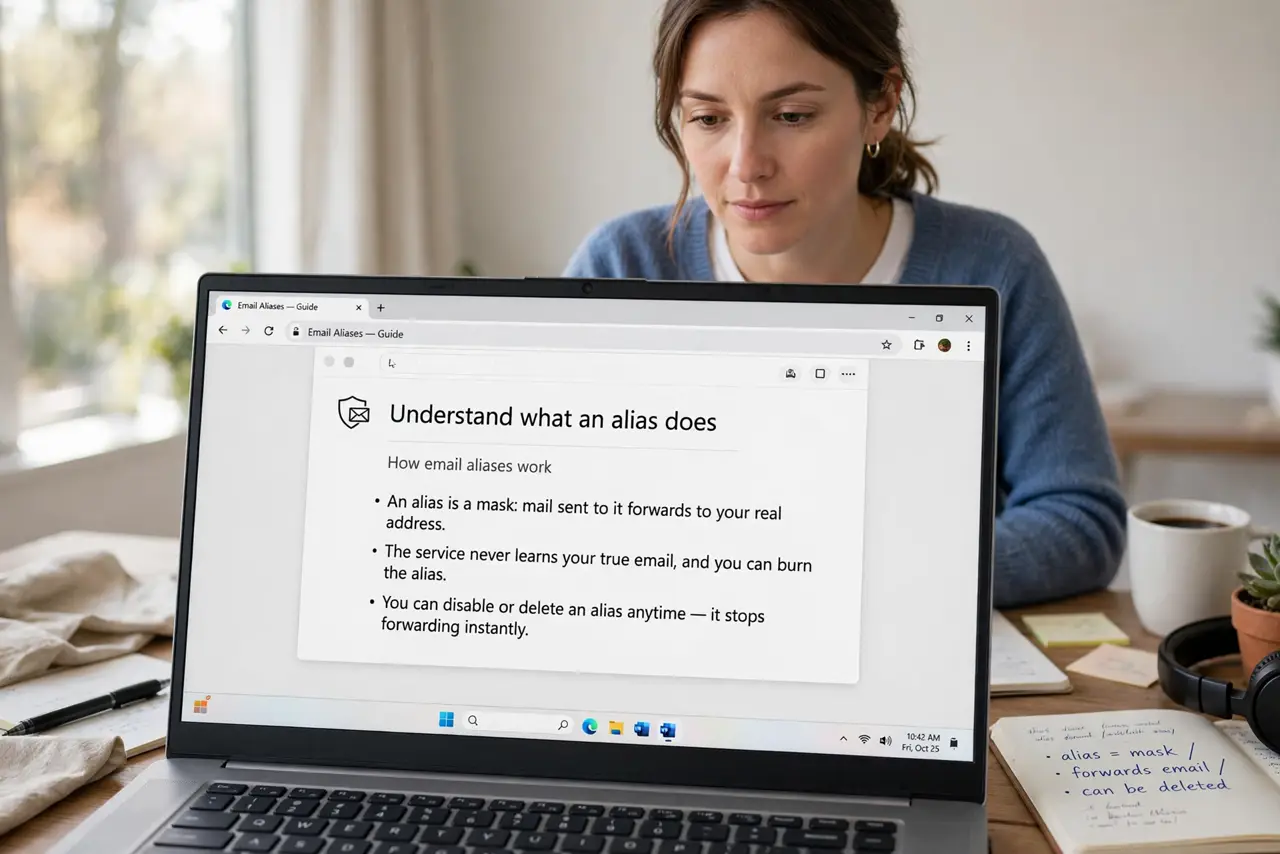
- Understand what an alias does. An alias is a mask: mail sent to it forwards to your real address. The service never learns your true email, and you can burn the alias without touching your main inbox — see how plus-addressing works.
- Create aliases in your provider. Gmail, Outlook, iCloud, and others offer built-in aliasing — iCloud's Hide My Email and Gmail's plus-addressing are the well-known ones. Check your provider's settings under accounts or privacy.
- Use one alias per service. The power is in uniqueness: netflix@, shop@, forum@. When spam arrives on one alias, you know exactly which service leaked or sold it.
- Label every alias. Name each alias after the service as you create it. Six months later, 'alias-482' tells you nothing, but 'bookstore@' tells you everything.
- Kill a leaked alias instantly. When an alias starts receiving spam, disable or delete it in your provider's settings. The spam stops immediately and your real address stays clean.
- Pair with burner addresses for sketchy forms. For one-off signups you will never revisit, a disposable burner email beats even an alias — nothing to manage, nothing to leak.
What to avoid
- Do not reuse one alias everywhere. A single shared alias leaks exactly like your real address — uniqueness is the whole mechanism.
- Do not use aliases for banking or government accounts. Critical accounts deserve your real, stable address — aliases are for everyone else.
- Do not forget which alias goes where. Unlabeled aliases become a mystery pile; the 10 seconds of labeling pays off at leak-tracing time.
- Do not assume aliases hide you from the service itself. The site still knows your alias and your activity there — aliases stop cross-service spam, not first-party tracking.
Frequently asked questions
Are email aliases free?
Basic aliasing is free in most major providers — plus-addressing and a handful of iCloud aliases cost nothing. Dedicated alias services offer free tiers with limits.
What happens to mail sent to a deleted alias?
It bounces or vanishes, depending on the provider. That is the point — but make sure you moved any wanted mail off the alias first.
Can I reply from an alias?
Usually yes — most providers let you send from the alias so your real address never appears in the reply headers either.