Use Notion Without Internet
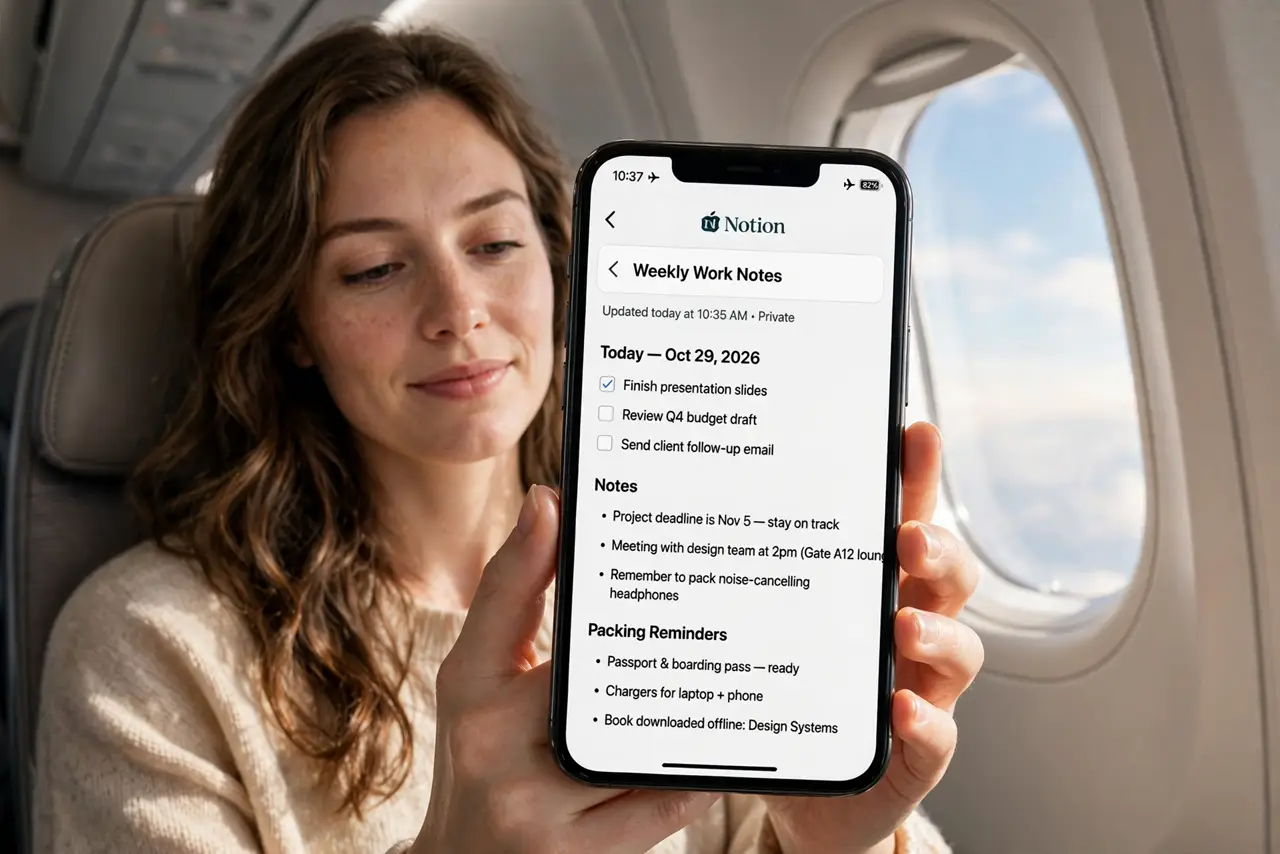
Notion feels like it needs the internet for everything — and mostly it does. But the mobile apps can keep recently opened pages available offline, and a little preparation before a flight means your notes survive the dead zone. Here is what actually works offline and how to set it up before you need it.
TL;DR / Quick Fix
Notion's offline support is limited: the mobile apps cache recently opened pages, so open everything you will need while still online. Keep the app running in the background, and keep offline edits simple — complex changes may conflict on reconnect. The Notion basics guide covers the fundamentals.
Follow these steps
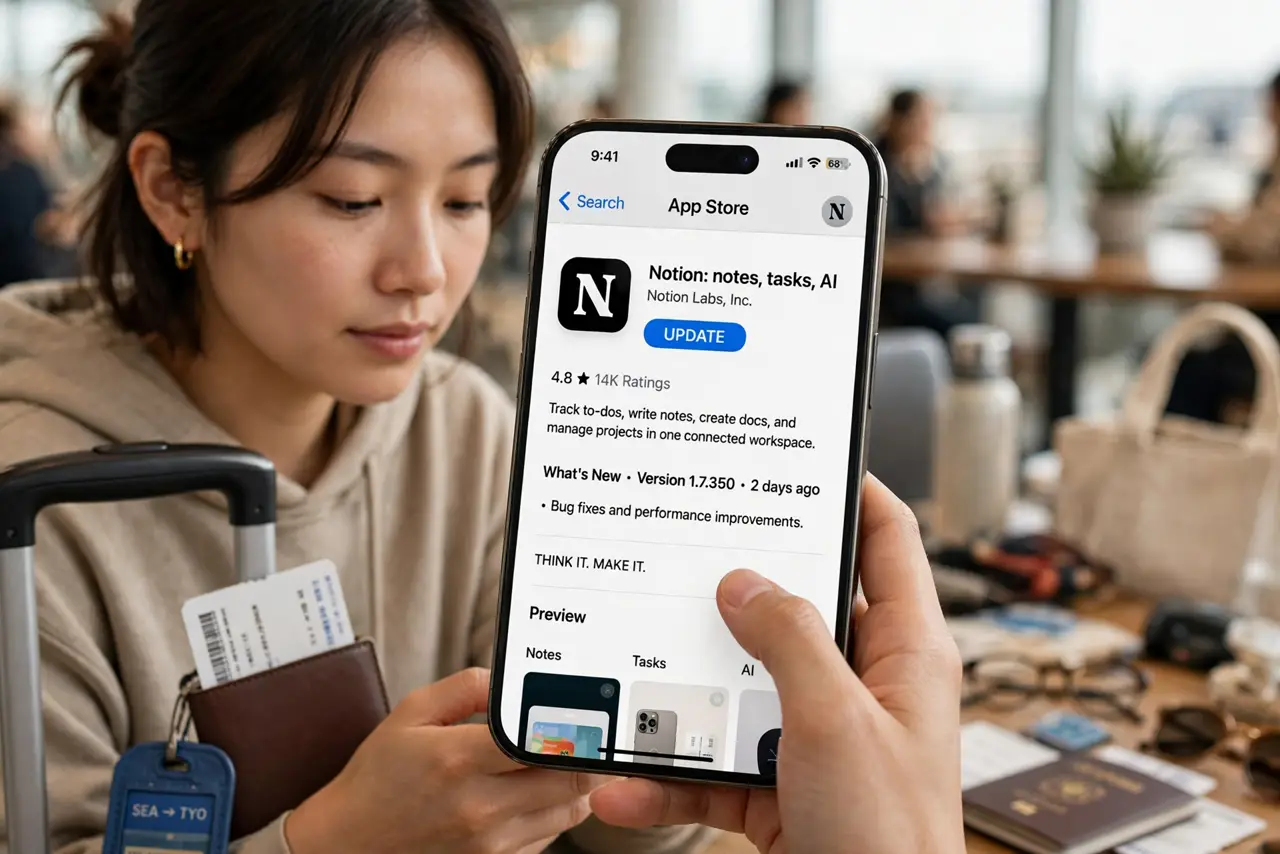
- Update the app before your trip. Install the latest Notion version while you have good internet. Offline behavior improves with updates, and you do not want the App Store refusing downloads at the gate.
- Open every page you will need. While online, open each page, database view, and doc you expect to use. Notion caches recently viewed pages on mobile — unopened pages will not be there offline.
- Enable offline settings in the app. Check the app's settings for offline or cache options and turn them on. Keep the app running in the background rather than force-closing it.
- Download key attachments separately. PDFs and files embedded in pages may not cache. Save critical attachments to your phone's files or another app as a backup.
- Keep offline edits simple. Small text edits usually sync fine on reconnect. Avoid restructuring databases or moving blocks around offline — complex changes are where sync conflicts breed.
- Reconnect and verify the sync. When back online, open the app, let it sync fully, and check that your edits appear. The databases guide helps untangle anything that duplicated.
What NOT to do
- Do not assume the desktop app works offline. Notion's offline caching is a mobile-app feature; the desktop and web versions need a connection.
- Do not force-close the app before the flight. Closing it can dump the cache — leave it sleeping in the background.
- Do not make structural edits offline. Reorganizing databases without a connection is the fastest route to conflicting copies.
- Do not board without a backup. For truly critical notes, keep a copy in an app with real offline support — redundancy beats hope.
Frequently asked questions
Does Notion have a real offline mode?
Only partially — mobile apps cache recent pages. There is no full offline mode like some competitors offer; plan around the limitation.
Will my offline edits be lost?
Simple edits almost always sync on reconnect. If a conflict occurs, Notion usually keeps both versions rather than deleting — check for duplicates after syncing.
What is the best true-offline notes app?
Apps built offline-first (Apple Notes, Obsidian, Google Keep) sync when possible but work fully without. Use one of those for must-have offline notes.