Video Call Audio Drops but Video Stays? Fix It
On a call, voices cut out or vanish, but video keeps moving, and others say they cannot hear you. Audio drops usually come from the mic, headset, app audio settings, or a connection that prioritizes video over voice.
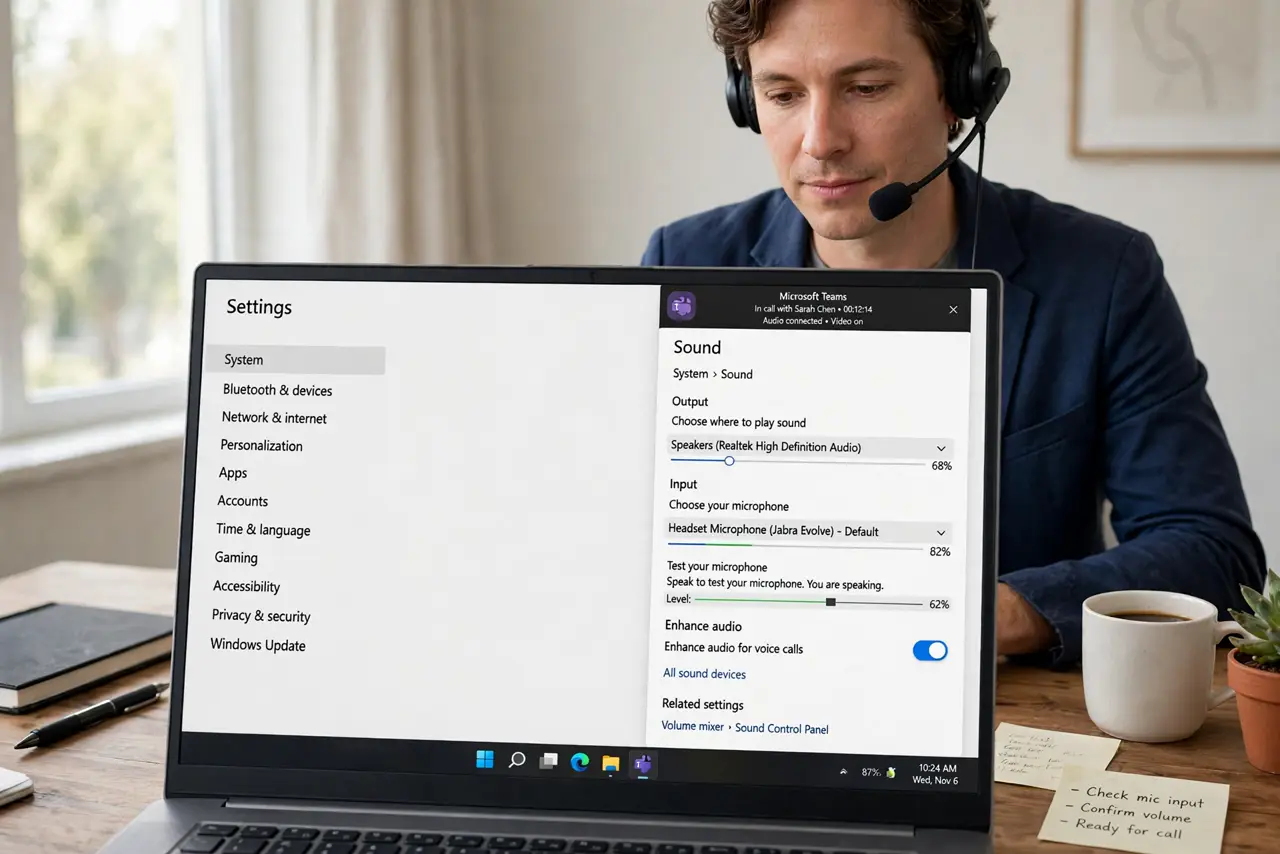
TL;DR / Quick Fix
Quick fix: check the mic is not muted in the app or on the headset, switch audio to another mic or speaker, and close streams on other devices. Then check the app audio settings and rejoin the call. Write down what worked for next time.
Follow these steps
- Check mute in the app and on the headset. Confirm the app mute is off and the headset mute button is off. Two mutes, app and headset, cause many silent calls, and either one alone silences you.
- Switch the audio device. In the call app audio settings, switch the microphone and speaker to another device, such as the laptop mic and speakers. If the new device works, the old headset is the fault.
- Reseat or recharge the headset. Unplug and replug a wired headset, or recharge a wireless one, and test again. A loose plug or low battery drops audio while video keeps running.
- Close bandwidth hogs on other devices. Pause streams, downloads, and backups elsewhere in the house. A busy connection can drop voice packets first, even while video looks fine.
- Check the app audio settings. Open the call app audio settings and confirm the right mic, speaker, and volume are selected, with noise suppression at a normal level. Overstrong noise suppression can cut real speech.
- Rejoin the call after a restart. Leave the call, restart the call app, and rejoin. If audio still drops, restart the device, since a stuck audio state survives an app restart alone.
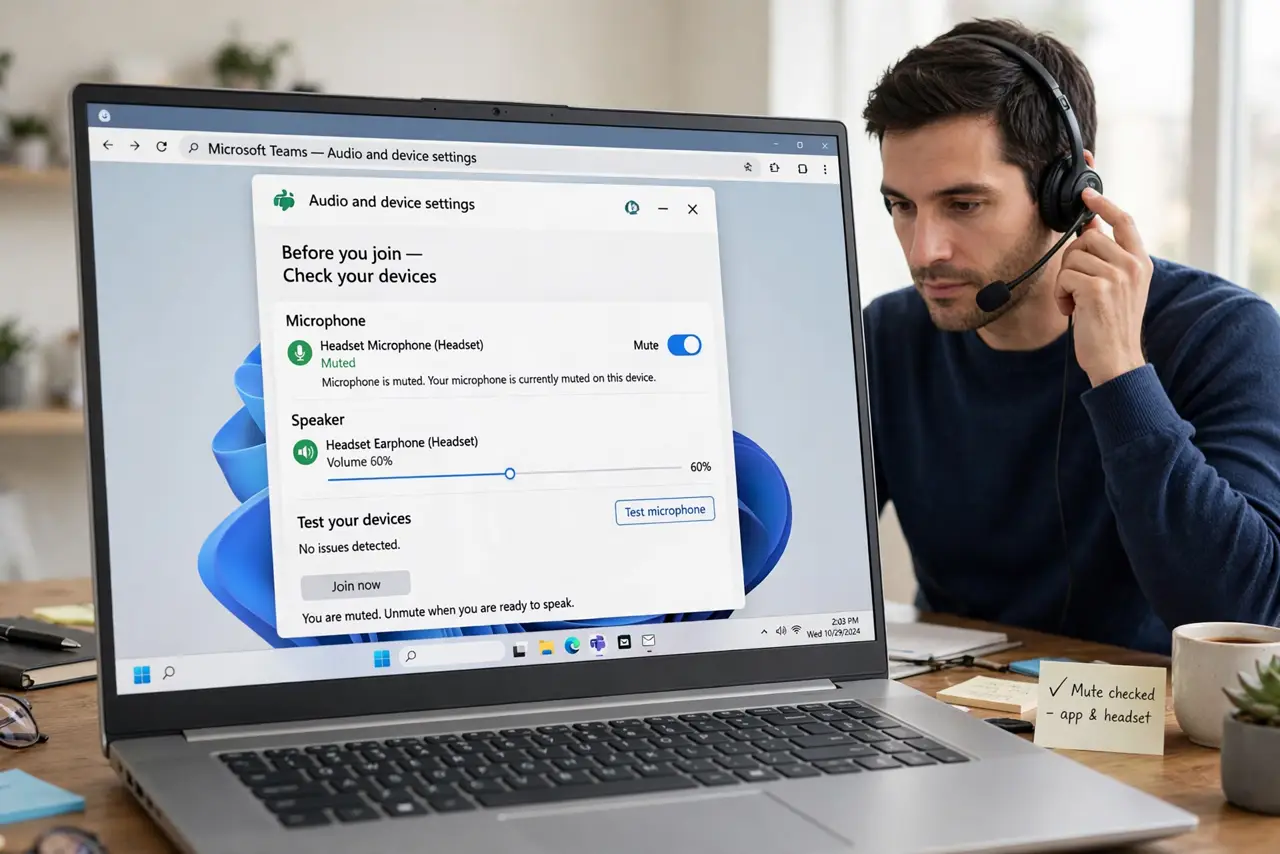
What NOT to do
- Do not shout into a dropping mic. Louder speech does not fix a muted, loose, or wrong-device mic, and it tires everyone on the call.
- Do not leave noise suppression at its strongest setting. It can cut quiet speech along with noise, making you sound like you keep dropping.
- Do not test audio only by listening to yourself. Ask another person on the call whether they hear you, since your own speakers can mislead you.
- Do not replace the headset before switching devices in settings. A settings switch is free and often proves the headset was never the problem.
Frequently asked questions
Why does audio drop but video stay?
Audio and video travel separately. A mic, headset, or settings fault can silence voice while video keeps moving.
Can noise suppression cut my voice?
Yes, at its strongest setting it can cut quiet speech along with background noise. Use a normal level.
Why do others not hear me but I hear them?
Your microphone path is at fault, not your speakers. Check mute, device selection, and the headset first.