Learn Basic Video Editing
Video editing looks like wizardry from the outside — timelines, keyframes, color grades. From the inside, 90% of good editing is three skills: cutting out the boring parts, adding readable text, and exporting something that plays everywhere. Learn those and you can edit anything.
TL;DR / Quick Fix
Quick fix: learn three skills and you can edit anything — cutting dead air, adding text titles, and exporting correctly. Record more than you need, cut ruthlessly, and keep edits invisible; good editing is felt, not seen. Publish ten short videos before buying paid software.
Follow these steps
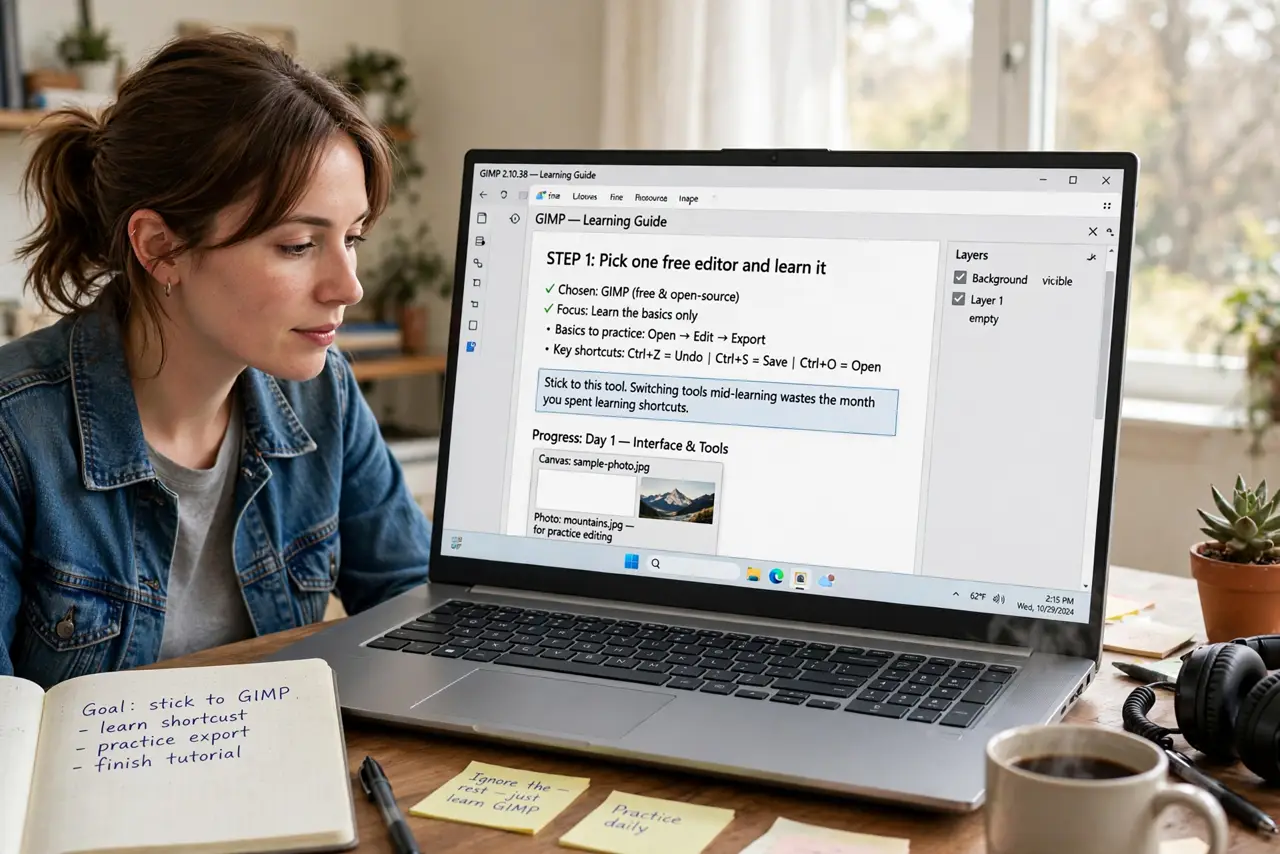
- Pick one free editor and learn it. Any major free editor handles the basics — pick one, ignore the rest. Switching tools mid-learning wastes the month you spent learning shortcuts.
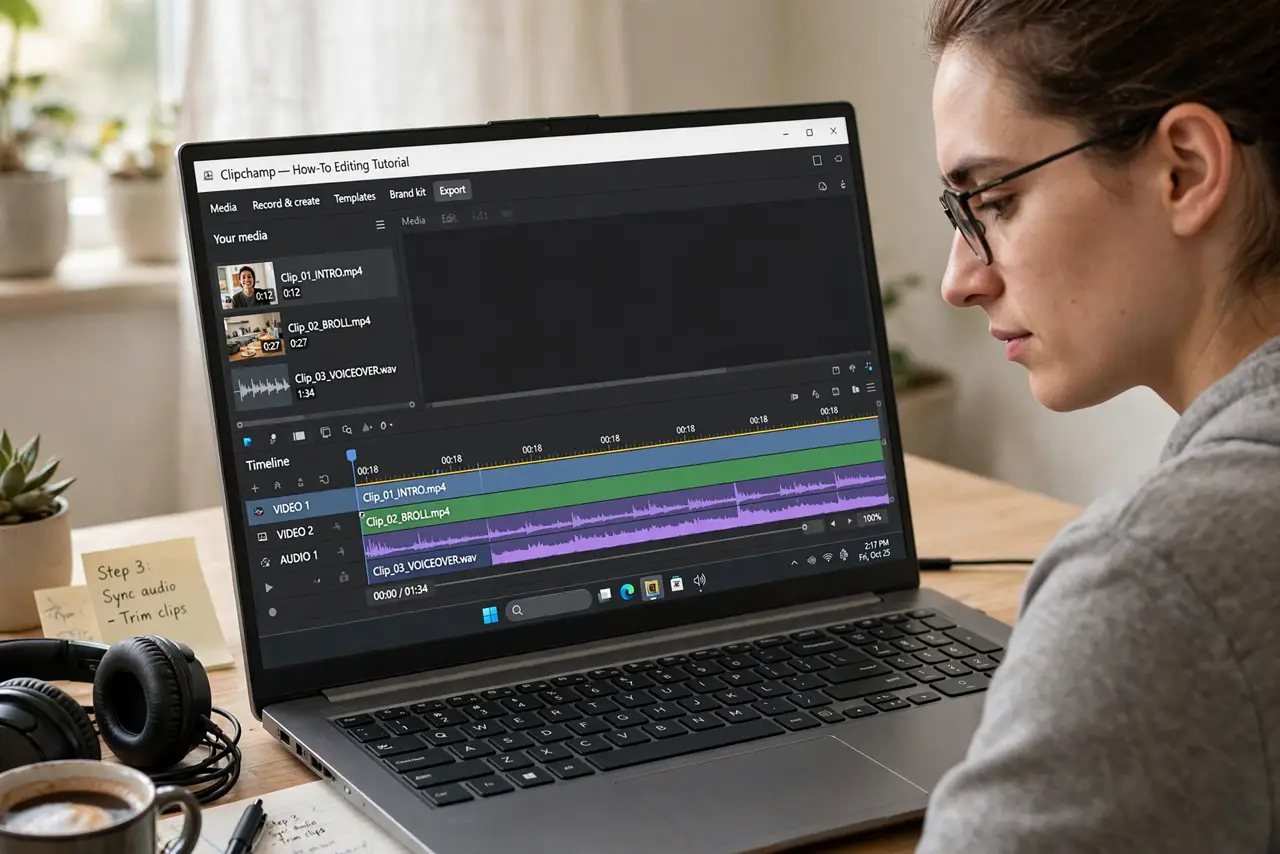
- Cut first, polish never (yet). Import your footage and delete everything boring: dead air, mistakes, rambling. A tight 3-minute cut beats a polished 10-minute ramble — cutting is the skill, effects are decoration.
- Add text that is actually readable. Titles need big type, high contrast, and time on screen to read. If you cannot read it on a phone at arm’s length, redo it — and see thumbnail basics for the same principles applied to covers.
- Learn the export settings once. 1080p, 30fps, H.264 is the universal safe choice for the web. Learn it once, save it as a preset, and never think about codecs again until you have a reason.
- Edit to a rhythm. Cuts on natural pauses and beats feel invisible; random cuts feel jarring. Watch your edit back at full speed — your boredom is the audience’s boredom, just earlier.
- Publish ten before upgrading tools. Your first ten videos teach you what you actually need. Most beginners who buy pro software first use 5% of it — skill first, tools second. A new channel is the natural home for the practice.
What NOT to do
- Do not start with effects and transitions. Fancy wipes do not fix boring footage — cut first, decorate maybe never.
- Do not edit in the camera’s original huge files if your PC chokes. Proxy or optimized media exists for exactly this — use it instead of suffering.
- Do not skip the audio. Bad audio kills videos faster than bad visuals; even basic leveling and noise cleanup transforms a video.
- Do not perfect video one. Publish, learn from the retention graph, and make video two better — iteration beats perfection.
Frequently asked questions
What’s the easiest free video editor?
The one your OS ships with is the easiest start — zero install, enough features for basics. Move up when you hit a wall, not before.
How long does editing take?
Roughly 3-5x the finished length for simple cuts when you are learning. It drops fast with practice — and with cutting ruthlessly in-camera.
Do I need a powerful computer?
For 1080p basics, no — any recent machine copes. 4K with effects is where hardware starts to matter.