Your Meeting Camera Looks Mirrored to Others
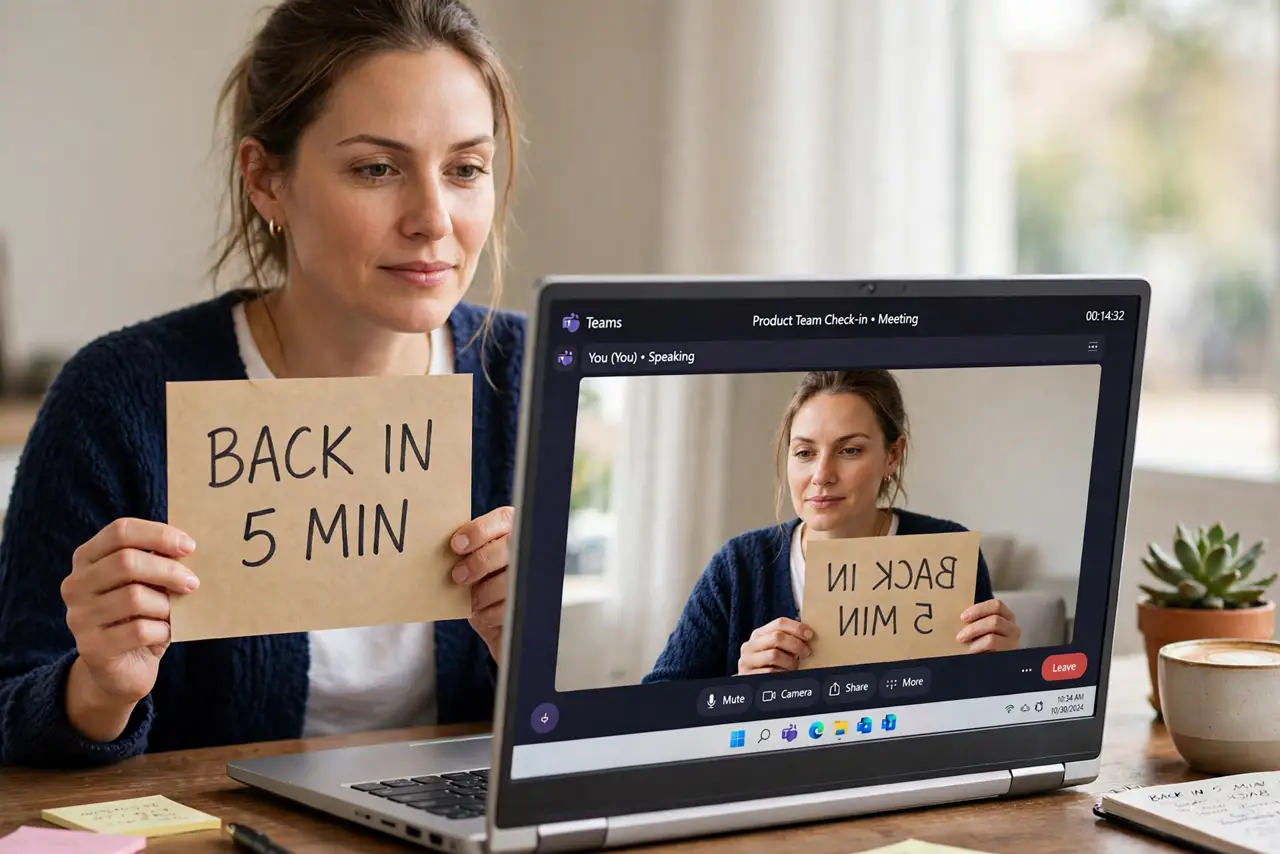
Your preview looks normal, but everyone else sees your text backwards and your right hand raised on the wrong side. Meeting apps mirror your preview by design — the question is what the others actually receive.
TL;DR / Quick Fix
Quick fix: check the app's mirror setting — most apps mirror only your preview, while others see you correctly. Ask one participant what they actually see. If others truly see you mirrored, turn off mirror-my-video in the video settings and rejoin.
Follow these steps
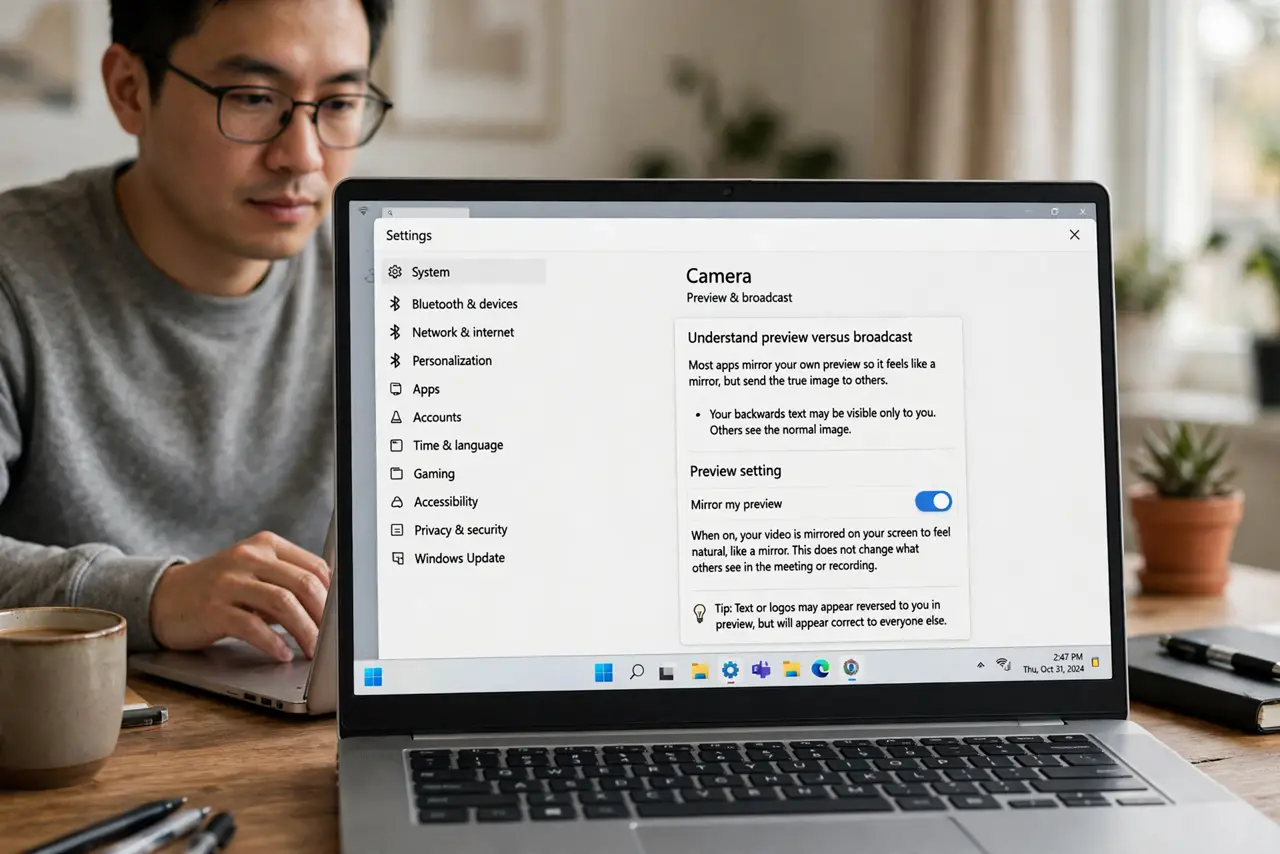
- Understand preview versus broadcast. Most apps mirror your own preview so it feels like a mirror, but send the true image to others. Your backwards text may be visible only to you.
- Ask one participant what they see. Have someone confirm whether your text reads backwards to them. Their answer decides whether there is anything to fix at all.
- Find the mirror setting. Open the app's video settings and look for mirror my video. Turning it off un-mirrors your preview; in some apps it also changes what others receive.
- Check the camera permission and device if video looks odd overall. If the image is also frozen, dark, or wrong, check the camera permission and device — the selected camera or its permission may be at fault rather than any mirror setting.
- Rejoin after changing it. Leave and rejoin the meeting after toggling the setting. Some apps apply video changes only on a fresh join.
- Hold text up to test. Write a word on paper and hold it up. One glance from another participant settles the mirrored-or-not question instantly.
What NOT to do
- Do not buy a new webcam for a mirror setting. Mirroring is software behavior, and no camera hardware changes it.
- Do not panic about backwards text in your preview. In most apps that preview is yours alone, and everyone else reads you perfectly.
- Do not change the setting mid-presentation. Toggle it before the meeting, since video changes can freeze or drop your feed at the worst moment.
- Do not assume every app behaves the same. One app mirrors only previews while another mirrors the broadcast, so check per app.
Frequently asked questions
Why is my video mirrored?
Apps mirror your preview to feel like a mirror. Others usually receive the true, unmirrored image.
Do others see my text backwards?
Usually not. Ask one person to confirm before changing anything, since the preview lies about this.
Where is the mirror setting?
In the video section of the meeting app's settings, labeled mirror my video or similar.