Volume Icon Missing From Taskbar? Fix It
When the volume icon vanishes from the taskbar, changing sound still works through Settings, but it is slower. The icon is usually hidden by a taskbar setting or a stuck process, and both fixes are quick.
TL;DR / Quick Fix
Quick fix: open Settings, then Personalization, then Taskbar, and check the system tray icons to make sure Volume is on. If it is on but still missing, restart Windows Explorer from Task Manager and check the taskbar again. Test it once more after a restart to confirm the fix holds.
Follow these steps
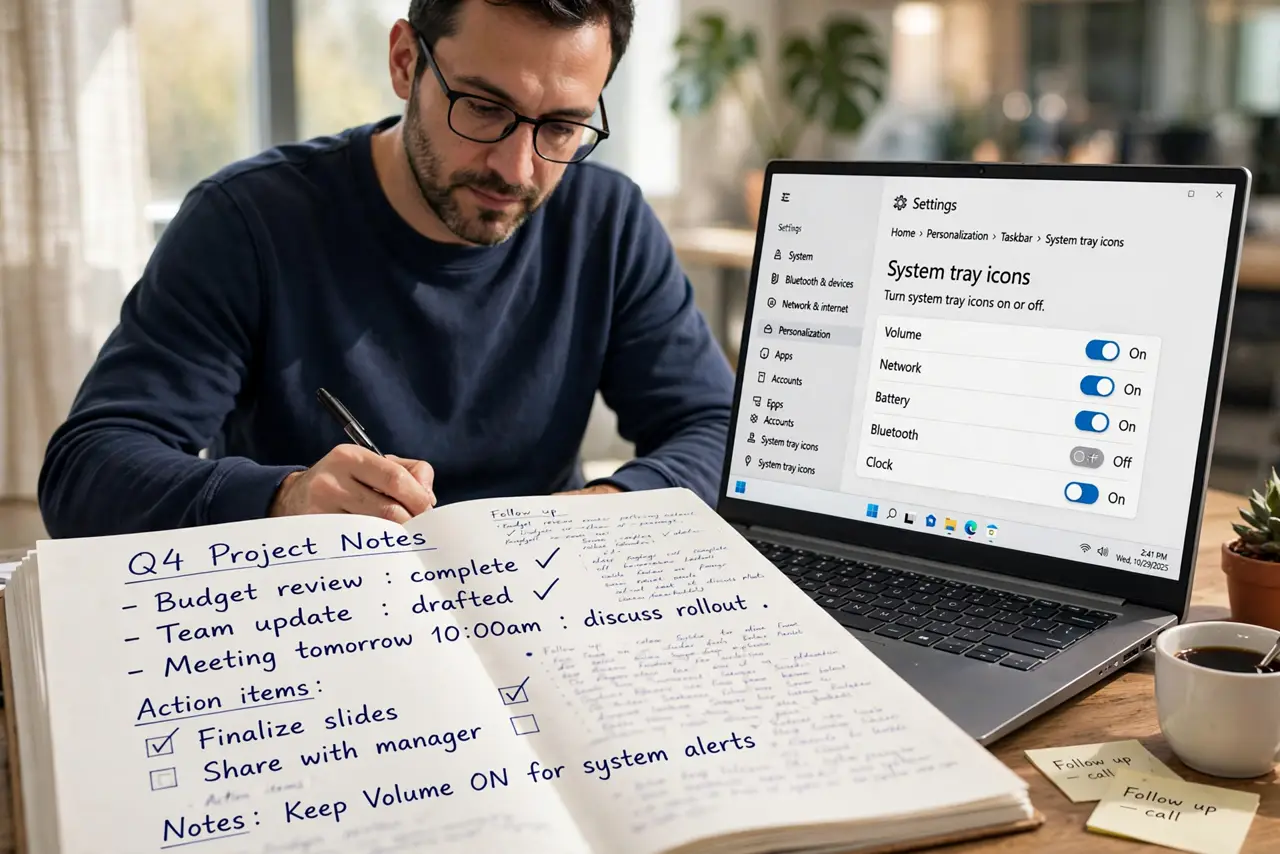
- Check the taskbar icon settings. Open Settings, then Personalization, then Taskbar, and look at the system tray icons. Make sure Volume is turned on, not hidden.
- Expand the hidden icons tray. Click the small up arrow near the clock. The volume icon may be sitting in the hidden tray, and dragging it onto the taskbar restores quick access.
- Restart Windows Explorer. Press Ctrl, Shift, and Esc, find Windows Explorer, right-click it, and choose Restart. The taskbar refreshes, and hidden icons often return.
- Check the sound device in Settings. Open Settings, then System, then Sound, and confirm an output device is selected. If no device is listed, the icon may hide because there is nothing to control.
- Restart the computer. Save your work and restart. A restart clears a stuck taskbar state that a single Explorer restart sometimes leaves behind.
- Test the volume keys and slider. After the icon returns, click it and drag the slider, and try the keyboard volume keys. If sound changes, the icon and the device are both working.
What NOT to do
- Do not reinstall sound drivers at the first sign of a missing icon. A hidden taskbar setting is far more common, and drivers are a later step.
- Do not turn off every system tray icon to tidy the taskbar. Hiding Volume on purpose is the most common reason it seems to vanish.
- Do not change the default sound device at random. Picking the wrong device can send sound to a monitor or a device with no speakers.
- Do not ignore a missing icon if sound also stops. If sound stops too, check the output device and cable before assuming the icon is the only problem.
Frequently asked questions
Why is the volume icon in the hidden tray?
Windows moves less-used icons into the hidden tray. Dragging the icon back onto the taskbar keeps it visible.
The icon is on but I hear nothing. What now?
Check the output device in Sound settings and the physical speaker or headphone connection, because the icon only controls volume.
Does restarting Explorer close my documents?
No. It refreshes the taskbar and Start menu. Open File Explorer windows will close, but documents stay open.