VPN Slows Only One App? Find the Cause
When everything else runs fine through a VPN but one app crawls, the problem is rarely your whole connection. It may be the app server location, a protocol clash, or a setting inside the app. Test systematically before blaming the VPN.
TL;DR / Quick Fix
Quick fix: test the app with the VPN off to confirm the VPN is involved, then try another VPN server, and restart the app. If only that app still crawls, check its settings, and consider split tunneling for that app only if you understand the trade-off.
Follow these steps
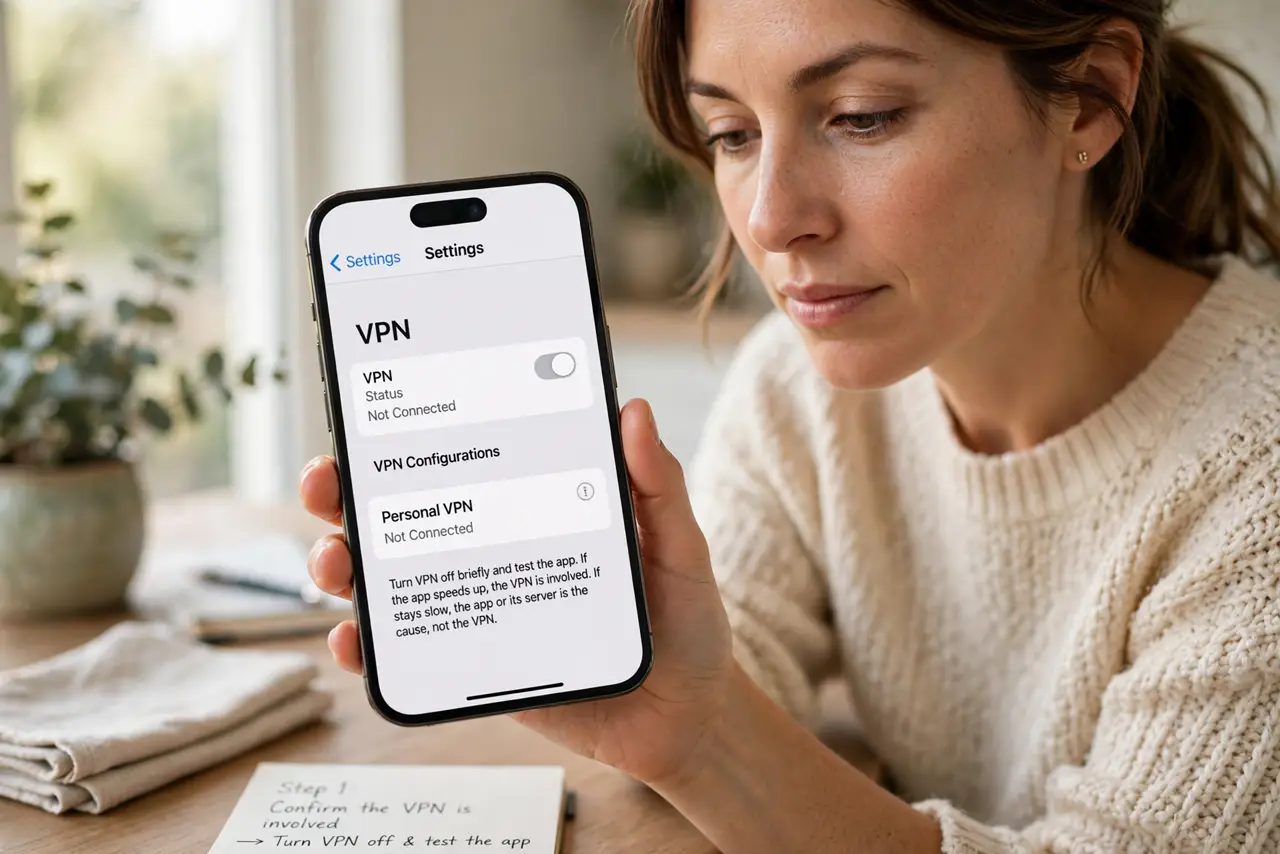
- Confirm the VPN is involved. Turn the VPN off briefly and test the app. If the app speeds up, the VPN is involved. If it stays slow, the app or its server is the cause, not the VPN.
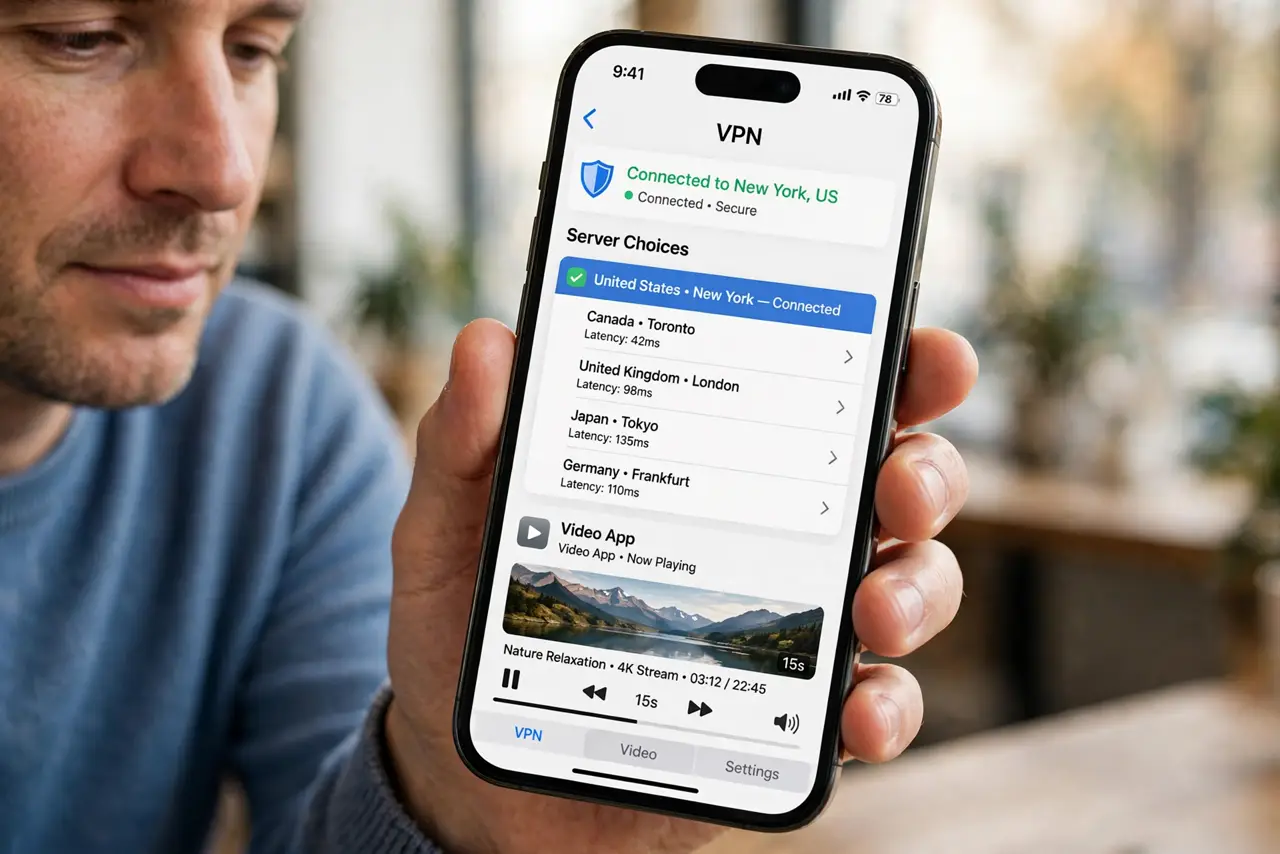
- Try another VPN server. Connect to a different server, preferably closer to you or to the app server region. A distant or overloaded server can slow one app more than others.
- Restart the app and the VPN. Close the app fully, reconnect the VPN, then reopen the app. Stale connections after a server change often explain a single-app slowdown.
- Check the app settings. Look in the app for server region, quality, or download settings. An app set to a distant region will crawl through any VPN, and changing it helps more than changing servers.
- Try a different VPN protocol if offered. In VPN settings, try another protocol if the app offers a choice. Some protocols suit video or calls better than others, and one may suit this app.
- Consider split tunneling carefully. If the VPN offers split tunneling, you can route only that app outside the VPN. Use it only for non-sensitive apps, since that traffic then loses VPN protection.
What NOT to do
- Do not turn the VPN off entirely because one app is slow. Fix the one app, or route only that app outside, and keep protection for the rest.
- Do not use split tunneling for banking, work, or sensitive apps. Those are exactly the apps that should stay inside the VPN.
- Do not keep switching servers blindly. Test one change at a time, so you know which change actually helped.
- Do not assume the fastest server is the closest one. Load matters too, so try two or three servers before deciding.
Frequently asked questions
Why would only one app slow down?
That app may use a distant server, a sensitive protocol, or heavy video, all of which react more to VPN routing than light browsing does.
Is split tunneling safe?
It is a trade-off: the excluded app loses VPN protection, while other apps keep it. Use it only for apps with nothing sensitive to protect.
What if every app is slow through the VPN?
Then the problem is broader: try another server, another protocol, and check your base speed with the VPN off for comparison.