Test Your VPN for DNS Leaks
Your VPN tunnel can be perfect while your DNS requests quietly leak to your internet provider — telling them every site you visit. A two-minute leak test shows the truth. Here is how to test, what the results mean, and the settings that plug the leak.
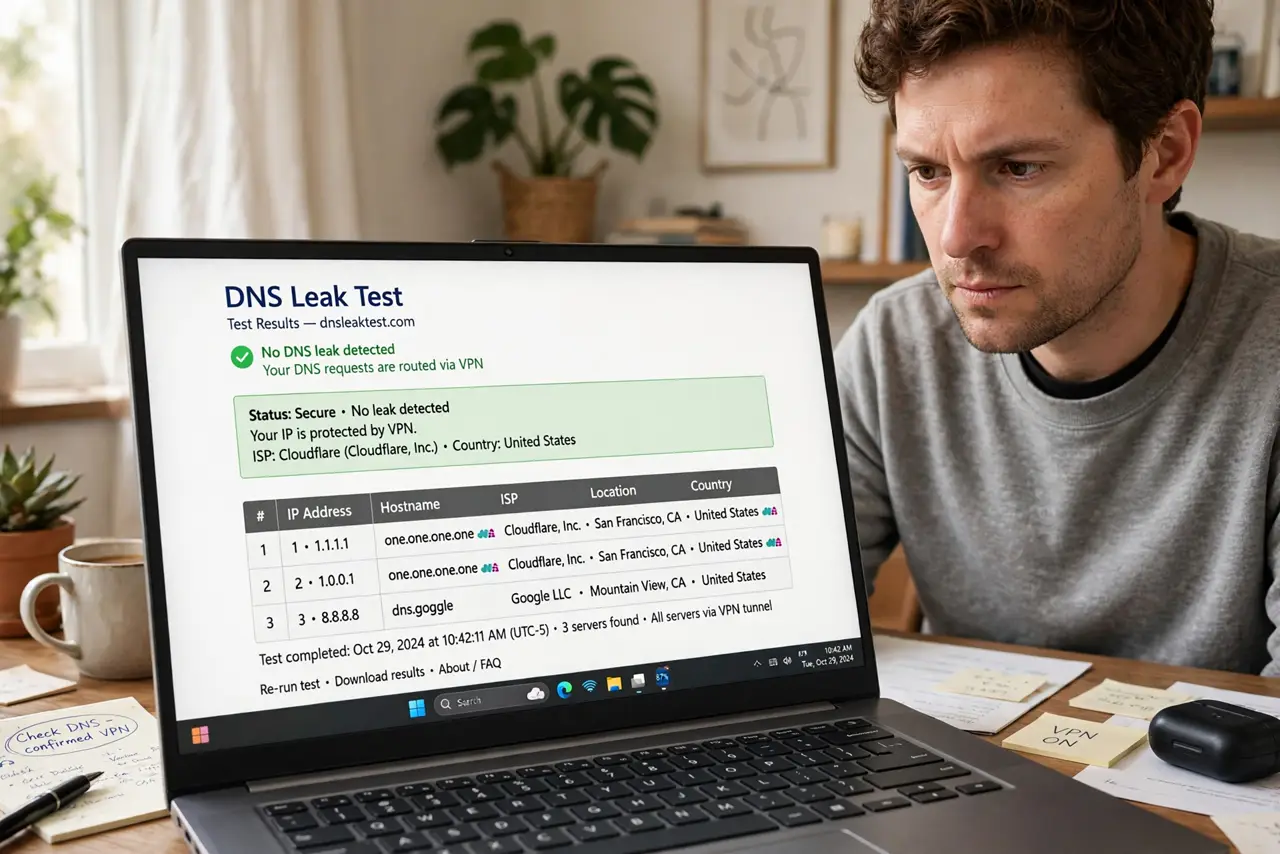
TL;DR / Quick Fix
DNS leaks let your provider see the sites you visit even with the VPN connected. Run a leak test while connected: if your ISP's servers appear, you have a leak. Enable the VPN's DNS leak protection, use the VPN's own DNS, and check for IPv6 leaks. Re-test after app updates.
Follow these steps
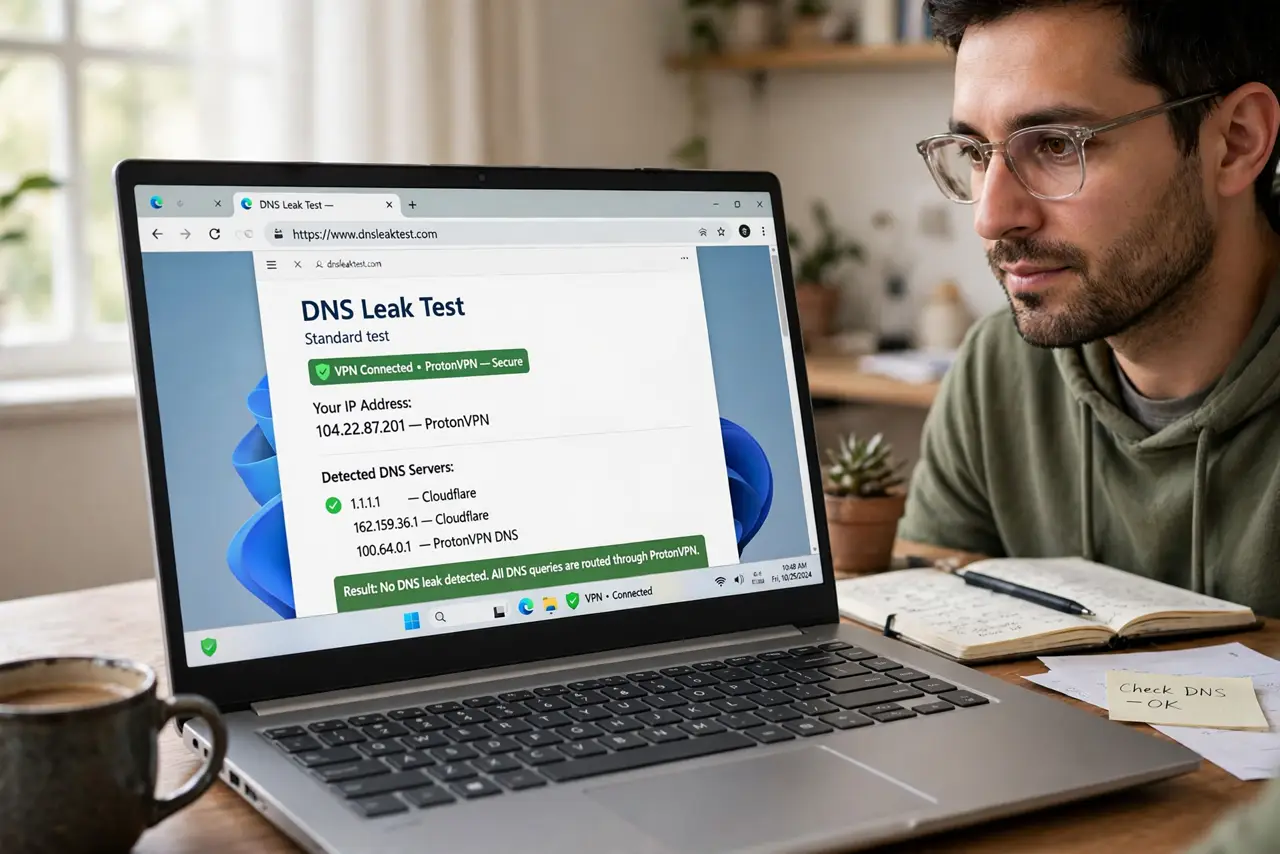
- Run a leak test with the VPN connected. Reputable test sites show which DNS servers answer your queries. Run the extended test for the full picture.
- Read the results. Your ISP's name in the results means a leak. Only the VPN provider's servers should appear.
- Enable DNS leak protection in the VPN app. Most VPN apps have the toggle under settings or advanced options. Switch it on and re-test.
- Use the VPN's DNS servers. Do not set a custom DNS at the OS level that bypasses the tunnel. For choosing resolvers generally, see what DNS to use.
- Check for IPv6 leaks too. Some VPNs handle IPv4 but leak IPv6. Either disable IPv6 on the device or use a VPN that covers both.
- Re-test after app updates. Updates can reset network settings. A quick re-test after each update takes two minutes.
What NOT to do
- Do not test with the VPN disconnected. That is not a test — every query will 'leak' by design.
- Do not set a third-party DNS at the OS level that bypasses the VPN tunnel. It defeats the tunnel's DNS routing.
- Do not ignore the kill switch. A dropped VPN connection leaks everything until it reconnects — the kill switch is the backstop.
- Do not assume one clean test lasts forever. Networks, apps, and updates change; re-test occasionally.
Frequently asked questions
What exactly is a DNS leak?
Your device asking your internet provider — not the VPN — to resolve site names. The tunnel encrypts traffic, but the lookups betray your destinations.
Why does my ISP's server still show sometimes?
Split tunneling, OS-level DNS overrides, or browser secure-DNS settings can each route queries outside the tunnel.
Are browser 'secure DNS' settings a problem?
They can be: the browser may send DNS queries to its own resolver, bypassing the VPN's DNS. Align the browser setting with the VPN.