4K or 1080p Webcam?
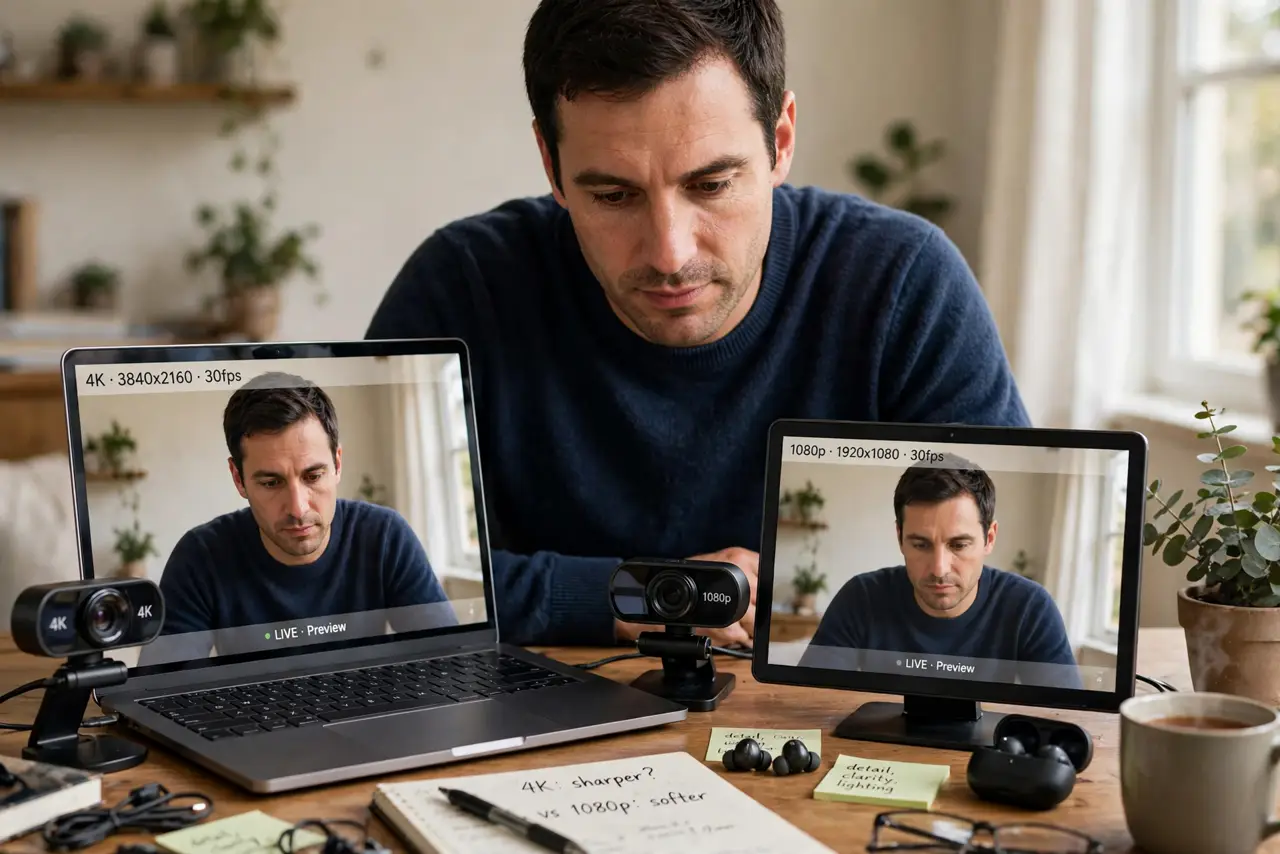
Webcam boxes push 4K like it will transform your video calls — but most calls compress everything to 720p or 1080p before it reaches anyone. A well-lit 1080p image beats a dim 4K one every time, and costs half as much. Buy pixels last, lighting first. See the webcam picker and the external versus built-in debate.
TL;DR / Quick Fix
Quick fix: buy the 1080p webcam unless you specifically need 4K — most video calls compress to 720p or 1080p anyway, and good lighting matters more than pixels. Spend the savings on a light. A well-lit 1080p image beats a dim 4K one every time.
Follow these steps
- Know what calls actually use. Zoom, Meet, and Teams typically deliver 720p or 1080p to viewers. A 4K sensor's extra pixels mostly die in compression.
- Prioritize lighting. A decent light in front of you improves any webcam more than any resolution upgrade. Light first, pixels later.
- Check the lens and sensor. A good 1080p sensor with a decent lens beats a cheap 4K sensor. Read reviews with sample footage, not spec sheets.
- Consider when 4K helps. Cropping, digital zoom, or recording content for later — 4K's extra pixels give editing headroom. For live calls, rarely.
- Mind the price gap. The savings from 1080p buy a light and a mic — upgrades viewers actually notice.
- Test your internet too. 4K needs serious upload bandwidth. On modest connections the camera downshifts anyway — check your upload speed first.

What NOT to do
- Do not buy 4K for Zoom calls. The platform compresses it away — you paid for pixels nobody sees.
- Do not neglect the microphone. Viewers forgive video quality far faster than bad audio.
- Do not forget lighting. A 4K camera in a dark room still looks like a dark room.
- Do not assume built-in is terrible. Modern laptop cameras are decent — an external cam must earn its desk space.
Frequently asked questions
Will people see the difference?
On a typical video call, no. In recorded content you edit later, sometimes.
Is 4K more future-proof?
Marginally. By the time calls routinely use 4K, today's 4K cams will be outdated anyway.
What matters more than resolution?
Lighting, lens quality, and autofocus — in that order. See the focus fix.