Real Backgrounds Beat Virtual
Your virtual background glitches — your ear disappears, the plant flickers, the edges crawl. Virtual backgrounds guess what is you and what is not, and they guess wrong constantly. A real, tidy background needs no processing, never glitches, and looks more professional than any fake beach.

TL;DR / Quick Fix
Quick fix: turn off the virtual background and tidy what is behind you — a bookshelf, a plant, a clean wall. Move the camera so the background is simple and uncluttered. Good lighting matters more than any backdrop effect. Real backgrounds never glitch, never flicker, and never eat your ears.
Follow these steps
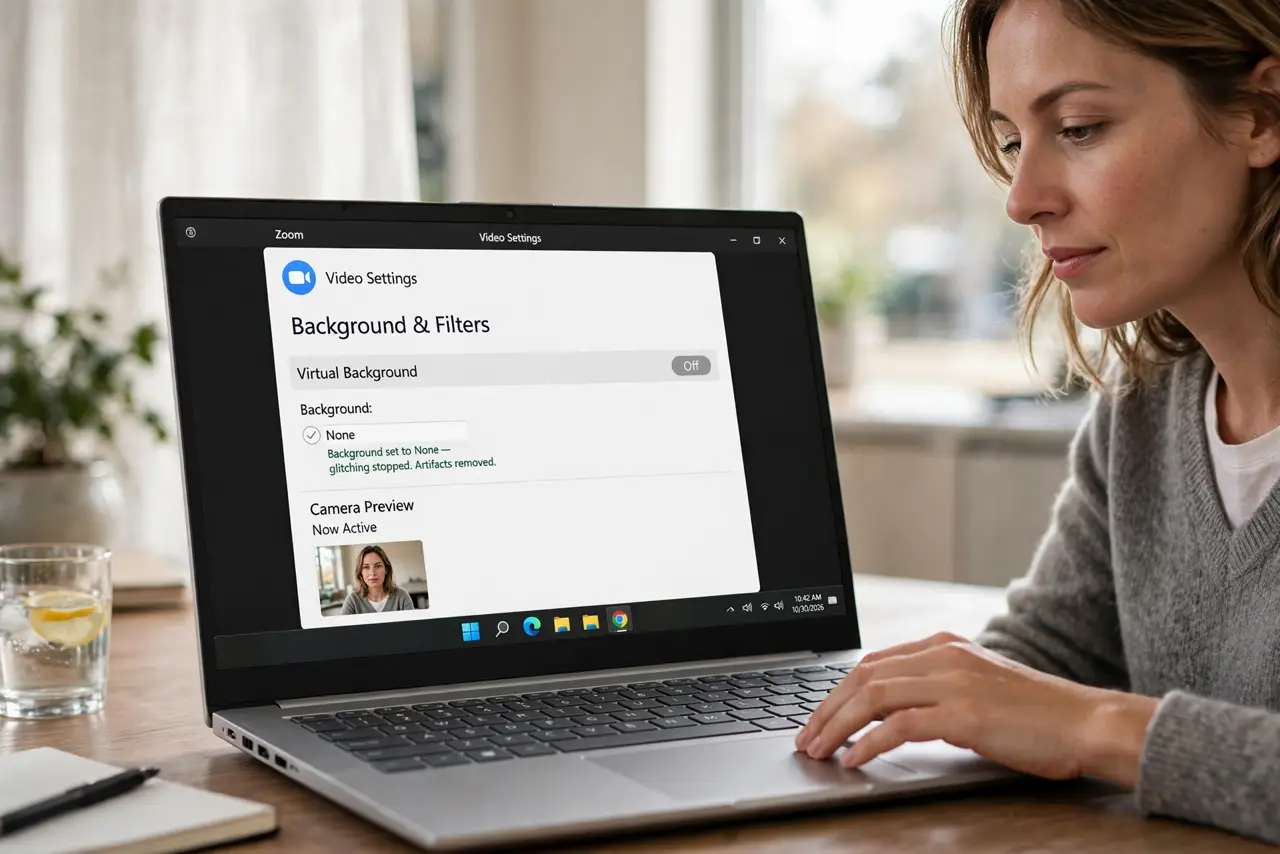
- Turn off the virtual background. In your call app's video settings, set the background to None. Instantly, the glitching stops — the artifacts were all computational.
- Tidy the real background. Clear clutter from the camera's view. You do not need a studio — a neat shelf or plain wall beats a messy room with a fake beach.
- Simplify what is behind you. A single plant or bookshelf reads as intentional. Busy backgrounds distract even when real — less is more.
- Light the background slightly. A dim background behind a lit face looks deep and professional. Total darkness behind you looks like a hostage video.
- Frame yourself well. Combine the real background with good mounting and framing — background, position, and light are the trio.
- Keep virtual for emergencies. Traveling with a messy hotel room? Then virtual is better than chaos. But at home, real wins every time.
What NOT to do
- Do not use virtual backgrounds to hide a mess daily. Ten minutes of tidying beats a year of glitching ears.
- Do not pick busy virtual scenes. Fake beaches and space stations distract from you — subtle or nothing.
- Do not forget the edges. Virtual backgrounds fail hardest on hair, glasses, and fast movement — sit still or go real.
- Do not assume blur is better. Heavy blur looks like a witness protection interview — light blur or none.
Frequently asked questions
Why does my virtual background flicker?
The segmentation struggles with low light, busy backgrounds, or similar colors between you and the wall. More light helps; real background ends it.
Are virtual backgrounds unprofessional?
A clean subtle one is fine. A glitchy one signals tech trouble — real tidy backgrounds signal competence.
What is the best real background?
A softly lit bookshelf, plant, or plain wall. Personal but not distracting — and it never needs a GPU.