Mount Your Webcam Right
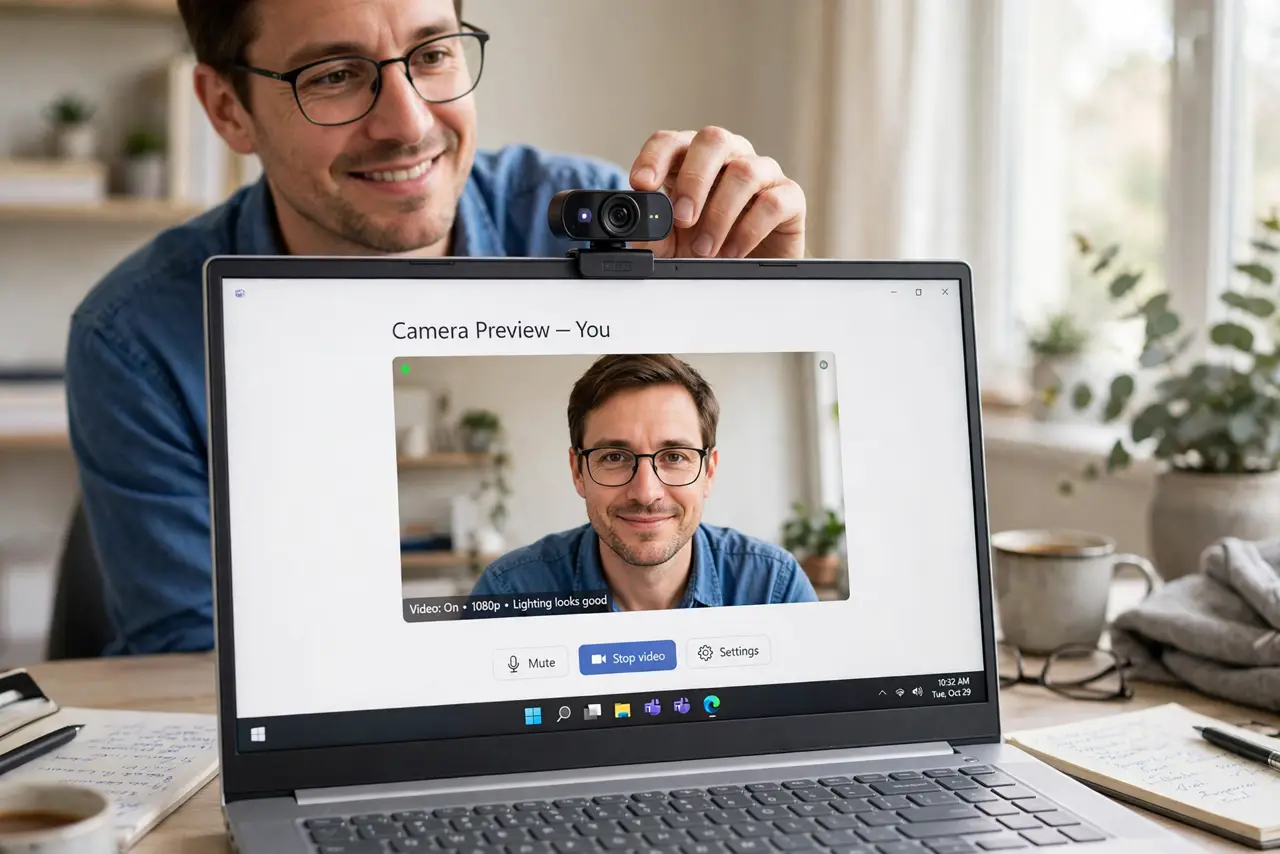
Your video calls show the ceiling, your chin, or a mysterious nostril cam — because the webcam sits wherever it landed. Mounting it at eye level, centered, transforms how you look on calls more than any camera upgrade. Position beats pixels every time.
TL;DR / Quick Fix
Quick fix: mount the webcam at eye level, centered on your face — stack the monitor on books if needed. Sit an arm's length away. Look into the lens, not at faces on screen, for eye contact. A budget webcam at eye level beats a costly one filming your ceiling.
Follow these steps
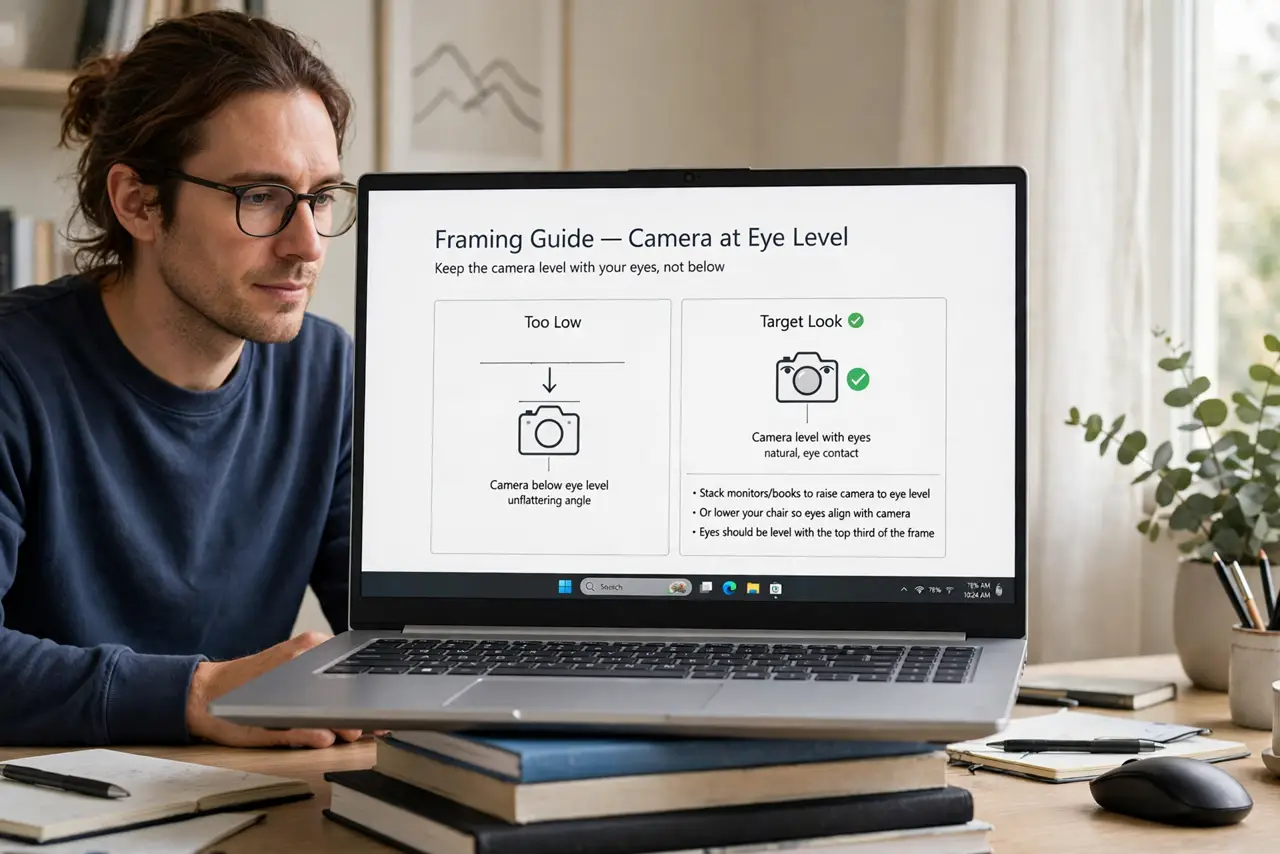
- Get it to eye level. The camera should sit level with your eyes, not below. Stack monitors on books or lower your chair — the framing guide shows the target look.
- Center it on your face. Clip it to the top-center of your monitor. Off-center cameras create the distracted side-eye effect.
- Mind the distance. An arm's length gives natural proportions. Too close distorts your face; too far makes you a postage stamp.
- Stabilize the mount. A wobbling clip ruins everything. Tighten the mount and avoid perching the camera on unstable stacks.
- Consider an upgrade path. If the built-in cam is truly bad, an external webcam on a proper mount is the next step — position first, purchase second.
- Pair with good lighting. Perfect mounting with terrible lighting still looks bad — see the lighting basics and face a window or a lamp after mounting.
What NOT to do
- Do not film from below. The up-nose angle is unflattering on everyone — eye level or slightly above only.
- Do not perch it on a wobbly stack. One bump mid-call and your audience watches the ceiling fan.
- Do not buy a new camera before fixing position. Most bad video is bad mounting, not bad hardware.
- Do not forget to remove the lens cover. The privacy shutter left on is the most common why is my video black cause.
Frequently asked questions
Laptop or external webcam position?
Eye-level external on a monitor beats a laptop cam every time — laptop cameras film from below by design.
Should the camera be above or below the screen?
Top-center is standard. Below-screen looks up your nose; top-center looks like eye contact.
Can I use my phone as a webcam?
Yes — modern phones beat most webcams on quality. Mount the phone at eye level with a cheap clamp.