Webcam Cover vs Tape? What Works
A piece of tape over the webcam works — but a sliding cover works better and looks less sad. Both beat nothing, and the real question is when a cover matters at all. This guide compares the options plainly.
TL;DR / Quick Fix
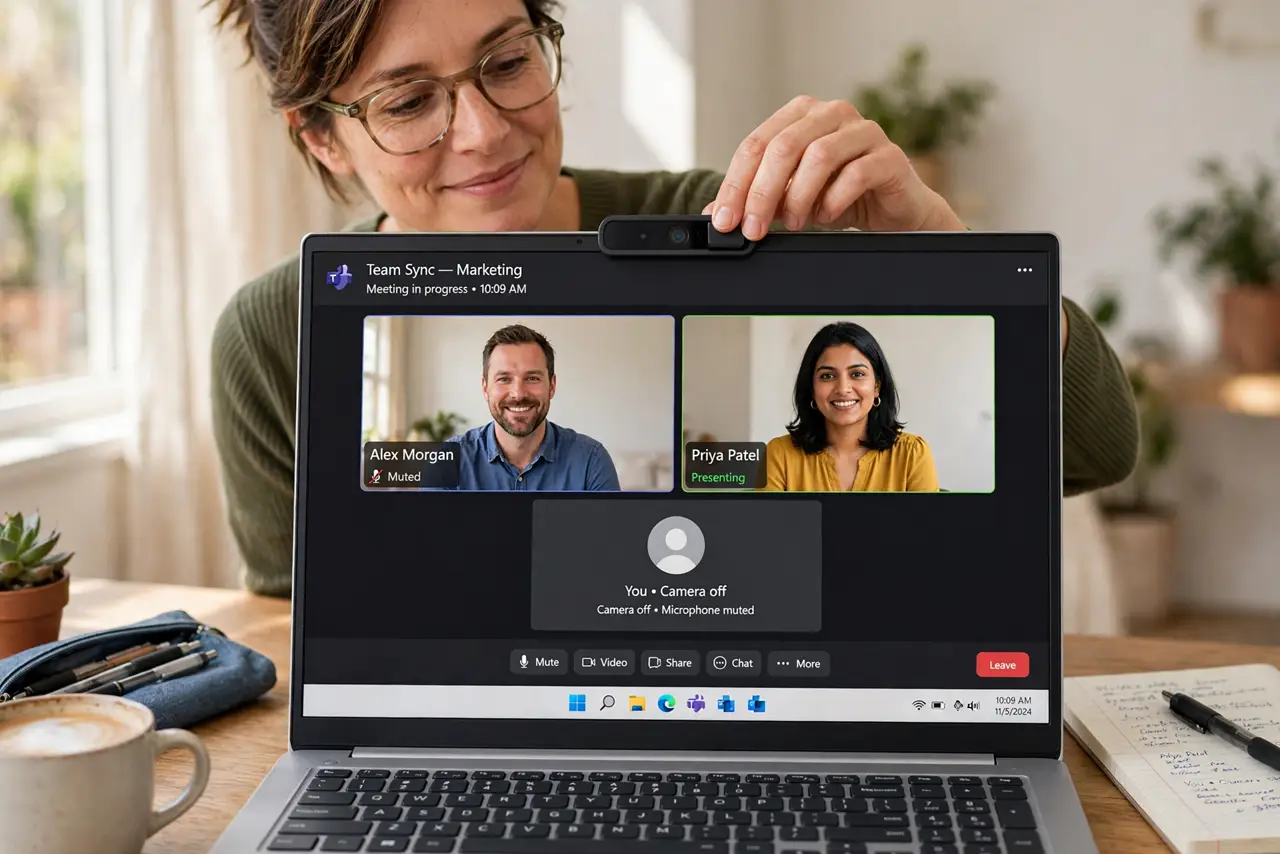
Quick fix: get a sliding webcam cover — they're cheap, reusable, and don't leave residue like tape does. Tape works fine as a free alternative; just avoid thick tape that can damage the lens coating. A cover matters most on laptops you carry everywhere.
Follow these steps
- Understand the actual risk. Webcam spying needs malware on your machine first — it is rare but real. A cover is cheap insurance, not paranoia.
- Try tape first if you like. A small piece of opaque tape blocks the camera completely. It is free and effective — the downsides are residue and looks.
- Upgrade to a sliding cover. Thin sliding covers cost a few dollars, open and close in a second, and leave no residue. Get one sized for your laptop's bezel.
- Do not cover the mic hole. Laptop mics sit near the camera. A cover placed carelessly can muffle your audio on calls — position it over the lens only.
- Check camera permissions too. A cover blocks the lens, but review which apps can use your camera anyway. Software hygiene plus a physical cover is the full package.
- Watch the indicator light. Legitimate camera use lights the LED. If it glows when no app should be using the camera, investigate — then be glad for the cover.
What NOT to do
- Do not use thick or industrial tape. Strong adhesives can damage lens coatings or leave permanent residue on the bezel.
- Do not cover the ambient light sensor. On some laptops it sits beside the camera, and covering it breaks auto-brightness.
- Do not think a cover replaces antivirus. It blocks the lens, not the malware — keep both defenses.
- Do not forget external webcams. A USB camera pointed at your desk deserves the same treatment when idle.
Frequently asked questions
Can hackers really watch through my webcam?
Only with malware already on your computer. It is uncommon, but the cover costs almost nothing as insurance.
Will a cover damage my MacBook screen?
Apple warns that anything between the keyboard and screen can damage the display when closed. Use an ultra-thin cover or remove it before closing.
Is the green light enough protection?
Mostly — malware that bypasses the light is rare and sophisticated. The cover is for the gap between 'rare' and 'never.'