Do a Weekly Review
You bought the task app, set up the lists, felt organized for a week — and now the system is a graveyard of stale tasks you no longer trust. Every productivity system rots without maintenance, and the maintenance has a name: the weekly review. Twenty to thirty focused minutes, once a week, is what separates systems that work from apps you abandon. This is the checklist.
TL;DR / Quick Fix
Quick fix: a weekly review is 20 to 30 minutes where you empty your head, update every list, and pick next actions — it stops any task system from rotting. Do it at the same time weekly, phone off, with a simple checklist. Skipped reviews kill systems, not bad apps.
Follow these steps
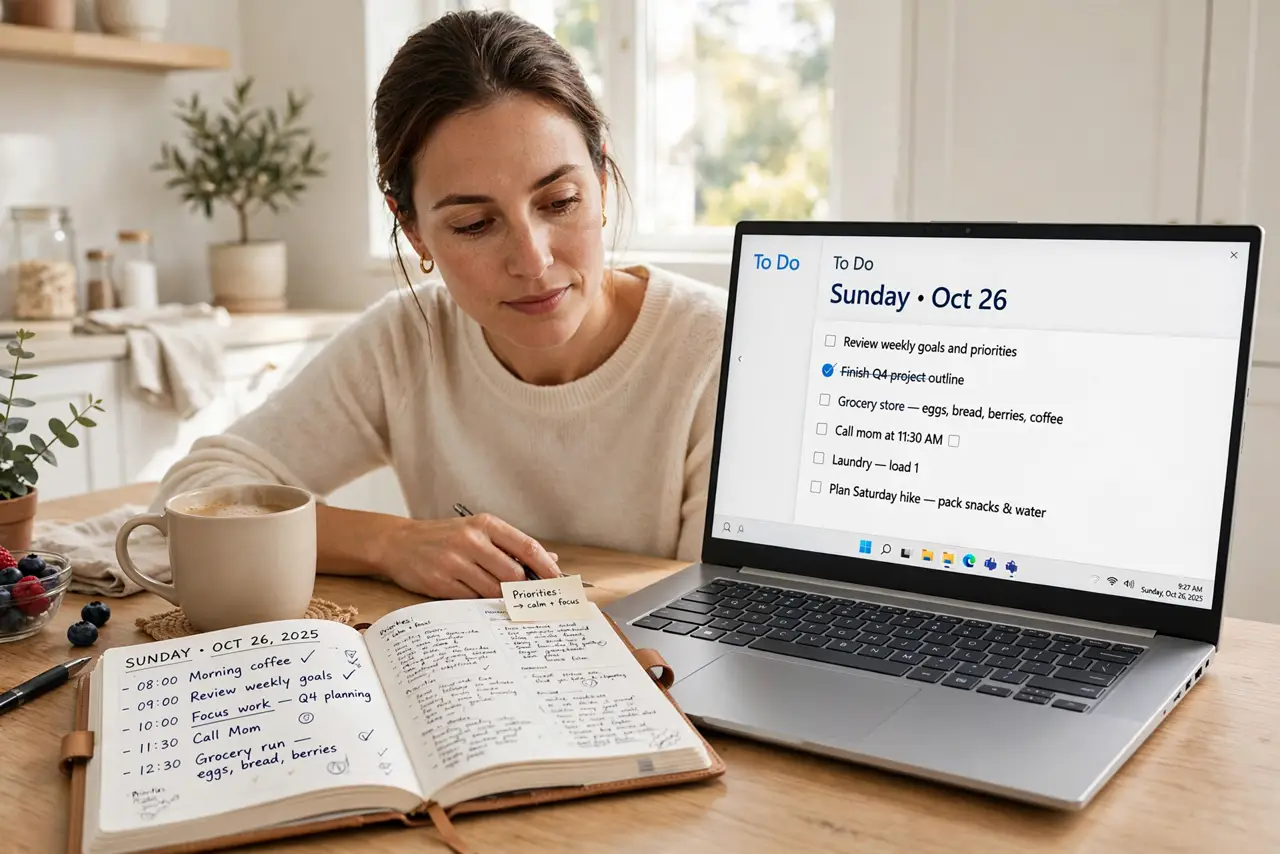
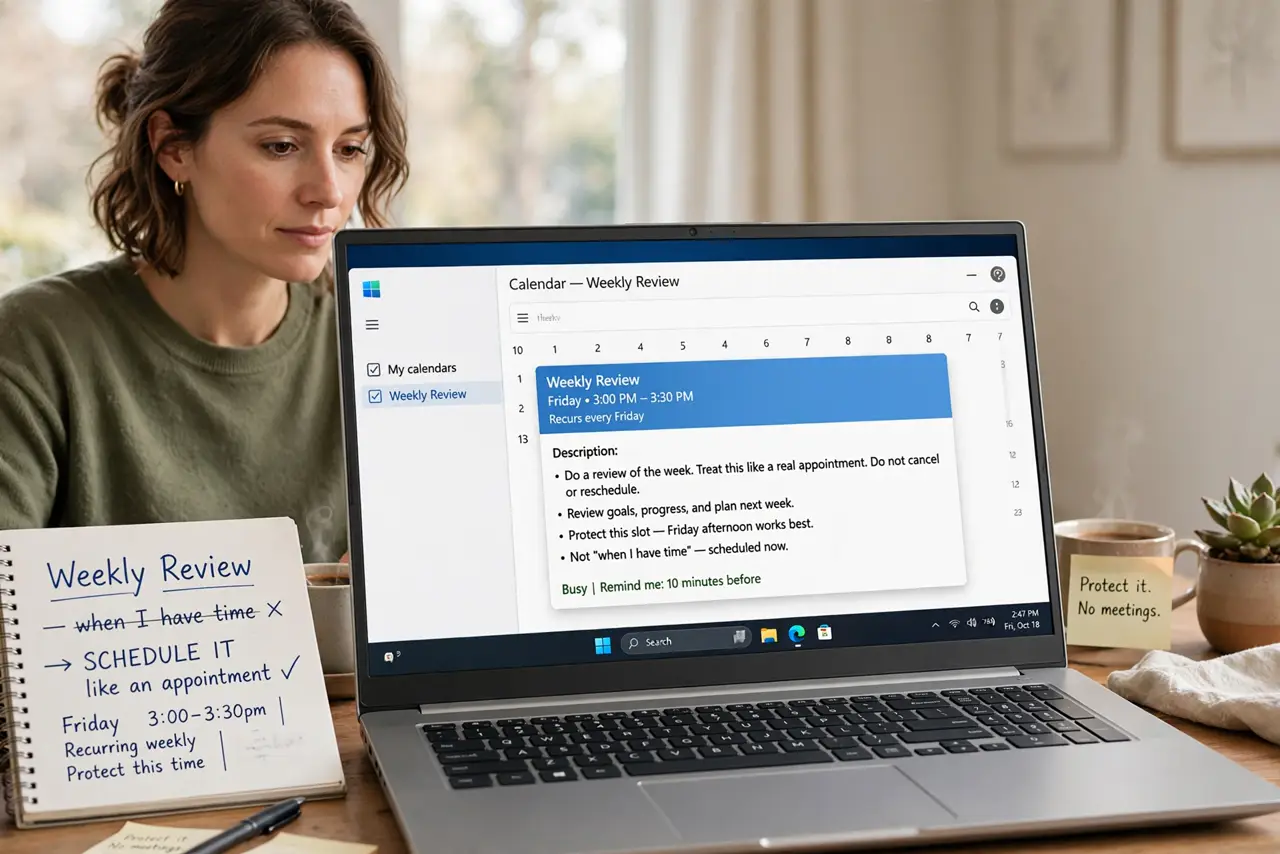
- Schedule it like an appointment. Pick a fixed weekly slot — Friday afternoon or Sunday morning work well — and protect it. A review that happens 'when I have time' happens never; the calendar block is the whole trick.
- Empty your head first. Grab paper or a notes app and dump everything on your mind: tasks, worries, ideas, errands. This is the core GTD capture habit — the review starts by getting it all out of your head.
- Update every list. Go through your task lists, calendar, and inbox one by one. Delete what is done or irrelevant, update what changed, and clarify vague items into concrete next actions. Stale lists are why you stopped trusting the system.
- Review the calendar both ways. Look back at the past week: what slipped, and why? Look ahead two weeks: what is coming that needs preparation now? The review connects past lessons to future demands.
- Pick next week's priorities. Choose no more than three big outcomes for the coming week. Everything else is filler by comparison — the review's real product is clarity about what matters, not a longer list.
- Keep it under 30 minutes. Use a timer and a fixed checklist — the 20-minute version proves it fits. A review that sprawls into an hour gets skipped next week; a tight one becomes a habit.
What NOT to do
- Do not skip the review when you are busiest. Busy weeks are when the system rots fastest — the review is most valuable exactly when you feel you have no time.
- Do not turn it into extra work time. The review is maintenance, not doing — answering emails 'while you are at it' doubles its length and kills the habit.
- Do not review without your lists in one place. Hunting across five apps turns 20 minutes into an hour; consolidate first, review second.
- Do not aim for inbox zero in the review. Processing everything perfectly is a trap — the goal is trusted lists and clear priorities, not emptiness.
Frequently asked questions
What if I miss a week?
Do a shorter catch-up review as soon as you can — even 10 minutes beats skipping twice. Two missed weeks is where systems die; one is just a blip.
Morning or evening for the review?
Whichever you will actually do consistently. Friday afternoons close the work week cleanly; Sunday evenings set up the week ahead. Consistency beats timing.
Do I need the GTD book for this?
No. The weekly review works with any task system — the checklist matters, not the methodology brand. Learn the GTD basics only if the concepts appeal to you.