Which DNS to Use Safely? Plain Answers
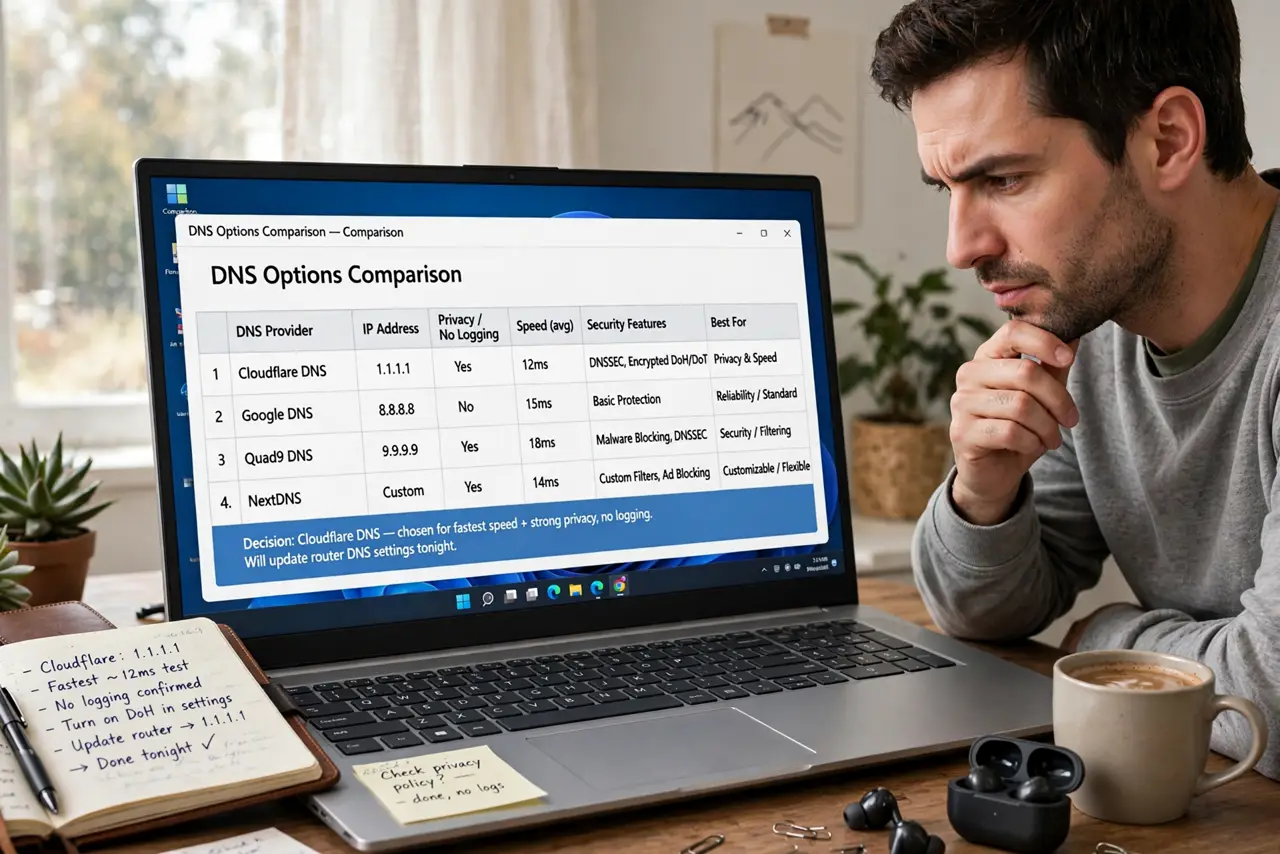
You decided to try a different DNS — now which one? The internet offers dozens, from privacy-focused nonprofits to big tech giants, and the choice trades speed, privacy, and filtering. Here is how to pick without a networking degree.
TL;DR / Quick Fix
Quick fix: most homes do well with a major public DNS known for speed and uptime, or a nonprofit one if privacy tops the list. Avoid obscure resolvers — they can log everything you visit. Test on one device, keep the old numbers written down, roll out to the router.
Follow these steps
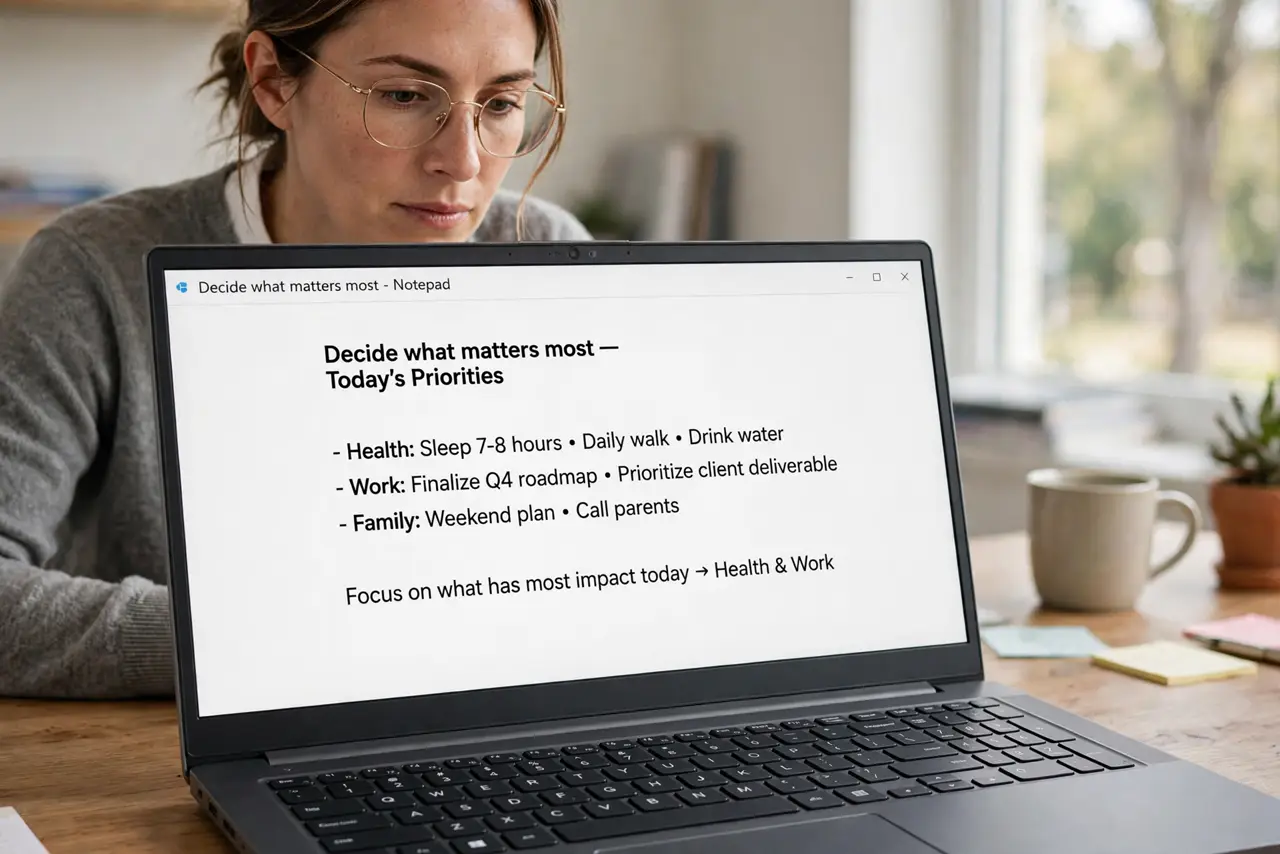
- Decide what matters most. Raw speed, privacy policy, or built-in filtering for malware and adult content? Rank them — no provider wins all three.
- Shortlist reputable providers. Stick to names with published privacy policies and years of uptime: big-tech publics, nonprofit resolvers, or your OS vendor's option.
- Check for filtering options. Some resolvers offer family-safe or malware-blocking variants at different addresses — useful if you want filtering without extra software.
- Test speed from your location. Lookup speed depends on how close the resolver's servers are to you. Benchmark two or three candidates for a day each.
- Write down the old numbers first. Screenshot or note your current DNS before changing anything. Reverting should take ten seconds, not a support call.
- Roll out device-first, router-second. Prove it on one device, then set it at the router vs device level for the whole home.
What NOT to do
- Do not use an obscure DNS from a random list. Unknown resolvers can log, sell, or hijack your lookups.
- Do not pick by speed alone. A fast resolver with no privacy policy may monetize exactly what you looked up.
- Do not forget IPv6 addresses. If your network uses IPv6, set both v4 and v6 resolvers or lookups leak back to the default.
- Do not set it and forget the old numbers. Keep the originals written down for instant rollback.
Frequently asked questions
Is a big-tech public DNS safe to use?
It is fast and reliable, with a published privacy policy. If you prefer less big-tech logging, nonprofit resolvers publish stricter policies — pick by your comfort.
Can my ISP see my browsing if I change DNS?
They still see the IP addresses you connect to. A DNS change hides the lookups, not the traffic — a VPN hides more.
Why do some DNS services block sites?
Filtered resolvers deliberately block malware or adult domains. That is a feature if you want it, a bug if you do not — choose accordingly.