Is a Wi-Fi 6 Router Worth It?
Your router is a few years old, the store shelf is full of Wi-Fi 6 boxes promising miracles, and your internet bill already feels high. Wi-Fi 6 is a real upgrade — but only in the right situations. This guide sorts out who actually benefits before you spend.
TL;DR / Quick Fix
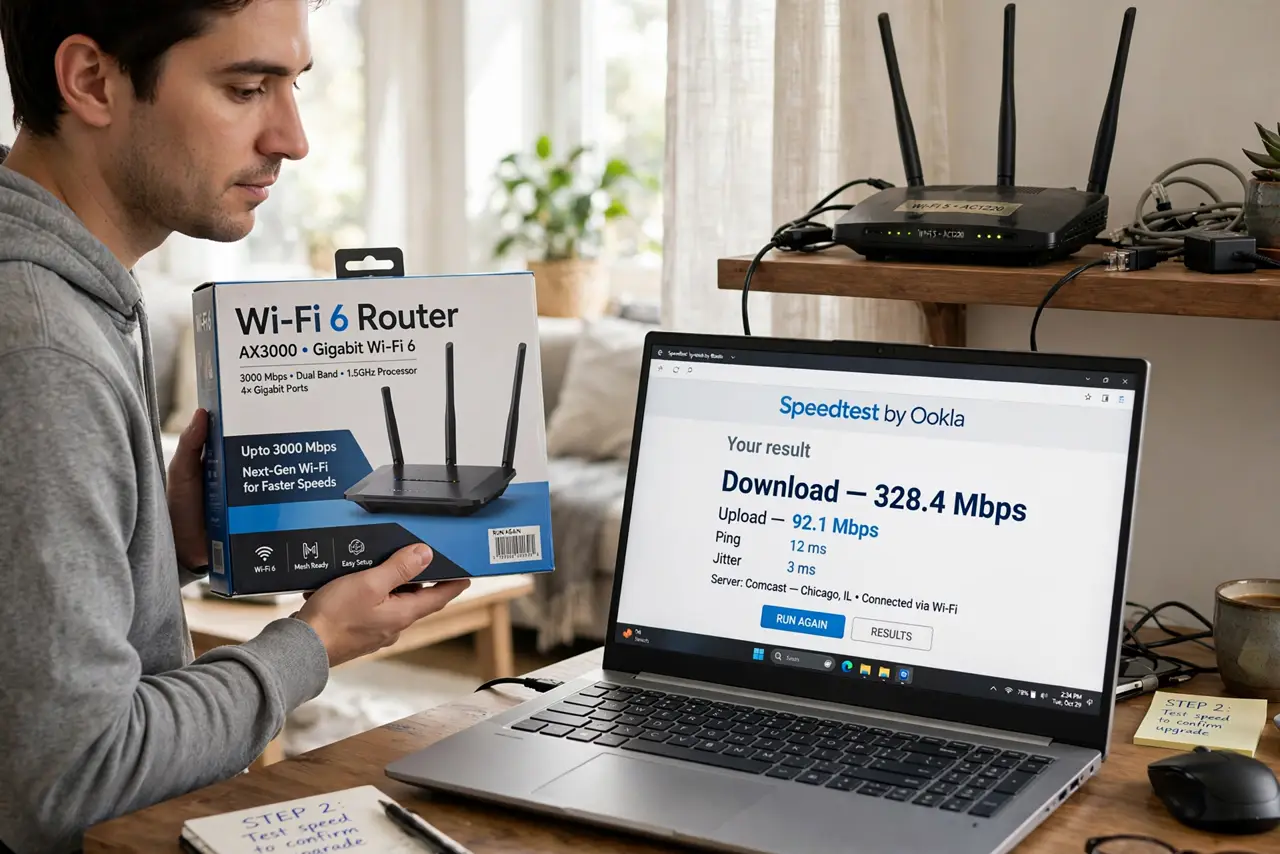
Quick fix: a Wi-Fi 6 router is worth it if you have many devices, a fast internet plan, and Wi-Fi 6 devices to use it. If your plan is slow or your gadgets are old, the upgrade changes little. Fix router placement first — it is free.
Follow these steps
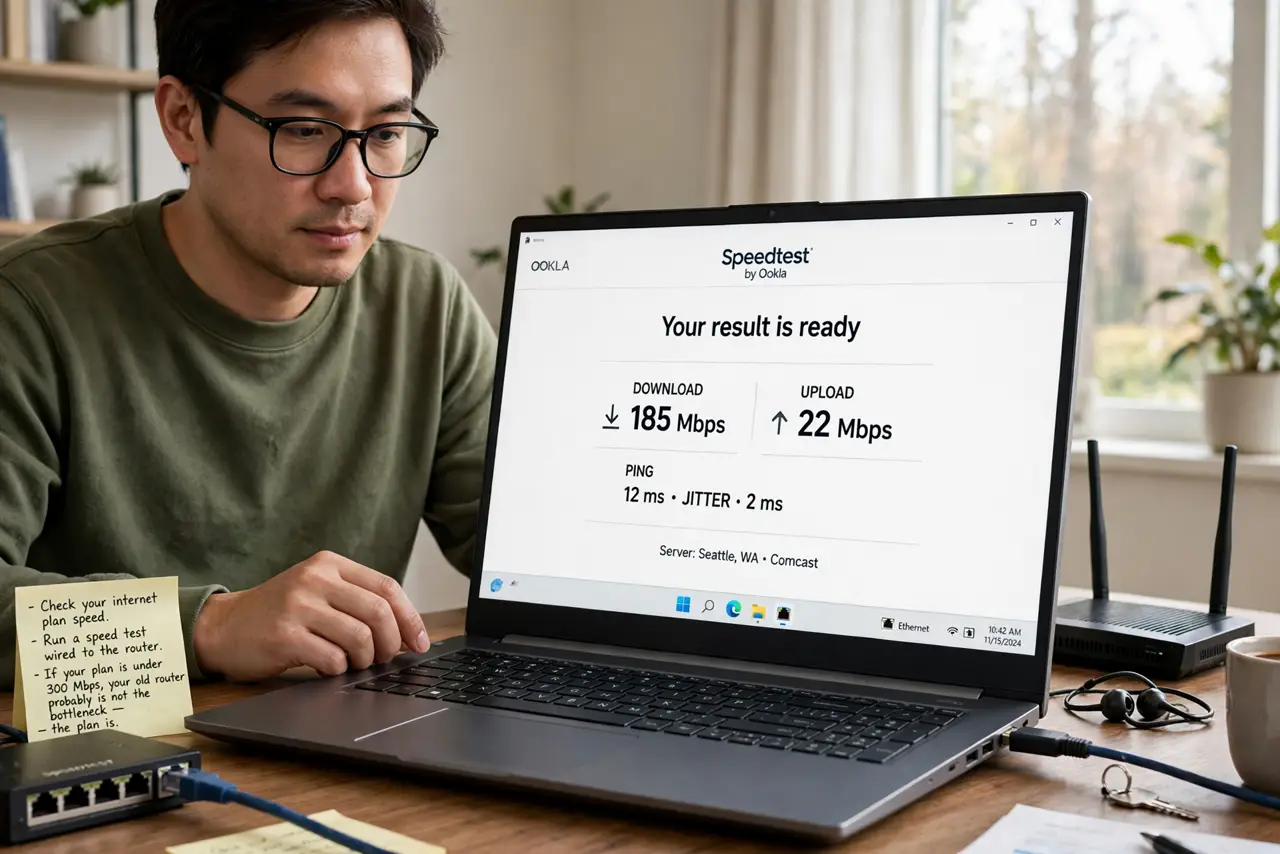
- Check your internet plan speed. Run a speed test wired to the router. If your plan is under about 300 Mbps, your old router probably is not the bottleneck — the plan is.
- Count your connected devices. Wi-Fi 6's biggest win is handling dozens of devices efficiently. A house with 20+ phones, TVs, and smart gadgets benefits; a two-device apartment barely notices.
- Check your devices support it. Your phone and laptop need Wi-Fi 6 radios to use the new features. See the Wi-Fi 6 vs 5 breakdown — older devices fall back to old speeds.
- Consider Wi-Fi 6E or 7 instead. If you are buying now and want the longest runway, compare the generations in the 6 vs 6E vs 7 guide before committing.
- Fix placement before buying. A well-placed old router often beats a badly placed new one. Central, elevated, and away from metal beats any upgrade.
- Do the math on price. Budget Wi-Fi 6 routers are cheap enough to justify for crowded homes. Expensive flagship models rarely pay off for typical use.
What NOT to do
- Do not expect faster internet than your plan. A router cannot deliver more speed than your provider sells you.
- Do not buy Wi-Fi 6 for one old laptop. Devices without Wi-Fi 6 radios gain almost nothing.
- Do not ignore your modem. An ancient modem can bottleneck even the fanciest router.
- Do not toss a working router without testing. Placement and a reboot solve many slow Wi-Fi complaints for free.
Frequently asked questions
Is Wi-Fi 6 faster than Wi-Fi 5?
Modestly for one device, significantly for many devices at once. Crowded networks are where it earns its keep.
Will my old devices work with a Wi-Fi 6 router?
Yes — it is fully backward compatible. They just will not get the new features.
Should I wait for Wi-Fi 7?
If your current setup works, waiting is fine. If you need a router now, Wi-Fi 6 is mature and affordable.