Wi-Fi 6E vs Wi-Fi 7?
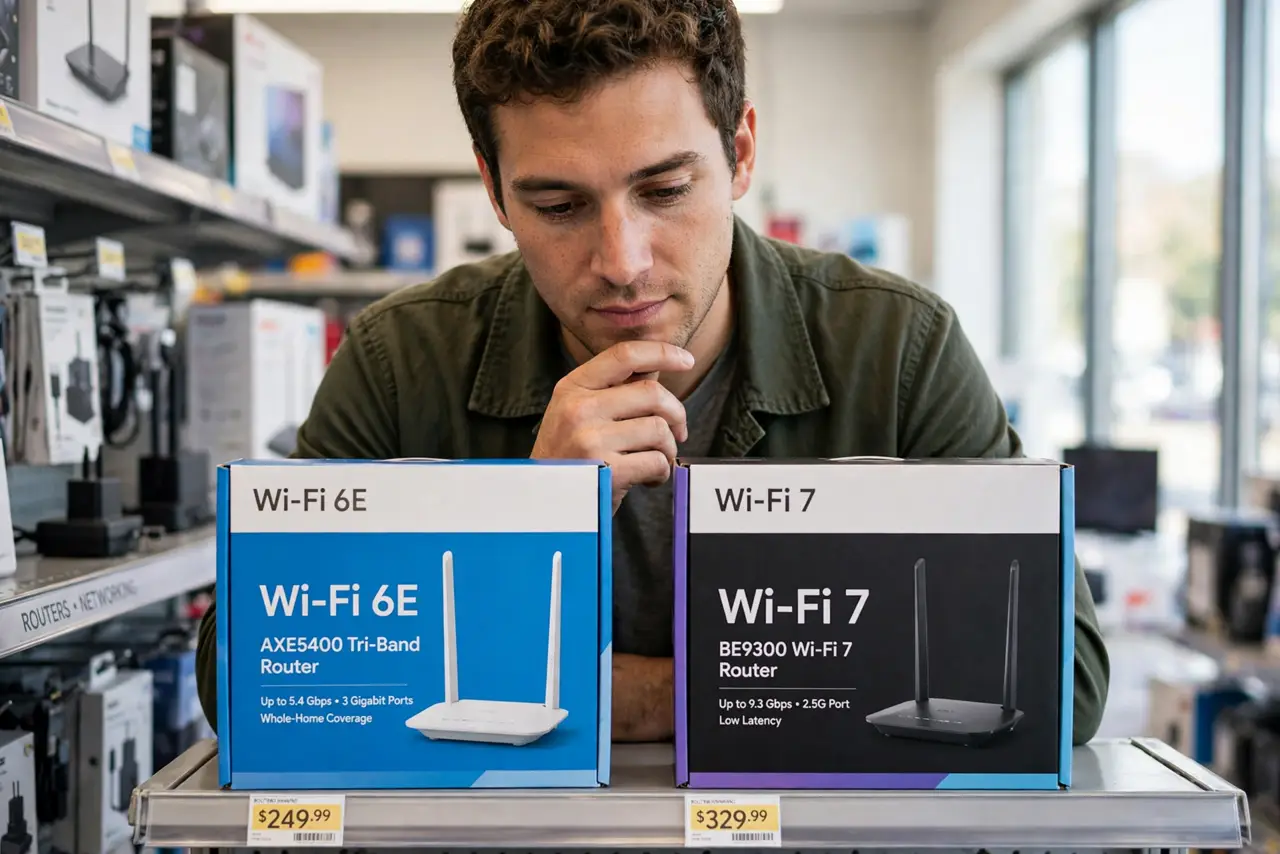
Router boxes now shout Wi-Fi 7 while your laptop still says Wi-Fi 6E, and it is hard to know whether upgrading is smart or just expensive. The short version: 6E opened up the fast 6 GHz band, and 7 makes that band work smarter. Whether either matters to you depends on your devices, your internet plan, and your timing. Start with the Wi-Fi 7 details and the 6E basics.
TL;DR / Quick Fix
Quick fix: Wi-Fi 6E added the 6 GHz band; Wi-Fi 7 adds speed tricks on top. Most homes do not need to rush: check that your devices support the new standard and that your internet plan is fast enough to matter. Upgrade when you replace the router anyway, not before.
Follow these steps
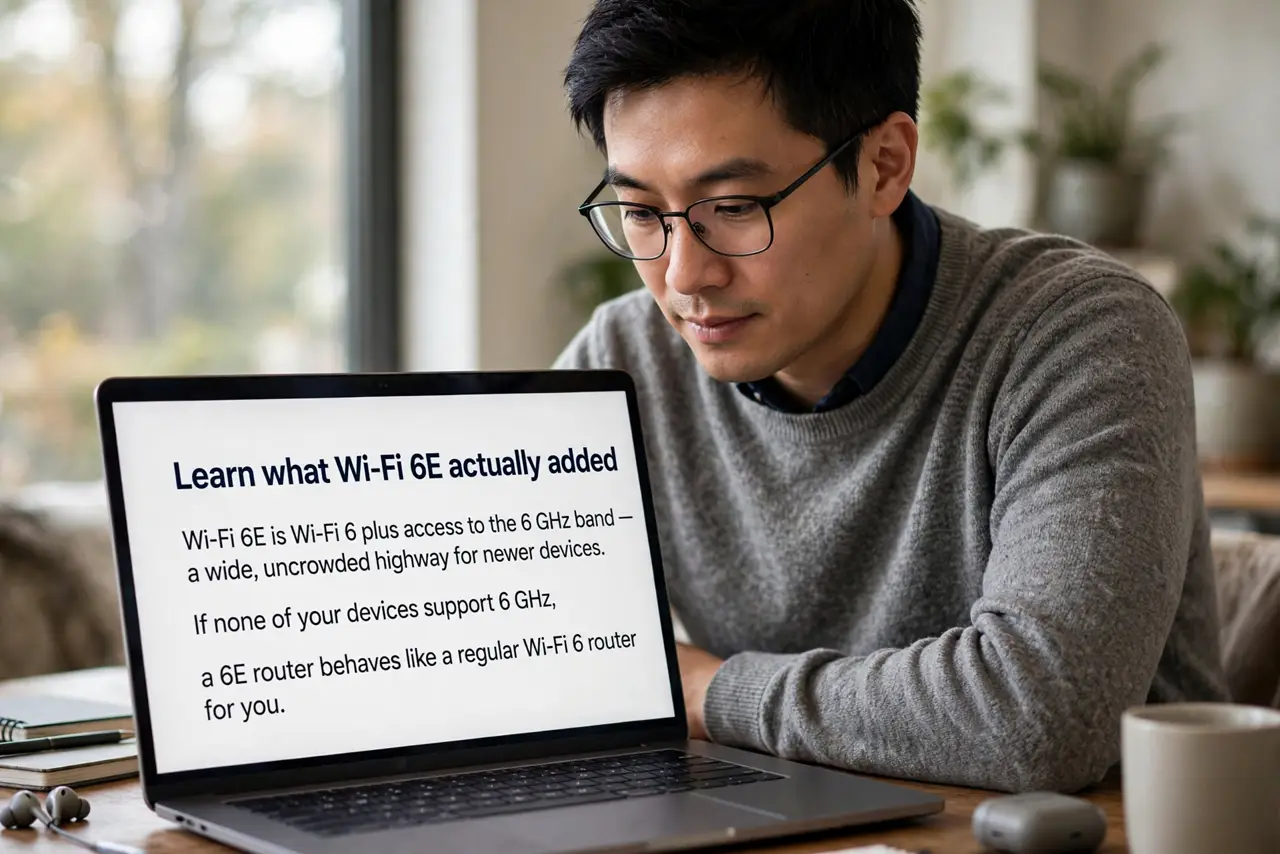
- Learn what Wi-Fi 6E actually added. Wi-Fi 6E is Wi-Fi 6 plus access to the 6 GHz band — a wide, uncrowded highway for newer devices. If none of your devices support 6 GHz, a 6E router behaves like a regular Wi-Fi 6 router for you.
- Learn what Wi-Fi 7 adds on top. Wi-Fi 7 brings Multi-Link Operation and wider 320 MHz channels — tricks that raise real-world speed and cut lag, especially in busy homes. Read what MLO does before paying extra for the badge.
- Check your devices first. Your phone and laptop must support the new standard to benefit. One Wi-Fi 7 router with all older devices around it is a very expensive decoration.
- Check your internet plan. If your plan is 300 Mbps, even Wi-Fi 6 has headroom to spare — a faster router cannot make your internet faster than what you pay for.
- Price the timing honestly. Early Wi-Fi 7 routers cost a premium that falls within a year or two. Buying right before prices drop is the classic way to overpay.
- Upgrade when you replace anyway. The smart move for most homes: buy the newest standard when your old router dies or you move — not as an impulse upgrade. Your current router is probably fine.
What NOT to do
- Do not buy Wi-Fi 7 for devices that do not support it. The benefits need matching hardware on both ends.
- Do not expect your internet speed to rise. The router is not the bottleneck when the plan itself is the limit.
- Do not chase the biggest number on the box. Advertised speeds are lab maximums; real homes get a fraction.
- Do not replace a working router out of fear of missing out. Wi-Fi 6 remains excellent for most households.
Frequently asked questions
Is Wi-Fi 7 backwards compatible?
Yes — it works with all your older Wi-Fi devices. They just will not get the new speed tricks.
Should I skip 6E and wait for 7?
If you are buying today and the price gap is small, Wi-Fi 7 is the better long-term pick. If 6E is much cheaper, it remains a fine upgrade.
Do I need Wi-Fi 7 for gaming?
Low lag matters more than headline speed for gaming, and a wired connection still beats any Wi-Fi. Wi-Fi 7 helps, but it is not required.