Airplane Wi-Fi Tips
The captain announces Wi-Fi is available, you pay, and then it barely loads email — or the login page fights you at 35,000 feet. Airplane Wi-Fi is slow, expensive, and weird by design: satellite links, hundreds of sharing passengers, and portals that hate VPNs. This guide sets expectations, gets connected, and makes the most of the thin pipe. For the ground-based equivalent, read the hotel Wi-Fi survival tips.
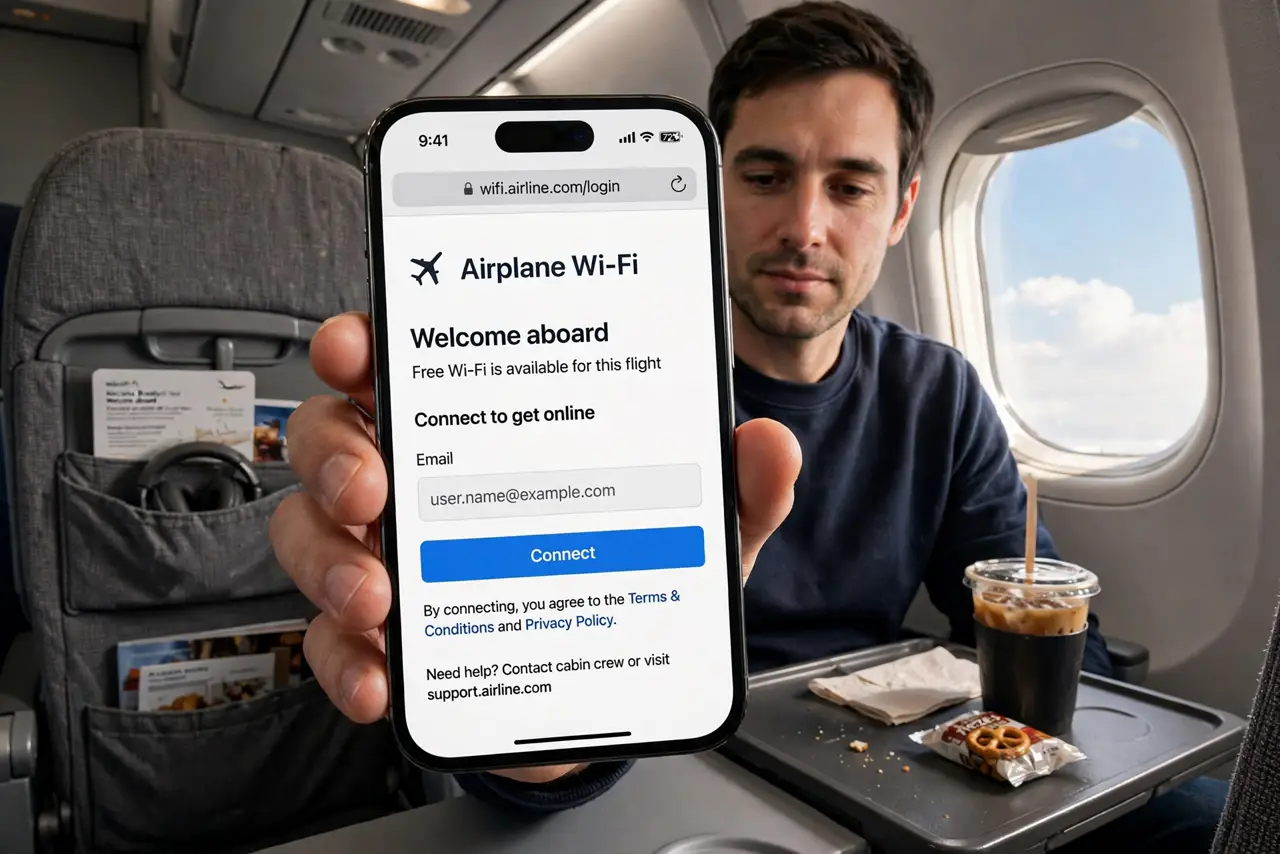
TL;DR / Quick Fix
Quick fix: buy the Wi-Fi pass after takeoff when the portal appears — messaging-only passes are cheapest if that is all you need. Disable the VPN to get through the portal, then re-enable it. Download everything important before boarding; the pipe is thin and shared.
Follow these steps
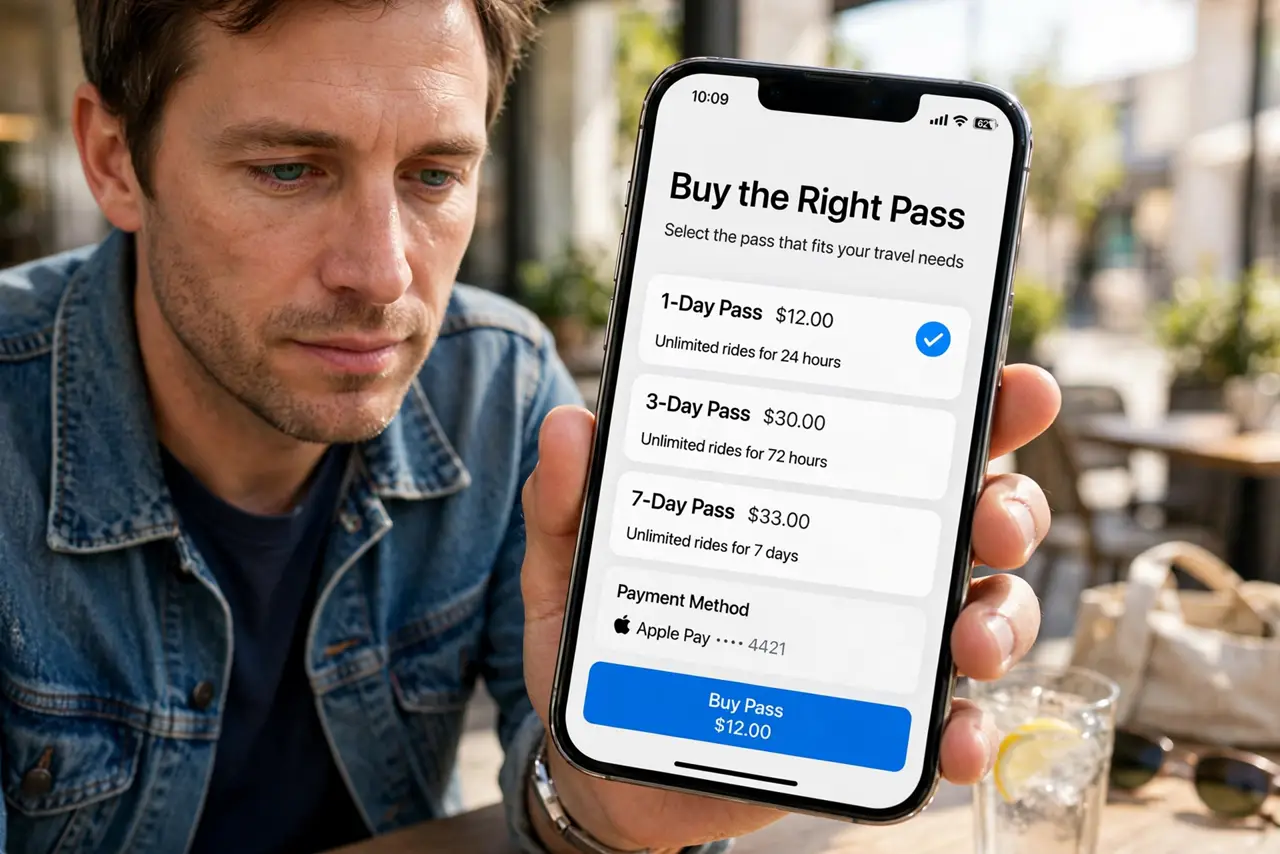
- Buy the right pass. Airlines sell tiers: messaging-only is cheapest and fine for texts; full browsing costs more. Match the pass to your actual need — email triage does not need the expensive tier.
- Get through the portal. The login page can be stubborn at altitude. Disable the VPN and private DNS to let the portal appear, complete the purchase, then re-enable protection.
- Download before boarding. The single best airplane Wi-Fi tip: need nothing from it. Download movies, documents, and offline maps on the ground — the plane's pipe is for light tasks.
- Triage, do not stream. Satellite Wi-Fi shares a few megabits among hundreds. Email, messaging, and light browsing work; video calls and 4K streaming do not — plan accordingly.
- Mind the battery. Weak signals make radios work harder. Airplane mode with Wi-Fi on is the efficient combo — cellular radios searching at altitude drain fast.
- Know the VPN dance. Portal needs VPN off; everything after needs it on. Toggle deliberately: off for login, on for use — the same routine as hotel portals.
What NOT to do
- Do not buy the expensive pass for email. Messaging tiers handle triage fine — save the money unless you truly need full browsing.
- Do not attempt video calls. The latency and thin bandwidth make calls miserable for everyone — including your seatmates.
- Do not do sensitive work without the VPN. Shared satellite links deserve the same caution as hotel Wi-Fi.
- Do not expect the portal to behave. Airplane portals are the flakiest in existence — patience and the VPN toggle are the tools.
Frequently asked questions
Why is airplane Wi-Fi so slow?
One satellite link shared among hundreds of passengers — physics, not a settings problem. Triage, do not stream.
Can I use Wi-Fi during takeoff?
Airlines typically enable it after takeoff. Rules vary — follow the crew's instructions.
Is the messaging pass worth it?
For staying reachable, yes — it is cheap and covers texts. For real work, you want the full pass or offline downloads.