Baby Monitor Wi-Fi
A baby monitor that drops out at 2 a.m. is not just annoying — it is the one device that must not fail. Wi-Fi baby monitors drop for the same reasons everything does: weak signal through nursery walls, interference, and tired firmware. Since reliability matters more here, work through these fixes in order.
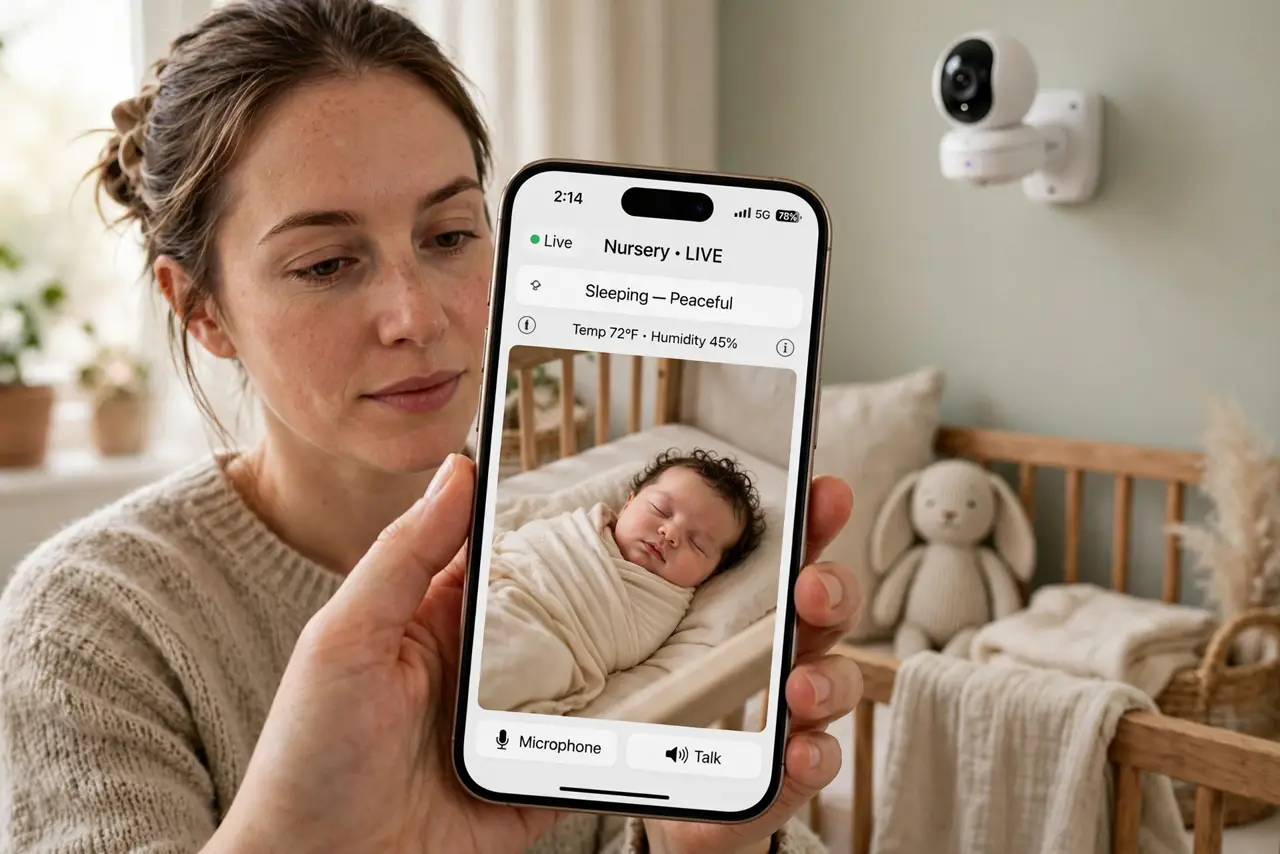
TL;DR / Quick Fix
Quick fix: place the baby monitor base within solid Wi-Fi range of the nursery and keep its firmware updated — weak signal causes most dropouts. Use the 2.4 GHz band for better wall penetration. A mesh node near the nursery fixes stubborn dead zones.
Follow these steps
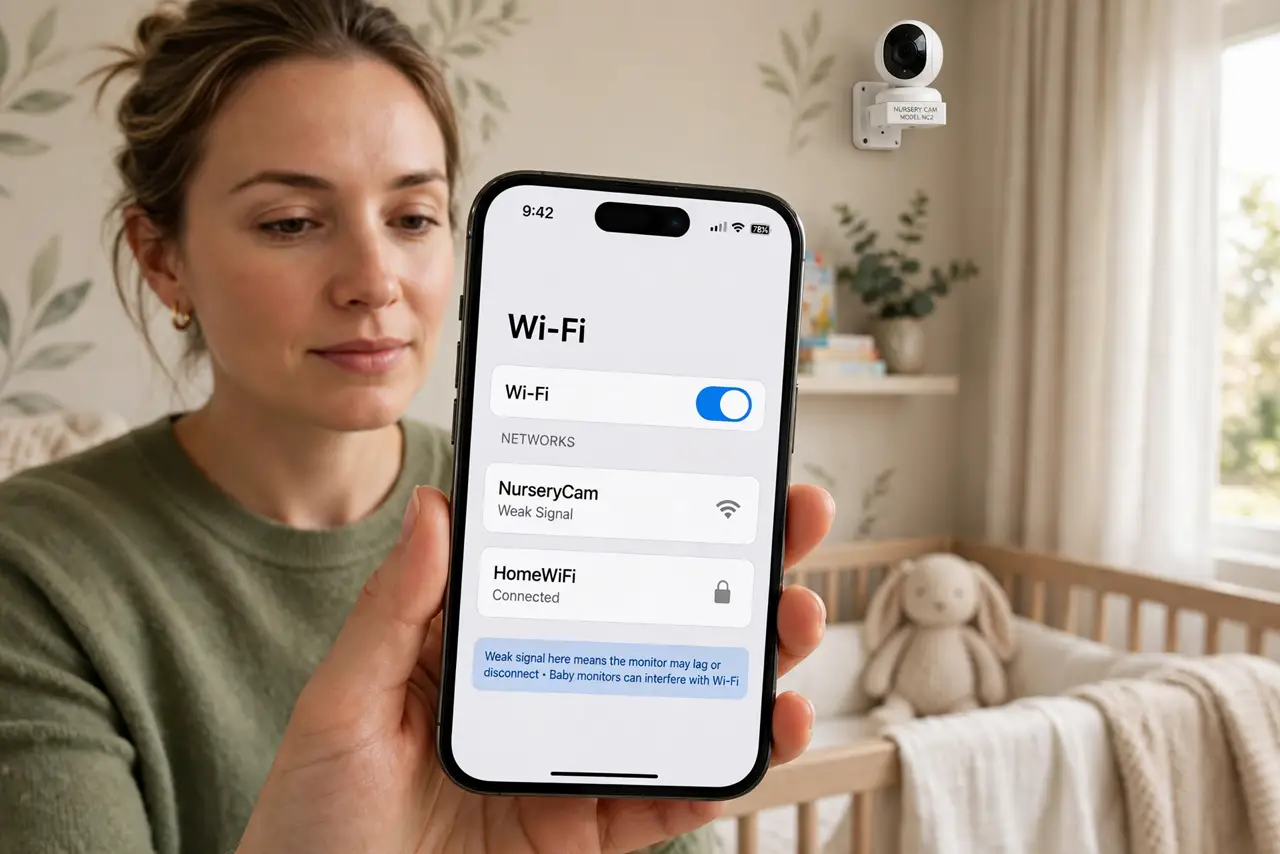
- Check the signal in the nursery. Use your phone's Wi-Fi indicator in the exact spot the camera sits. Weak signal there means weak signal for the monitor — and baby monitors can interfere with Wi-Fi in the other direction too.
- Use the 2.4 GHz band. 2.4 GHz travels through walls far better than 5 GHz. Put the monitor on 2.4 GHz even if the rest of the house uses 5 — range beats speed for a video feed.
- Update the monitor firmware. Makers fix dropout and reconnection bugs regularly. Check for updates in the monitor's app before buying anything — see how to secure the monitor while you are in the settings.
- Reduce interference. Keep the camera away from microwaves, cordless phone bases, and thick masonry. Baby monitors and other nursery gadgets share crowded airwaves.
- Add a mesh node near the nursery. If the nursery is far from the router, a mesh node in the hallway outside ends most dropout stories permanently.
- Keep a non-Wi-Fi backup. For true peace of mind, keep an old audio-only monitor as backup. When the Wi-Fi fails at 2 a.m., the simple radio still works.
What NOT to do
- Do not rely on a single Wi-Fi monitor for a newborn. Keep an audio backup — redundancy is the point of a baby monitor.
- Do not use the default password. Baby monitors are cameras in a nursery — change the password and enable two-factor on the account.
- Do not place the camera where it can fall. Mount it high and secure, out of reach, with the cable routed where little hands cannot grab it.
- Do not ignore firmware updates. Dropout fixes ship in updates; a monitor two years behind is a monitor with known bugs.
Frequently asked questions
Why does the monitor drop only at night?
Night is when interference peaks and when you notice. Also check power-saving settings that throttle the network overnight.
Is a Wi-Fi baby monitor safe from hackers?
As safe as your setup — strong unique password, updated firmware, two-factor on the account. Default credentials are the real risk.
Should I get Wi-Fi or a dedicated monitor?
Dedicated radio monitors are simpler and more reliable; Wi-Fi ones add phone viewing and features. Many parents run both.