Bluetooth Headphones Drop When Wi-Fi Is Busy
Your Bluetooth headphones stutter every time the Wi-Fi gets busy — big downloads turn music into a stutter. Both radios share the 2.4 GHz band, and they are stepping on each other.
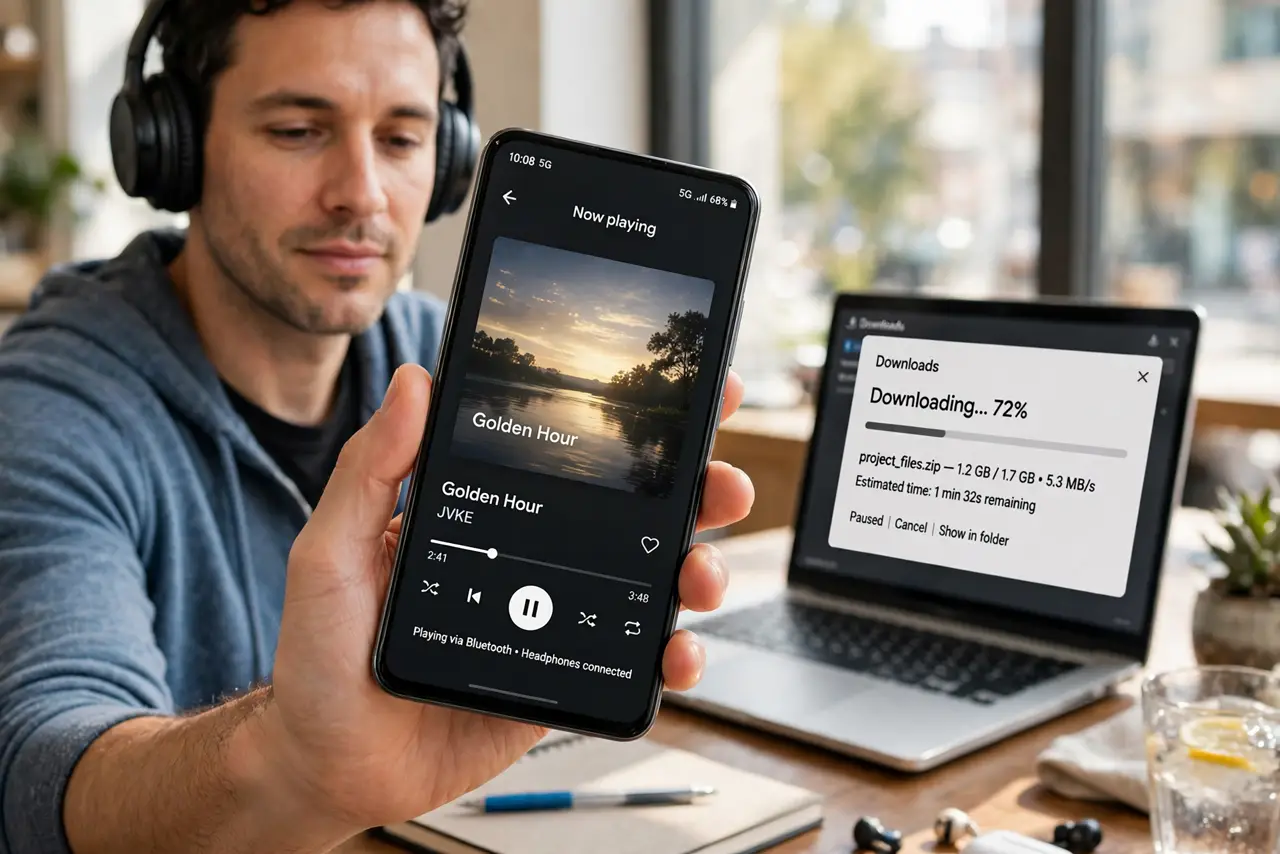
TL;DR / Quick Fix
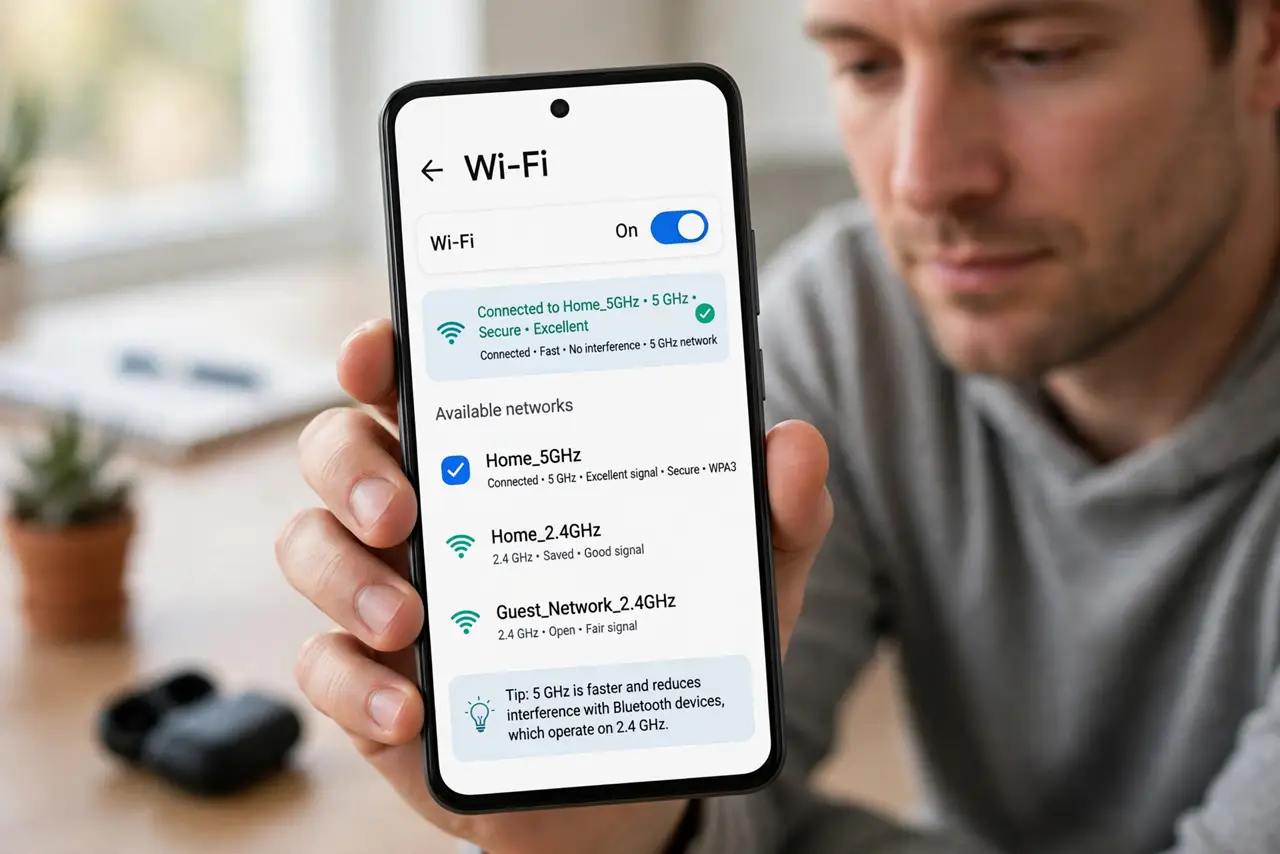
Quick fix: move your phone or laptop to the 5 GHz Wi-Fi band — that alone usually stops the stutter. Keep the phone close to the headphones, and pause huge downloads while on calls. If it persists, change the router's 2.4 GHz channel.
Follow these steps
- Move to 5 GHz Wi-Fi. Join the 5 GHz network on the device doing the heavy downloading. Bluetooth lives on 2.4 GHz, so separating the two ends most interference instantly.
- Keep phone and headphones close. Bluetooth is short-range. A phone in a back pocket with your body between it and the headphones drops far more than one in a front pocket.
- Pause big transfers during calls. Cloud backups and game downloads saturate 2.4 GHz. Pausing them for the call's duration is the simplest interference fix there is.
- Change the router's 2.4 GHz channel. Bluetooth hops across the whole band, but a cleaner Wi-Fi channel still helps. Pick 1, 6, or 11 — whichever the analyzer shows as quietest.
- Reduce USB 3 interference. USB 3 ports and hubs radiate 2.4 GHz noise. Move a Bluetooth dongle away from USB 3 ports with a short extension cable if you use one.
- Update headphone firmware. Makers tune Bluetooth coexistence in firmware updates. Check the headphone app for an update if the stuttering started recently.
What NOT to do
- Do not replace the headphones first. If they sound perfect when Wi-Fi is idle, the headphones are fine — the crowded band is the problem.
- Do not run the microwave mid-call either. Microwaves blast 2.4 GHz noise; the classic 'call drops when the microwave runs' is the same interference family.
- Do not disable Wi-Fi entirely to fix Bluetooth. Moving to 5 GHz keeps your internet fast while giving Bluetooth its breathing room.
- Do not assume all stutter is interference. Stutter that happens with no Wi-Fi activity points to the headphones or phone instead.
Frequently asked questions
Why do both use the same band?
2.4 GHz is a free-for-all band shared by Wi-Fi, Bluetooth, microwaves, and more. Congestion is the price of it being free.
Does 5 GHz Wi-Fi interfere with Bluetooth?
Barely. Bluetooth stays on 2.4 GHz, so moving Wi-Fi traffic to 5 GHz separates the two cleanly. If audio stutters even with Wi-Fi idle, the issue is Bluetooth audio itself.
Why does my body block Bluetooth?
Water absorbs 2.4 GHz signals, and you are mostly water. Keeping the phone on the same side as the headphone's antenna helps.