Wi-Fi Calls Drop When You Leave Home? Fix It
Wi-Fi Calling is great until you walk out the door and the call dies mid-sentence. The handoff from Wi-Fi to the cellular network is the fragile moment — and it fails when the phone clings to a dying Wi-Fi signal instead of letting go. A few settings make the switch clean.
TL;DR / Quick Fix
Quick fix: turn on Wi-Fi Calling handover in your phone's cellular settings and disable 'prefer Wi-Fi' if your carrier offers a choice. If calls still drop, learn how the [[handover is supposed to work|wifi-calling-vs-cellular-handover-drops]], update carrier settings, and test the walk-out twice.
Follow these steps
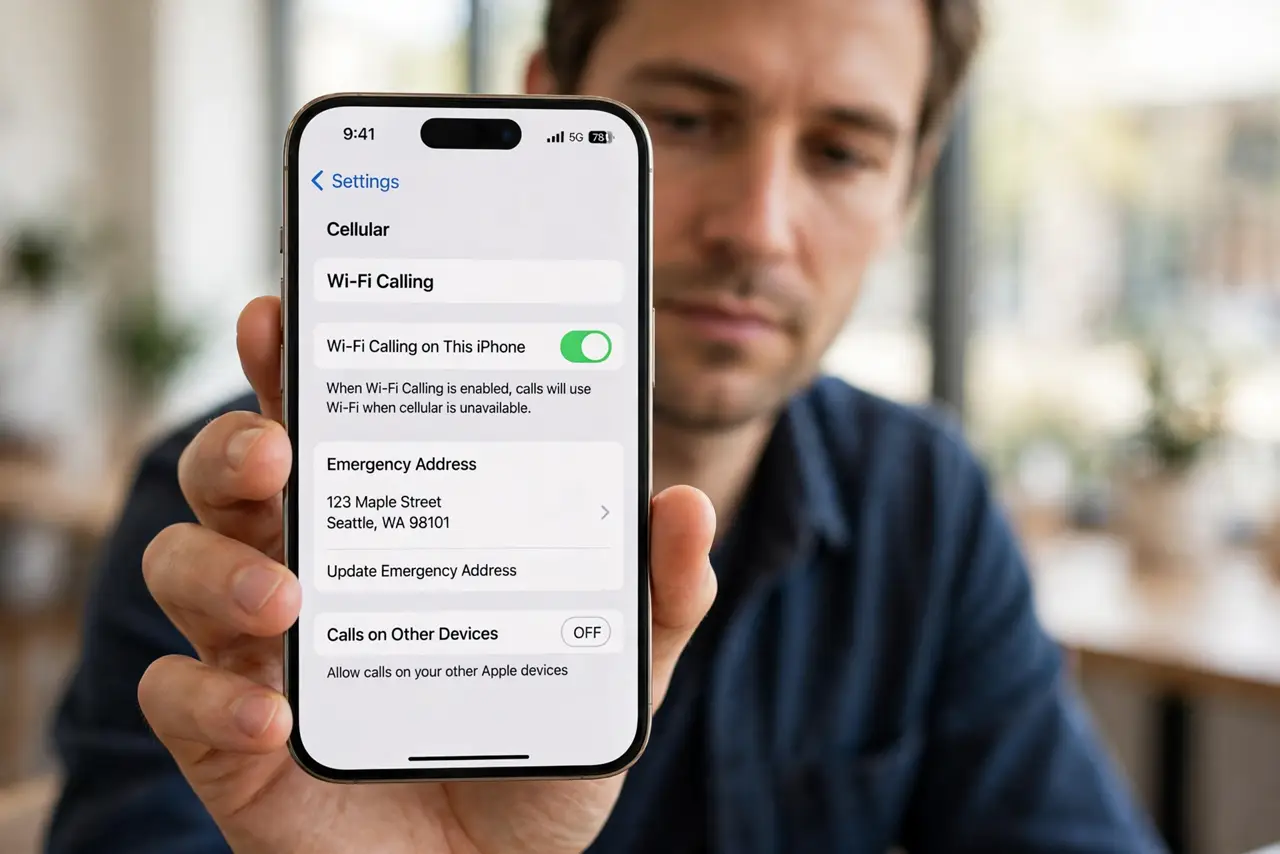
- Enable Wi-Fi Calling properly. Turn it on under cellular settings and enter your emergency address. A half-enabled setup drops calls at the worst moment — see when it will not enable.
- Set the handoff preference to cellular. If your carrier offers 'prefer Wi-Fi' vs 'prefer cellular', choose cellular when you move around a lot. The phone then lets go of weak Wi-Fi sooner.
- Update carrier settings. Carriers push updates that fix handoff bugs. Check for a carrier settings update on the phone — it takes seconds and often helps.
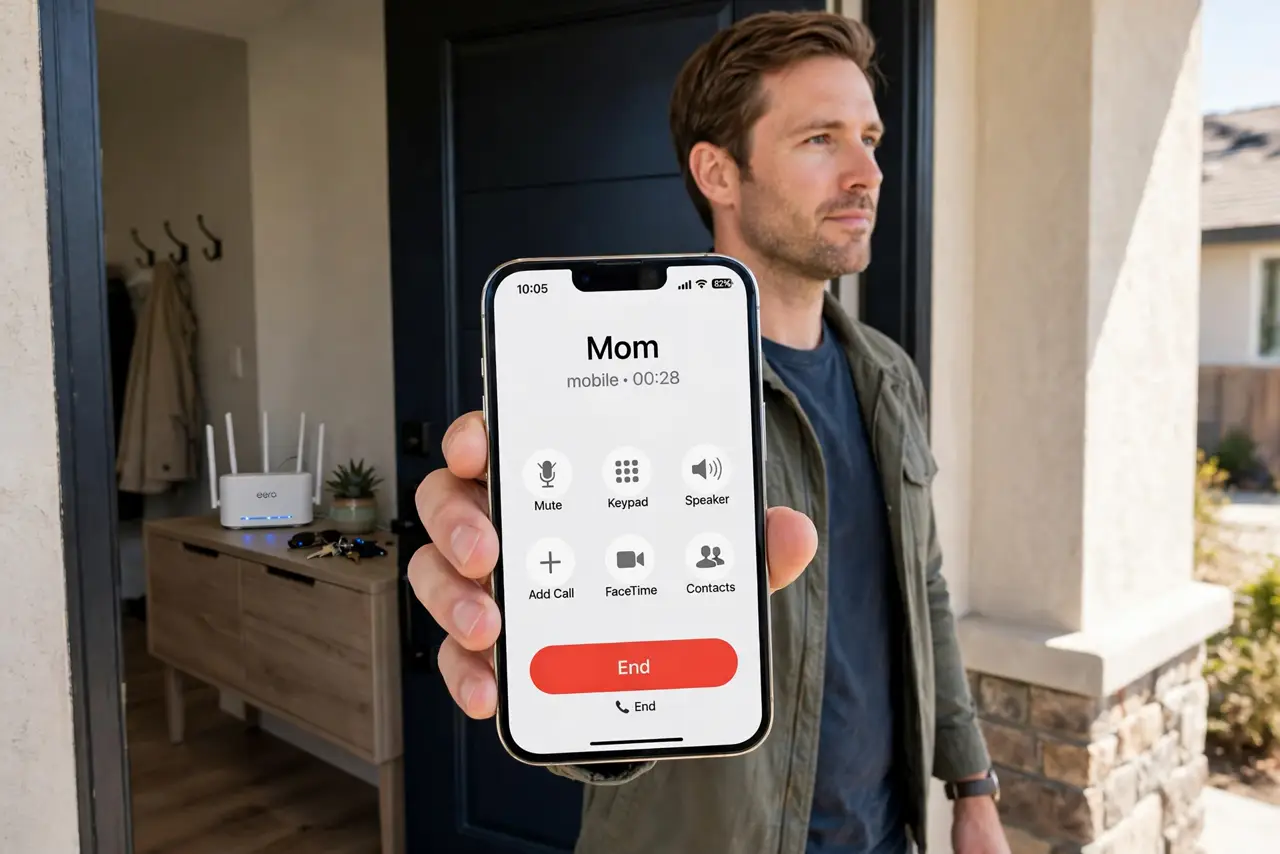
- Test the doorway walk twice. Start a call on home Wi-Fi, walk outside, and keep talking. If it drops at the same spot both times, the handoff — not the call — is the problem.
- Check for the mid-call drop pattern. If calls die mid-call rather than at the door, read the mid-call drop guide — that is a different failure with different fixes.
- Restart the phone after changes. Handoff settings sometimes need a reboot to take effect. Restart once after changing preferences, then retest the walk.
What NOT to do
- Do not disable Wi-Fi Calling entirely as the 'fix'. You lose free indoor calling; fixing the handoff keeps the benefit.
- Do not stand in the doorway hoping. The transition zone is where drops happen — walk through it decisively instead of lingering on a dying signal.
- Do not blame the router for outdoor drops. Once you leave, the cellular network owns the call — the handoff settings are what matter.
- Do not ignore a carrier settings update. Skipping it leaves known handoff bugs in place that the carrier already fixed.
Frequently asked questions
Why do my calls drop exactly when I leave home?
The phone holds onto the fading Wi-Fi too long, then drops instead of handing the call to cellular. A handoff preference fixes the timing.
Does Wi-Fi Calling use my minutes?
Usually it counts like a normal call on most carriers, but the call rides your Wi-Fi instead of the tower while you are home.
Can I force handoff sooner?
Choosing 'prefer cellular' in settings makes the phone switch earlier. There is no manual handoff button on most phones.