Beat Captive Portals
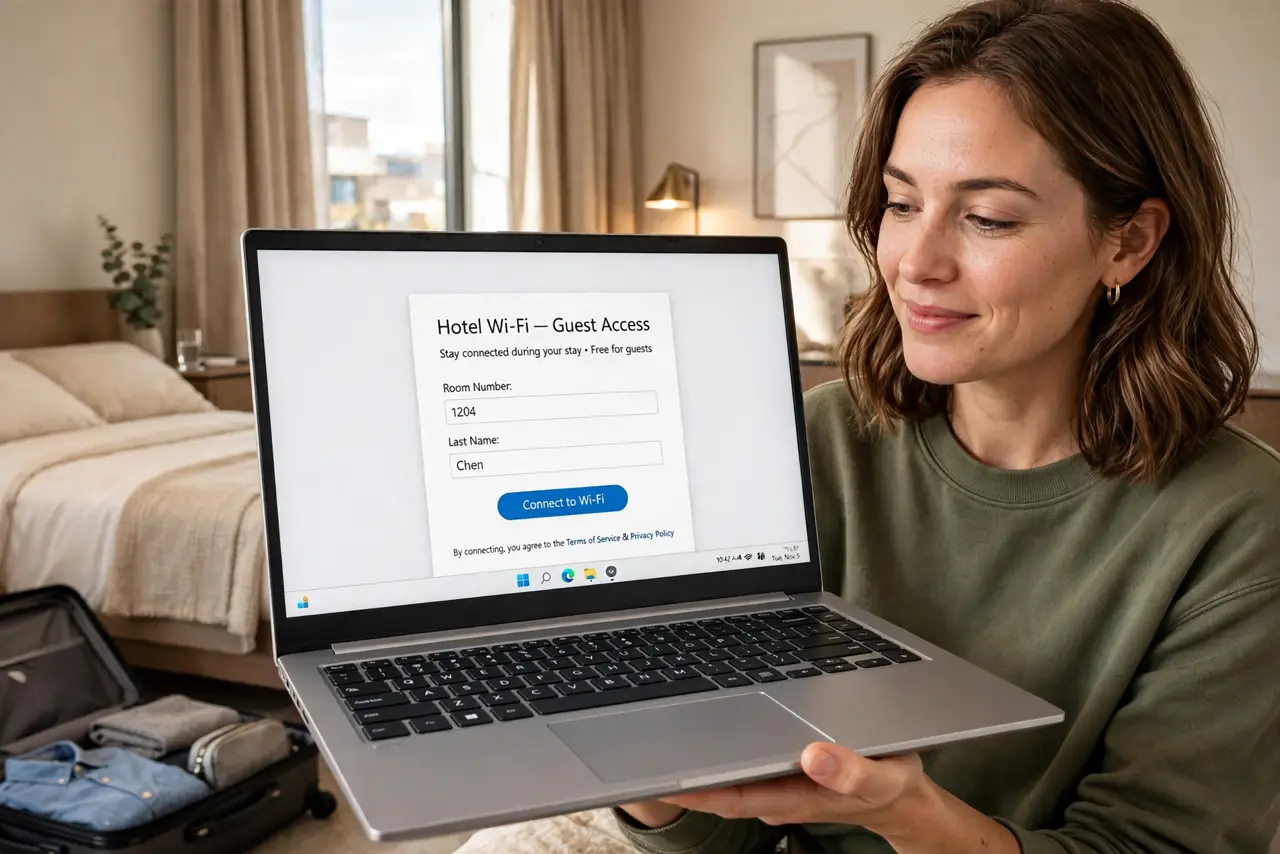
You join the hotel Wi-Fi, open your laptop, and nothing loads — because the login page never appeared. Captive portals (those 'accept terms to connect' pages) are supposed to pop up automatically, but VPNs, secure DNS, and browser quirks silently swallow them. This guide forces the portal to appear and gets you online. For hotel Wi-Fi safety once connected, read the hotel Wi-Fi survival tips.
TL;DR / Quick Fix
Quick fix: when the login page will not appear, open a browser and visit a plain non-secure site address — that usually triggers the portal. Turn off your VPN and private DNS temporarily, since both block portal redirects. Once logged in, re-enable your VPN before doing anything sensitive.
Follow these steps
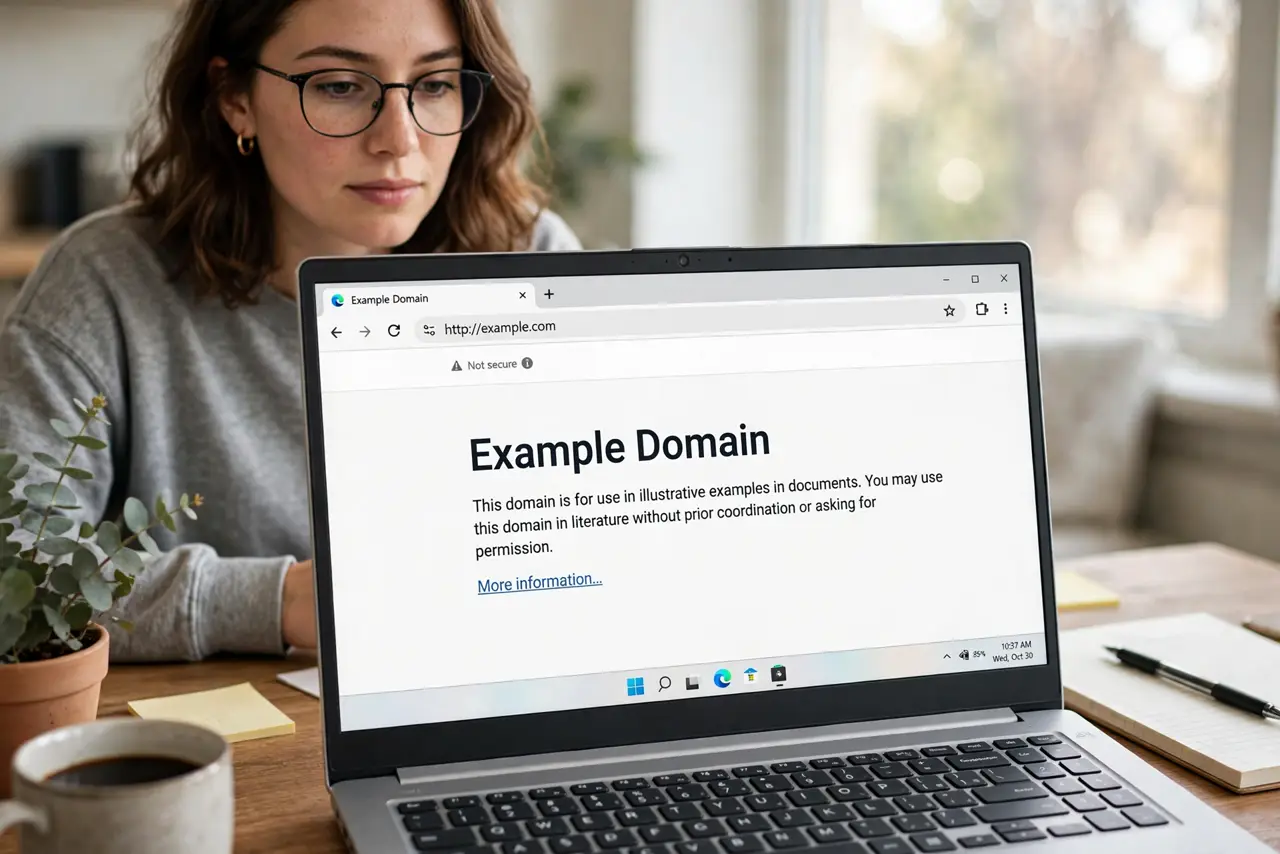
- Open a plain HTTP site. Type a simple non-HTTPS address into the browser's address bar. Captive portals intercept plain requests — secure sites do not trigger the redirect, which is why 'nothing loads.'
- Disable the VPN temporarily. A VPN tunnels past the portal's intercept, so the login page never appears. Disconnect, complete the portal login, then reconnect the VPN.
- Turn off private DNS. Private or secure DNS bypasses the portal's DNS tricks. Switch the phone or laptop back to automatic DNS just for the login, then restore your setting.
- Try another browser. If the portal page loads broken, a different browser often renders it correctly. Portal pages are built cheaply and break in strict browsers.
- Forget and rejoin the network. If the portal appeared once and vanished, forget the network and join again. The fresh join re-triggers the whole portal sequence.
- Re-enable protection after. Once online, turn the VPN back on before email or banking. Hotel and cafe networks are exactly where you want the VPN running.
What NOT to do
- Do not do banking on the portal network without a VPN. Open hotel Wi-Fi is observable — the VPN is the protection, after login.
- Do not enter more than the portal asks. Name and room number are normal; a portal demanding card details or passwords is suspicious.
- Do not assume 'connected' means 'online.' The Wi-Fi can connect while the portal login is still pending — check for the login step.
- Do not leave private DNS off permanently if you prefer it on. Restore your setting after the portal login completes.
Frequently asked questions
Why does the portal work on my phone but not my laptop?
Phones handle portal detection more aggressively. The laptop usually needs the manual plain-site trick or a DNS toggle.
Is the portal page safe?
The portal itself is just the network's gatekeeper. Do not enter sensitive credentials there beyond what the venue asks — and use the VPN after.
The portal keeps reappearing — why?
Time-limited sessions are normal on hotel networks. Re-login when prompted; some portals also kick idle devices.