A Loose Coax Cable Kills Internet
Internet drops every time someone walks past the modem, or speeds halve for no reason — and the culprit is a cable connector you can tighten with two fingers. Coax connections loosen over months of vibration and temperature swings. Check this five-minute fix before calling anyone.
TL;DR / Quick Fix
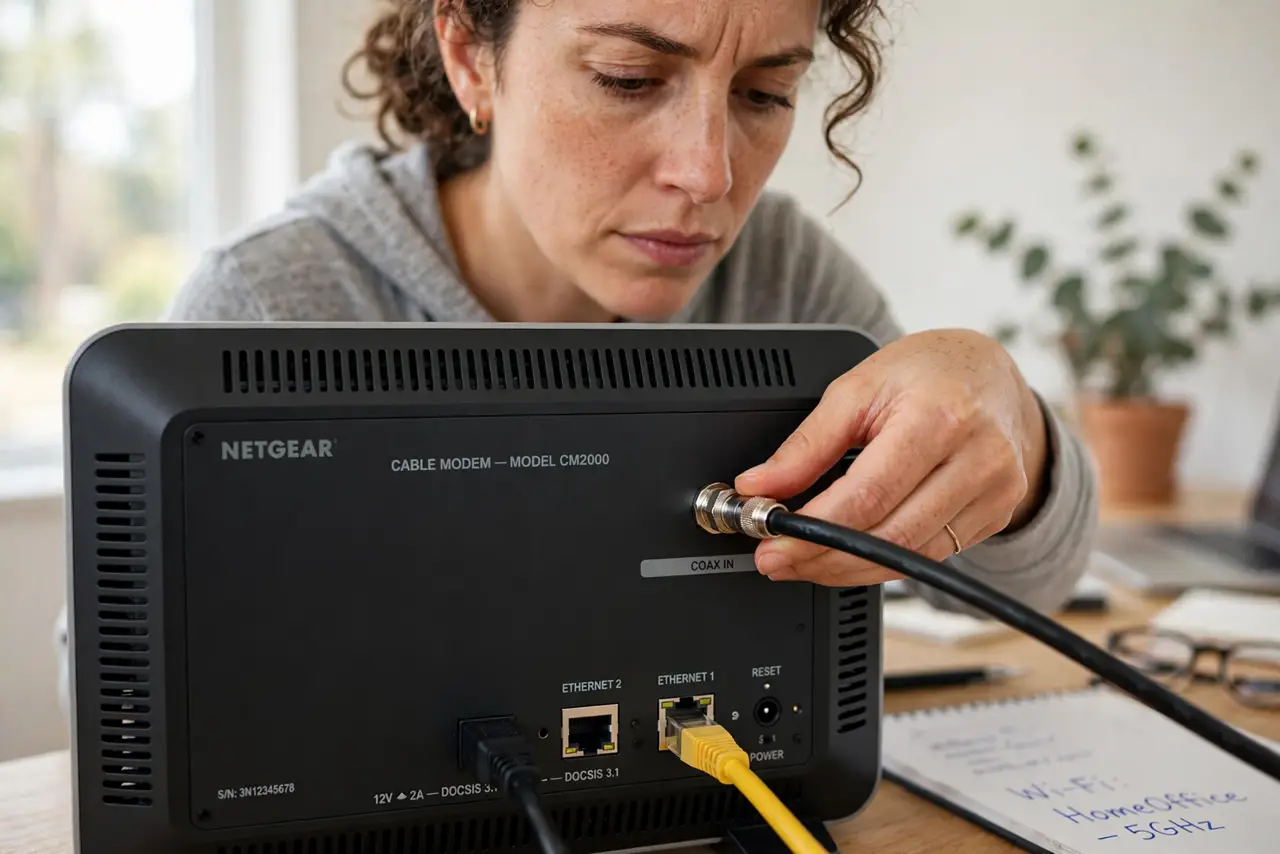
Quick fix: finger-tighten the coax cable where it meets the modem — it should be snug, not wrench-tight. Check the wall jack end too. A loose coax causes random drops and slow speeds, especially when the cable gets bumped. Reboot the modem afterward.
Follow these steps
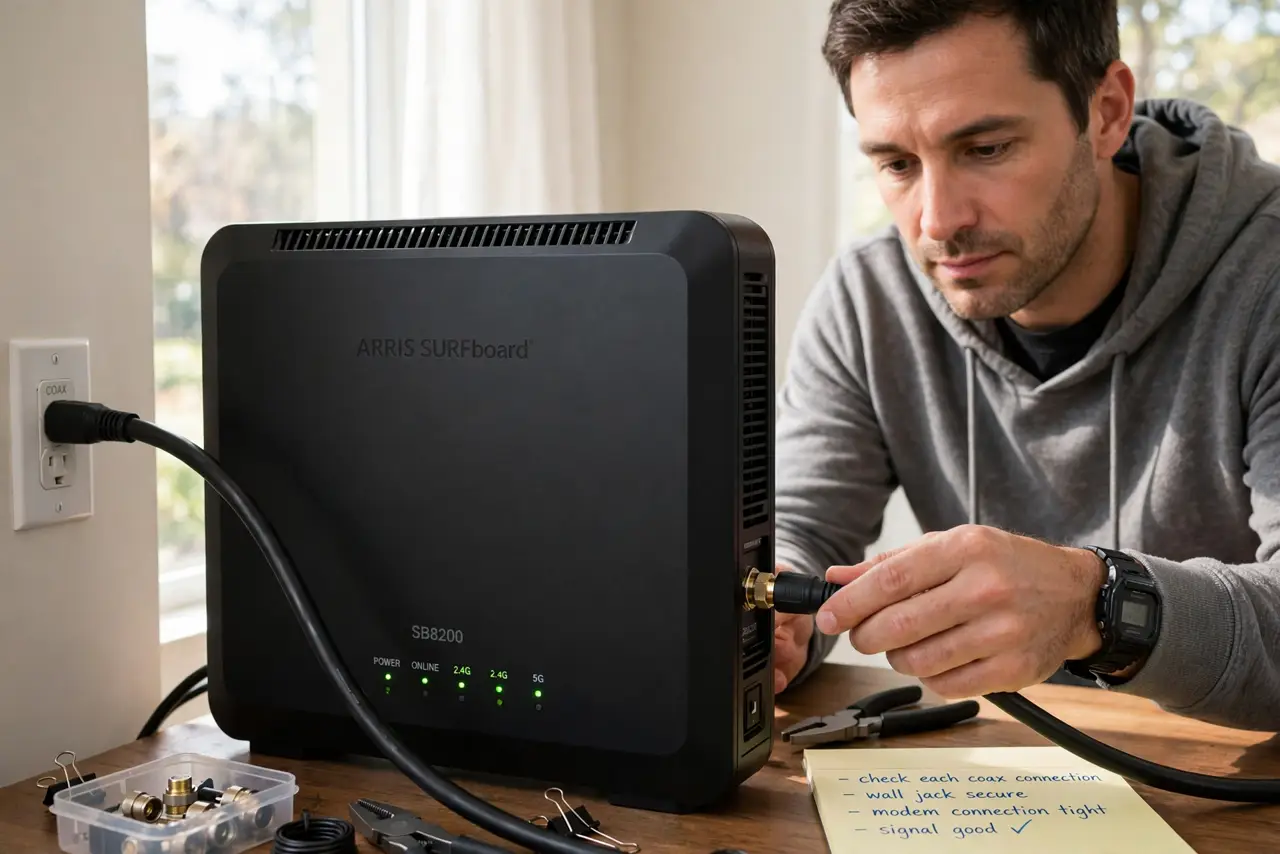
- Find every coax connection. Trace the thick round cable: wall jack to modem, and any splitters in between. Each connector is a suspect.
- Finger-tighten each connector. Twist until snug with fingers only — firm, not forced. Overtightening with tools damages the connector.
- Check the wall jack end too. The jack plate loosens as cables get tugged. Snug it the same way, and make sure the plate itself is not wobbling.
- Look for damaged cable. Kinks, crushed sections, or chewed insulation (pets!) mean the cable needs replacing, not tightening. Coax is cheap.
- Reboot the modem after. A modem that negotiated a weak signal may stay slow until restarted. Power-cycle it once the connections are solid.
- Confirm with the modem lights. After rebooting, the downstream/upstream lights should go solid. Blinking forever means the signal is still bad — and confirm which box is the modem if you are unsure.
What NOT to do
- Do not wrench-tighten coax connectors. Finger-snug is the spec; pliers can damage the center pin housing.
- Do not ignore splitters. Every splitter weakens the signal; an old corroded splitter causes more trouble than a loose connector.
- Do not run coax alongside power cables for long stretches. Electrical interference creeps into the signal.
- Do not call the ISP before checking the cable. ‘My coax was loose’ is the cheapest fix in all of home networking.
Frequently asked questions
How do I know if the coax is the problem?
Drops that correlate with movement near the modem, or speeds that recover after wiggling the cable, are the telltale signs.
Can a loose coax damage the modem?
No, but it causes endless retraining that looks like a dying modem — people replace modems over loose cables constantly.
Should I replace old coax cable?
If it is stiff, kinked, or decades old, yes. Modern RG-6 coax is inexpensive and carries signal far better.