DNS Over HTTPS? Explained
Every site you visit starts with a DNS lookup — ‘where is this address?’ — and by default that question travels the internet in plain text for your ISP to log. DNS over HTTPS (DoH) encrypts those questions. Here is what it changes, what it doesn't, and how to turn it on.
TL;DR / Quick Fix
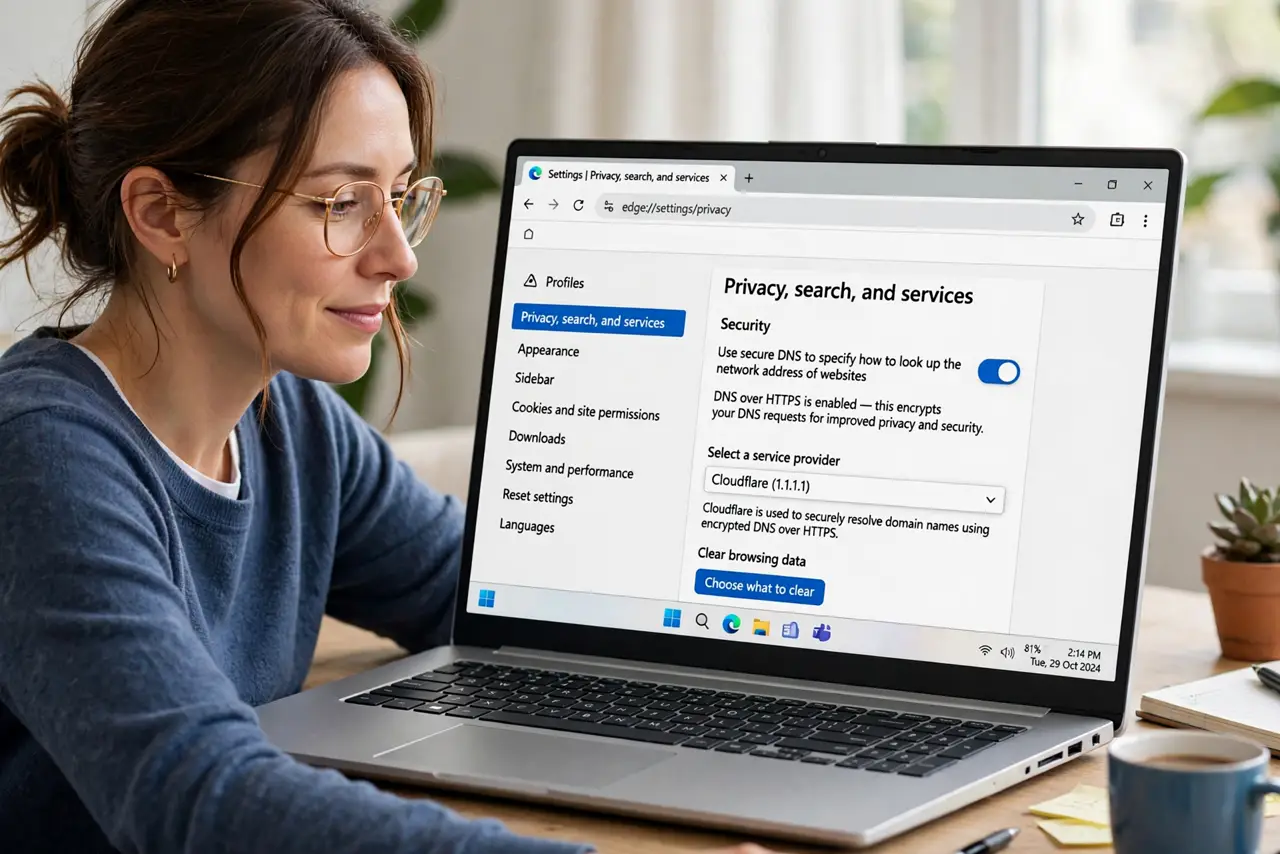
Quick fix: in your browser settings, turn on Secure DNS (DNS over HTTPS) to encrypt DNS queries so your ISP cannot see every site you look up. Pick a provider like Cloudflare or Google. It does not hide traffic from websites themselves.
Follow these steps
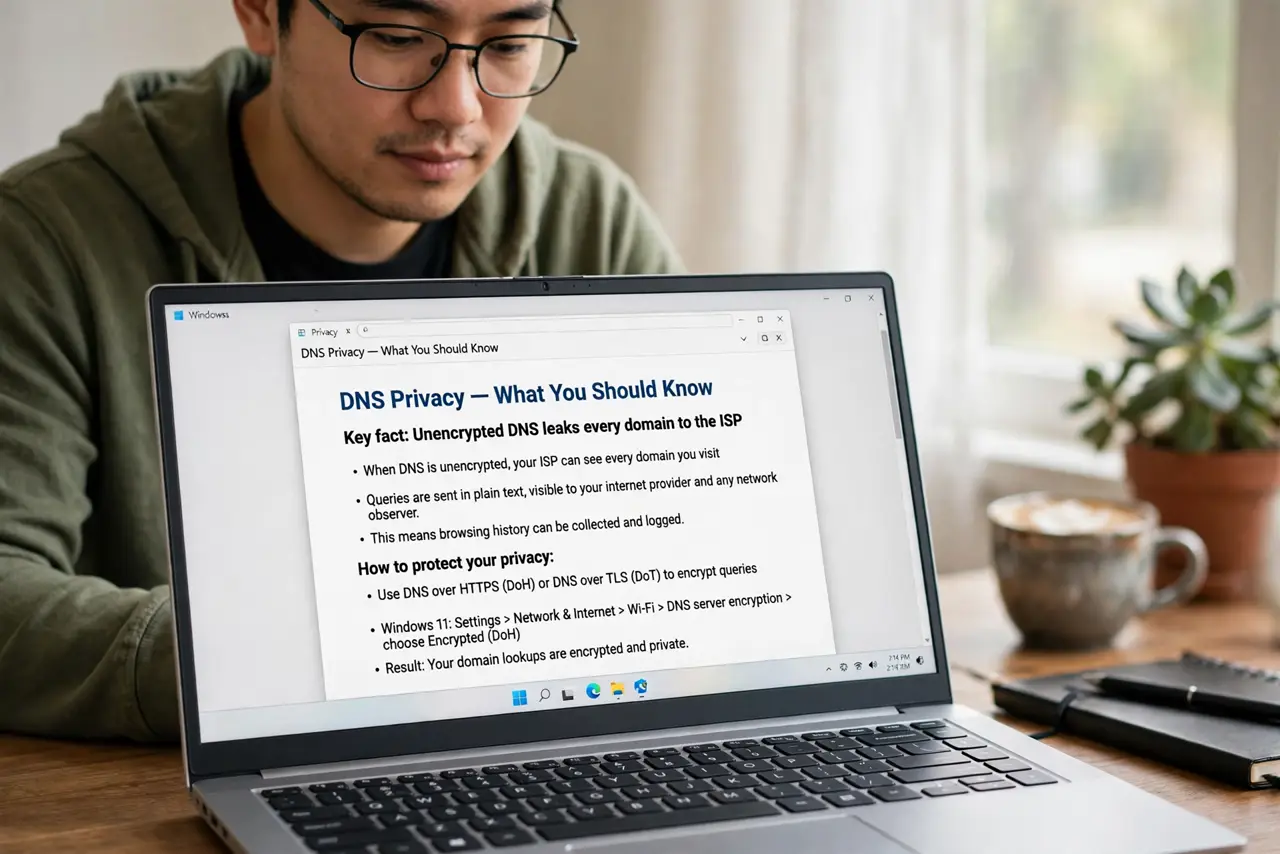
- Understand what DNS leaks today. Without encryption, your ISP — and anyone on the network path — sees every domain you look up. The site content is encrypted; the address book is not.
- Turn on Secure DNS in the browser. In Chrome, Edge, or Firefox settings, find Privacy/Security > ‘Use secure DNS’ and enable it. Pick Cloudflare, Google, or your preferred provider.
- Know what it does NOT hide. Websites you visit still see you, and your ISP still sees the IP addresses you connect to. DoH hides the lookup, not the visit.
- Consider the router-level alternative. Some routers support DNS over TLS for the whole network — one setting covering every device, including ones with no DoH option.
- Watch for captive-portal quirks. Hotel and airport login pages sometimes break with encrypted DNS, since they hijack lookups to show the login. Temporarily disable DoH there — the same fix as Private DNS issues.
- Compare with [[DNS placement|dns-on-router-vs-device]]. DoH is about encrypting lookups; router-vs-device DNS is about where lookups go. Both choices shape your privacy.
What NOT to do
- Do not treat DoH as a VPN. It encrypts one specific thing — DNS queries. Your traffic is still visible as IP connections.
- Do not enable it and assume total privacy. The ISP sees connection IPs; determined observers can often infer sites anyway.
- Do not pick a shady DNS provider. Your DNS provider sees all your lookups — choose one with a real privacy policy.
- Do not panic if a site breaks. Rare misconfigurations happen; toggling Secure DNS off for a minute diagnoses it instantly.
Frequently asked questions
Will DoH slow down my browsing?
Imperceptibly. The encrypted handshake adds milliseconds once; lookups are then cached like normal.
Does DoH bypass parental controls?
It can — DNS-based filters stop working when lookups are encrypted elsewhere. Families using DNS filtering should coordinate this setting.
Should I use DoH or a VPN?
Different tools. DoH encrypts just DNS; a VPN encrypts everything to one provider. Many people use both.