Does a Wi-Fi Extender Halve Your Speed?
You have heard that a Wi-Fi extender cuts your speed in half — and the box never mentions it. The truth is nuanced: single-band repeaters do halve throughput, but modern dual-band and mesh-style extenders mostly do not. Here is how the halving happens, when it matters, and what to buy instead.
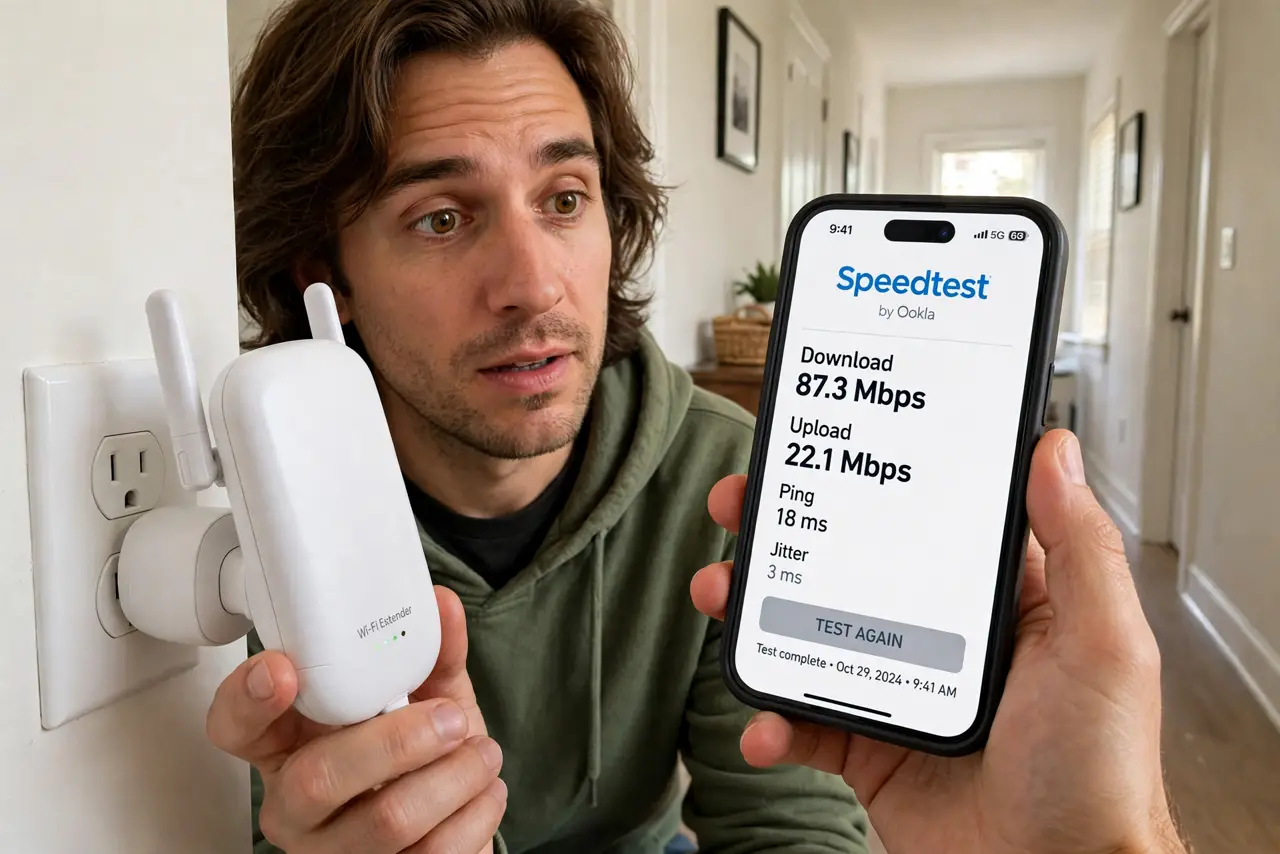
TL;DR / Quick Fix
Quick fix: old single-band extenders halve speed because one radio takes turns talking to the router and your device. Dual-band models avoid most of this with a separate band per link. Place any extender halfway between the router and the dead zone — placement matters more than brand.
Follow these steps
- Understand why halving happens. A single-band repeater uses one radio for both links, so it takes turns — halving throughput. This is physics, not a defect.
- Check if your extender is single-band. Look at the box or admin page. Single-band 2.4 GHz-only models are the halvers; dual-band models use one band per link.
- Place it halfway, not in the dead zone. An extender in the dead zone repeats a terrible signal. Put it halfway between the router and the dead zone, where the signal is still decent — the classic hallway mistake applies to extenders too.
- Use the 5 GHz link for backhaul if you can. On dual-band extenders, let the extender talk to the router on 5 GHz and serve devices on 2.4 GHz, or vice versa — separation is the point.
- Consider a wired access point instead. One Ethernet cable to a second access point beats any repeater. No halving, no extra network — just more coverage.
- Consider mesh for a bigger home. If one extender is not enough, a mesh system with dedicated backhaul scales better than daisy-chained extenders.
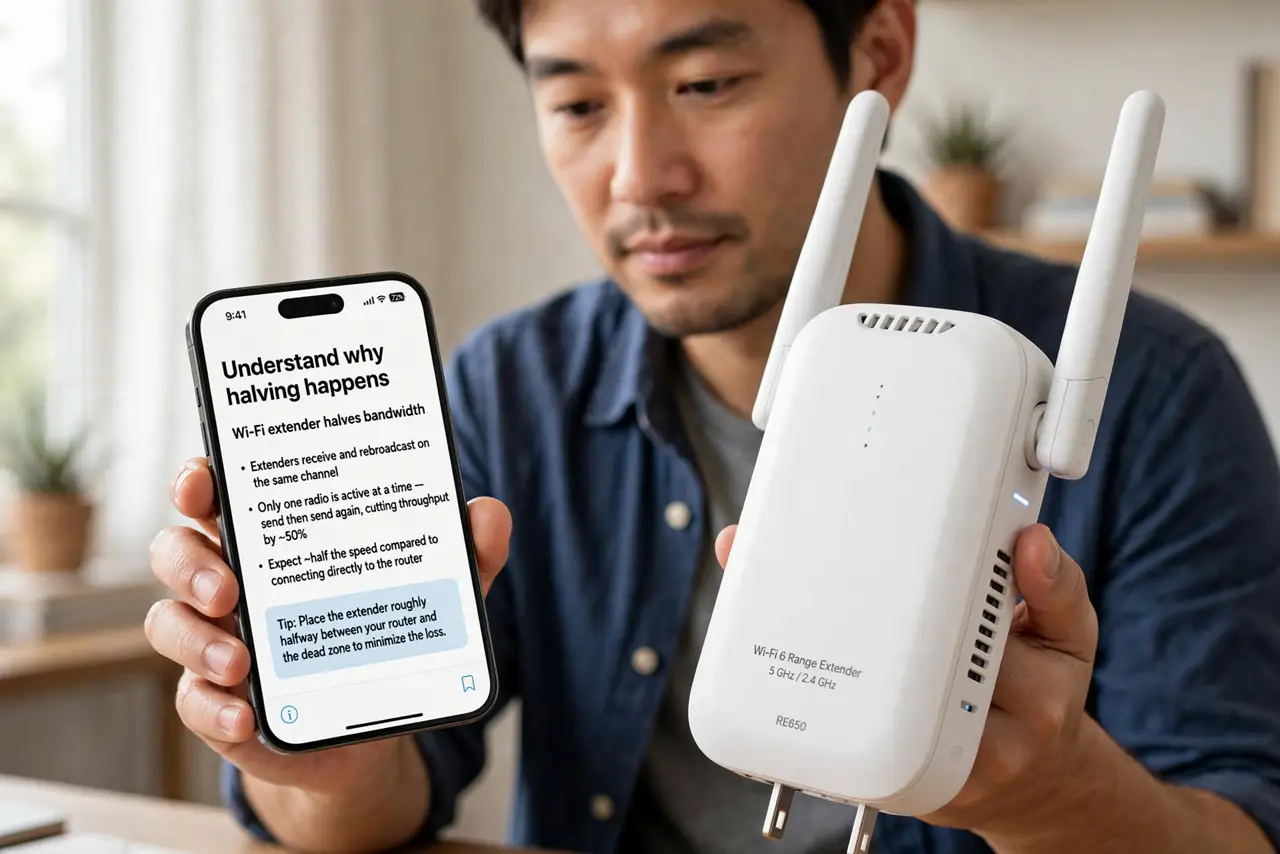
What NOT to do
- Do not place the extender in the dead zone. It can only repeat the weak signal it receives — halfway placement is the rule.
- Do not daisy-chain three extenders. Each hop compounds the loss; two hops of halving leaves a quarter of your speed.
- Do not expect extender speed to match the router. Even good extenders cost some overhead — they fix coverage, not speed.
- Do not confuse an extender with a second router. A misconfigured second router creates a second network and new conflicts.
Frequently asked questions
Do all Wi-Fi extenders halve speed?
No — only single-band repeaters do, and only on the repeated band. Dual-band extenders and mesh nodes with dedicated backhaul lose far less.
Is a powerline adapter better than an extender?
Often, yes, if your wiring cooperates — it avoids the wireless halving entirely. See the powerline guide for what to check first.
Why is my extender slower than my phone's hotspot?
Because the extender is repeating an already-weak signal. Move it closer to the router — halfway, not in the dead zone.