Garage Opener Wi-Fi
Your smart garage opener worked in the store demo and refuses to connect at home — or it connects and drops every few days. Garages are Wi-Fi dead zones: far from the router, wrapped in metal and concrete. The fix is almost always signal and band, not the opener. Here is the reliable setup sequence.
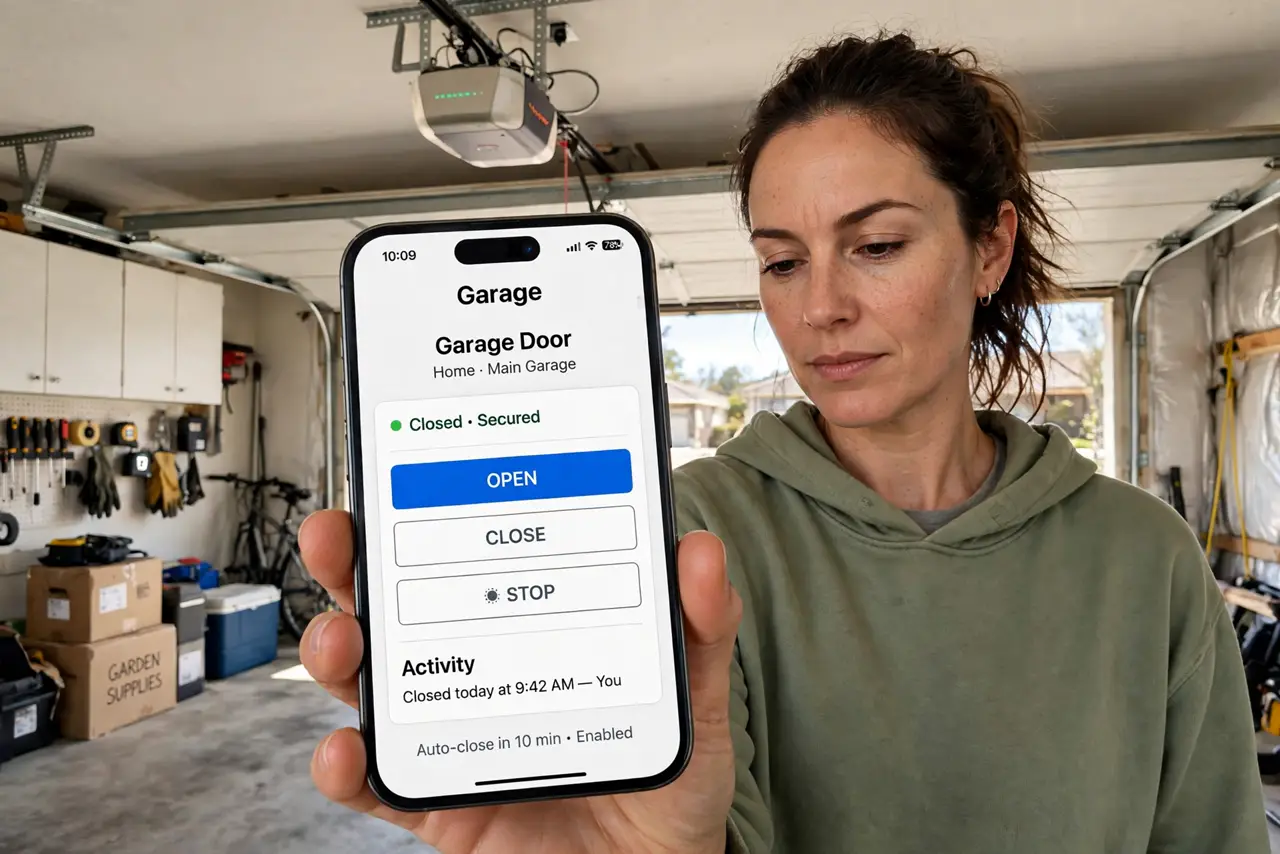
TL;DR / Quick Fix
Quick fix: pair your garage opener on the 2.4 GHz band — most only speak 2.4 GHz — within solid Wi-Fi range. Update firmware and test the app from the driveway. If the signal is weak at the garage, a mesh node on that side of the house fixes it.
Follow these steps
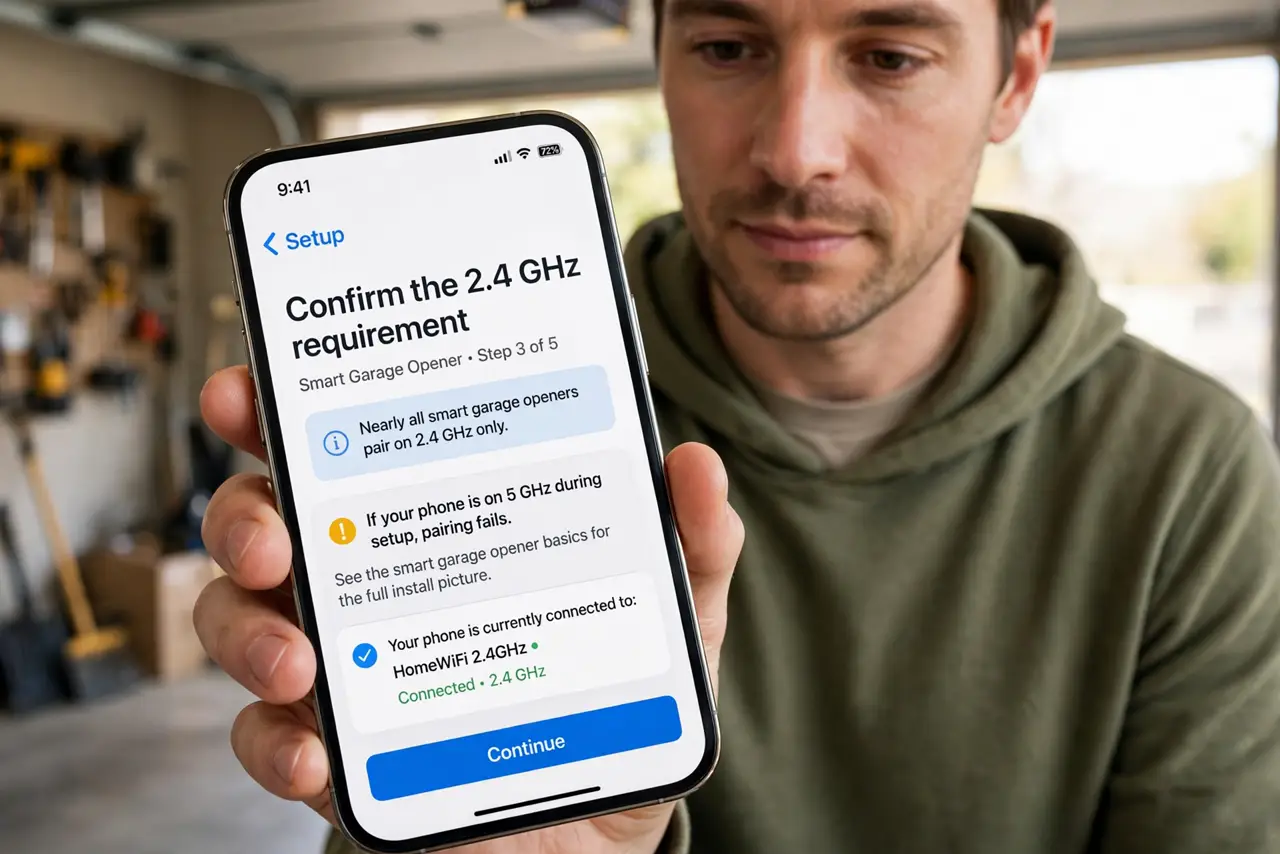
- Confirm the 2.4 GHz requirement. Nearly all smart garage openers pair on 2.4 GHz only. If your phone is on 5 GHz during setup, pairing fails — see the smart garage opener basics for the full install picture.
- Check the signal in the garage. Stand where the opener mounts and check your phone's Wi-Fi. Weak signal there means the opener will struggle too — learn about garage Wi-Fi coverage options before drilling anything.
- Put your phone on 2.4 GHz for setup. Connect your phone to the 2.4 GHz network during pairing. The app hands the opener the network your phone is on — wrong band, failed setup.
- Update the opener firmware. Once connected, check for firmware updates in the app. Early firmware drops connections; updates fix the reconnection logic.
- Test from the driveway. Open and close from the street, not just inside the garage. Real-world range testing catches the marginal signal that indoor tests miss.
- Extend coverage if needed. A mesh node or extender on the garage side of the house is the permanent fix — see how to extend Wi-Fi outdoors for the practical options.
What NOT to do
- Do not factory-reset after one failed pairing. Resetting wipes the opener's configuration — fix the Wi-Fi band first, reset last.
- Do not mount the opener's hub inside a metal cabinet. Metal boxes block the already-weak garage signal further.
- Do not skip the firmware update. Connection-drop bugs ship in early firmware; the update is the fix, not a chore.
- Do not share opener access carelessly. Each family member gets their own account — shared logins cannot be revoked individually.
Frequently asked questions
Why does my opener disconnect every few days?
Weak signal plus old firmware is the classic combo. Improve the garage signal and update — that pair fixes most cases.
Can I use it when the internet is down?
The wall button and remote still work — only the app and voice control need the internet. Local control never depended on Wi-Fi.
Is a smart garage opener secure?
As secure as your account — strong unique password and two-factor on the app. The opener itself uses encrypted radio like a normal remote.