Hotel Wi-Fi Blocks Your VPN? Fixes
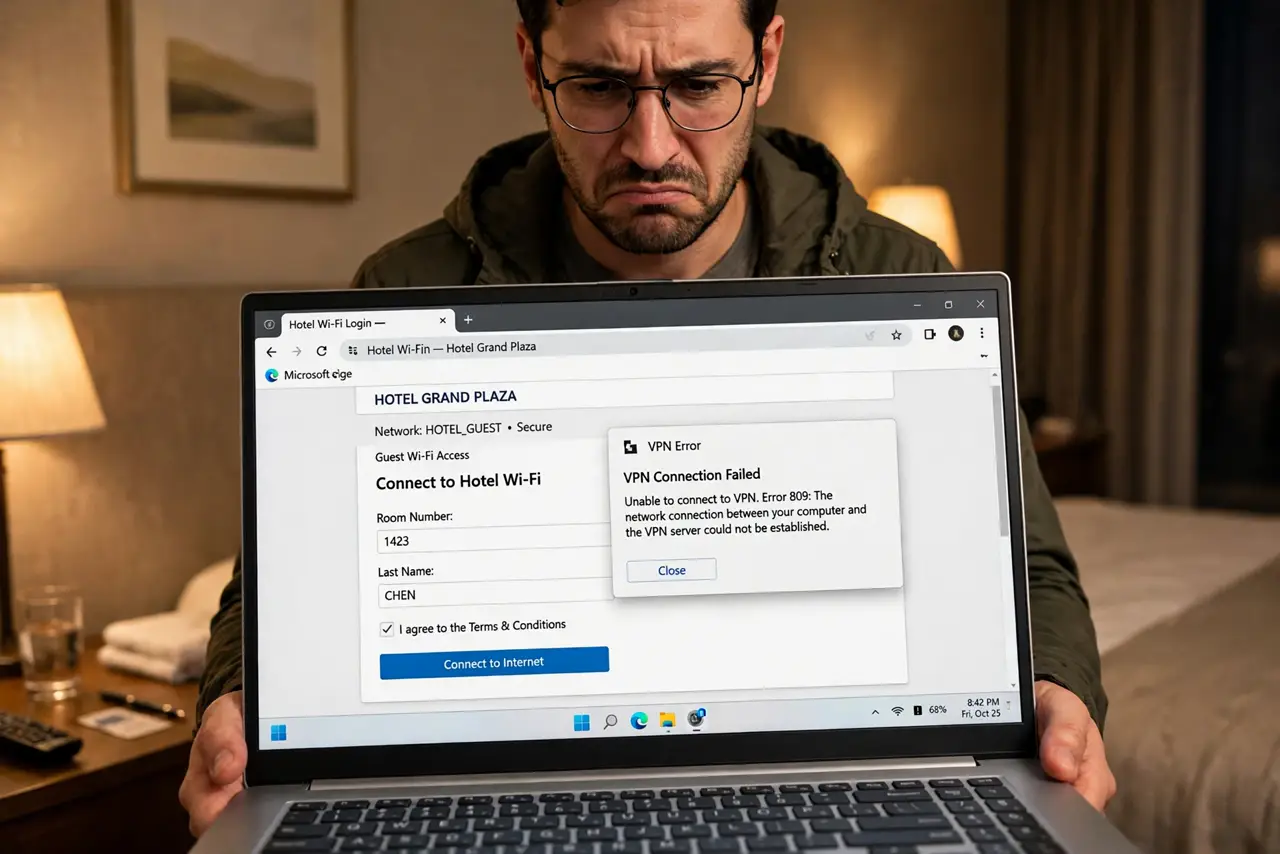
You connect to the hotel Wi-Fi, open the laptop, start the VPN — and it just spins, or connects and passes nothing. Hotels rarely set out to block VPNs; their login portals and firewalls simply break the VPN handshake. The fixes work with the hotel's network instead of fighting it.
TL;DR / Quick Fix
Quick fix: hotels rarely block VPNs deliberately — their captive portals and firewalls break the VPN's handshake. Connect through the portal first, then start the VPN; if it still fails, switch your VPN to a stealth or TCP mode. A phone hotspot sidesteps the whole mess when work can't wait.
Follow these steps
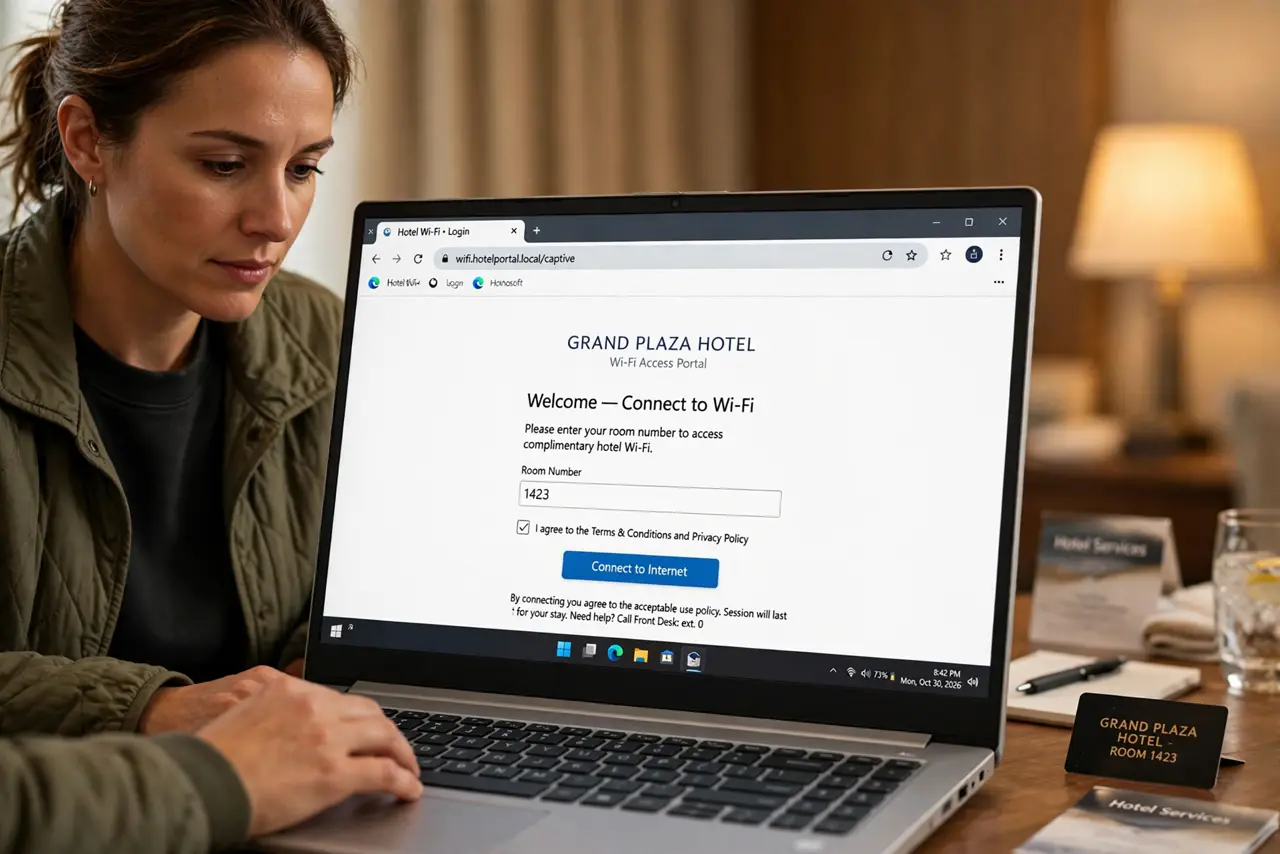
- Complete the portal login first. The captive portal must be satisfied before anything — including your VPN — can reach the internet. Open a browser, accept terms, enter the room number, and confirm a normal page loads.
- Start the VPN only after the portal. Order matters: portal first, VPN second. Starting the VPN before the portal authenticates leaves the VPN handshake stranded with no route out.
- Switch the VPN protocol. If it still fails, change from UDP to TCP mode (often port 443) in your VPN app's settings — TCP 443 looks like ordinary web traffic and passes through most hotel firewalls. 'Stealth' or 'obfuscated' modes exist for stubborn networks.
- Try the hotel's own network tiers. Some hotels run a basic free tier with heavy filtering and a premium tier that's far more permissive. If work matters, the paid tier often solves VPN issues as a side effect.
- Fall back to your phone hotspot. When the deadline can't wait, the phone's hotspot bypasses the hotel network entirely. Watch your hotspot data — tethered laptop work burns it fast.
- Ask the front desk as a last resort. Some hotels can whitelist your device's MAC address or offer a wired Ethernet option in the room. Wired hotel Ethernet almost never interferes with VPNs.
What NOT to do
- Do not fight the portal with the VPN running. The VPN encrypts before the portal handshake completes — authenticate first, encrypt second, always.
- Do not disable the VPN permanently for the trip. Hotel Wi-Fi is exactly where you want encryption most — fix the connection, don't abandon it.
- Do not assume the hotel is hostile. Nine times in ten it's an accidental firewall interaction, not a policy — the protocol switch fixes it.
- Do not forget to disconnect the hotspot. A forgotten tethered laptop can burn through a month's mobile data in one workday.
Frequently asked questions
Why do hotel portals break VPNs?
The portal intercepts all traffic until you log in — the VPN's encrypted handshake can't complete through the interception. Once the portal releases your device, the path clears.
Which VPN protocol works best in hotels?
OpenVPN over TCP port 443 or WireGuard with obfuscation, depending on your app. TCP 443 mimics regular secure web traffic, which hotels must allow.
Is hotel Wi-Fi safe without a VPN?
It's exposed — anyone on the same network can snoop unencrypted traffic. Use the VPN when you can; stick to HTTPS sites and avoid banking when you can't.