IPv6 Privacy Addresses
Your IPv6 address can embed your device's unique hardware ID — broadcasting a permanent tracker to every site you visit. Privacy Extensions fix this by randomizing part of the address, and they are usually on by default. But not always, and not everywhere — here is how to check.
TL;DR / Quick Fix
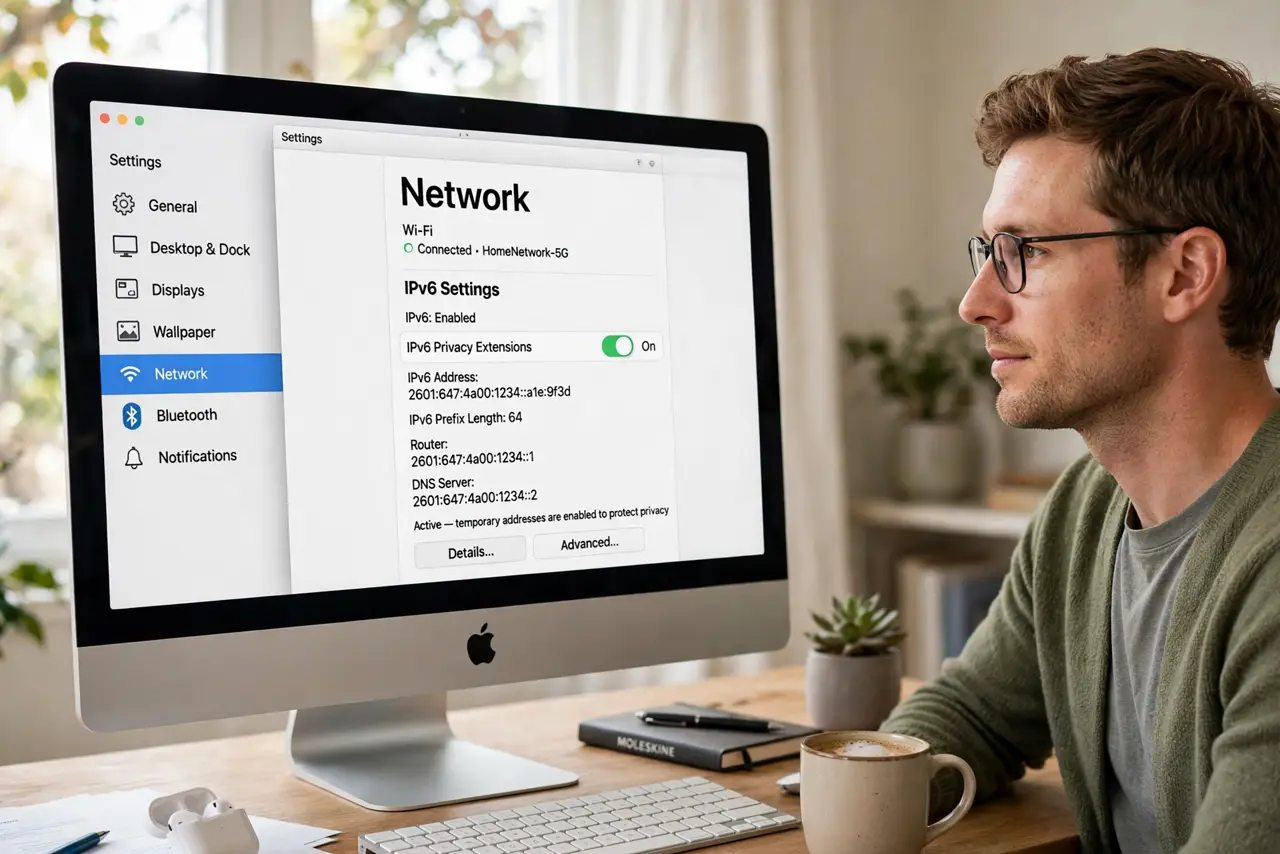
Quick fix: IPv6 privacy extensions randomize your address so sites cannot track you by it — they are on by default in Windows, Mac, iOS, and Android. Verify with an IPv6 test site showing a temporary address. If your address never changes, enable privacy extensions in network settings.
Follow these steps
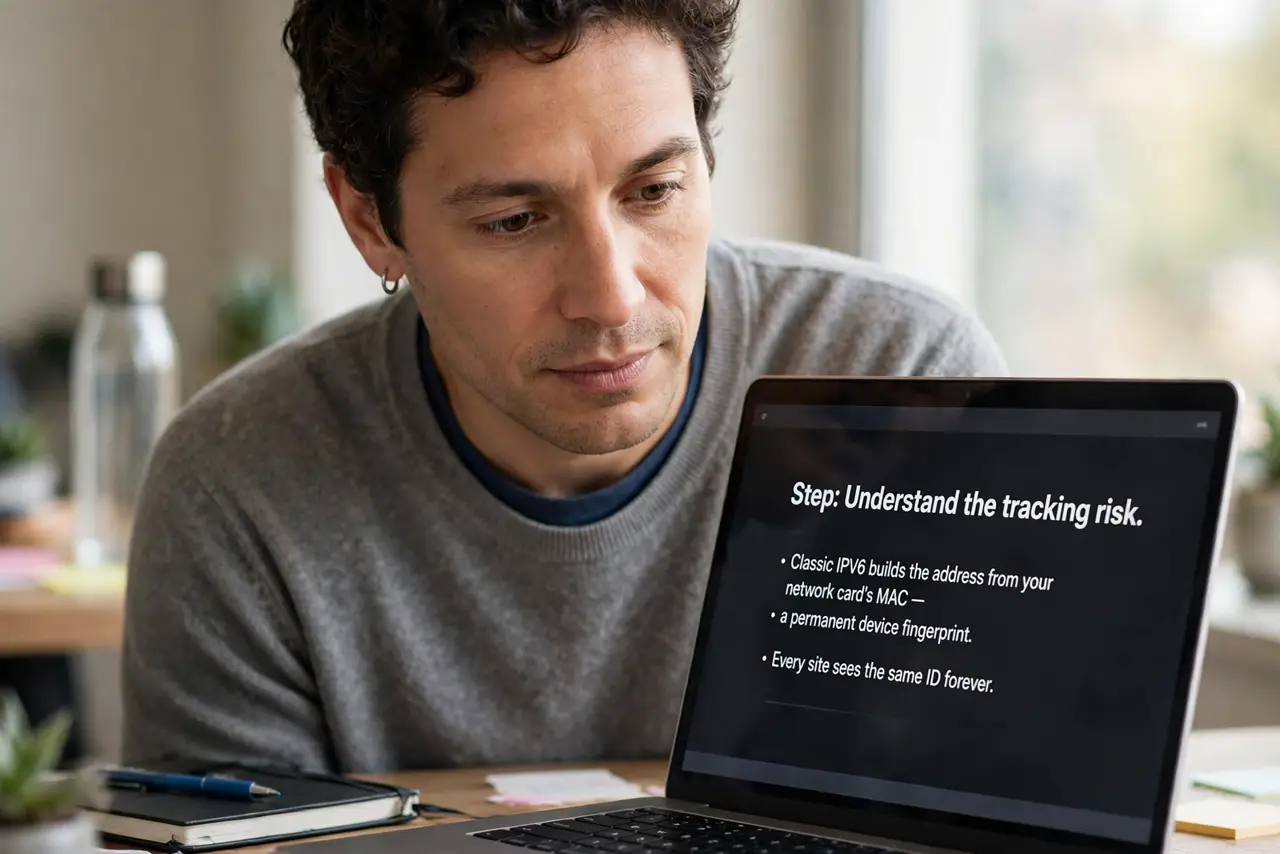
- Understand the tracking risk. Classic IPv6 builds the address from your network card's MAC — a permanent device fingerprint. Every site sees the same ID forever.
- Learn what privacy extensions do. They generate random temporary addresses for outgoing connections. Sites see a rotating address, not your hardware ID.
- Check your OS default. Windows, macOS, iOS, and Android all enable privacy extensions by default now. The risk lives in older systems and odd routers — see should you enable IPv6 for the bigger question.
- Verify with a test site. Visit an IPv6 test page and check whether your address looks temporary and changes over time. Static forever means extensions are off.
- Enable if missing. On desktop OSes, the network adapter settings hold the toggle. Some Linux distros and old Windows installs need it switched on manually.
- Know when IPv6 breaks things. Rarely, IPv6 causes one-site-weirdness. The one-site fix and on-off guide cover troubleshooting.
What NOT to do
- Do not disable IPv6 to fix privacy. That breaks modern networking — enable privacy extensions instead.
- Do not assume a VPN covers this. VPNs tunnel IPv4 fine but can leak IPv6 — check for leaks with the VPN on.
- Do not panic about the address format. Long hexadecimal addresses look scary; the privacy question is whether they rotate.
- Do not forget routers. Some routers hand out static IPv6 prefixes per device — check the router's settings too.
Frequently asked questions
What is an IPv6 privacy address?
A temporary, randomized IPv6 address your device uses for outgoing connections, replacing the hardware-derived one.
Will it break my connection?
No — privacy extensions are transparent to everything you do. Sites just see a rotating address.
How often does the address change?
Typically daily, plus a new one per connection. Frequent enough that tracking by address fails.