Use Your ISP's App
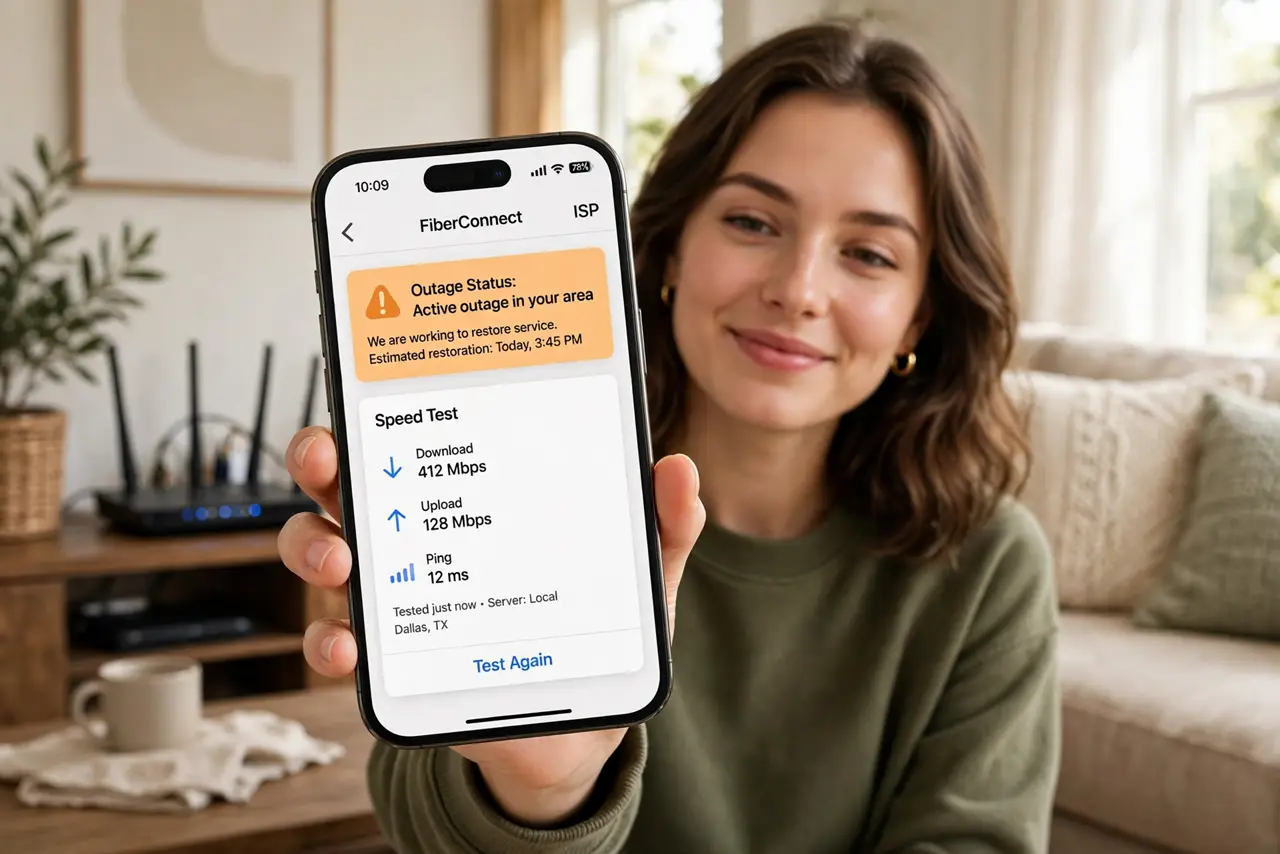
The internet is down, you are digging for the ISP's phone number, and the hold music is already playing in your head. Meanwhile the ISP's app — which you never installed — could have told you about the outage, rebooted your modem remotely, and booked a technician in the time you will spend on hold. Install it on a calm day and it becomes your internet command center. Use it with the outage check routine.
TL;DR / Quick Fix
Quick fix: install your ISP's app before you need it — it shows outages, lets you reboot the modem remotely, runs speed tests, and reaches support faster than phone menus. Most people discover the app during an outage, which is exactly when it is hardest to set up.
Follow these steps
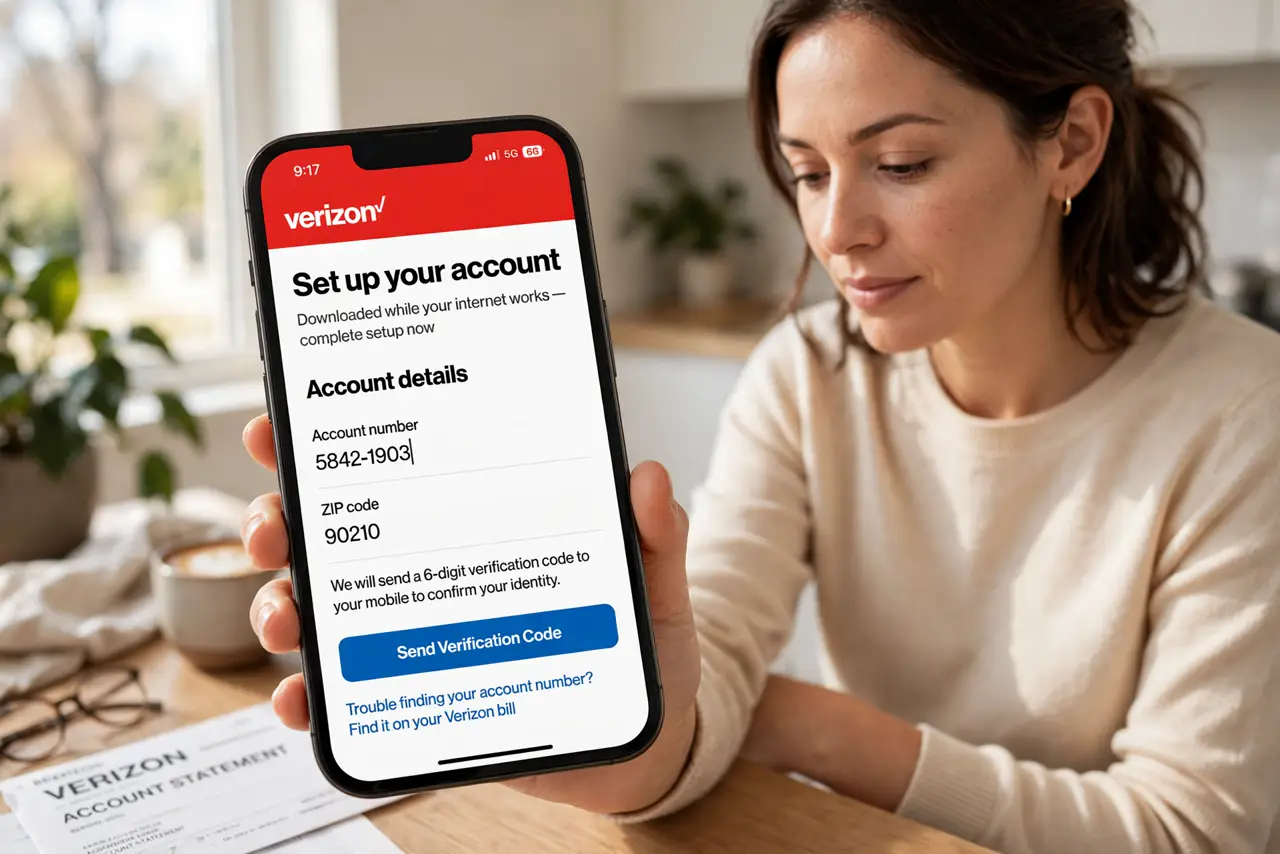
- Install the app on a good day. Download your ISP's official app while the internet works. Setup needs your account number and often a verification step — miserable to do during an outage.
- Log in and link your account. Sign in with your ISP credentials and confirm it sees your modem and plan. A linked app is a useful app; an unlinked one is decoration.
- Learn the outage map. Find the status or outage section now. When trouble hits, this one screen answers 'is it me or them' in seconds — faster than any reboot ritual.
- Try the remote reboot. Most ISP apps can restart your modem from their side. This fixes line-sync issues that your power cycle cannot, without you touching a cable.
- Run the built-in speed test. The app's test measures what the ISP delivers to your modem — the number that matters in speed disputes. Screenshot slow results before calling.
- Use the app's support channel. In-app chat and callback scheduling beat phone queues. Your account details are already attached, so agents skip twenty questions.
What NOT to do
- Do not install it mid-outage over cellular and expect smooth setup. Verification steps often need the home connection — do it early.
- Do not ignore the app's notifications. Outage alerts and maintenance windows arrive here first, before you notice problems.
- Do not assume the app replaces calling. For billing fights and complex issues, a human still wins — the app just gets you there faster.
- Do not download lookalike apps. Use the link from your ISP's official site — fake ISP apps harvest credentials.
Frequently asked questions
Is the ISP app spying on me?
It sees your connection stats and account — which the ISP already has. It does not monitor your browsing.
Do I need the app if I use my own router?
Still useful for outage info, line status, and support — though some features target ISP-rented gateways.
What if my ISP has no app?
Use their mobile website and save the status page to your home screen. The habit matters more than the app.