Jitter? Plain Explanation
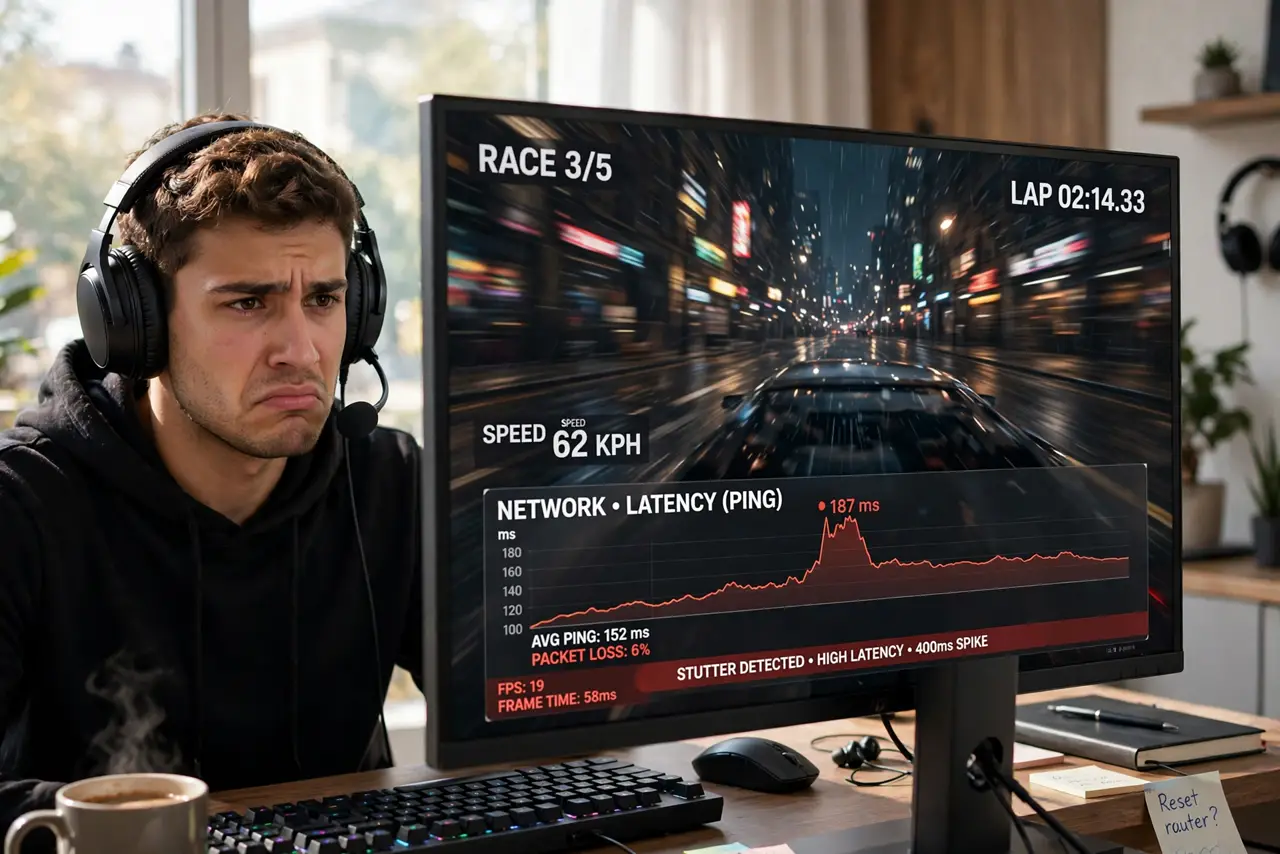
Your speed test looks great, but calls stutter and games rubber-band. The culprit is often jitter — not how fast data moves, but how inconsistently it arrives. A connection can be fast and still feel terrible if the timing wobbles. Here's what jitter is and how to hunt it down.
TL;DR / Quick Fix
Quick fix: jitter is the wobble in your ping — if delay jumps between 20ms and 200ms, calls stutter and games rubber-band even when speed looks fine. It's usually Wi-Fi interference or a congested line. Test wired to isolate it, then fix the Wi-Fi or call the ISP with numbers.
Follow these steps
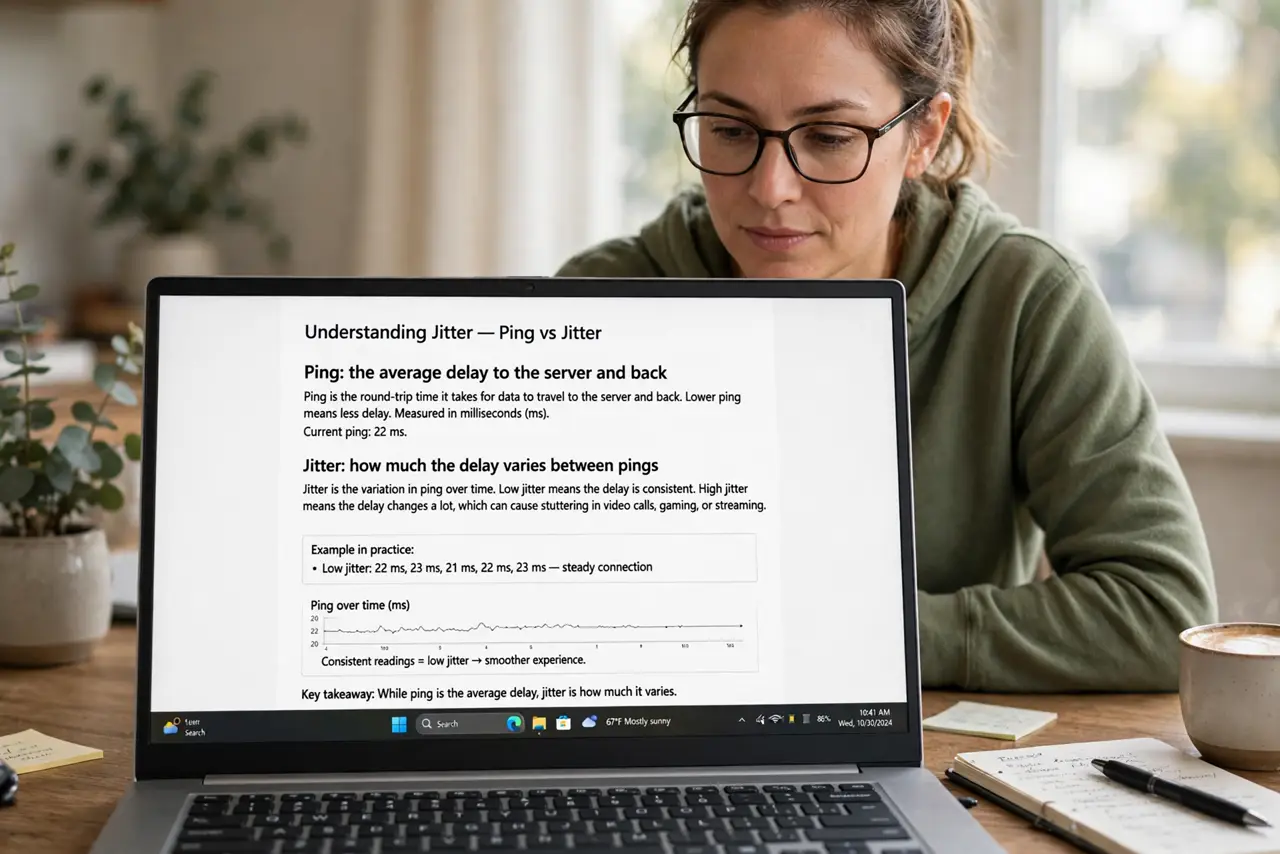
- Learn what jitter actually measures. Ping is the average delay; jitter is how much that delay varies. A steady 50ms ping feels fine; a ping swinging between 10ms and 150ms feels awful — same average, wildly different experience.
- Recognize the symptoms. Stuttering voice calls, robotic audio, and game characters teleporting are classic jitter signs. If speed is fine but real-time apps suffer, jitter is suspect number one.
- Test wired to isolate it. Plug in via Ethernet and run a ping test for a minute. Clean wired numbers with jumpy wireless numbers convict your Wi-Fi; jumpy wired numbers convict the line — the same split the packet loss test uses.
- Fix the Wi-Fi side first. Jitter on wireless usually means interference or a weak signal: move closer to the router, switch to 5 GHz, or reduce 2.4 GHz congestion. Gamers feeling ping spikes should start here.
- Check for bufferbloat on the line. If wired jitter spikes only during uploads — someone backing up photos while you game — that's bufferbloat. A router with smart queue management (SQM/QoS) tames it.
- Call the ISP with numbers, not feelings. 'My jitter hits 150ms every evening on wired tests' gets action; 'my games lag' gets a script. Document wired ping plots across several evenings.
What NOT to do
- Do not buy more bandwidth to fix jitter. Jitter is about consistency, not capacity — a faster plan with the same wobble feels exactly as bad.
- Do not test jitter over Wi-Fi and blame the ISP. Wireless jitter is your network's problem until a wired test says otherwise.
- Do not confuse jitter with packet loss. Related but different: jitter is varying delay, loss is missing data — both hurt, but the fixes differ.
- Do not ignore the upload direction. Jitter often strikes hardest on uploads; a saturated upstream from cloud backups is a classic hidden cause.
Frequently asked questions
What jitter number is good?
Under 30ms is fine for calls and gaming; under 10ms is excellent. Sustained spikes past 100ms become noticeable to humans in conversation.
Why is my speed fine but calls stutter?
Because speed measures capacity and calls need consistency. This exact mismatch is jitter's signature — the line is wide but wobbly.
Can Wi-Fi ever be jitter-free?
Nearly — with a strong signal, clean channels, and 5 GHz, wireless jitter drops to single digits. Weak or congested Wi-Fi is where the wobble lives.