Reuse an Old Router
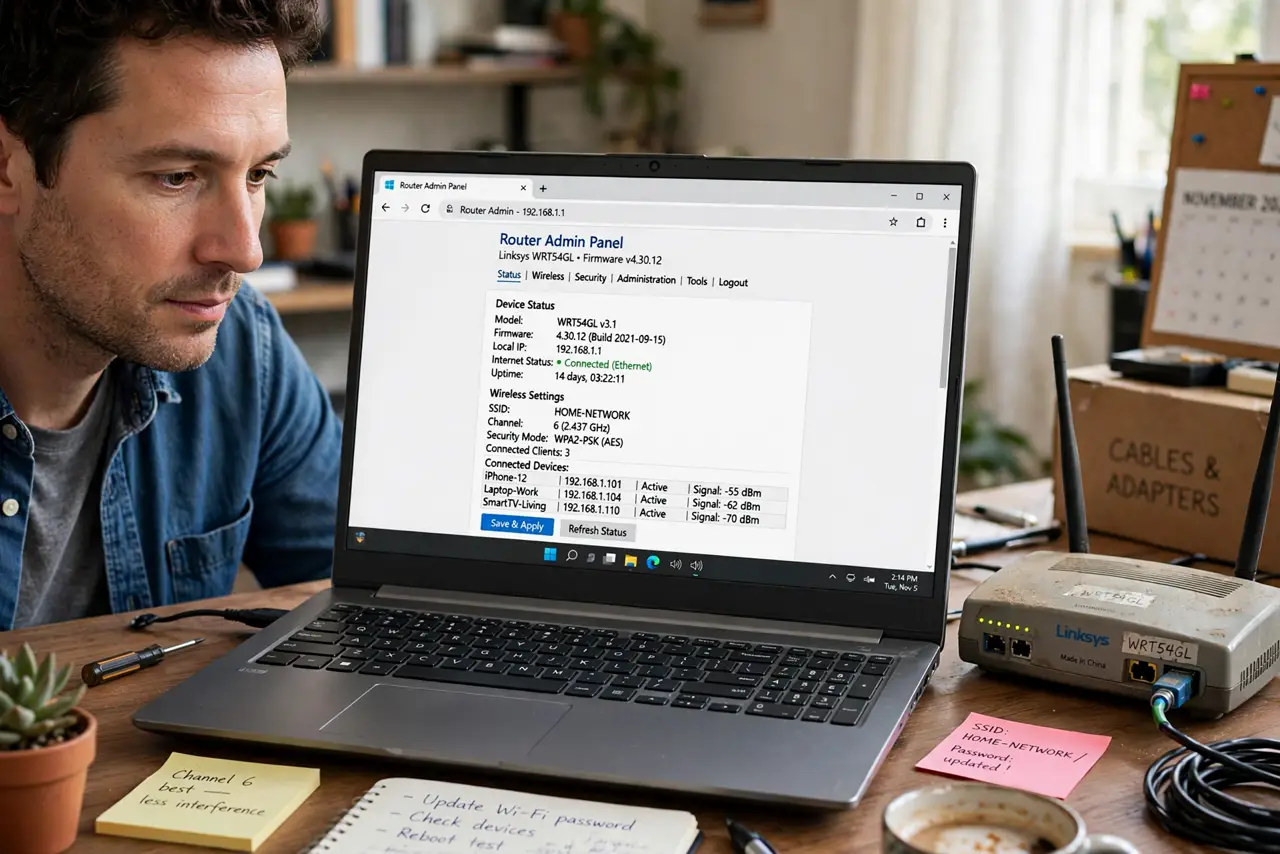
Everyone has a drawer with an old router — replaced, not broken. Before it becomes e-waste, give it a second job: a garage access point, a guest network, or a switch for wired devices. A factory reset and a firmware update come first. For the cleanest setup, follow the access point guide and the old-router-as-AP basics.
TL;DR / Quick Fix
Quick fix: that old router in the drawer can become a Wi-Fi extender, a guest network, or a garage access point — but a factory reset and firmware update come first. For the cleanest setup, configure it as an access point. Old hardware earns its keep instead of gathering dust.
Follow these steps
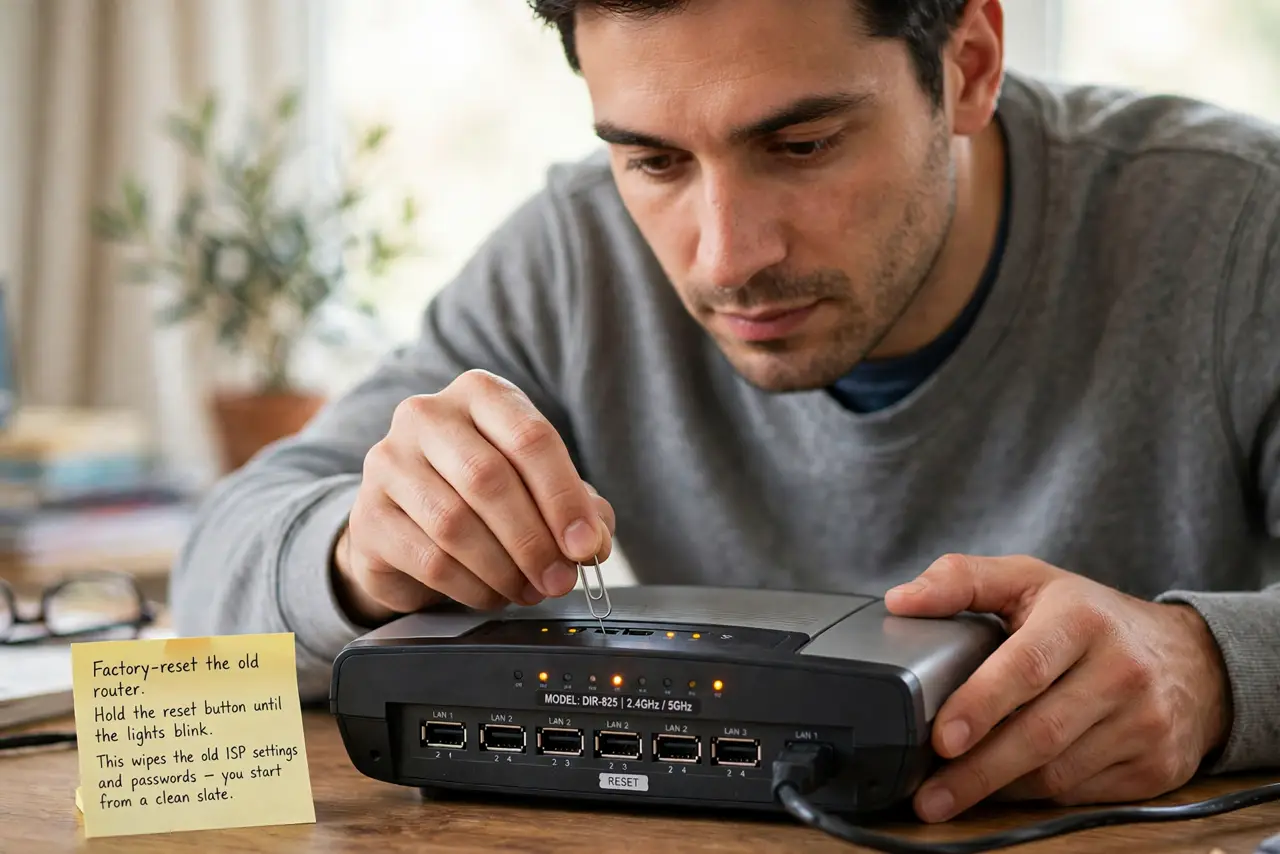
- Factory-reset the old router. Hold the reset button until the lights blink. This wipes the old ISP settings and passwords — you start from a clean slate.
- Update its firmware. Check the maker's site for the latest firmware for your exact model and install it. Old firmware means old security holes.
- Decide its new job. Access point (extends Wi-Fi cleanly), guest network (isolates visitors), or switch (more wired ports). Pick one — multitasking old routers disappoint.
- Configure access point mode. The best use for most: disable its DHCP, give it an address on your network, and connect it by cable to the main router. Follow the step-by-step AP guide.
- Place it where it helps. Garage, backyard office, far bedroom — wherever the main router's signal fades. It needs a cable back to the main router for best results.
- Secure it like new. Set a strong admin password and WPA2 or WPA3 Wi-Fi password. Old does not mean open.
What NOT to do
- Do not skip the factory reset. Old ISP logins and passwords lingering in it are a security liability.
- Do not use it as a repeater if you can cable it. Wireless repeating halves your speed; a cable keeps it full.
- Do not leave default passwords. Old routers are prime targets precisely because people never change the defaults.
- Do not expect modern performance. An old router extends coverage fine but will not match a new one for speed.
Frequently asked questions
Can an old router slow my network?
Only devices connected to it get its slower speeds; the rest of your network is unaffected.
What if there is no firmware update?
If the maker abandoned it years ago, use it only as a dumb switch or recycle it — unpatched routers are risky.
Is this better than buying a mesh node?
A free access point beats a purchase for simple coverage gaps. For seamless roaming, real mesh wins.