Read Ping and Jitter
Your speed test looks great but games still stutter and video calls still freeze. Speed is only half the story — ping (delay) and jitter (delay variation) decide whether real-time apps feel smooth. This guide explains what the numbers mean and what to do about bad ones, including when gaming lag on Wi-Fi.
TL;DR / Quick Fix
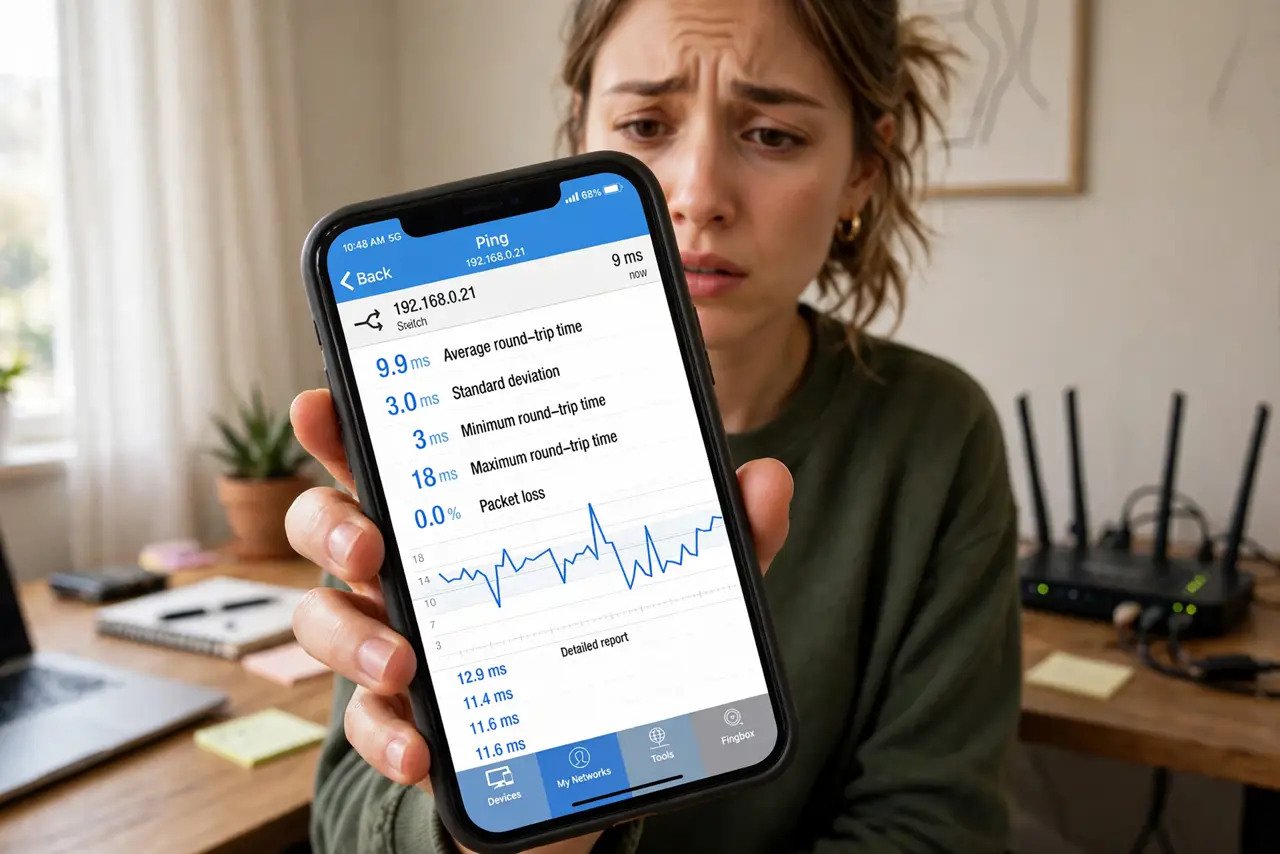
Quick fix: ping under 50ms is good for gaming and calls; jitter under 30ms keeps things smooth. Test wired first with a ping tool. If wired is clean but Wi-Fi jitters, move closer to the router or use the 5 GHz band. High ping everywhere means calling your provider.
Follow these steps
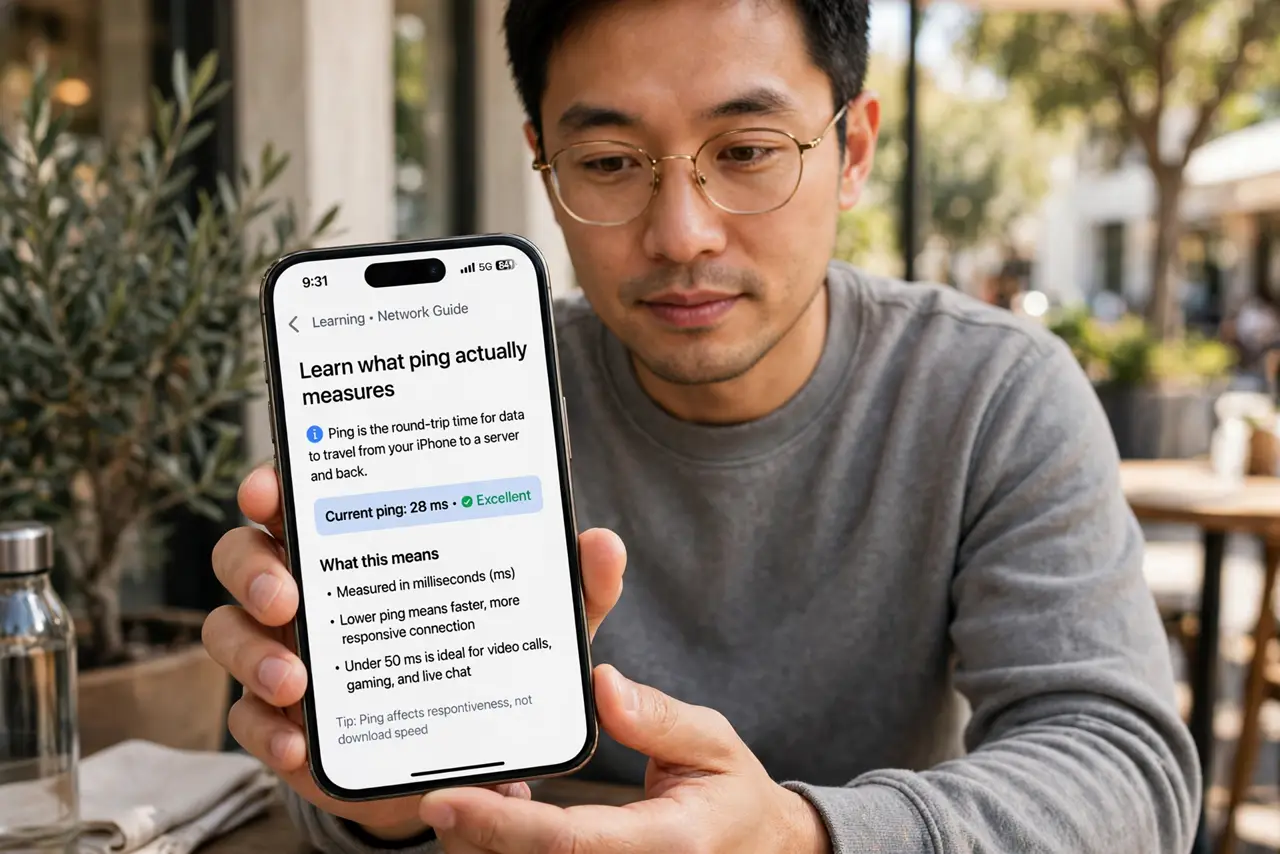
- Learn what ping actually measures. Ping is round-trip delay in milliseconds — how long a packet takes to go and return. Lower is better; it is the number that decides whether a game feels instant or slushy.
- Learn what jitter means. Jitter is how much the ping varies. A steady 40ms feels fine; a ping swinging between 20 and 200ms causes stutters even though the 'average' looks okay.
- Test wired first. Run a ping test from a computer plugged into the router. This tells you whether the problem is your internet connection or your Wi-Fi.
- Test Wi-Fi from your usual spot. Now test from the couch or desk where you actually game or call. A big gap between wired and wireless numbers points squarely at the Wi-Fi.
- Switch bands or move closer. The 5 GHz band usually has lower jitter than crowded 2.4 GHz at short range. Moving closer to the router helps both numbers immediately.
- Know when to call the provider. If wired ping is high and jumpy at all hours, the problem is upstream. Run tests morning and evening, note the numbers, and report them — slow downloads often travel with bad ping.
What NOT to do
- Do not chase a lower ping by buying a faster plan. Ping is about route and congestion, not bandwidth — a 100 Mbps line can out-ping a gigabit one.
- Do not test ping to a faraway server and panic. Test to something nearby; distance always adds delay.
- Do not ignore jitter because the average ping looks fine. Variation is what you feel in calls and games.
- Do not run ping tests over a VPN and blame the ISP. The VPN adds its own delay — test without it first.
Frequently asked questions
What ping is good for gaming?
Under 50ms is good, under 30ms is excellent. Above 100ms, fast games start feeling unresponsive.
Why is my ping fine but calls still stutter?
That is usually jitter or packet loss — the average hides the spikes. Look at the variation, not just the mean.
Does Wi-Fi 6 fix ping?
It can reduce jitter under load, but it will not fix a bad ISP route. Test wired to know which problem you have.