Change the Router's Default Login
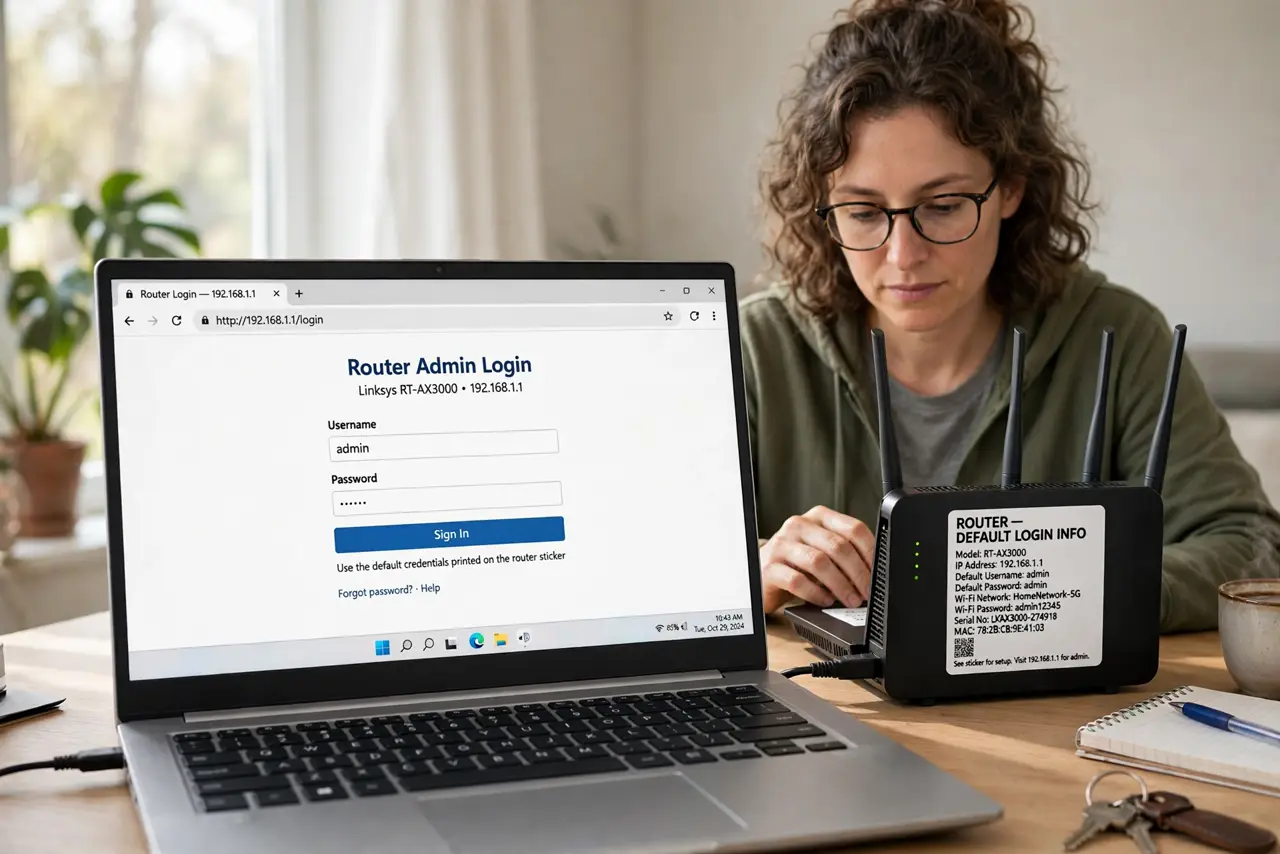
Your router's admin page is guarded by a username and password that shipped in the manual — admin/admin, admin/password — and everyone on the internet knows them. Changing the default login is the single highest-value two minutes in home networking. Do it before anything else.
TL;DR / Quick Fix
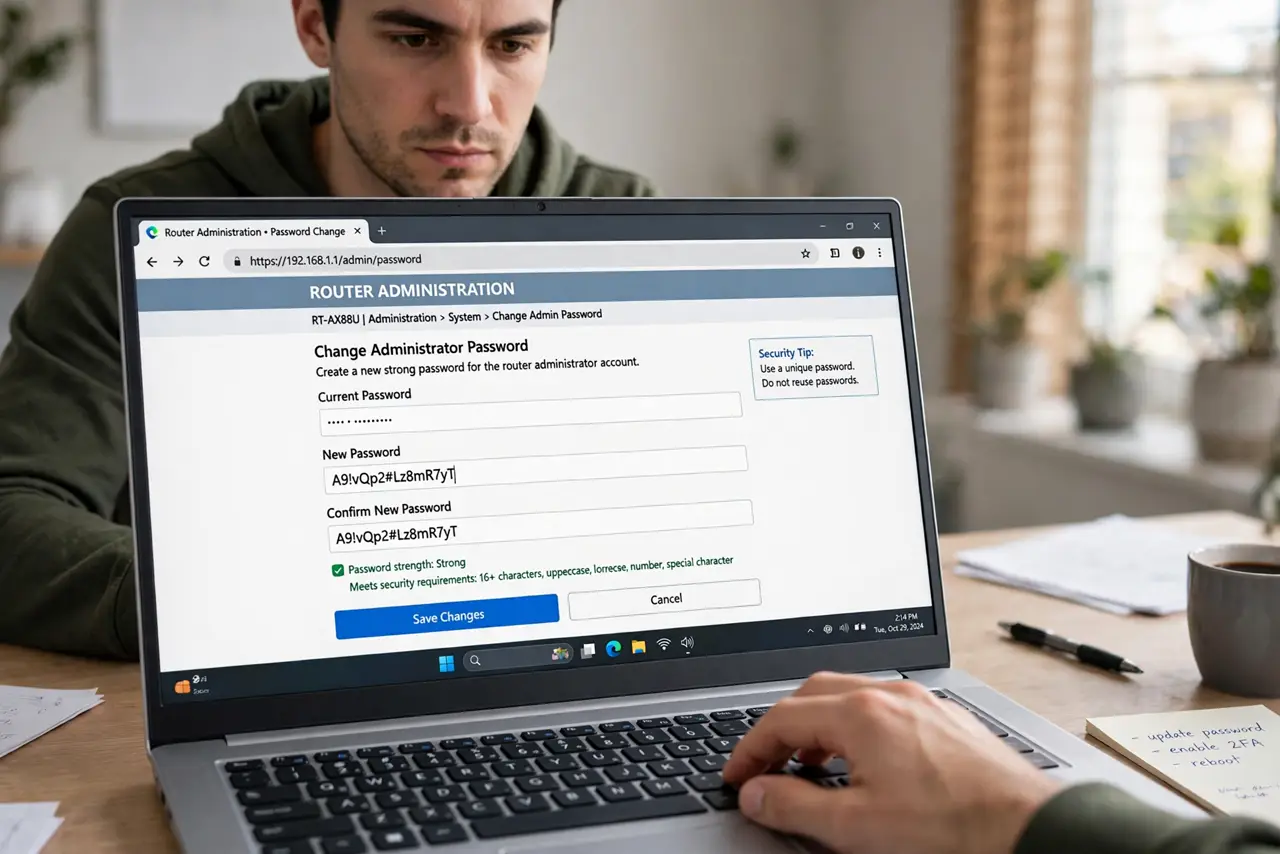
Quick fix: sign in to your router's admin page and change the default admin username and password immediately — defaults like admin/admin are public knowledge. Use a long unique password stored in your password manager. Log out when done. Do this before anything else.
Follow these steps
- Sign in with the default credentials. Browse to the router address and log in with whatever the sticker or manual says — this is the last time you will use them.
- Find the admin account settings. Look under Administration, System, or Management — not the Wi-Fi password section. You are changing the router's own login.
- Change BOTH the username and password. Attackers try ‘admin’ as the username automatically. A non-obvious username plus a long password doubles the work.
- Generate a long unique password. Use your password manager to create 20+ random characters. You will type it rarely; make it strong, not memorable.
- Save it in the password manager. The number-one cause of factory resets is a forgotten custom admin password. Save it before you log out.
- Pair with [[remote management off|wifi-remote-management-off]]. A strong password matters less if the login page faces the whole internet. Close that door next.
What NOT to do
- Do not reuse your Wi-Fi password as the admin password. They protect different things; one leak should not open both.
- Do not skip this because ‘it's just a home router’. Botnets specifically hunt default-logged routers — yours included.
- Do not write the new password on the router. A sticky note on the box is the oldest joke in security for a reason.
- Do not forget to log out. An admin session left open on a shared computer is an open door.
Frequently asked questions
What's the difference between the admin and Wi-Fi passwords?
The Wi-Fi password lets devices join the network. The admin password controls the router itself — settings, firmware, everything.
I forgot my custom admin password — now what?
Factory-reset the router (hold the reset button), then set it up again — which is why the password manager step matters.
Should I change the username too?
Yes. ‘admin’ is the first guess in every attack dictionary; any other username already defeats automated tries.