Test Speed at the Router?
Your speed test says 40 Mbps but you pay for 300 — is the internet slow, or is your Wi-Fi slow? Testing at the router separates the two: it measures what actually arrives at your house before Wi-Fi gets involved. Many modern routers run the test themselves; otherwise a wired laptop does the job. This is the single most useful diagnostic for slow internet complaints.
TL;DR / Quick Fix
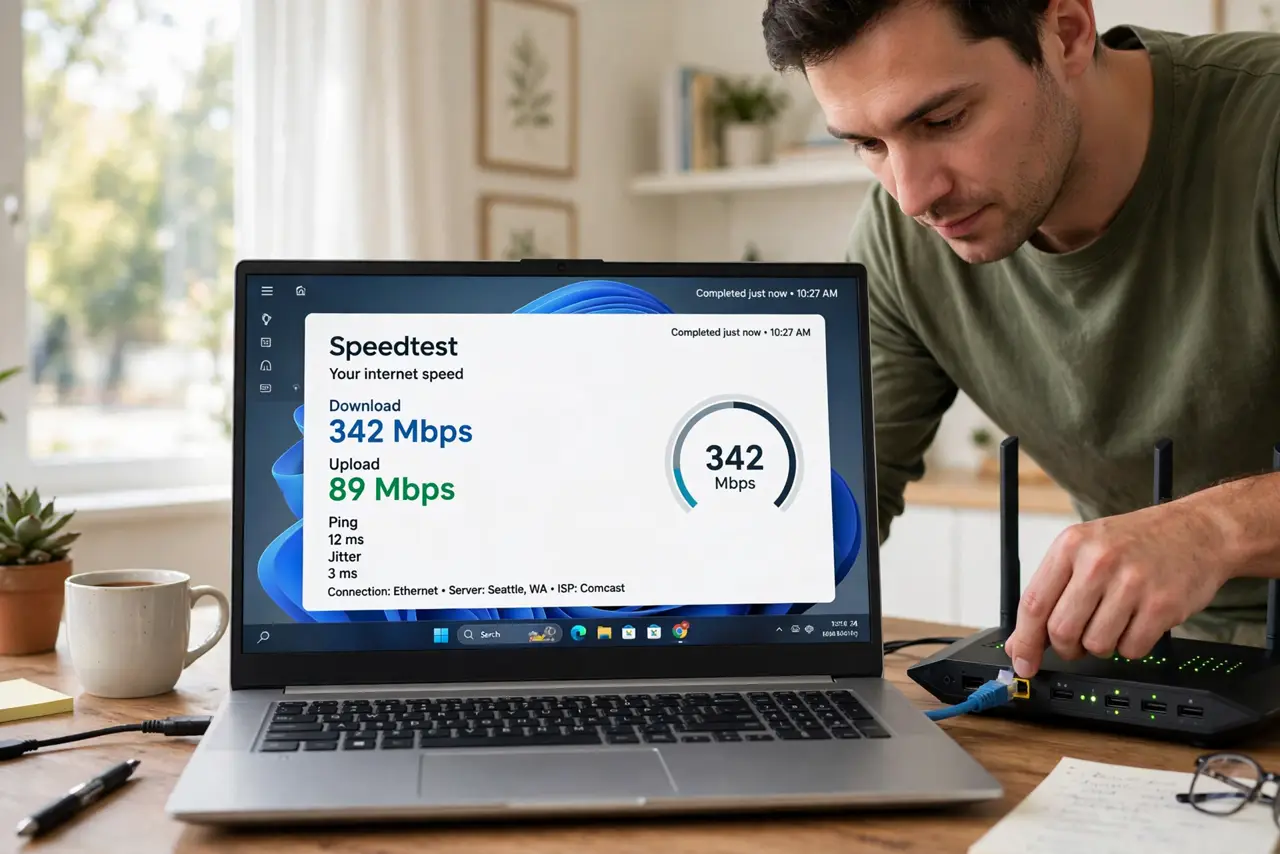
Quick fix: plug a laptop into the router with an ethernet cable, close other apps, and run a speed test. That number is your true internet speed. Then test over Wi-Fi next to the router. If wired is fast but Wi-Fi is slow, the problem is wireless, not your plan.
Follow these steps
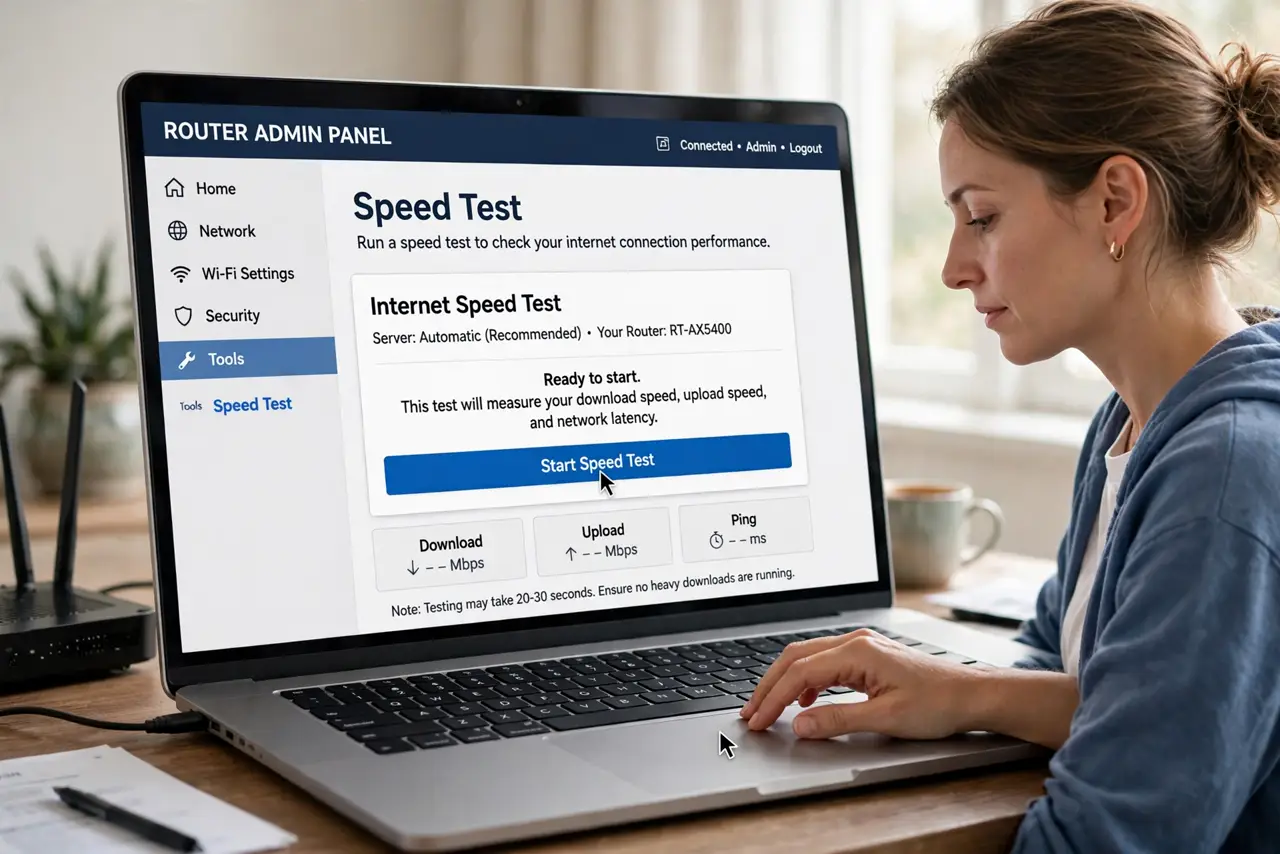
- Use the router's own test first. Many router apps have a built-in speed test that measures the connection at the router itself — no cables needed. Check your router's app under Internet or Diagnostics. This is the cleanest number you can get.
- Test wired with a laptop. Connect a laptop directly to the router with an ethernet cable, close everything else, and run a speed test. This bypasses Wi-Fi entirely. Compare the result to your plan's advertised speed — within 10 to 20 percent is normal.
- Test Wi-Fi right next to the router. Run the same test on Wi-Fi standing near the router. The gap between wired and close-range Wi-Fi tells you how much speed your wireless setup costs. A big gap means Wi-Fi, not the internet, is the problem.
- Test at different times. Speeds dip in the evening when the neighborhood is streaming. One slow test at 8 PM proves nothing — test morning, afternoon, and evening before concluding anything. If video still buffers despite good numbers, the issue is elsewhere.
- Rule out your devices. An old laptop with a slow Wi-Fi chip caps every test it runs. Test with your newest device, and test more than one device — if only one is slow, the device is the bottleneck.
- Document before calling the ISP. ISPs take you seriously with data: wired test results, times, and the gap to your plan speed. Note whether the router lights agree — it separates their problem from yours.
What NOT to do
- Do not test over Wi-Fi from the far bedroom. Distance and walls corrupt the result — test wired or next to the router.
- Do not run one test and declare a verdict. Speeds vary by time of day; test at least three different times.
- Do not test with ten apps open. Background updates and cloud syncs eat bandwidth and fake a slow result.
- Do not confuse Wi-Fi speed with internet speed. Your devices can only be as fast as the slower of the two — diagnose them separately.
Frequently asked questions
Why is my Wi-Fi slower than my plan?
Wi-Fi always loses some speed to distance, walls, and interference — 60 to 70 percent of wired speed nearby is typical. Far rooms lose much more.
How fast should my internet be for streaming?
About 25 Mbps per 4K stream. If the router test shows your full plan speed, you have enough — the issue is Wi-Fi coverage, not the plan.
My router test is slow too — now what?
The problem is the line or the ISP. Reboot the modem and router, check cables, then call your ISP with your documented test results.