One Device Slow?
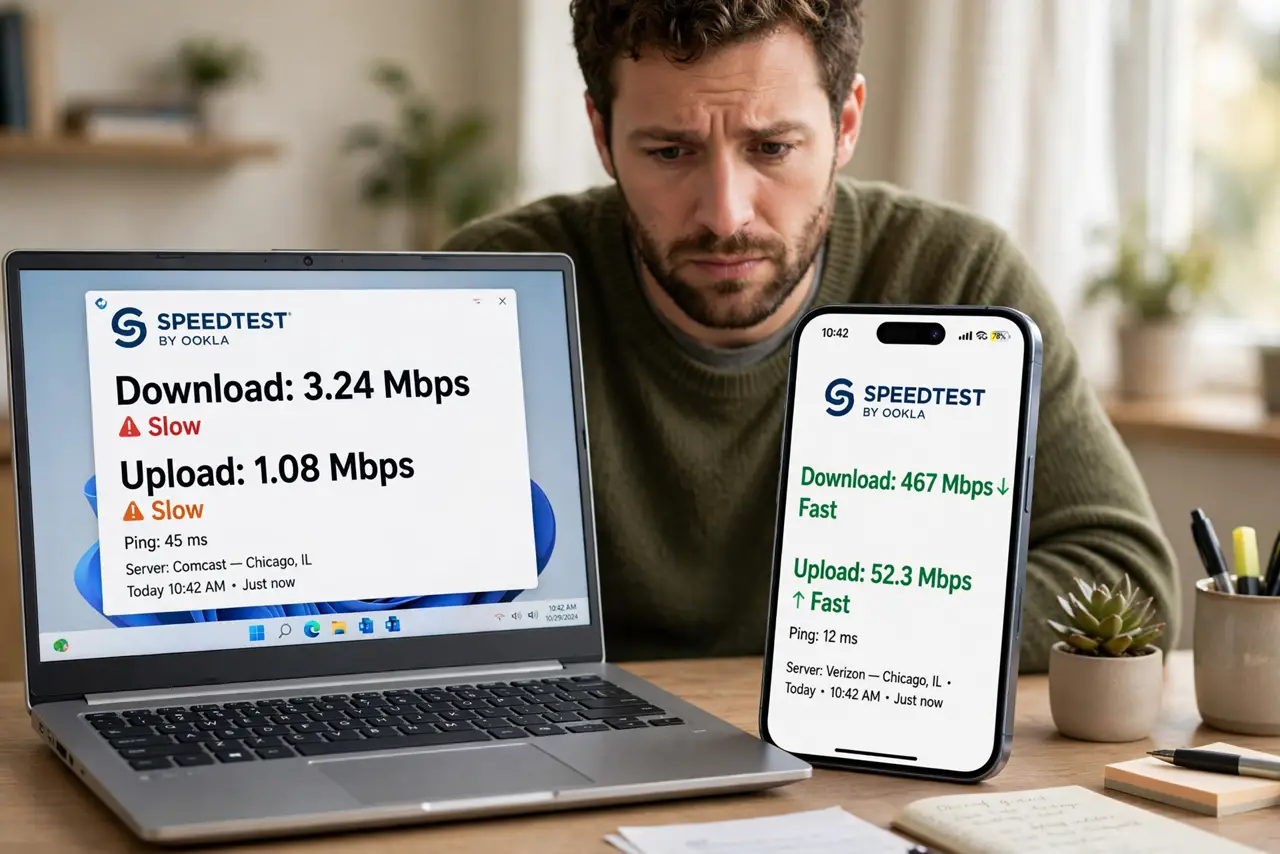
Your phone flies on Wi-Fi while the laptop crawls — same network, same room, wildly different speeds. The router is innocent: the problem lives in the slow device itself. An old Wi-Fi standard, a stuck band, background uploads, or a tired network driver each produce this exact symptom. Diagnose the device, not the network.
TL;DR / Quick Fix
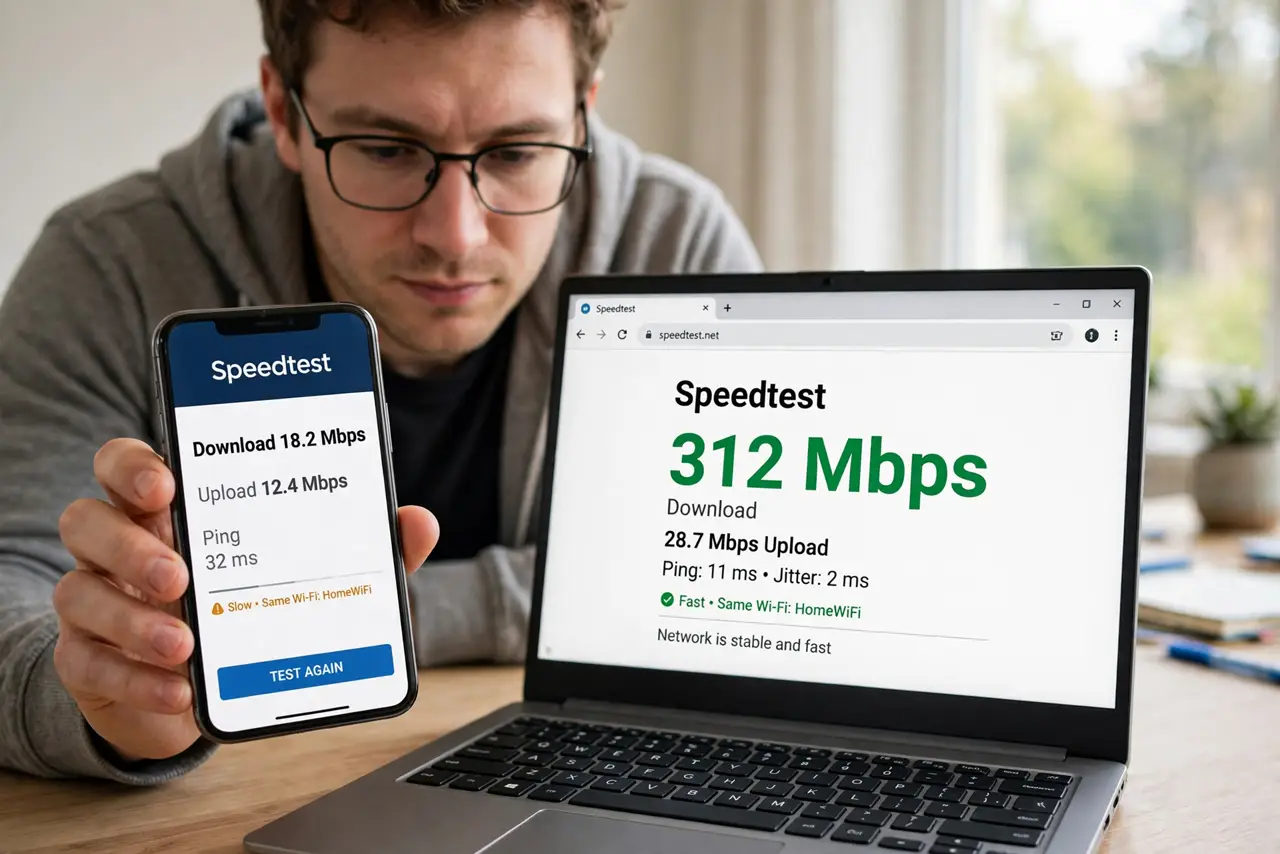
Quick fix: when one device is slow, the device is the suspect — check its Wi-Fi band, pause cloud backups and updates, restart it, and update its network driver. Compare speeds in the same spot. If every device is slow, blame the router; if one is slow, blame that device.
Follow these steps
- Confirm it is really one device. Run speed tests on two devices side by side in the same spot. One slow plus one fast proves the network is fine — the hunt moves to the slow device.
- Check which band it is on. The slow device may be stuck on crowded 2.4 GHz while the fast one enjoys 5 GHz. Forget the network and rejoin to force a fresh band choice, or split the bands in router settings.
- Pause backups and updates. Cloud photo syncs and OS updates saturate uploads silently. Pause them and re-test — the speed often returns instantly.
- Restart the slow device. Unsexy, effective. Network stacks get wedged; a restart clears the state faster than any settings spelunking.
- Update the network driver. On Windows, an ancient Wi-Fi driver caps speed and drops connections. Update through Device Manager or the laptop makers support page — drivers age badly.
- Compare Wi-Fi standards. An old laptop with Wi-Fi 4 will never match a Wi-Fi 6 phone. If the hardware is the ceiling, a USB Wi-Fi adapter is a cheap upgrade — and rule out the evening slowdown pattern first.
What NOT to do
- Do not reset the router for a one-device problem. You will disrupt everyone to fix nothing.
- Do not buy a new router before testing the device. The router is proven innocent by the fast device.
- Do not ignore background uploads. They are the number one silent speed killer on the slow machine.
- Do not assume the newest device is fastest. Settings and drivers matter more than age.
Frequently asked questions
Why is only my laptop slow on Wi-Fi?
Usually band choice, background uploads, or an old driver — the big three. Work through them in order.
Could it be the VPN on that device?
Yes — a VPN on one device slows exactly that device. Test with it off before anything else.
Should I forget and rejoin the network?
Yes, it is a legitimate step — it clears stale band preferences and cached settings.