Speed Test Sites Compared
Three speed test sites, three different numbers — which one is telling the truth? Test sites differ in server networks, measurement methods, and yes, sometimes in how ISPs treat their traffic. Understanding the differences turns confusing numbers into a reliable picture of your connection.
TL;DR / Quick Fix
Quick fix: use your ISP's own speed test plus one independent one — if both agree, the number is real. Test wired, close other apps, and run three tests to average out blips. One slow test means nothing; a pattern across sites and times tells the true story.
Follow these steps
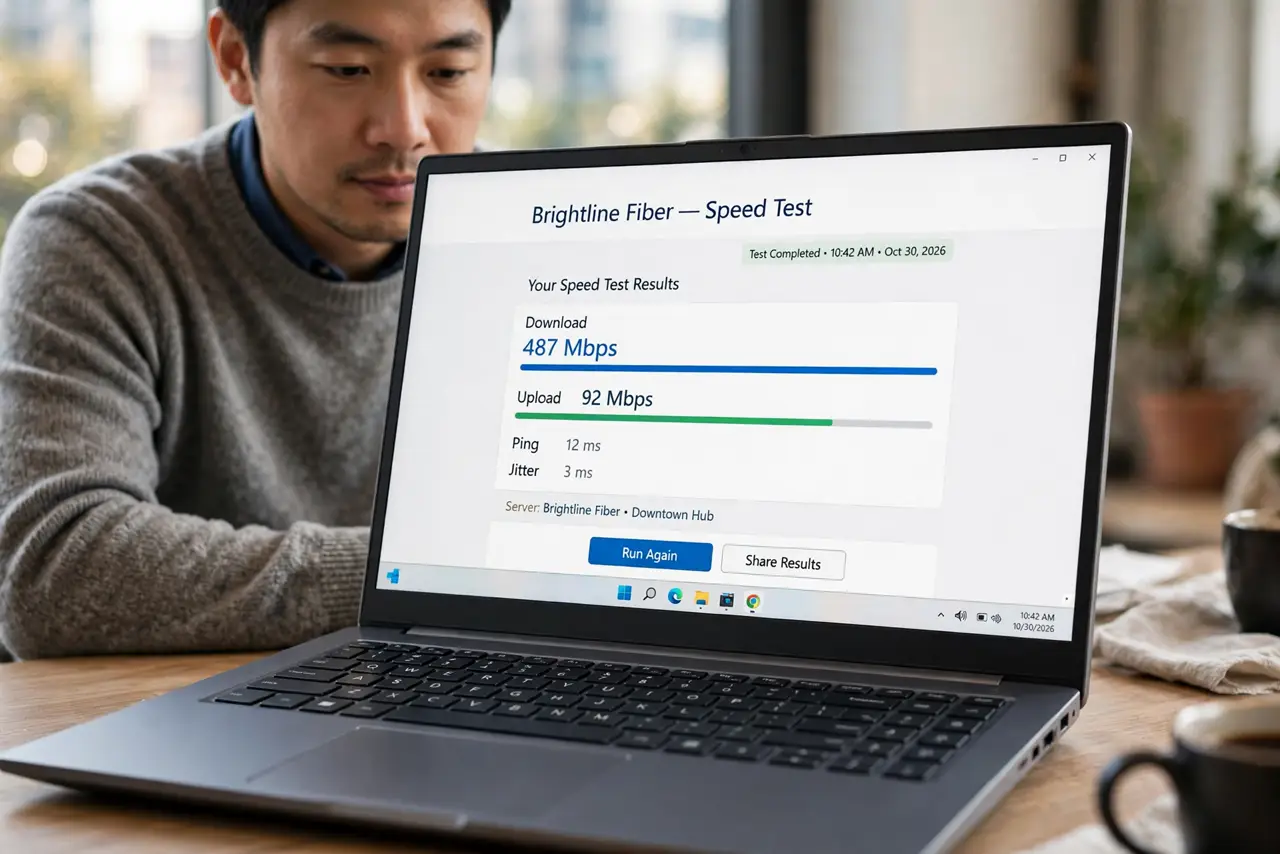
- Start with your ISP's own test. Most providers host a speed test on their network. It measures only your line to them — the segment they're responsible for. If even this is slow, the problem is definitively on their side or your wiring.
- Add one big independent test. A major independent site tests the fuller path across the internet. If the ISP test is fast but the independent one is slow, the bottleneck is beyond your provider — peering or the wider internet.
- Test wired, not on Wi-Fi. Wi-Fi variability contaminates every comparison. Plug in via Ethernet for the numbers that matter; use Wi-Fi tests only to judge the wireless side separately.
- Run three tests and average. Single tests catch momentary blips. Three back-to-back runs, averaged, give the stable number — discard an obvious outlier rather than averaging it in.
- Test at the same times across days. Morning versus evening comparisons reveal congestion patterns. A line that's fast at 10 a.m. and slow at 8 p.m. is telling you about neighborhood load, not your router.
- Know when numbers disagree honestly. Different server locations and test methods produce legitimately different numbers. Agreement within 10–15% is 'the same'; a 3x gap means something real — possibly even targeted throttling.
What NOT to do
- Do not trust a single test from a single site. One number is an anecdote; the pattern across sites, times, and days is the evidence.
- Do not test while others stream. Another device's Netflix session steals bandwidth mid-test and produces a falsely low number — test on a quiet network.
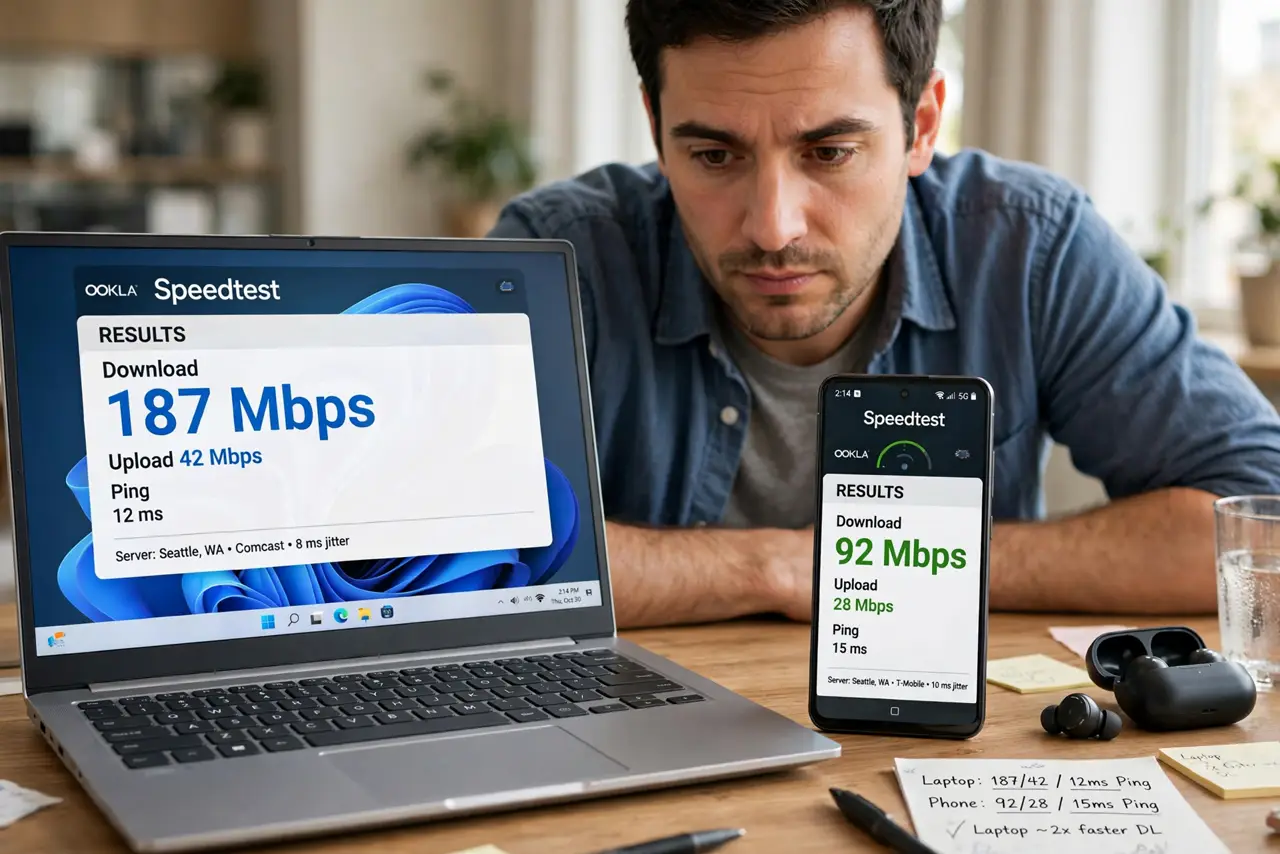
- Do not compare phone and laptop tests directly. Different Wi-Fi chips and antennas produce different results — compare like with like.
- Do not obsess over small differences. 480 vs 520 Mbps on a gigabit plan is measurement noise, not a problem worth chasing.
Frequently asked questions
Why do different sites give different speeds?
Different server networks, different distances, different measurement techniques — and occasionally different treatment by ISPs. The spread is normal; huge gaps are the signal.
My speed test is fast but video buffers — why?
Speed tests measure bulk throughput to nearby servers; streaming needs steady delivery from distant ones. See the guide on fast tests but buffering for the full explanation.
How often should I run speed tests?
When troubleshooting or after changes — not daily. Obsessive testing burns data on metered connections and tells you nothing new about a stable line.