Test Wired Before Blaming Wi-Fi
‘The Wi-Fi is slow’ might mean the Wi-Fi is slow — or the internet itself is slow and Wi-Fi is innocent. One Ethernet cable and a two-minute test separates the two cases cleanly, and it changes what you fix. Always test wired before touching a single Wi-Fi setting.
TL;DR / Quick Fix
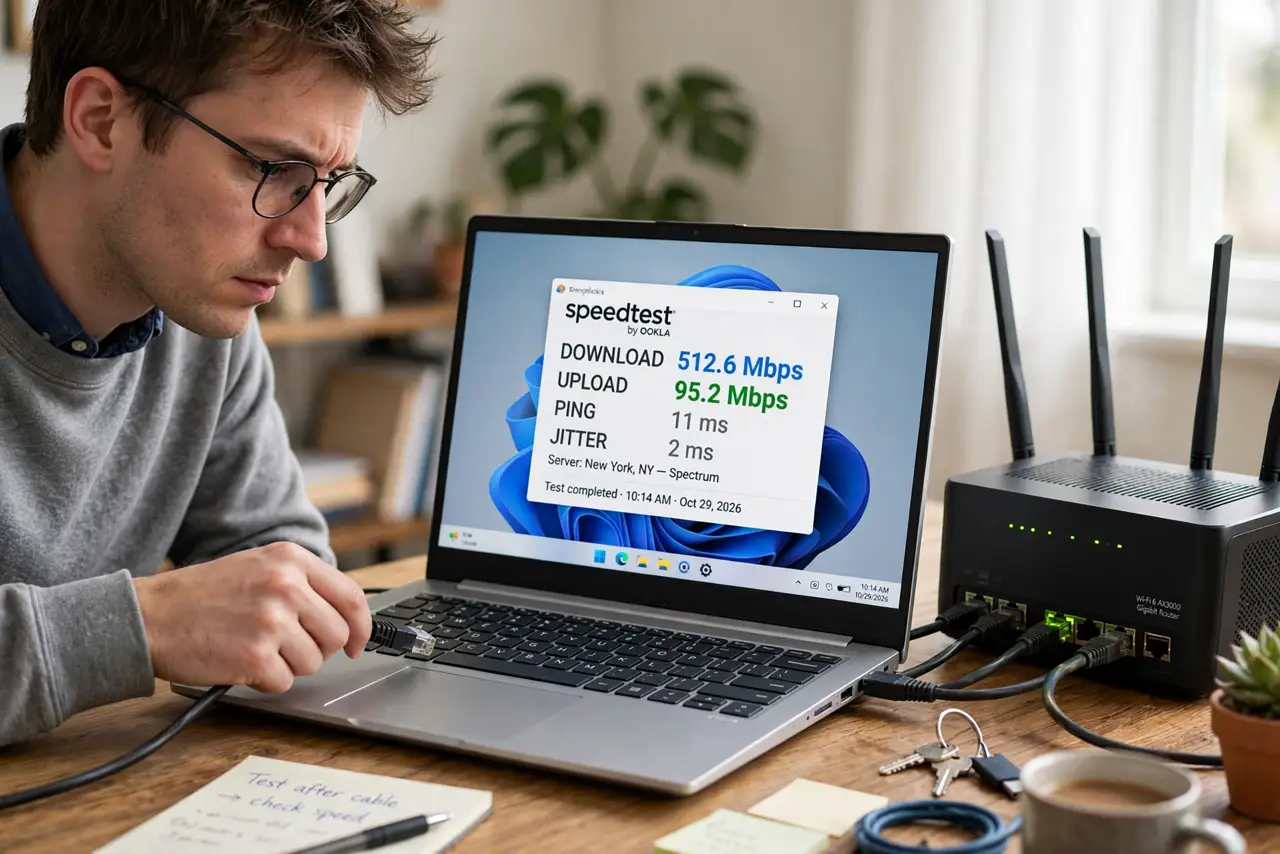
Quick fix: plug a laptop directly into the router with an Ethernet cable and run a speed test. If wired speed is fine, the problem is your Wi-Fi, not your internet plan. If wired is slow too, call it an ISP or router issue.
Follow these steps
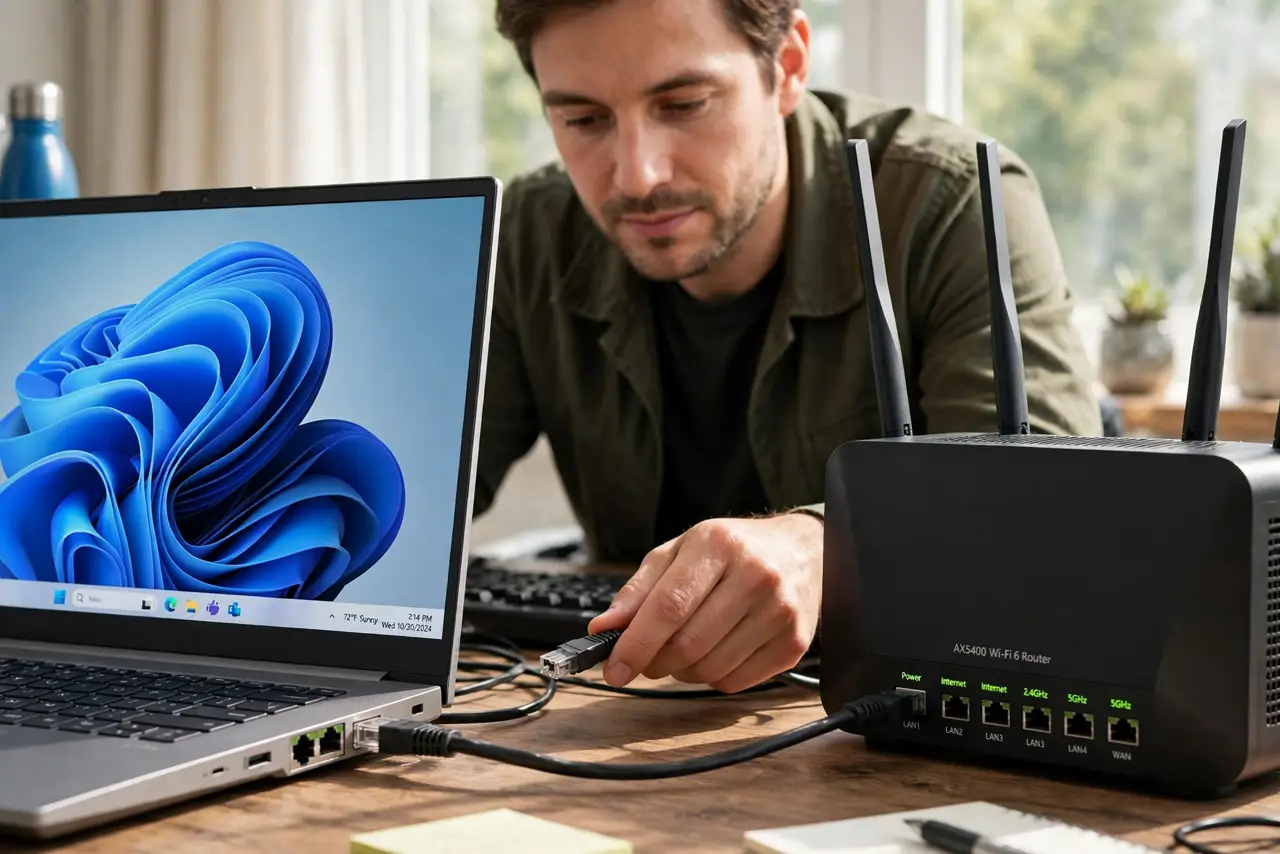
- Get an Ethernet cable and a laptop. Any Cat5e or Cat6 cable works. Plug one end into the laptop (or a USB Ethernet adapter) and the other into a LAN port on the router.
- Turn the laptop's Wi-Fi off. Disable Wi-Fi so the test cannot silently run over wireless. You want a pure wired measurement.
- Run a speed test. Use your ISP's test or any major speed-test site. Note download, upload, and ping — write them down.
- Compare against your plan. If wired hits near your plan's speed, your internet is fine and Wi-Fi is the problem. If wired is far below, it is the ISP, modem, or router.
- Test at the modem if needed. No router handy? Plug directly into the modem (reboot it after). Slow here means the problem is upstream of your equipment.
- Expect the odd surprise. Sometimes wired tests slower than Wi-Fi — usually a bad cable or old adapter, worth knowing before you blame wireless.
What NOT to do
- Do not change Wi-Fi channels before testing wired. You might ‘fix’ Wi-Fi that was never broken while the real problem persists.
- Do not test over Wi-Fi and call it an internet test. That measures your wireless, not your connection.
- Do not run one test and declare victory. Run three, a minute apart — internet speed fluctuates.
- Do not test during someone's 4K stream. Shared bandwidth skews results; test when the network is quiet.
Frequently asked questions
What speed should I expect wired?
Roughly your plan's advertised speed, minus a little overhead. Within 10-15% is normal; half is a problem.
My laptop has no Ethernet port — now what?
A USB-to-Ethernet adapter costs little and works fine for testing. Borrow one if you only need it once.
Wired is fast but Wi-Fi is slow — next step?
Now you know Wi-Fi is the culprit. Check channel overlap, router placement, and band settings — wireless-specific fixes.