VPN on Your Router
You have a VPN on your laptop, but your smart TV, game console, and guest phone browse unprotected. Installing the VPN on your router covers every device on your home network at once — no apps, no per-device setup. It is the highest-leverage privacy move at home, but it needs the right router and realistic expectations.
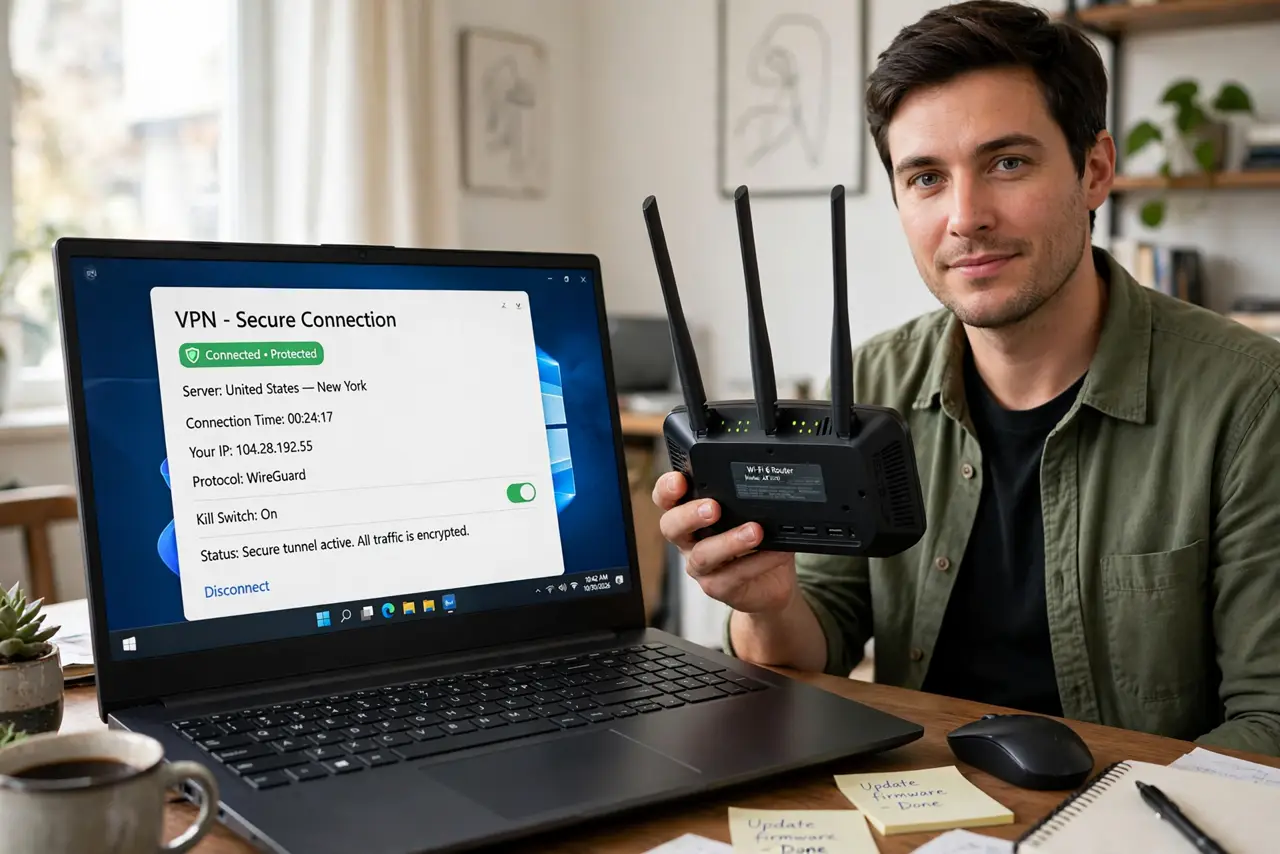
TL;DR / Quick Fix
Quick fix: a router VPN protects every device on your home network, including TVs and consoles that cannot run VPN apps. Confirm your router supports VPN client mode first; many ISP routers do not. Expect slightly slower speeds everywhere. Keep a Wi-Fi network alongside for devices that misbehave through VPNs.
Follow these steps
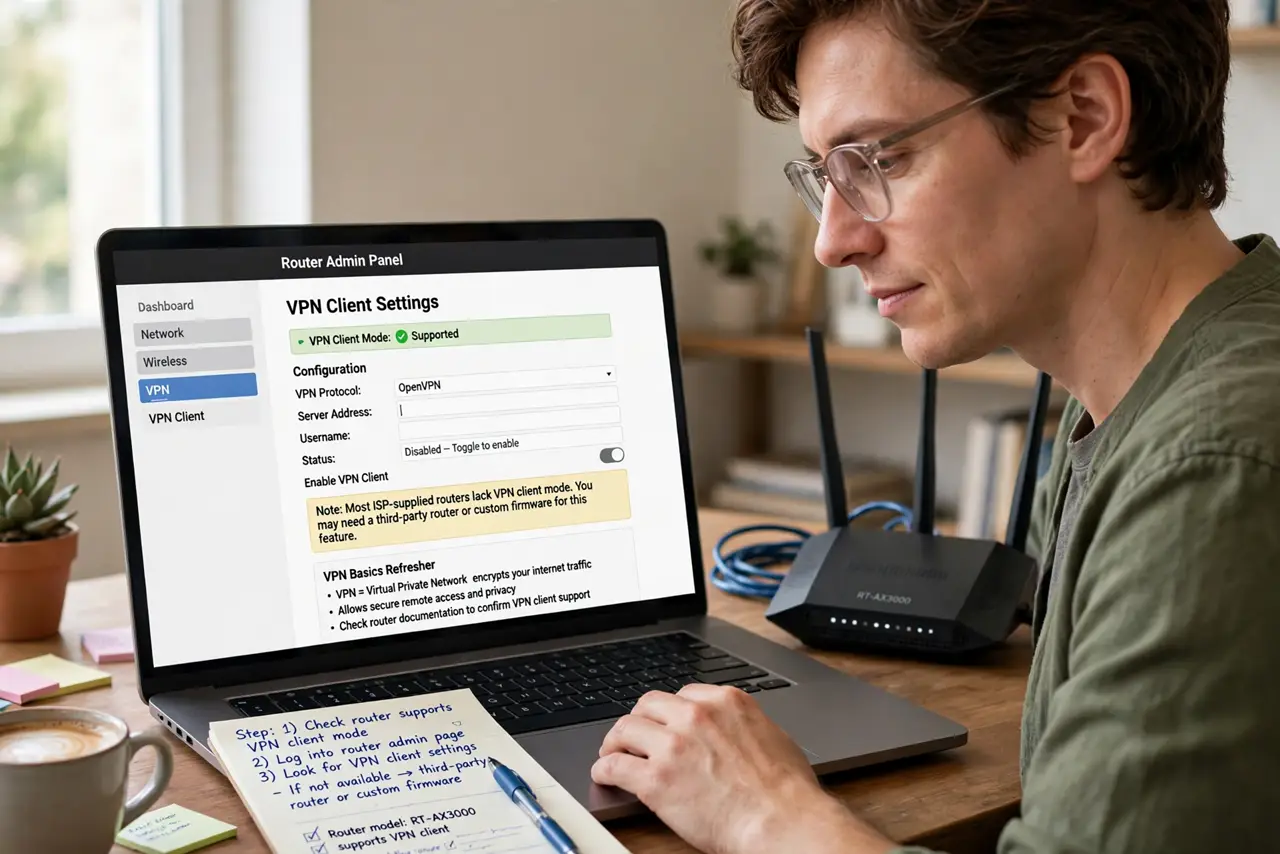
- Check your router supports VPN client mode. Log into the router admin page and look for VPN client settings. Most ISP-supplied routers lack it — you may need a third-party router or custom firmware. A quick VPN basics refresher helps here.
- Pick a VPN provider with router guides. Choose one that publishes setup guides for your exact router model. Providers differ wildly in router support — generic instructions lead to broken configs.
- Download the right configuration files. From your VPN account, download the config file for your chosen server location. Newer VPN protocols like WireGuard need different files than OpenVPN — match the protocol your router supports.
- Enter the config in the router admin page. Upload the file and your VPN credentials in the router's VPN client section. Save, then connect — the router status page should show the VPN as active.
- Verify your new IP address. On any connected device, check your IP online. If it still shows your real location, the tunnel failed — recheck credentials and server choice before blaming the router.
- Keep a non-VPN network for problem devices. Some banking apps, smart TVs, and game consoles break through VPNs. Run a second Wi-Fi network without the VPN so those devices keep working.
What NOT to do
- Do not install a router VPN to speed things up. VPNs add overhead — a slower connection is normal, not a defect.
- Do not assume a VPN replaces HTTPS. Your banking was already encrypted; see HTTPS vs VPN for what each one actually protects.
- Do not flash custom firmware casually. A bad flash can brick the router — only do it if stock firmware truly lacks VPN support.
- Do not forget the kill switch. If the VPN drops, devices browse exposed — the kill switch guide explains the safety net.
Frequently asked questions
Will a router VPN slow my whole network?
Yes, somewhat. Encryption costs speed on every device, and the router's processor is the bottleneck — budget routers slow down more.
Can I still use streaming services?
Often not the foreign libraries — streamers block VPN IPs aggressively. Use the non-VPN network for streaming.
Do I still need VPN apps on my phone?
At home, no — the router covers it. Away from home, yes, since the phone leaves your protected network.