Boost a Quiet Microphone
Everyone on the call says you sound far away, even though the microphone works. Before buying a new mic, check Windows' input volume and the hidden Microphone Boost slider — most 'quiet mic' complaints are a level set too low, not hardware failing. Two sliders usually fix it.
TL;DR / Quick Fix
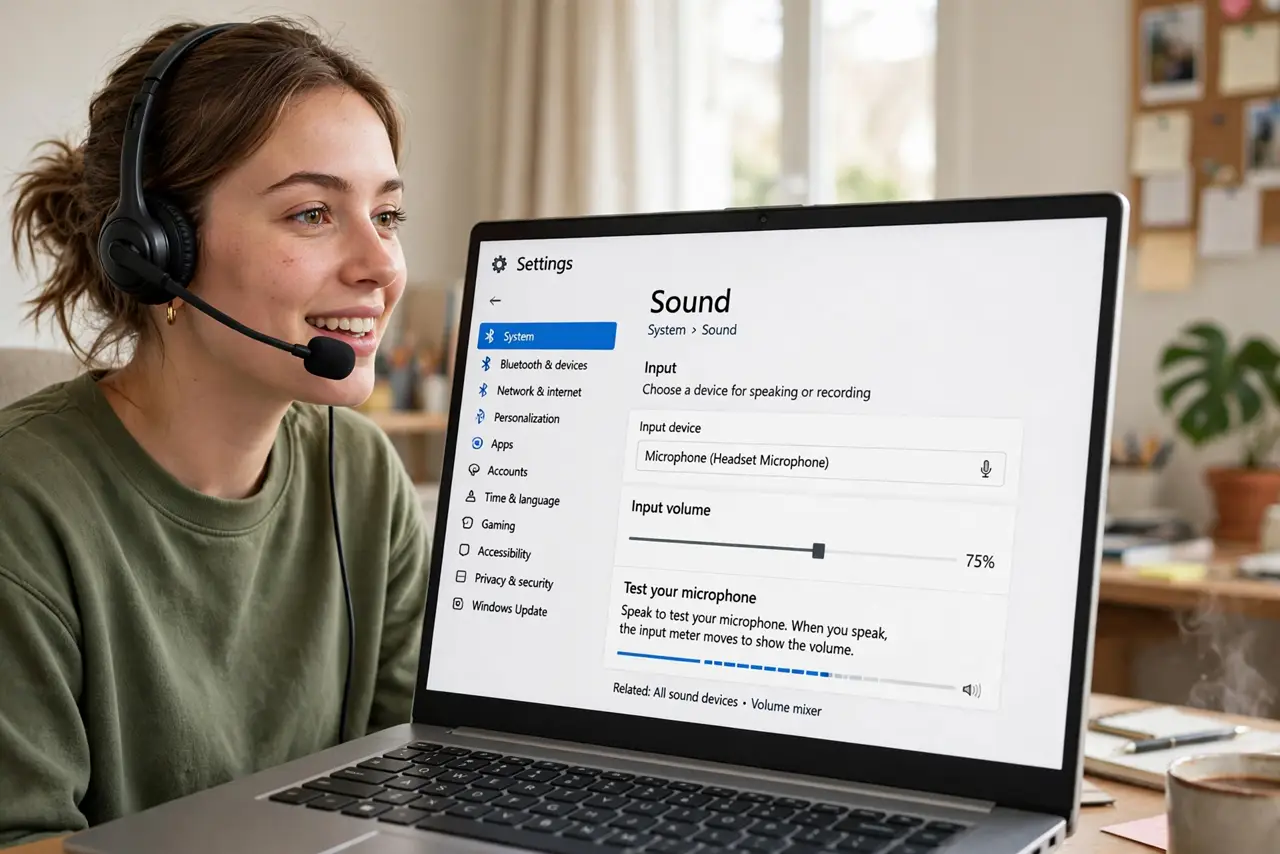
Quick fix: in Settings, open System, then Sound — under Input, raise the mic volume while speaking and watch the test bar. If it is still quiet at 100, open the Sound panel, find Microphone Boost under Levels, and add +10 to +20 dB. Raise gradually; too much adds hiss.
Follow these steps
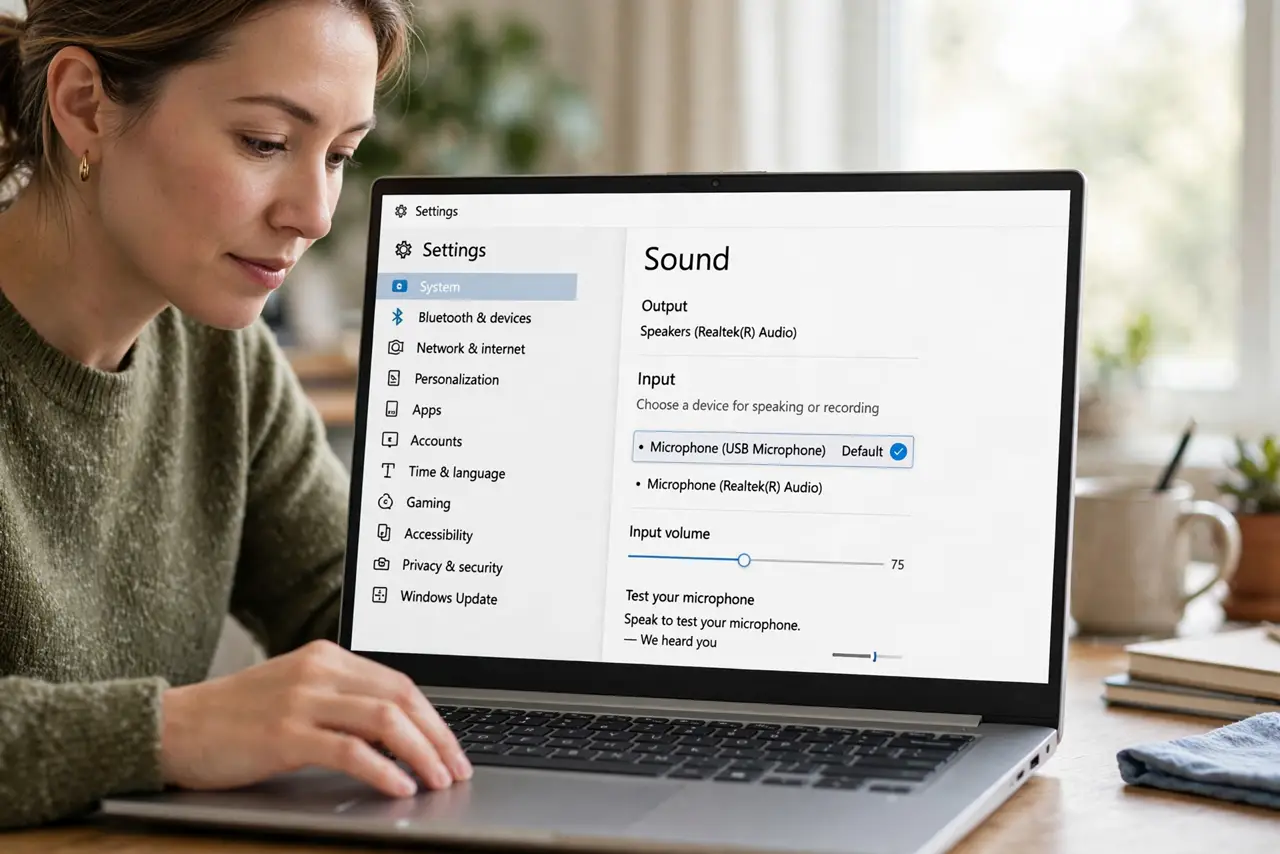
- Open Sound input settings. Go to Settings > System > Sound and find the Input section. Select the correct microphone first — the wrong device selected is the classic silent culprit.
- Raise the input volume while talking. Drag the volume slider up while speaking and watch the 'test your microphone' bar. Aim for the bar hitting the upper-middle on normal speech.
- Find Microphone Boost. Open the classic Sound panel (search 'Sound settings' then Sound Control Panel), go to Recording, open your mic's Properties > Levels — Microphone Boost lives here.
- Add boost gradually. Raise it in +10 dB steps, testing after each. More boost means more hiss, so stop at the lowest setting where you sound clear.
- Get close to the mic. Every doubling of distance quarters the signal. A headset mic two finger-widths from your mouth beats any slider.
- Enable noise suppression if hiss intrudes. Boost amplifies room noise too. Pair it with noise suppression to keep the extra gain clean.
What NOT to do
- Do not max both sliders at once. Full volume plus full boost guarantees distortion and painful hiss for your listeners.
- Do not buy a new microphone before checking levels. The overwhelming majority of quiet mics are a slider problem.
- Do not confuse input with output volume. Louder speakers do nothing for a quiet mic — this is the Input section's job.
- Do not boost past clarity. If +30 dB still sounds bad, the mic or its position is the problem — more gain just amplifies garbage.
Frequently asked questions
Why is my mic quiet at 100 percent?
Because 100 percent is not the ceiling — Microphone Boost in the Levels tab adds gain beyond it. That hidden slider is the real fix.
Will boost make me sound worse?
Excessive boost adds hiss and distortion. Moderate boost with the mic close to your mouth sounds clean.
My USB mic has no Boost slider — why?
USB mics handle gain in their own hardware or software. Check the mic's own app or physical gain dial instead.