Copilot Opens When You Hover It? Fix It
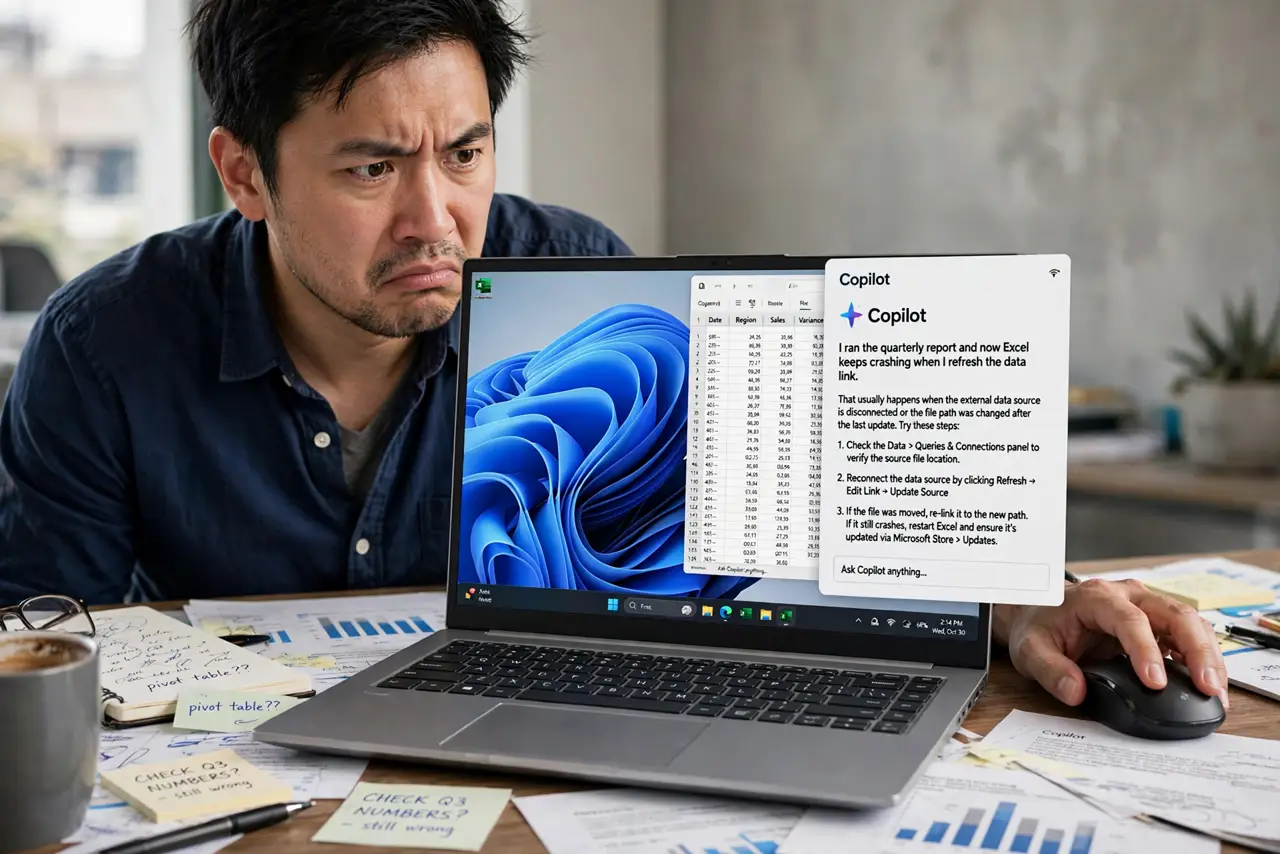
You drift the mouse near the taskbar and Copilot springs open, covering your work — again. The hover-to-open behavior is meant as a shortcut, but for most people it is a trap that fires every time the cursor crosses the button. This guide turns the hair-trigger off while keeping Copilot available.
TL;DR / Quick Fix
Quick fix: open Copilot's settings and disable the hover-to-open option, or check Settings > Personalization > Taskbar for the behavior toggle. If no toggle exists, remove the button from the taskbar and open Copilot from the Start menu instead, only when you want it.
Follow these steps
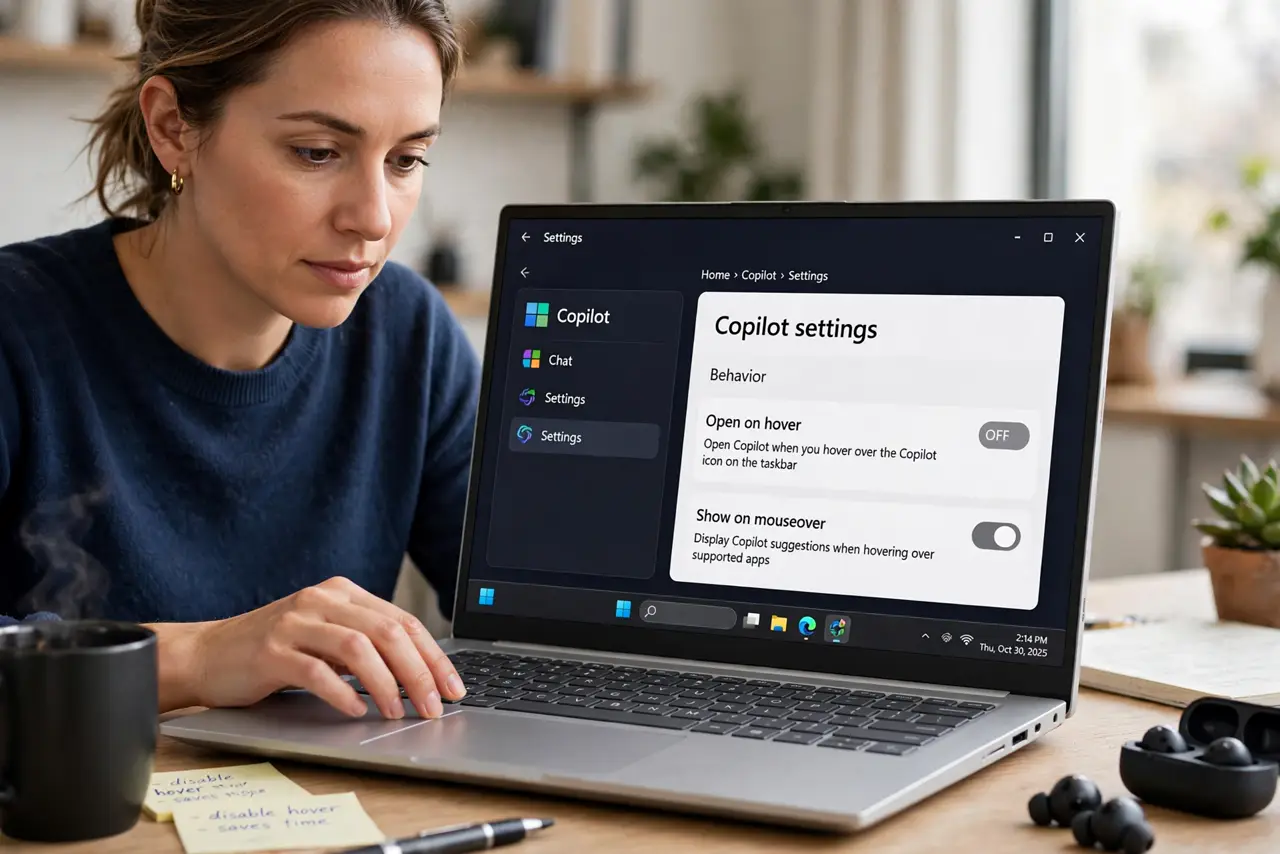
- Find the hover setting. Open Copilot, go to its settings, and look for an option like 'open on hover' or 'show on mouseover.' Disable it — this is the direct fix when the toggle exists.
- Check taskbar settings. Go to Settings > Personalization > Taskbar and look for Copilot behavior options. Microsoft moves these toggles between updates, so check both places.
- Move the button's position. Drag the taskbar icons or change the taskbar alignment so the Copilot button sits away from where your cursor naturally travels. Fewer crossings mean fewer accidental opens.
- Remove the button, keep the app. Turn the Copilot taskbar toggle off. The app stays installed and reachable from the Start menu or keyboard shortcut — only the hover target disappears.
- Slow your cursor near the taskbar. As a habit fix, pause before crossing the taskbar area. It sounds small, but deliberate cursor paths stop most accidental triggers while you decide on a permanent fix.
- Check for a stuck hover state. If Copilot opens without any hover, restart Windows Explorer from Task Manager. A stuck hover event can fire repeatedly until Explorer restarts.
What NOT to do
- Do not uninstall Copilot in anger over the hover. Removing the taskbar button solves the annoyance while keeping the tool for when you want it.
- Do not disable the mouse hover system-wide. That setting affects tooltips and menus everywhere, not just Copilot.
- Do not assume the mouse is broken. A Copilot popup on hover is software behavior, not a faulty click sensor.
- Do not live with it if it costs you work. Accidental popups that cover documents are worth the two minutes to disable properly.
Frequently asked questions
Why does Copilot open when I just move my mouse?
The hover-to-open feature treats a cursor pause over the button as a click. Disable it in Copilot or taskbar settings.
Can I keep Copilot but stop the popups?
Yes. Remove the taskbar button and open Copilot from the Start menu or keyboard shortcut only when you want it.
Does hover-open happen on touchpads too?
Yes, the cursor position triggers it regardless of whether a mouse or touchpad moves it.